We digitalize the processes that drive your business
We map, organize and digitalize the processes in your company — from production through logistics to sales. We turn operational chaos into smoothly running systems that save time and eliminate errors.
Start your free digital diagnosisWhat problems we help solve
Manufacturing: manually retyping data from paper cards into Excel
No more human errors in production reports. We digitalize the flow of data from the shop floor to the system — real-time visibility into order progress.
Logistics: lost invoices and chaos in shipping documents
We eliminate paperwork and the manual passing of information between departments. One system, full transparency from order to delivery.
Sales: reps tired of hammering data into the CRM
A standardized quoting process supported by a digital document workflow. Faster responses for clients, less administrative work, more time for relationships.
Management: decisions made on gut feeling without current data
Automatic data collection and real-time reporting. Dashboards that show the true picture of the company — not the one from a week ago.
Operations: no one knows who is responsible for what
Tasks passed on verbally or by email get lost in the noise. We implement a transparent system of tasks and responsibilities — no more lack of control.
HR: onboarding new people takes weeks
A repeatable, digital process for onboarding a new employee. Access to knowledge from day one, without tying up experienced staff full time.
Want to see how we solved similar challenges in practice? Check out our case studies and see the results we achieved for our clients.
See case studies - real examplesOrder before technology
Most companies start digitalization by picking a tool. The result: an expensive system nobody wants to use, because it mirrors processes that were never put in order. We do it the other way round.
The usual approach
- Choosing the system before analysing the processes
- Rolling out on a hunch, with no diagnosis
- One big 12-month project with the budget fixed upfront
- The company adapts to the software
Our approach
- Process map first, technology second
- Start with the single process with the highest ROI
- First results in weeks, expansion in stages
- The module adapts to the process, not the other way round
Process audit
We break the company down into departments, processes and activities. You can see what actually works and what generates chaos and cost.
Cleanup and optimisation
We simplify the flow first and only then digitalize it. A digitalized mess is still a mess.
Module go-live
We take a ready-made module from the catalog and configure it around your flow. The first process runs in weeks, not quarters.
Growing into a system
Every next process adds another module — on the same database and the same permissions. That is how the system takes shape.
53 ready-made modules. Pick the process you want to start with.
Each module is one process described from input to output — with its screens, its flow and the roles that work on it. See what is ready for your department.
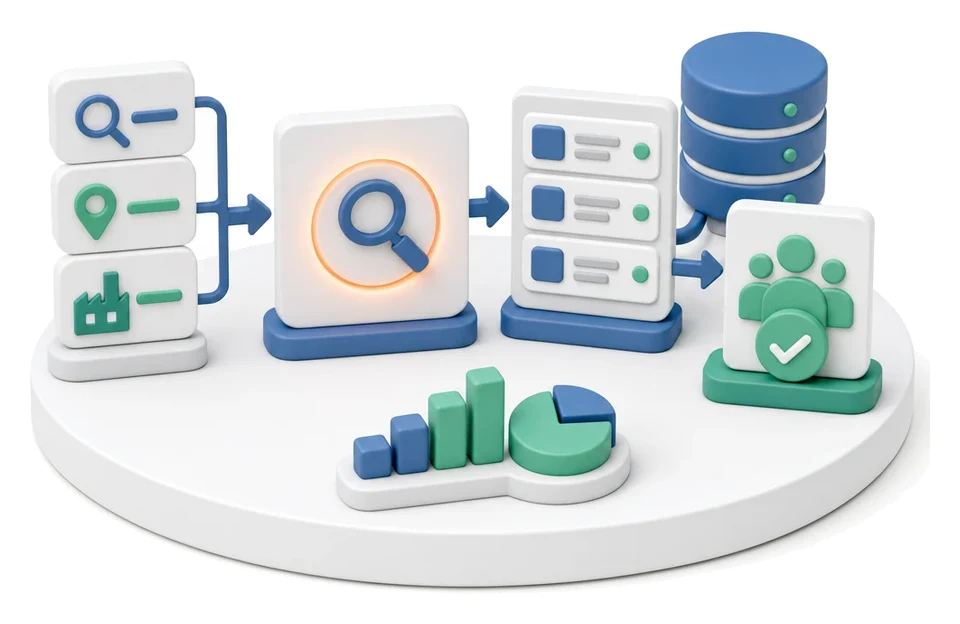
Prospecting
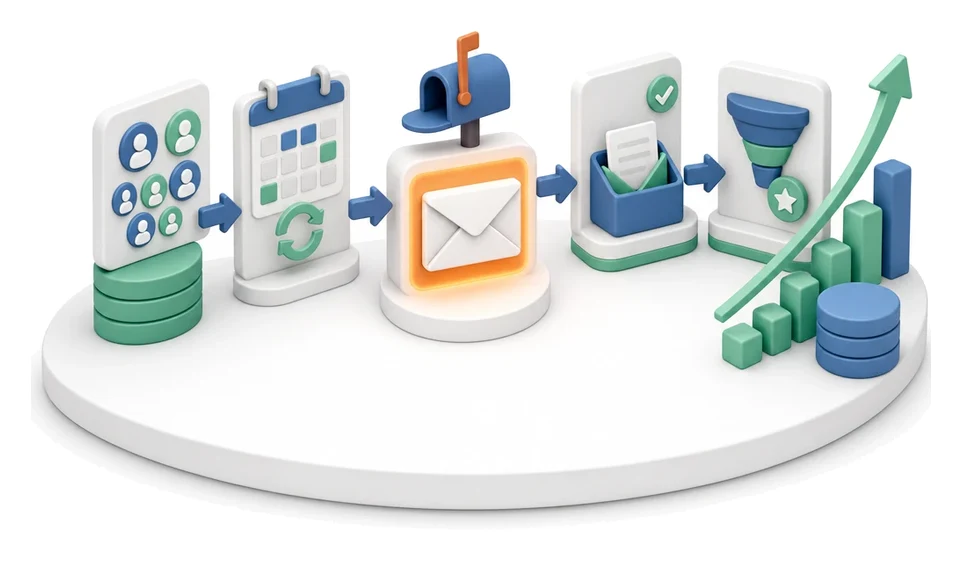
Cold Mailing
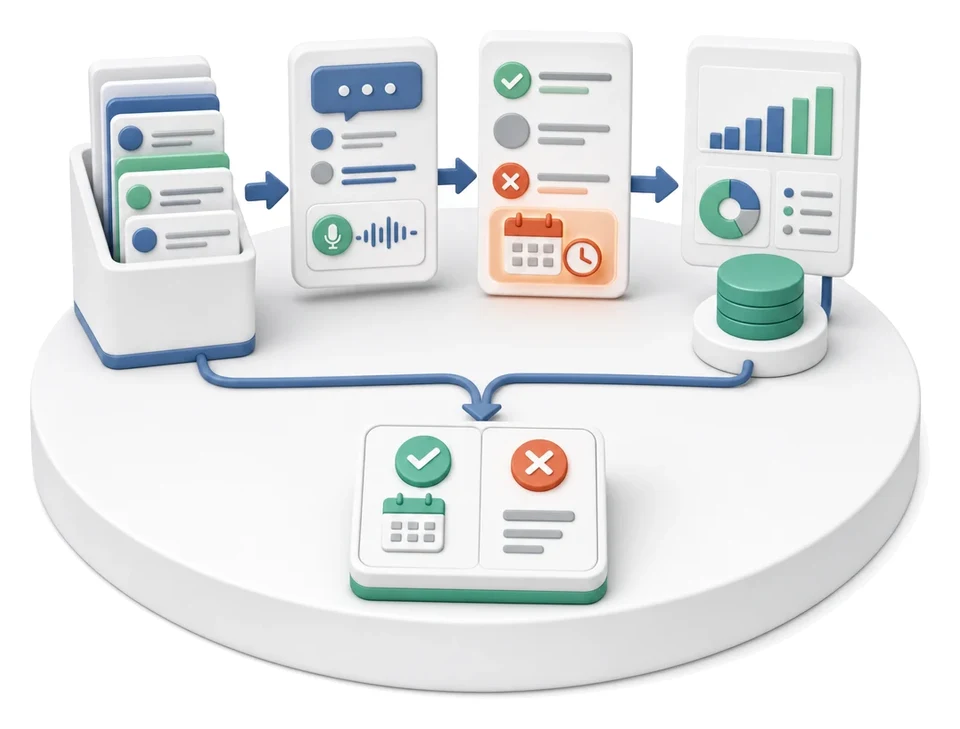
Cold Calling
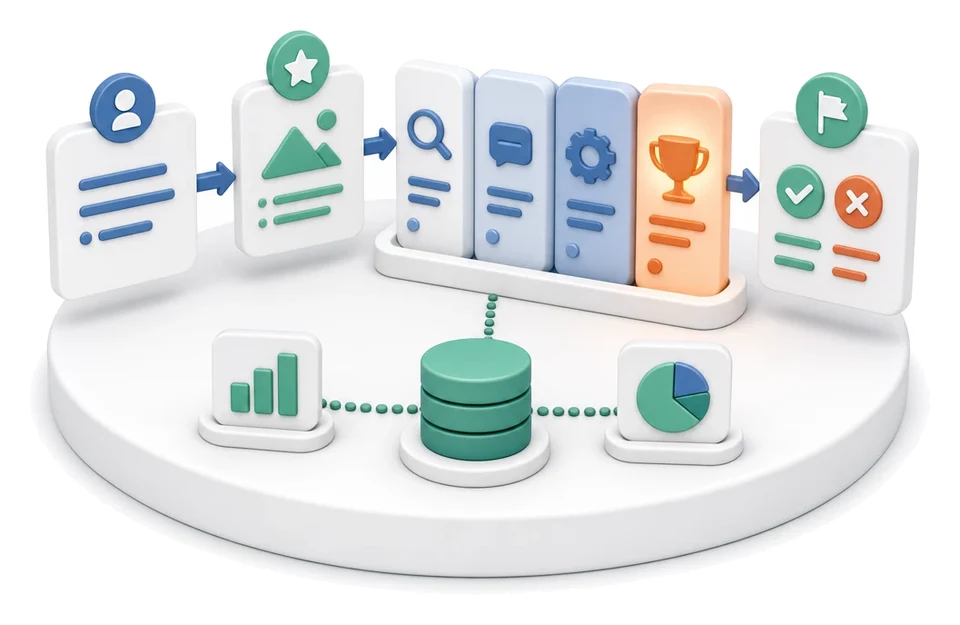
Sales Opportunity Management
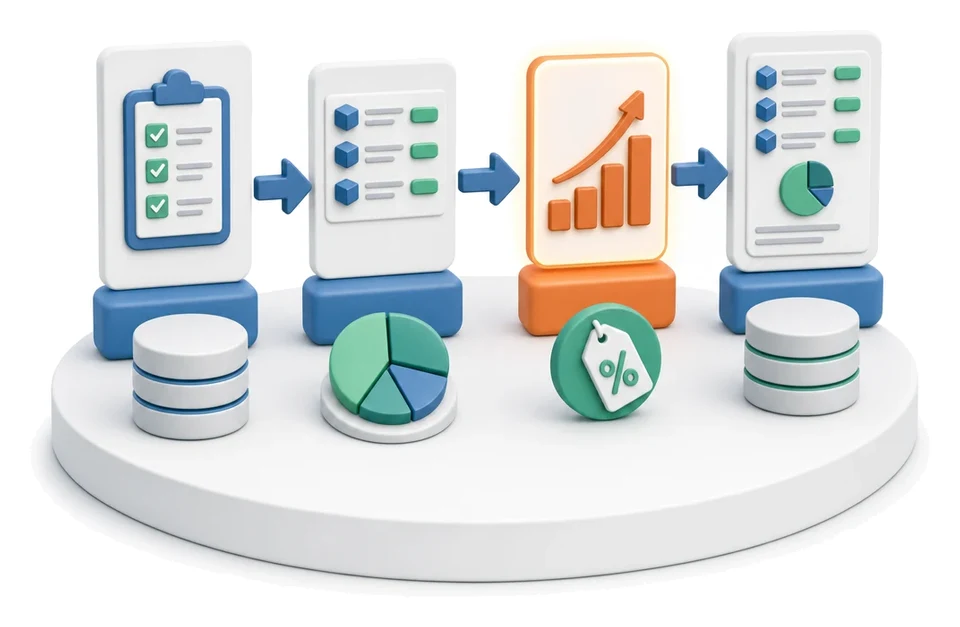
Quotation Preparation
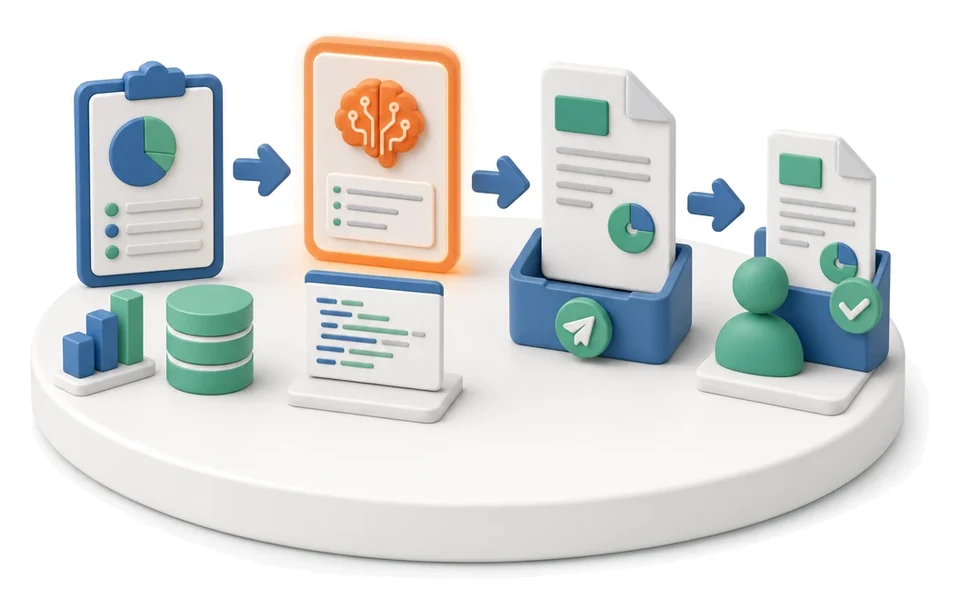
Offer Preparation and Sending
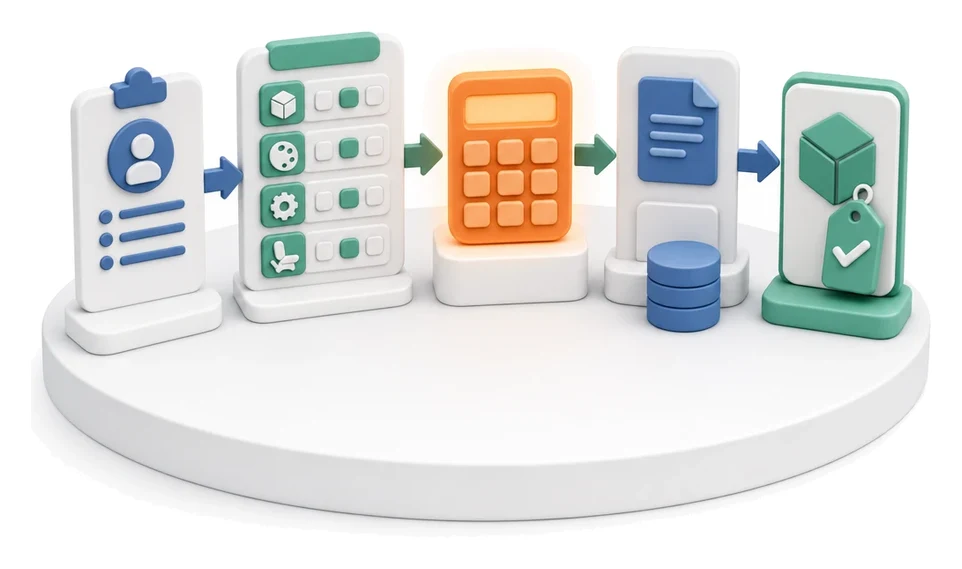
Product configurator
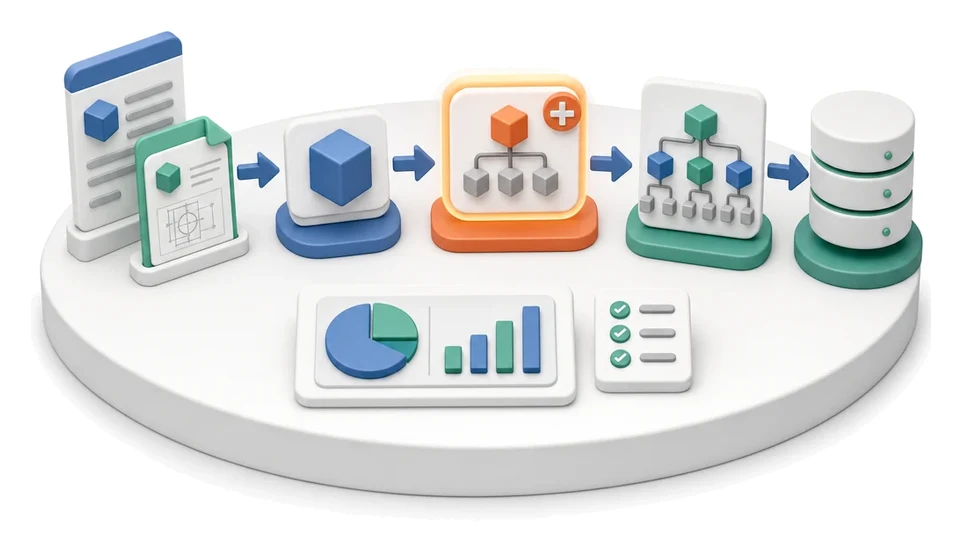
BOM Development
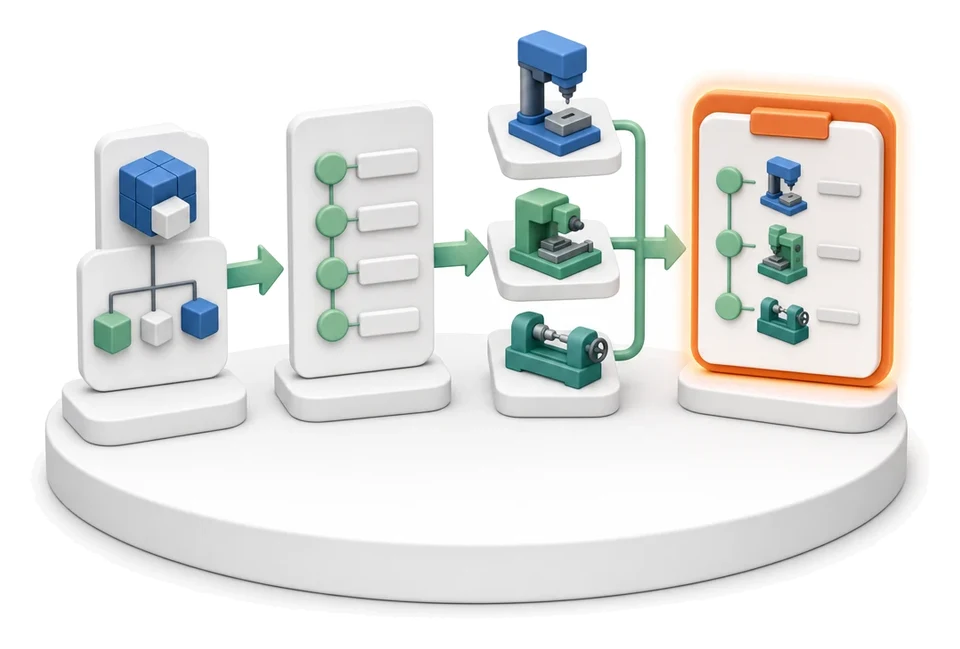
Technology Routing
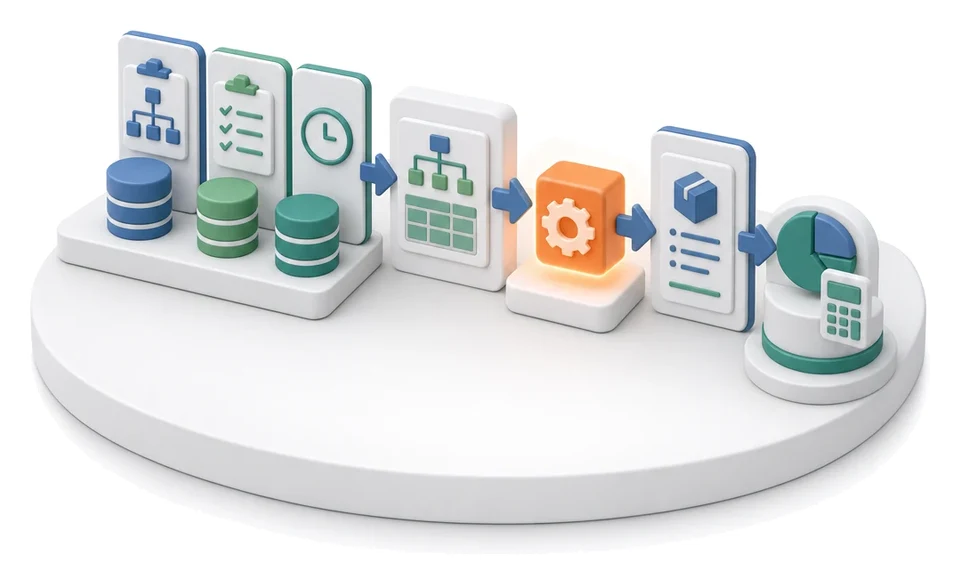
Manufacturing Cost Calculation
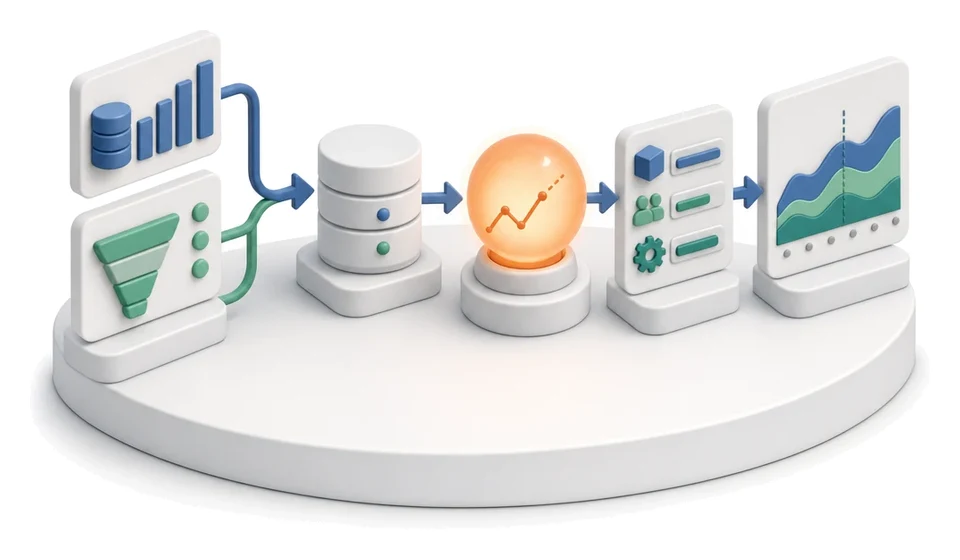
Demand Forecasting (Forecast)
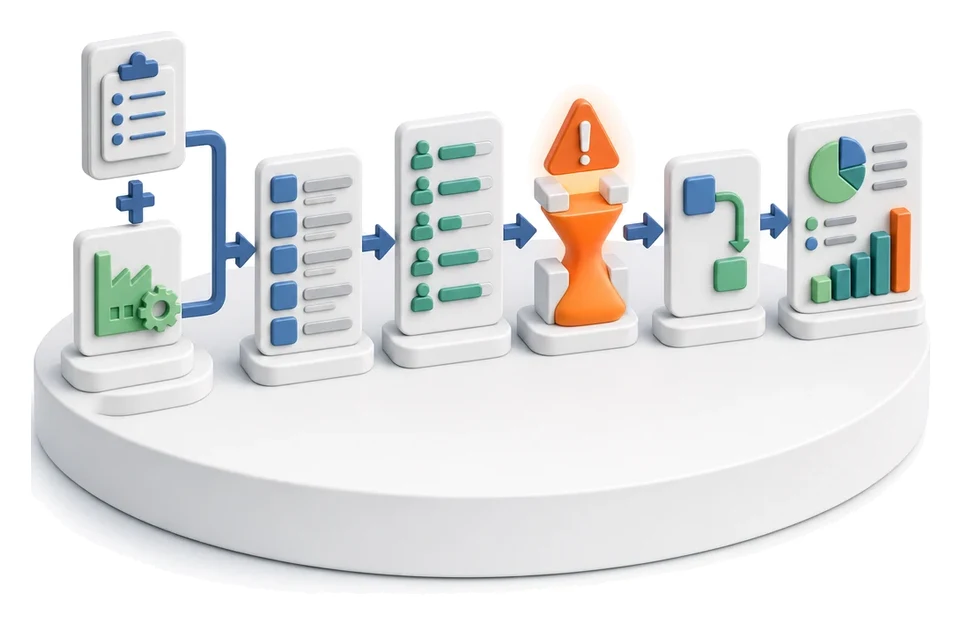
Resource Planning and Workload Analysis
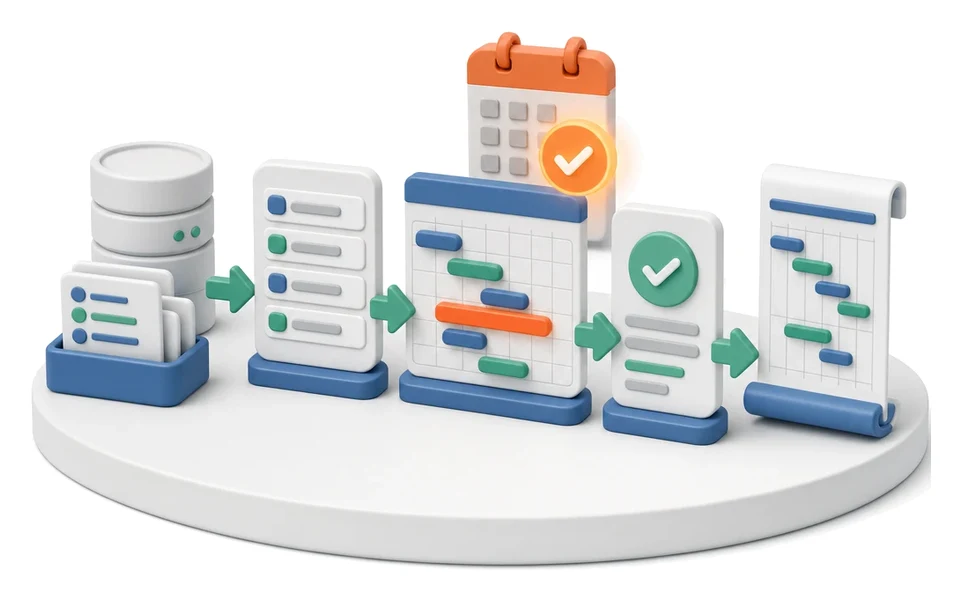
Production Scheduling
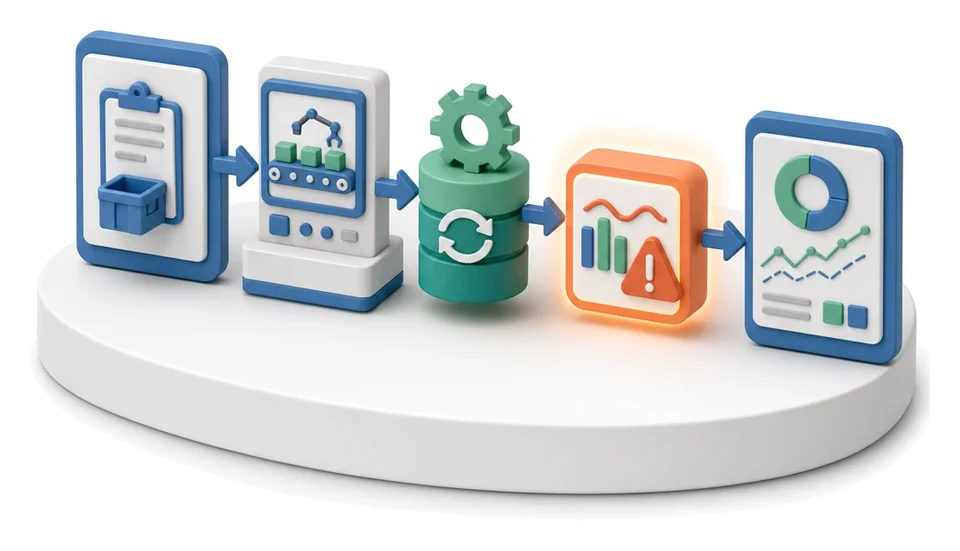
Execution Progress Monitoring
One system built from modules
We do not sell separate tools that you then have to glue together. Every module is part of the same system — which is why you can start with a single process and keep adding more without migrations, re-wired integrations or a second rollout from scratch.
- Step 1
One process
We pick the one that costs the most time and errors. Map it, clean it up, decide.
- Step 2
Module
The process starts running in the system: its own screens, its input, its result at the end.
- Step 3
Company system
Further modules bring in further departments. Data flows between them, not between spreadsheets.
- Outcome
Digital transformation
The company runs on a single flow of data and decisions rest on current numbers.
One database
A production order, a warehouse document and a finance cost are the same record — not three copies in three tools.
One login and permission set
An operator sees their tasks, a manager their department, the board the whole picture. No separate accounts per program.
Shared reporting and AI
KPIs are calculated on data from every module, and the AI assistant advises in the context of the whole process.
Ready-made or custom?
Both — and that is the point. The catalog covers 53 processes that look similar across manufacturing and logistics companies, and those we launch straight away. If your process works differently, we build a custom module on the same engine, so it stays part of the system instead of becoming another island to integrate.
Every great journey begins with the first step
You don’t have to transform your entire organization all at once. Digital transformation is an evolutionary process that begins with a single process - the one that really hurts, costs money or holds back growth.
Together we choose the process with the greatest ROI potential, design it from the ground up and then fully digitalize it. This way you discover the true capabilities of technology, see concrete results and gain the motivation for further transformation.
That first success drives the entire transformation journey
Let’s start with your first processIt works in companies your size
Not in slide decks — on the shop floor, in the warehouse and in the back office. Three rollouts below, with the numbers before and after. The rest are in the case study catalog.
Companies that trusted us









What our clients say
The Prospecting tool implemented by Process App significantly improved ICAR’s sales operations, increasing prospecting efficiency and streamlining the customer acquisition process.
President
ICAR Fabryka Ram
Process App’s work not only boosted operational efficiency but also laid the foundation for a long-term vision of digital transformation and organizational growth. We recommend Process App as a reliable and professional partner in implementing applications that support process management and optimization.
Company President
Sporting
Process App’s work contributed to streamlining Letniskowo’s daily operations, enabling more efficient use of resources and better process management, thereby supporting the growth of the organization. We wholeheartedly recommend Process App as a professional partner in process optimization and digital transformation.
Chairman of the Board - CEO
Letniskowo
Check how digital your company is in 6 minutes
The AI assistant asks around 15 questions tailored to your answers — about the processes, departments and systems in your company. At the end you get a personalised report with a digital maturity score, concrete recommendations and examples of rollouts.
