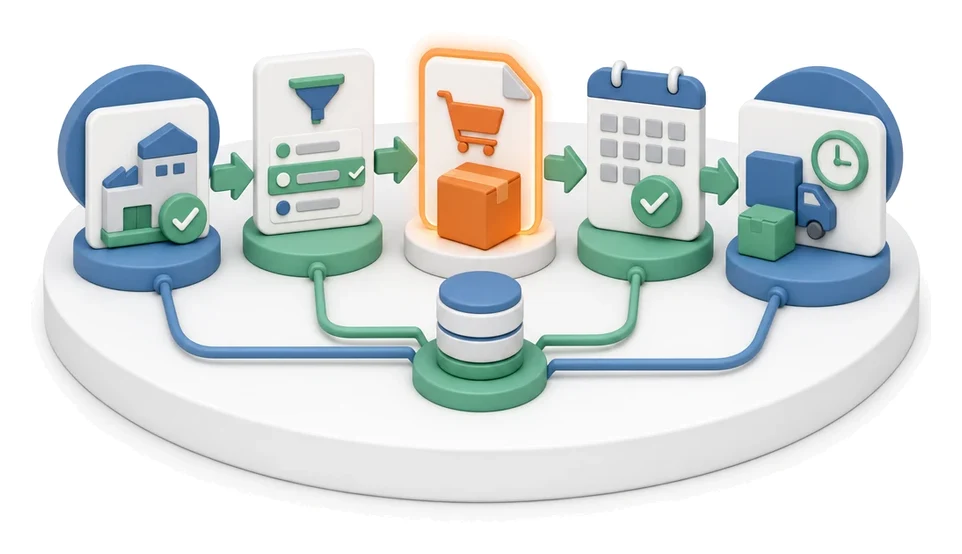
Technology Routing
Spending too much time manually defining operation sequences and calculating production costs for every item? The Technology module lets you manage products end-to-end by assigning precise routings, time standards, and dedicated workstations and machines. Built-in AI algorithms automatically generate production steps based on historical data, drastically speeding up the technologist’s daily work.
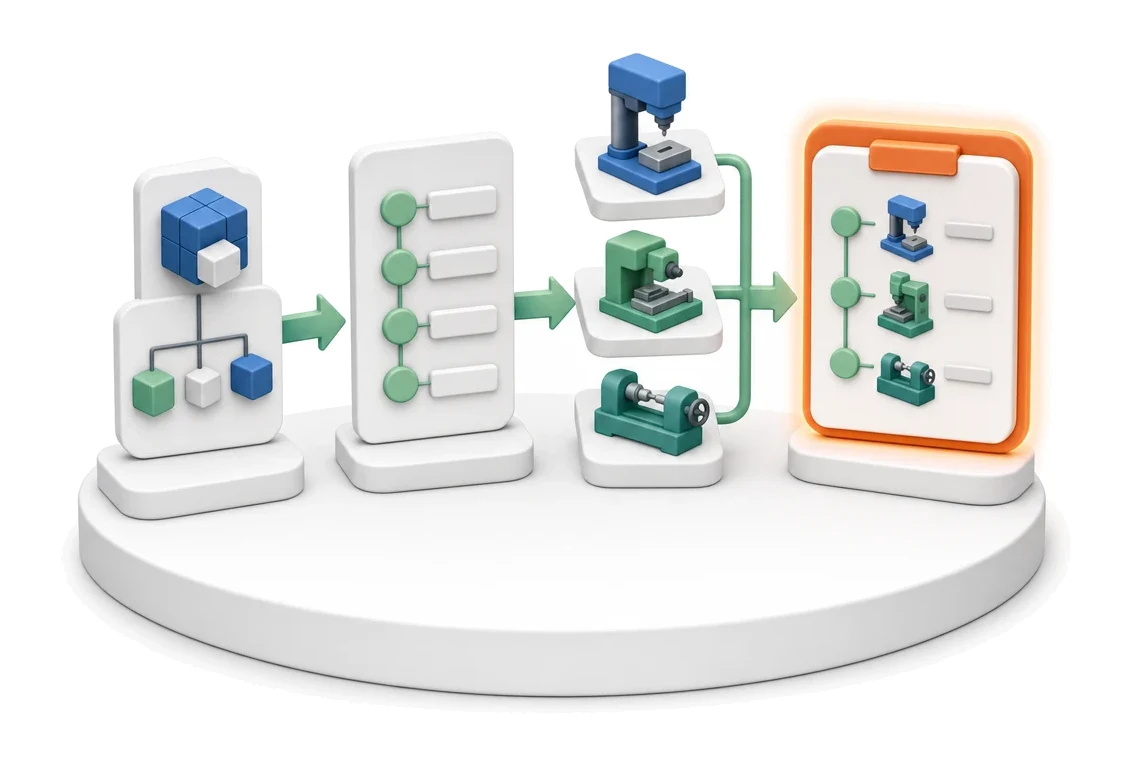
- Input
- Product with BOM
- Flow
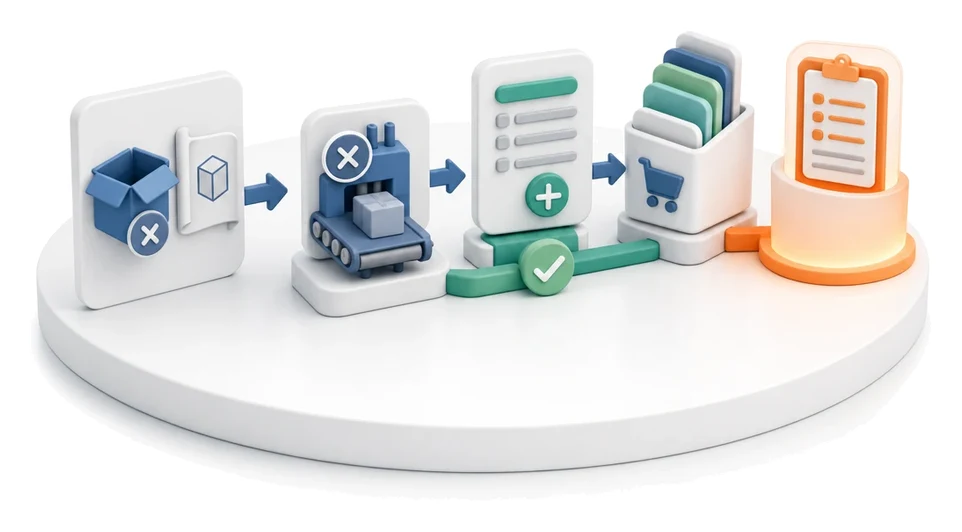
- Product → operations in sequence → assigned workstations
- Output
- Routing with operations and workstations
What changes in the company after the rollout
A product receives an operation sequence with assigned workstations. The routing defines how the product flows through the plant.
Faster product introduction
Launch new products in no time thanks to easy routing copying and automatic routing generation from the BOM structure.
Accurate production costing
Estimate manufacturing costs precisely by linking operation times with workstation hourly rates.
Better work organization
Streamline production processes through clear assignment of operations to specific departments and authorized employees.
Material usage optimization
Reduce raw material waste by using the material requirement calculator and analysing parts cut from a single board.
Full data transparency
Quickly find the information you need thanks to product families and clear verification statuses.
How this process looks in Process App
Zrzuty pochodzą z działającego systemu — kliknij, aby powiększyć.
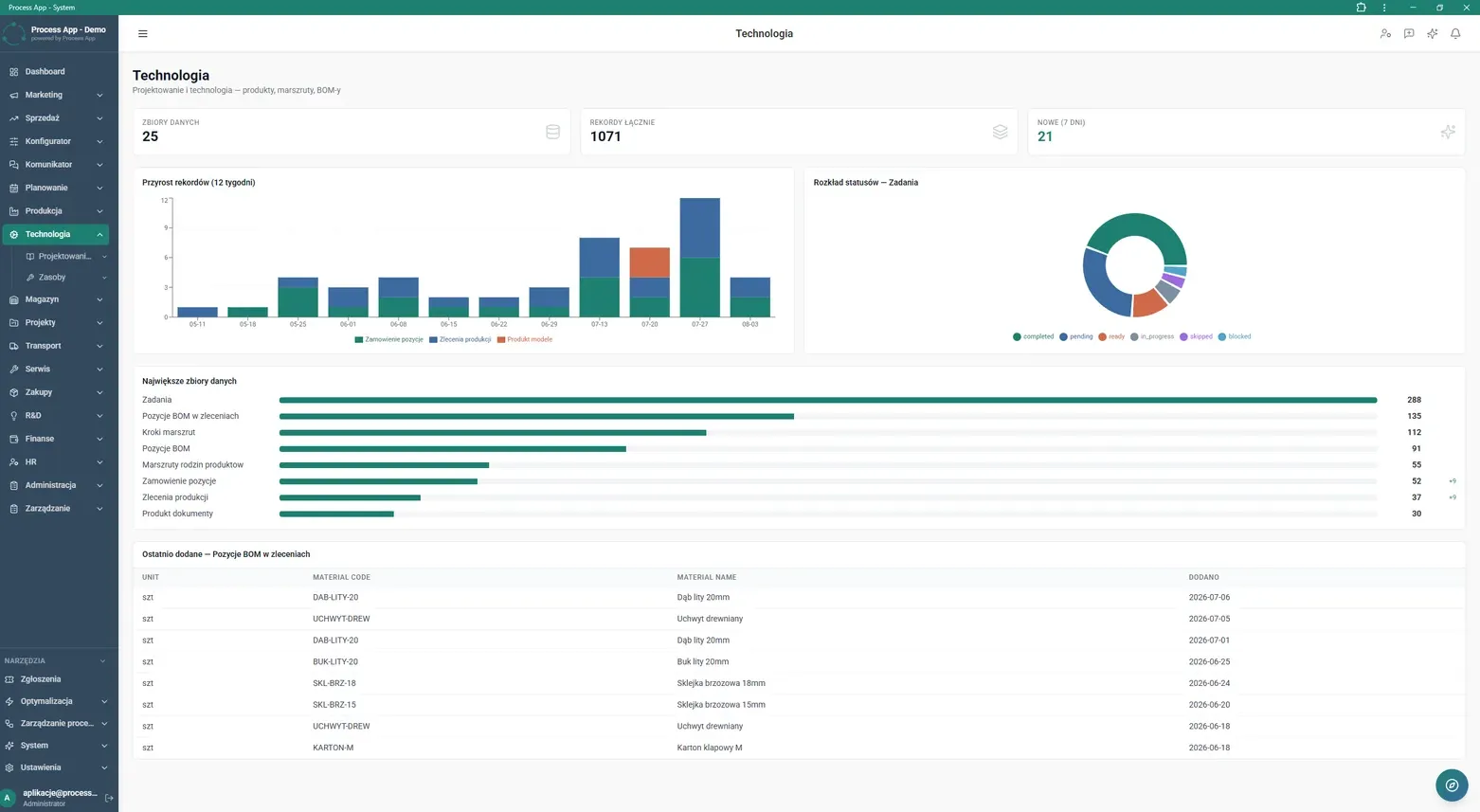
Technology module main screen showing a data summary in the form of statistic tiles, record growth charts and status distribution, plus lists of the largest data sets and the last added BOM items.
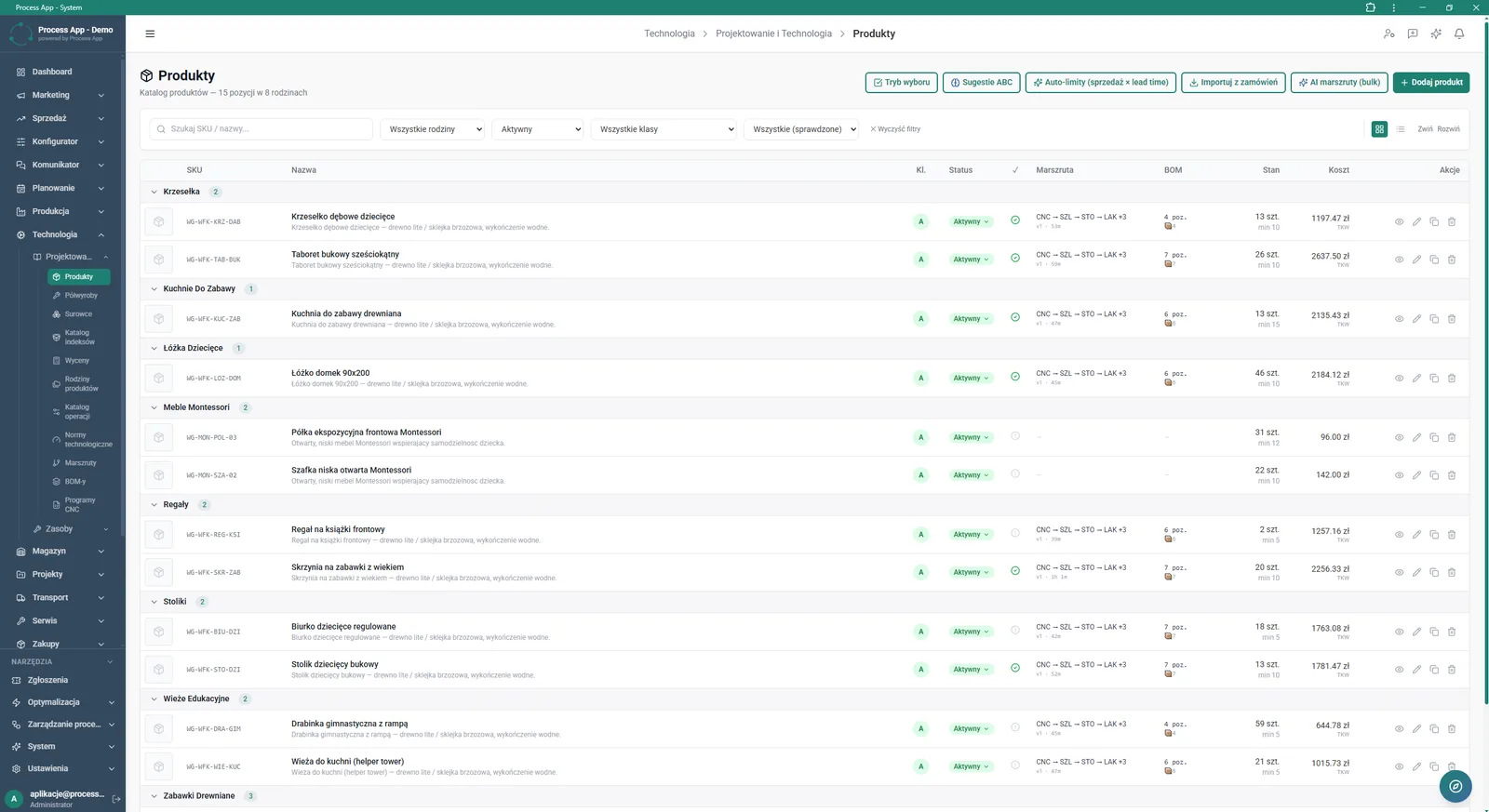
Products screen displaying a categorized list of items along with their assigned routings, BOM structure, stock levels and costs.
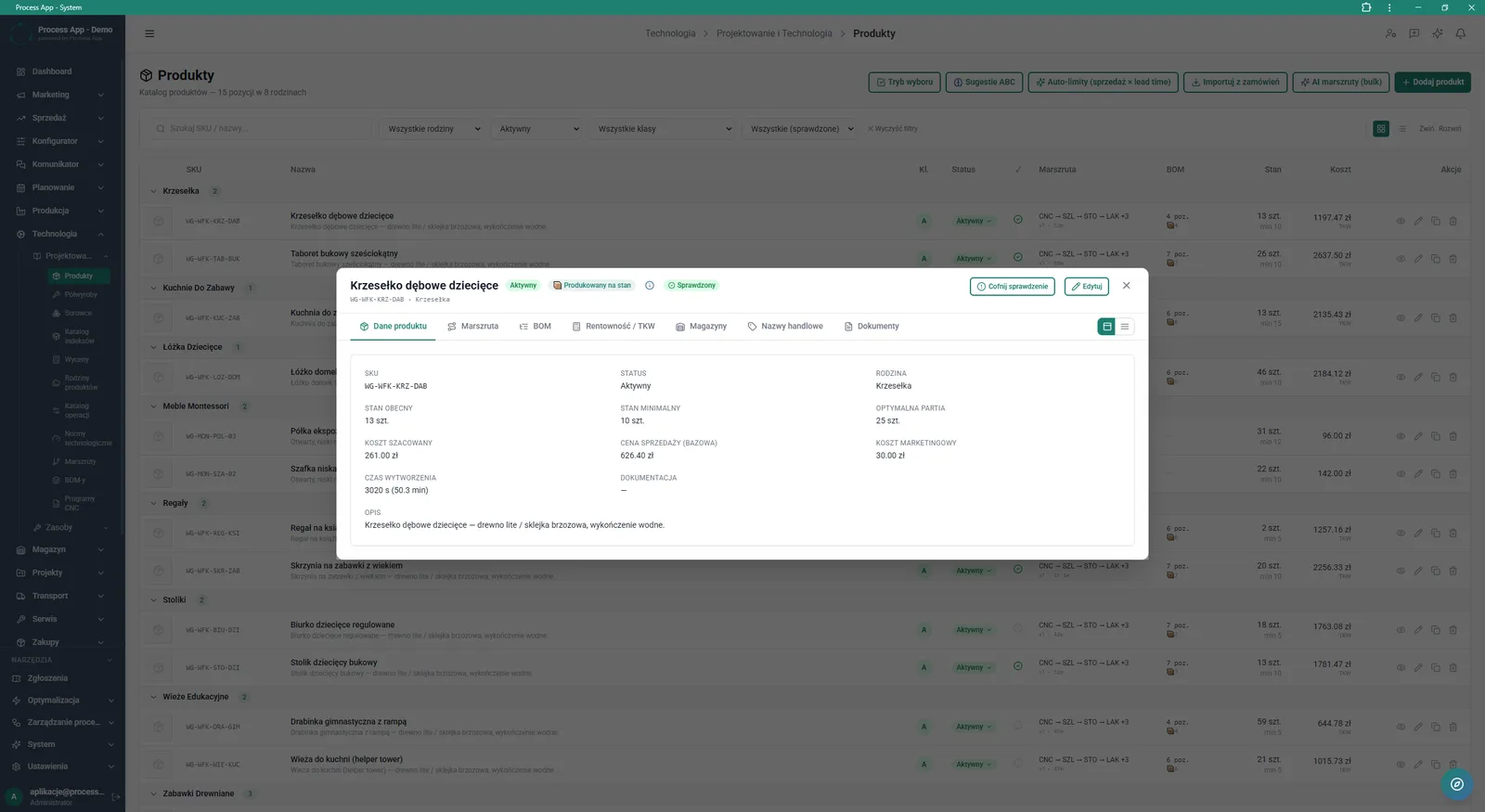
Products screen with the details window of a selected product open on the Product data tab, showing basic parameters, stock levels and costs.
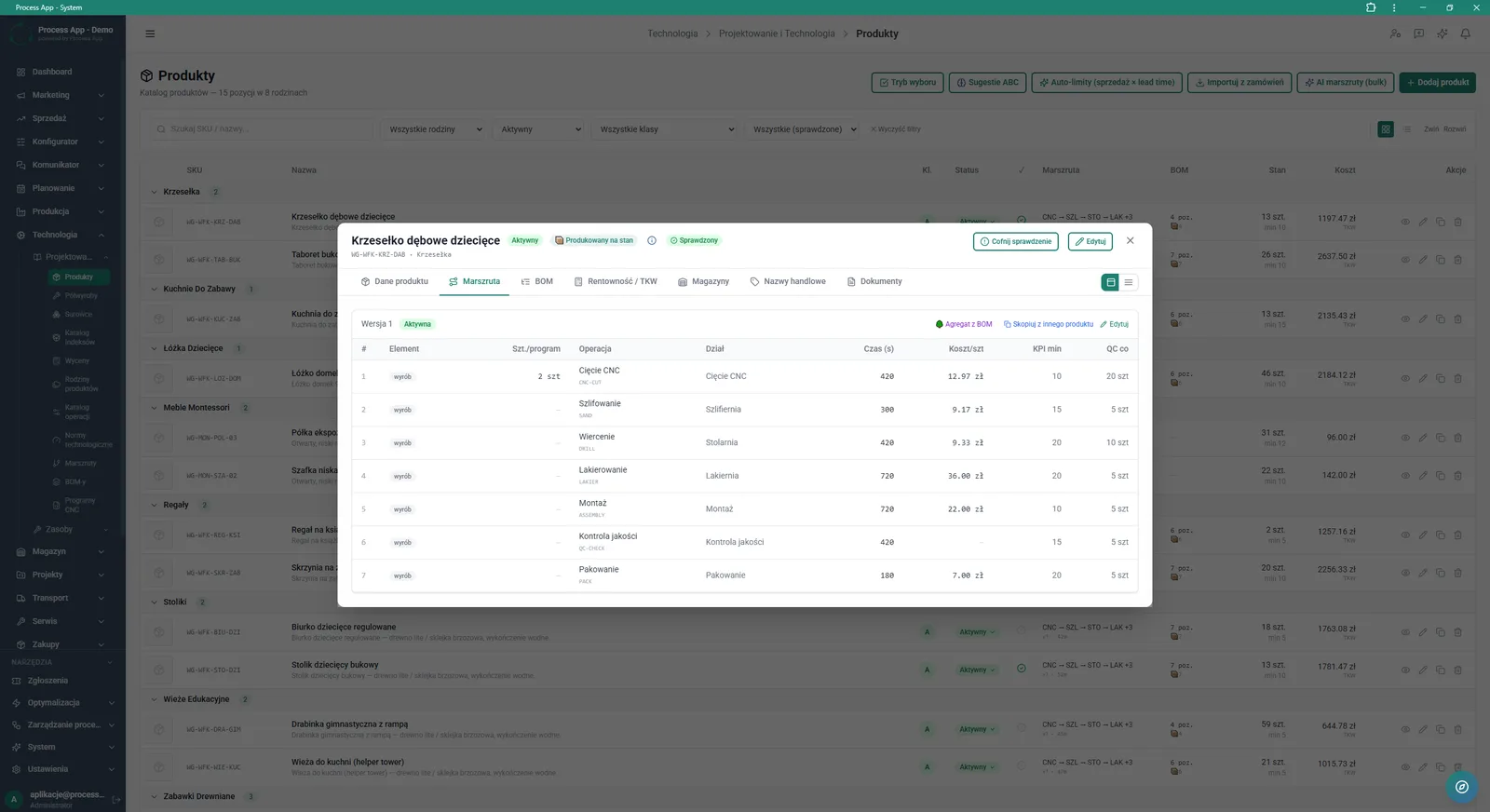
Products screen with the details window of a product open on the Routing tab, showing the sequence of technology operations with assigned departments, times and costs.
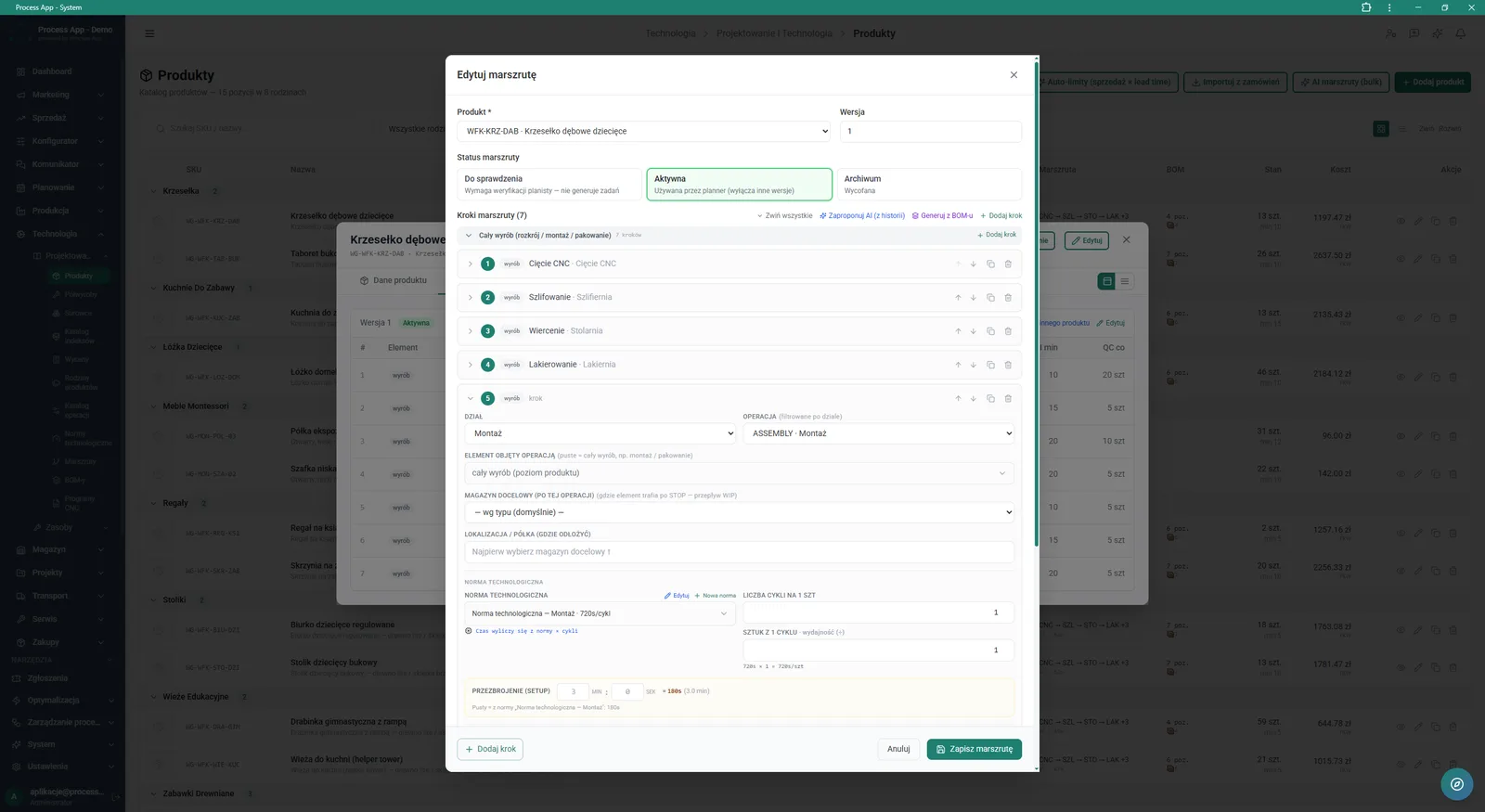
Technology routing edit modal window showing the list of production steps with detailed parameters for the expanded operation step.
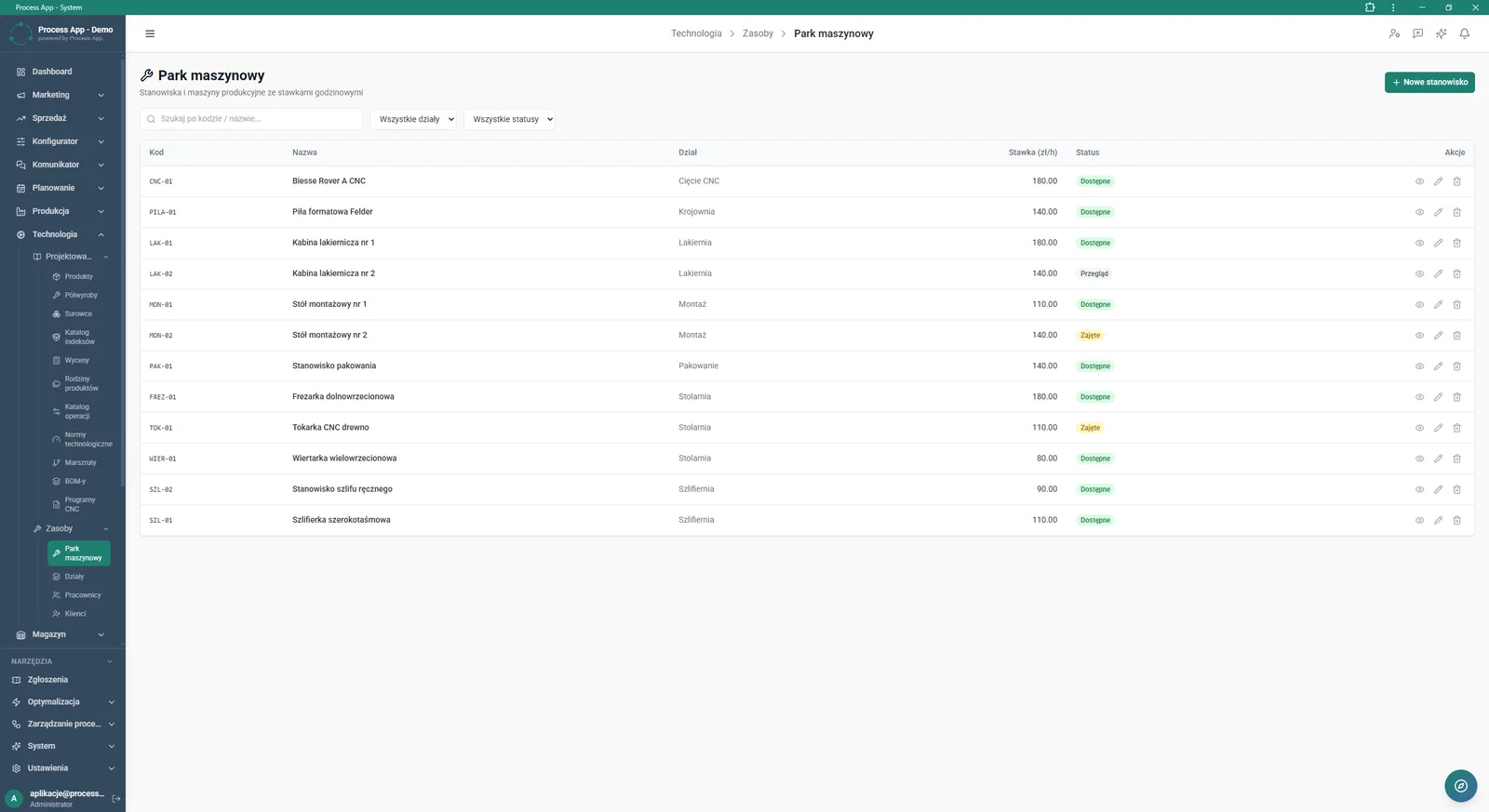
Machine park screen presenting a tabular list of production workstations and machines with their hourly rates, assigned departments and current statuses.
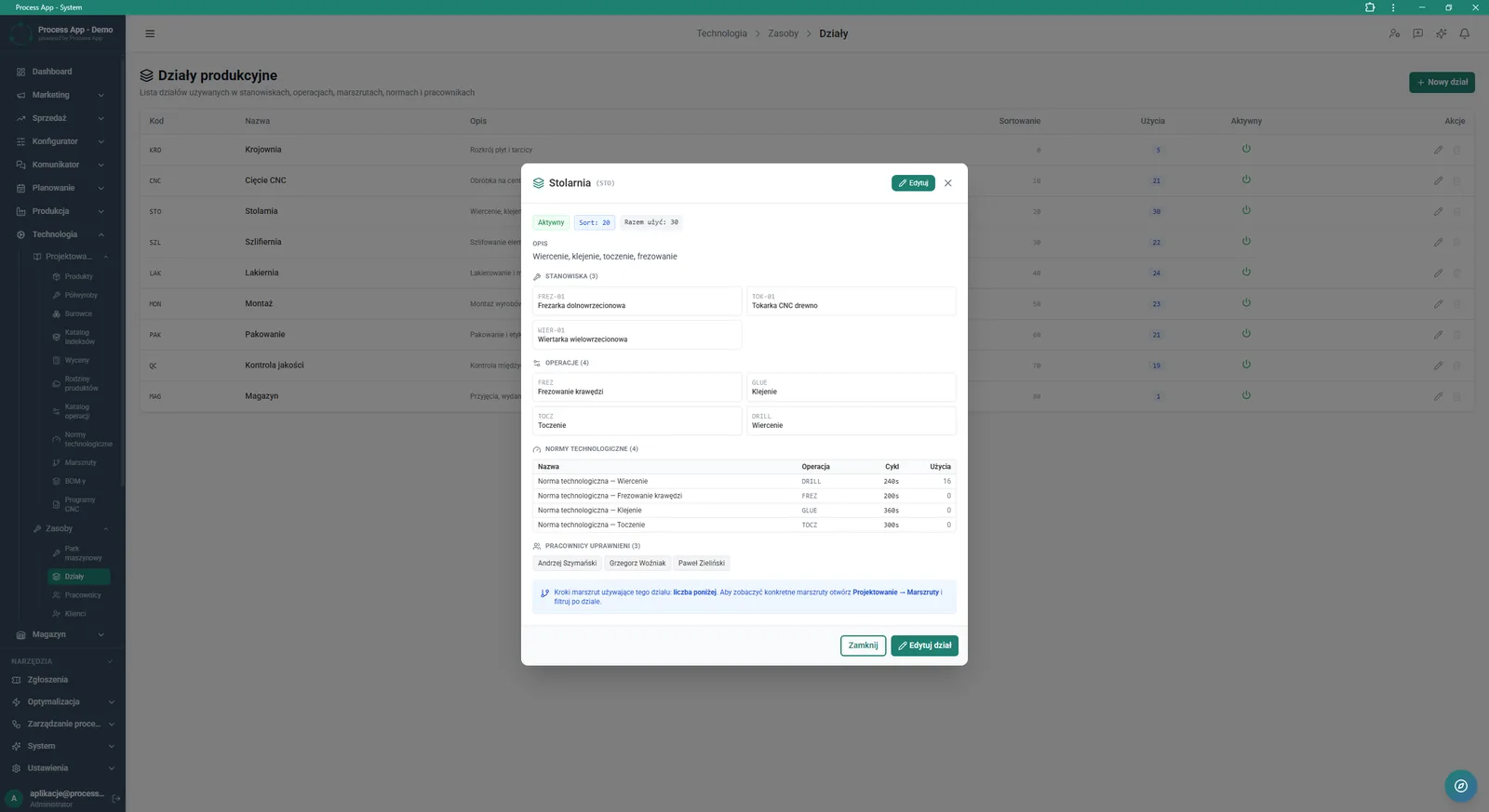
Production departments screen with the details window of the Carpentry department open, showing assigned workstations, operations, technology standards and authorized employees.
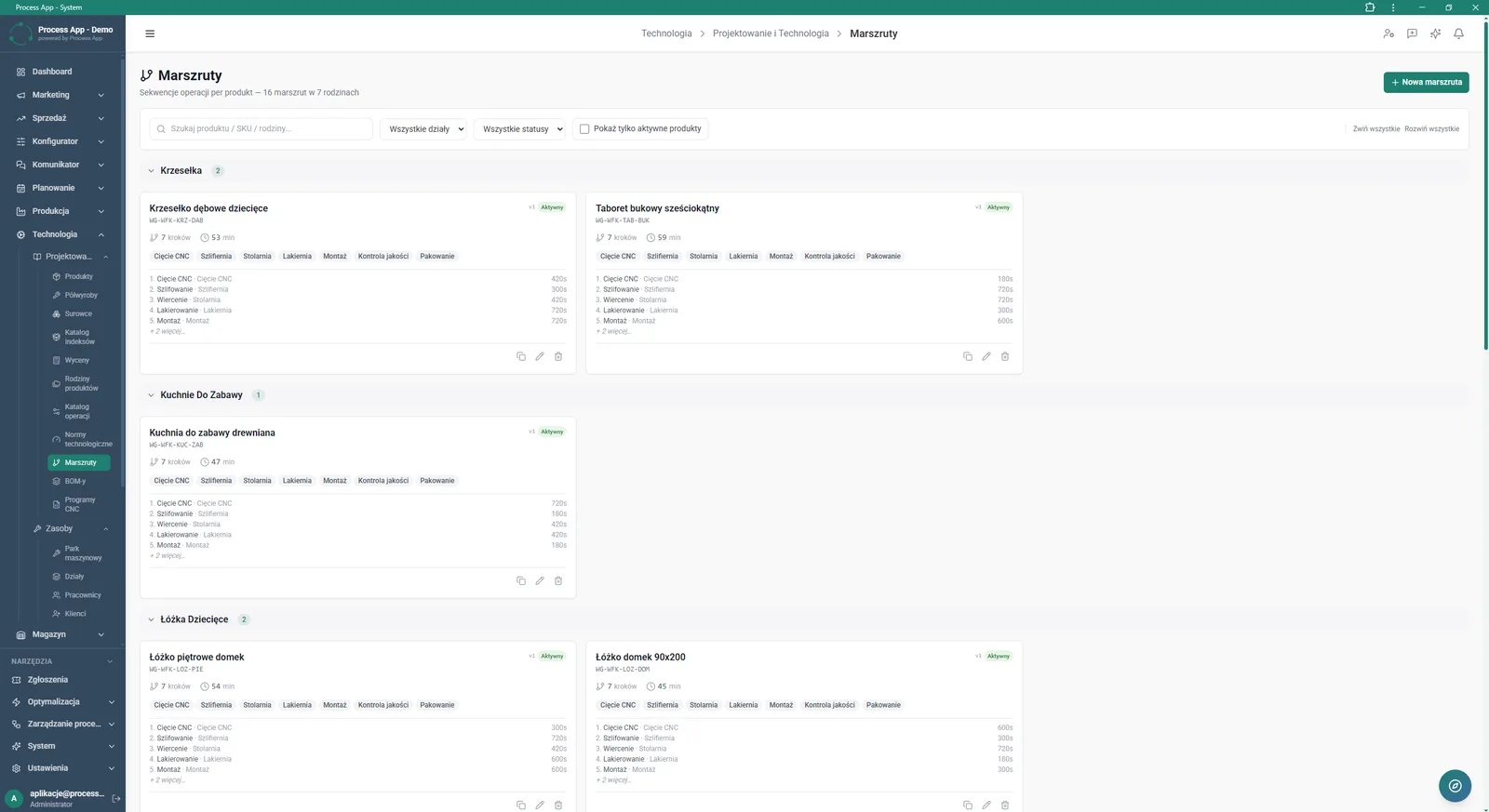
Routings screen presenting a list of technology operation sequences grouped by product families, displaying each product’s steps, assigned departments and execution times.
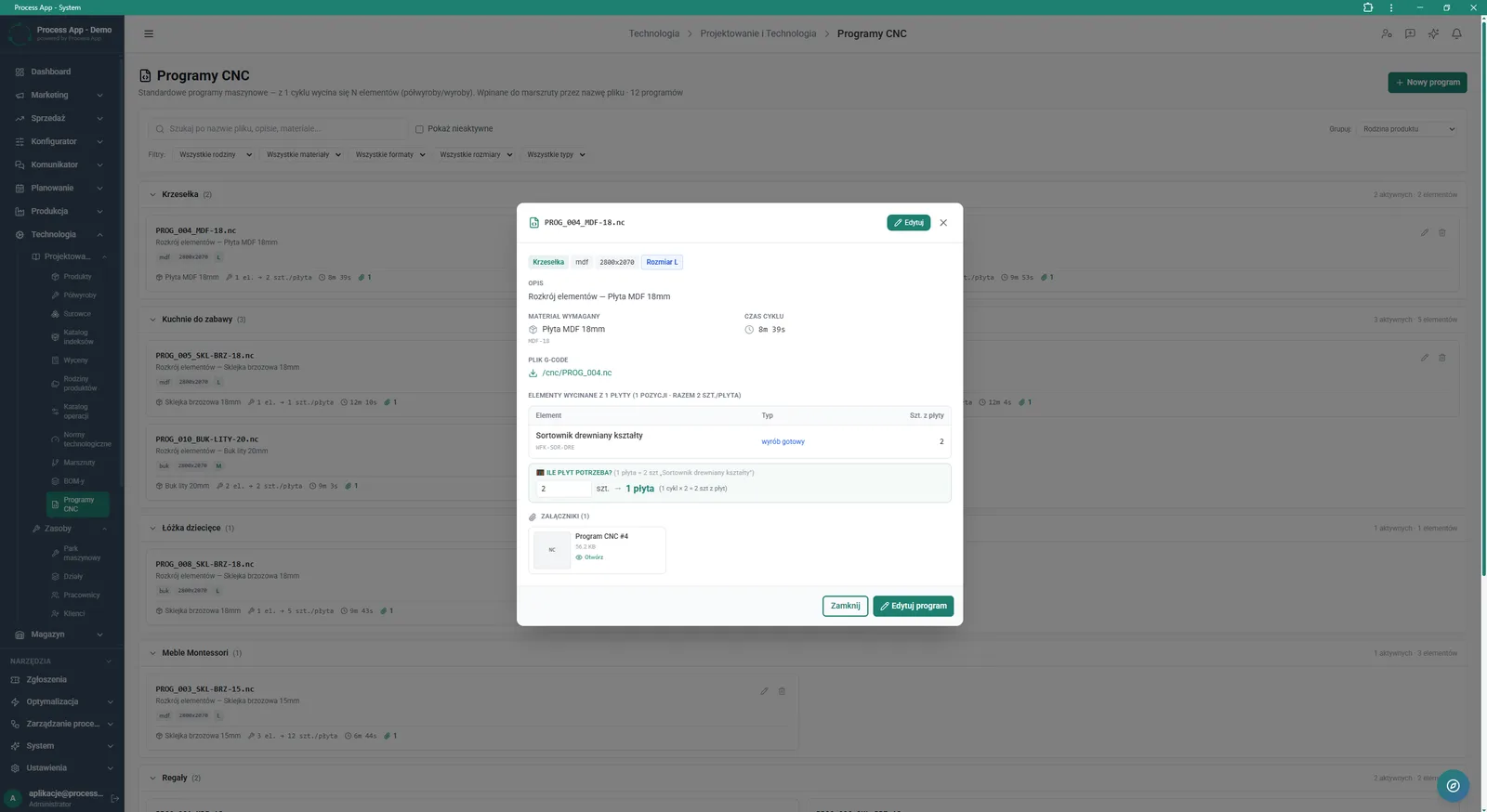
CNC programs screen with the details window of a selected program open, showing the assigned material, cycle time, G-code file, list of cut elements and the material requirement calculator.
What exactly you get
Technology routing editor
Define each production step, specifying the department, operation, technology standard, and target warehouse.
Machine park database
Manage the list of workstations and machines, assigning departments, statuses, and hourly rates in PLN.
CNC program support
Add G-code files, define cycle time, and calculate the number of boards required for a given production quantity.
Technology standards management
Create and edit standards by defining cycles per piece, throughput, and machine changeover time.
Product and BOM catalogue
View product details in dedicated tabs, analysing costs, minimum stock levels, and material structure.
What AI does for you in this process
Mass routing generation
Artificial intelligence automatically creates operation sequences for many products at once using a mass action.
Intelligent step suggestions
Algorithms analyse historical technology data to accurately suggest next steps in the routing editor.
Product categorization support
The system analyses data and automatically generates ABC suggestions and auto-limits based on sales and lead time.
The process from start to finish
Gain full control over the process of designing technology for your products. Browse and edit a categorized product list, verifying stock levels, costs, and BOM structure. Build precise technology routings by defining the sequence of operations, assigned production departments, and changeover times. Manage your machine park by setting hourly rates for individual workstations and monitoring their current status. Create detailed technology standards to accurately calculate throughput and the number of cycles for each operation. Store and analyse CNC programs with G-code files, optimizing material consumption with built-in calculators. Focus on production optimization with all technology data in one consistent system.
See this process on your own data
We will walk you through the “Technology Routing” module using your company as the example — the input, the flow and the end result in Process App.
Explore the remaining system modules
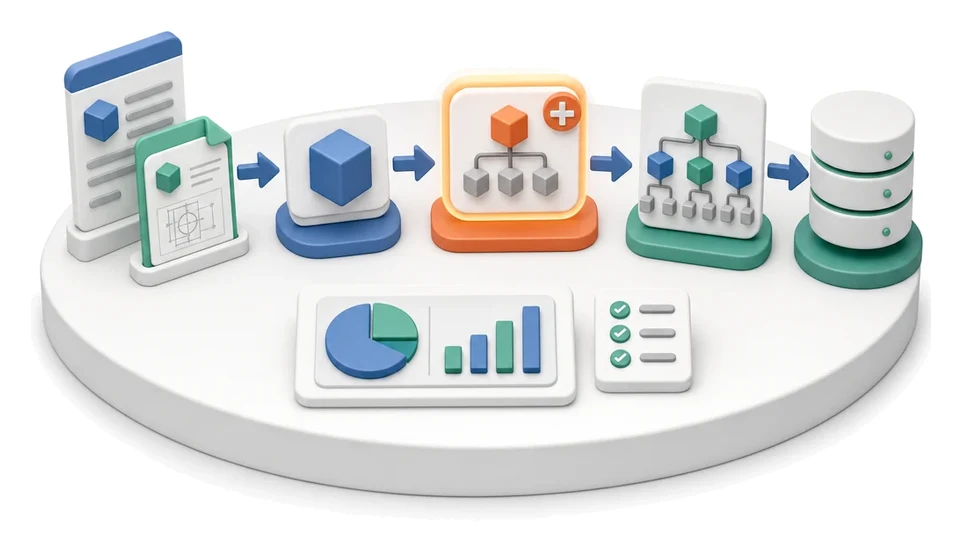
BOM Development
Manufacturing Cost Calculation

Demand Forecasting (Forecast)
Resource Planning and Workload Analysis
Production Scheduling
Execution Progress Monitoring
Production Order Launch
Production Reporting (MES Terminal)
Daily Work Reporting
Piecework Settlement
Purchase Requisition