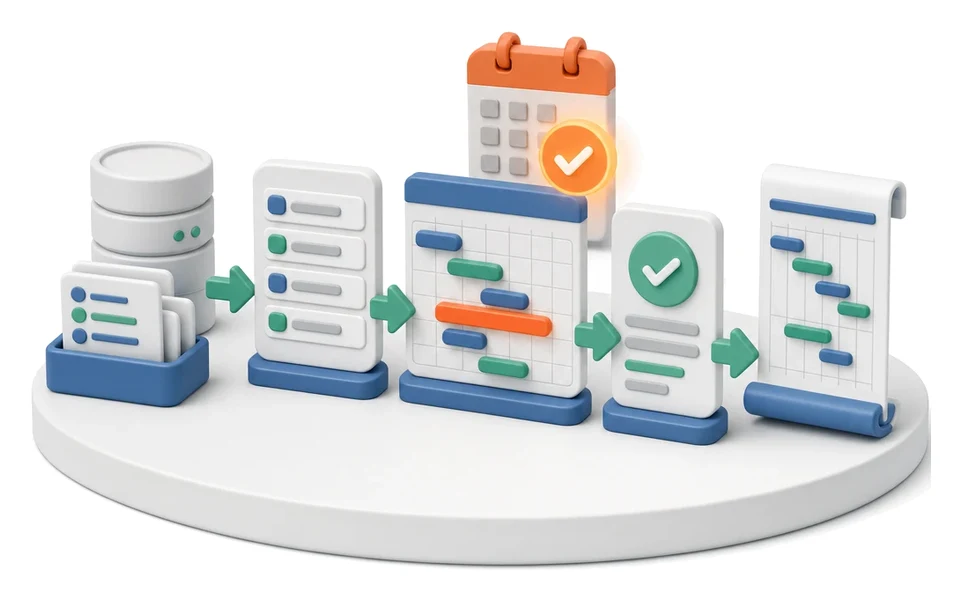
Offer Preparation and Sending
Spending hours manually copying data from cost estimates into offer documents? The Sales module lets you manage estimates end-to-end, create interactive offers and generate contracts in one place. Artificial intelligence automatically drafts copy, selects visuals and checks the consistency of the entire package before you send it to the customer.
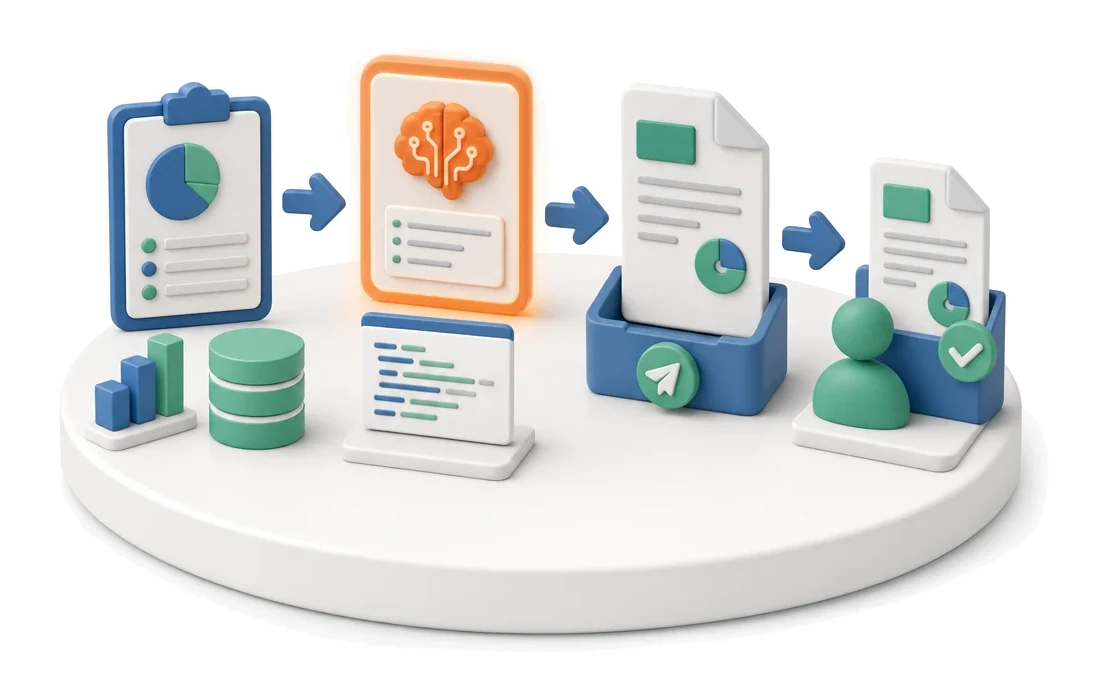
- Input
- Estimate
- Flow
- Estimate → AI offer generation (with prompt preview) → PDF sent to customer
- Output
- Offer PDF at the customer
What changes in the company after the rollout
An estimate becomes an offer, based on a template or generated by AI. The document is sent to the customer directly from the system.
Shorter quoting time
Generating the entire document package from a single estimate eliminates re-entering the same data multiple times.
Greater control over the process
Tracking customer engagement lets you precisely identify which sections of the offer attract the most attention.
Standardised sales work
Using ready-made templates ensures a consistent look and structure for all proposals you send.
Faster deal closing
Being able to send a complete package with contract and pro forma shortens the path from acceptance to project start.
High document quality
Automatic consistency checks prevent sending offers that contain errors or missing information.
How this process looks in Process App
Zrzuty pochodzą z działającego systemu — kliknij, aby powiększyć.
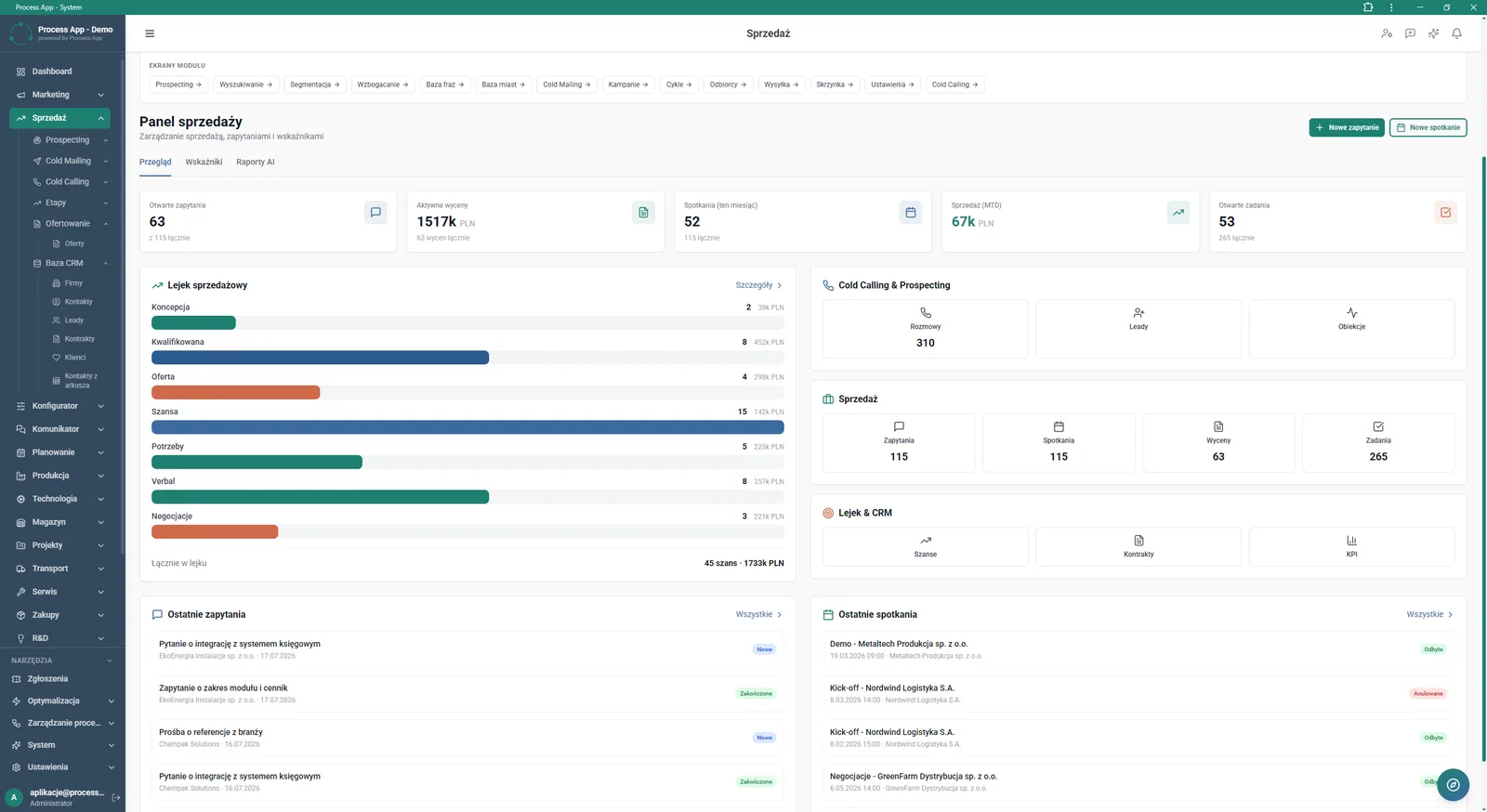
Sales Panel screen in the Sales module, showing tiles with key indicators, a sales funnel visualisation, and lists of recent inquiries and meetings.
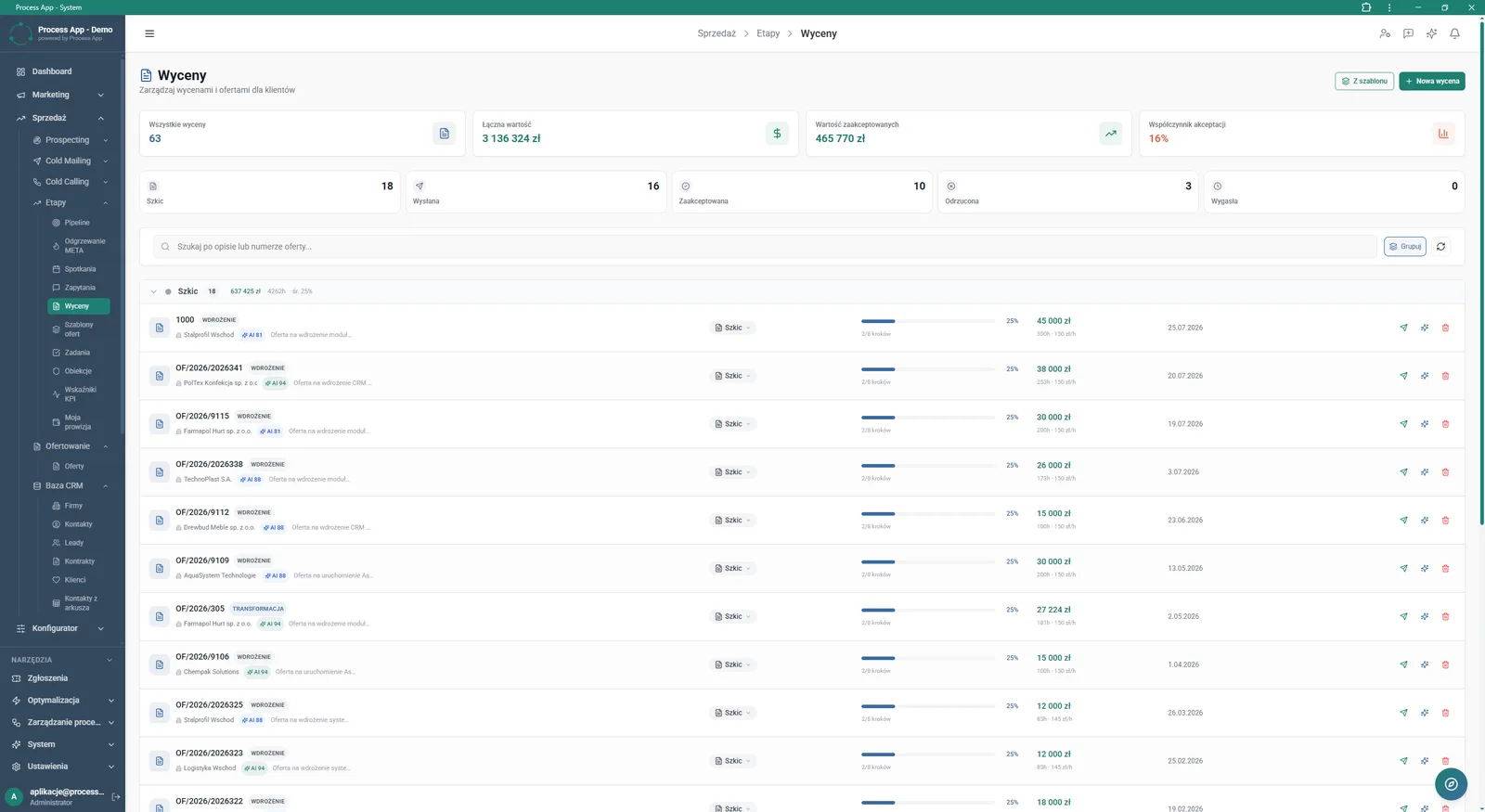
Estimates screen in the Sales module showing a list of created estimates, tiles with financial summaries, and tabs divided by status.
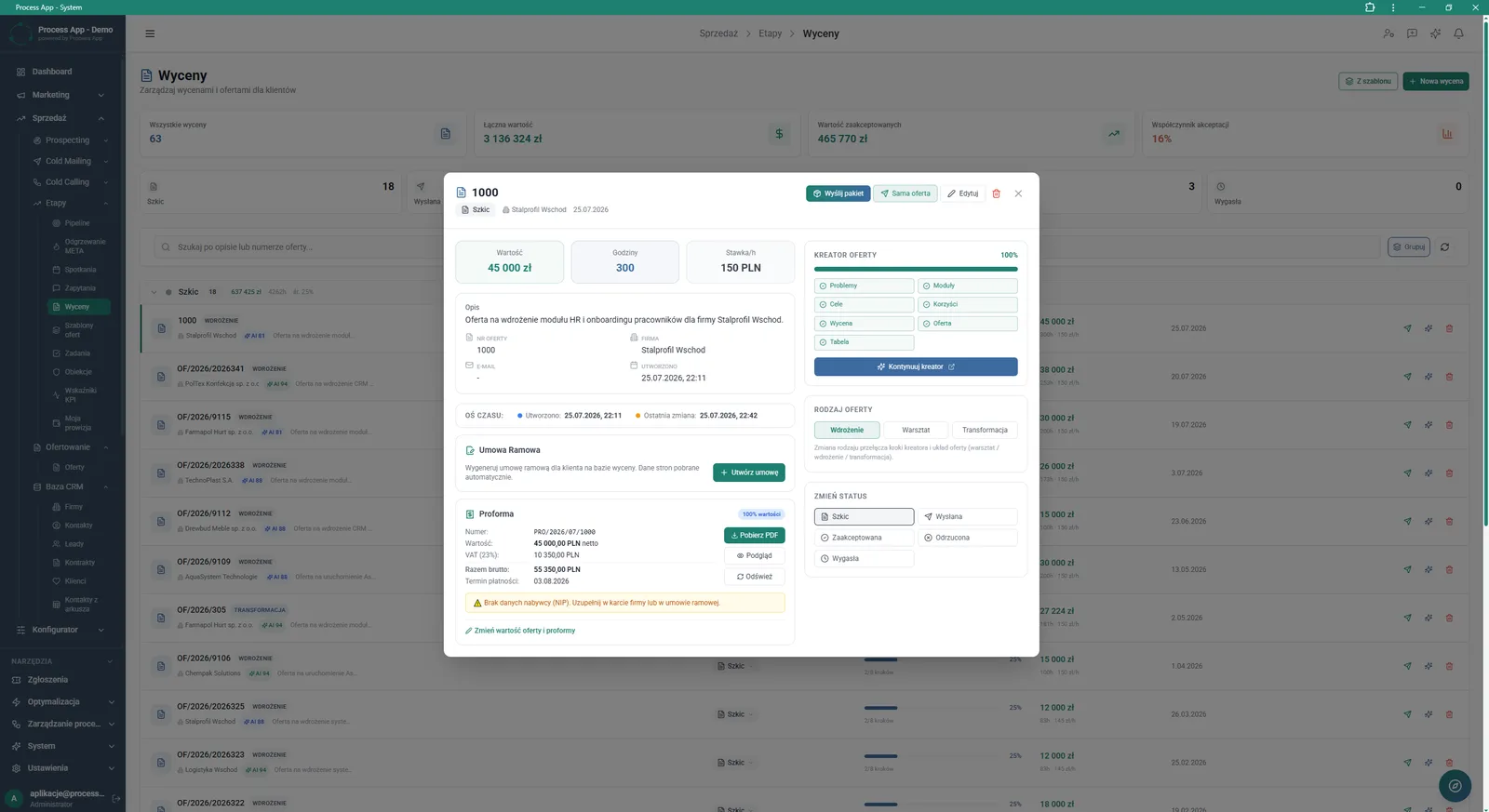
Estimates screen with an open details window for a specific estimate, showing financial parameters, offer wizard progress, document generation options, and statuses.
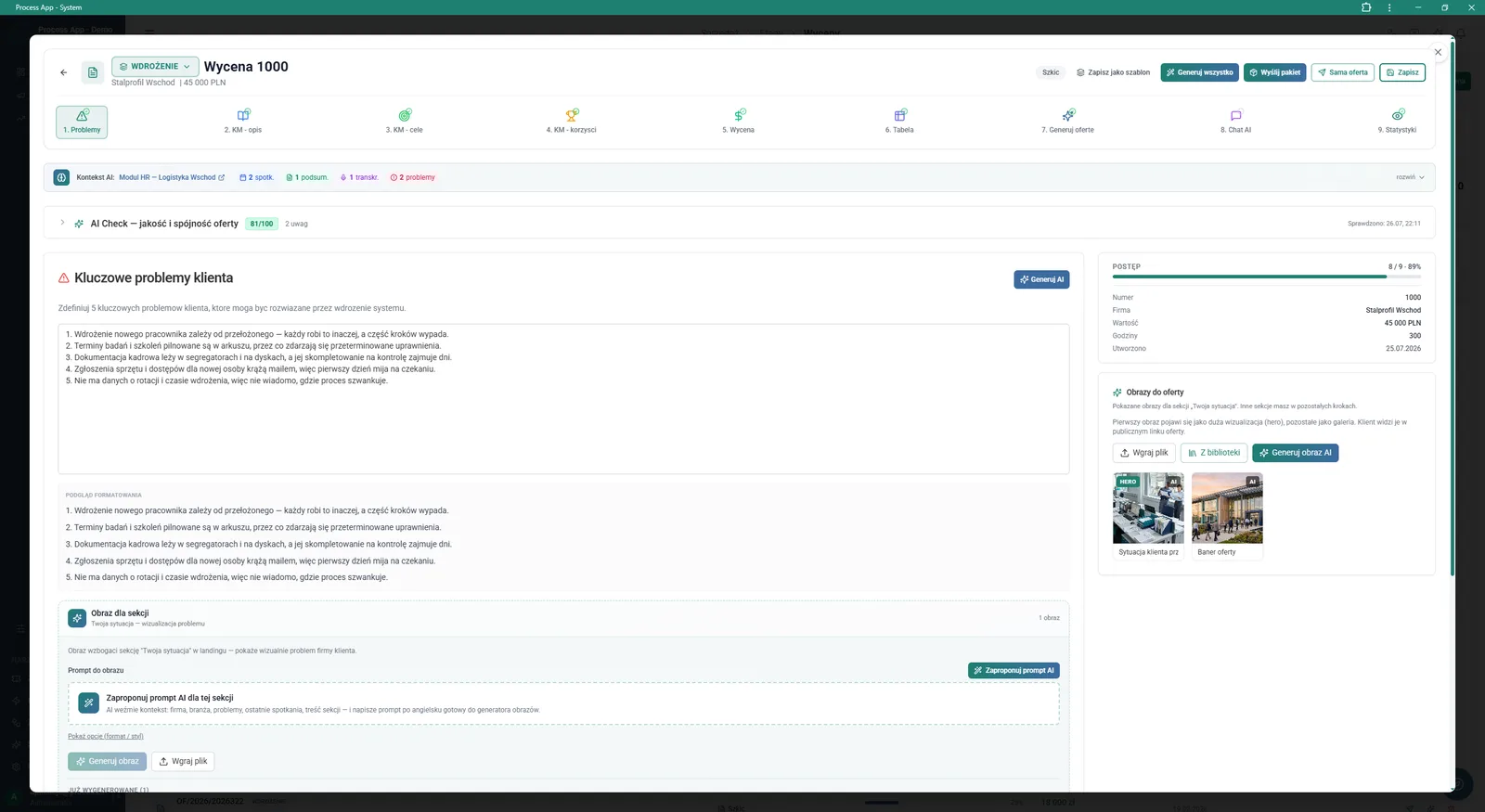
Offer wizard screen for a specific estimate, open at the step for defining the customer’s key problems, with visible AI tools for generating texts and images and a progress panel.
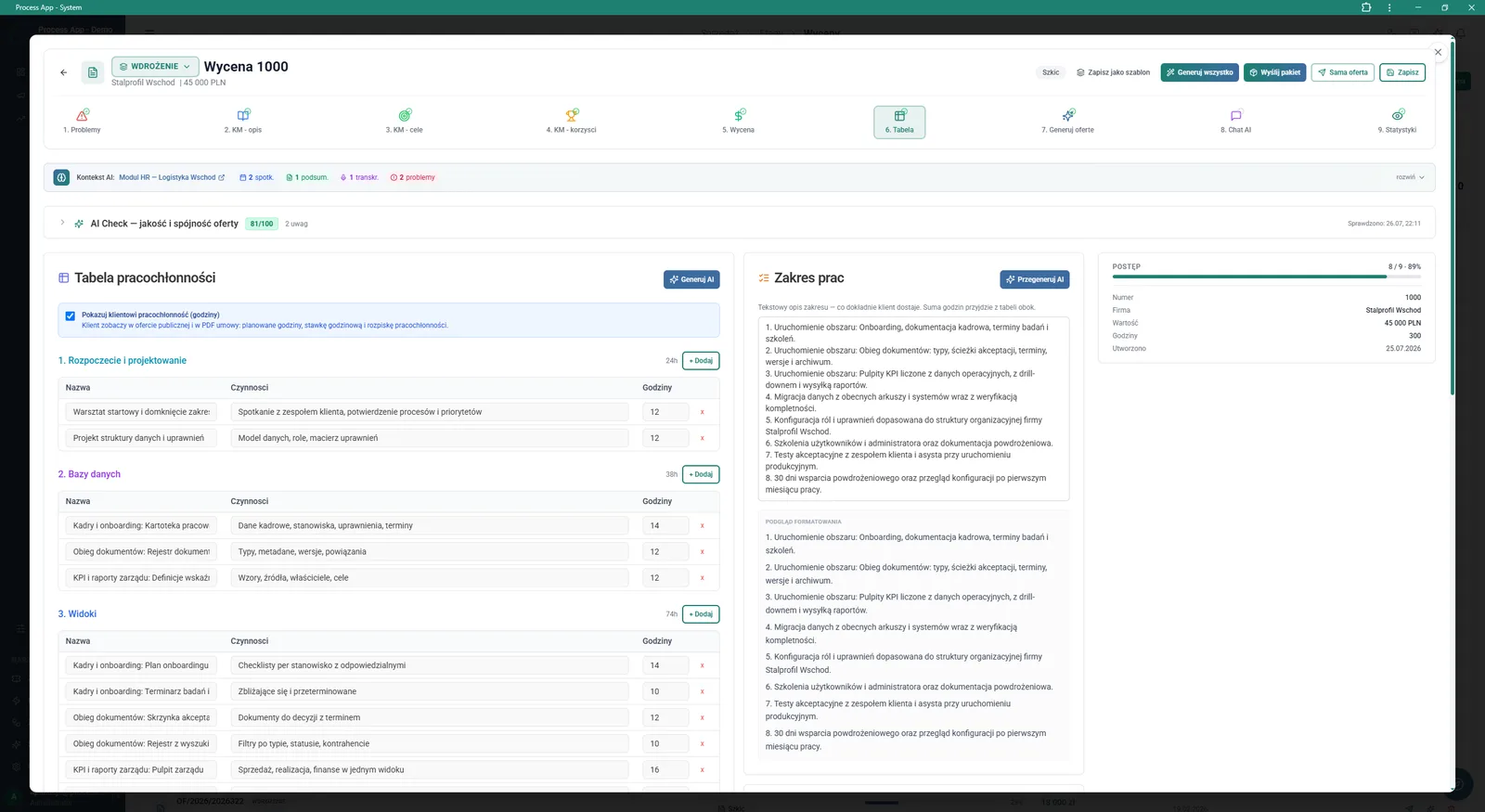
Offer wizard screen for an estimate, open at the effort table step, showing a detailed hourly task breakdown, generated scope of work, and progress panel.
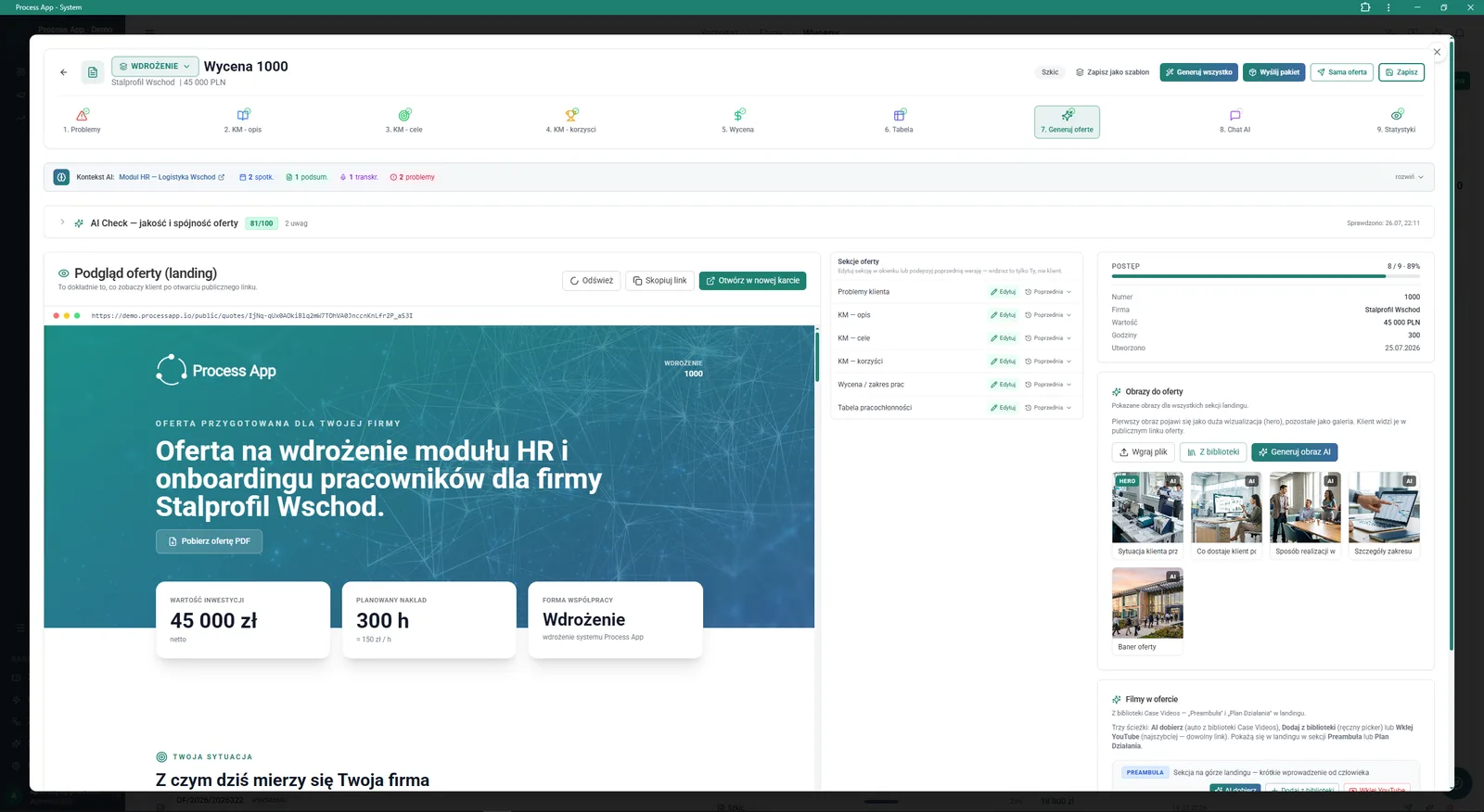
Offer wizard screen at the “Generate offer” stage, showing an interactive preview of the public customer landing page and side panels for managing sections, progress, and multimedia.
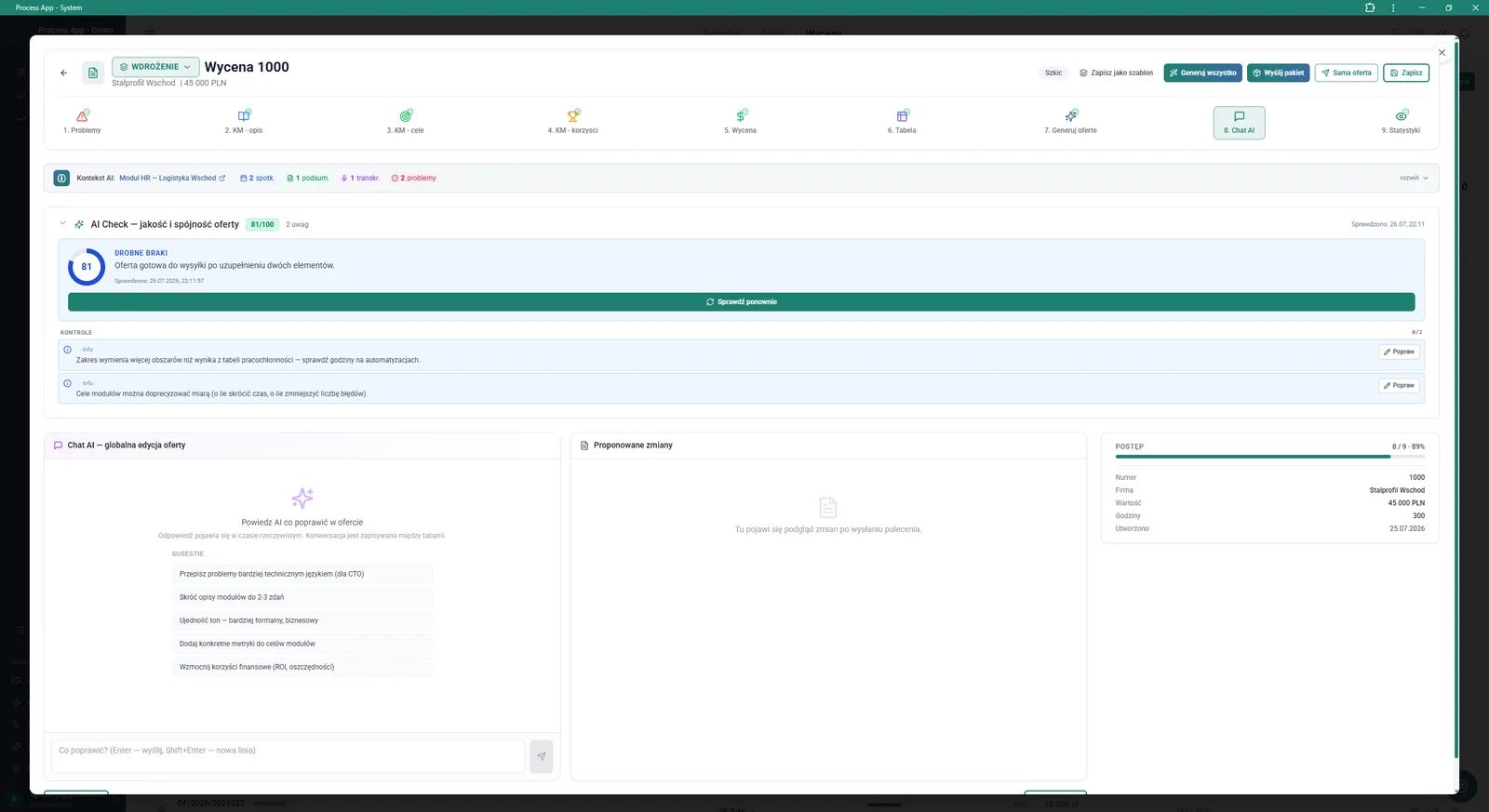
Offer wizard screen at the Chat AI stage, showing the document quality score, a list of remarks to improve, and a chat interface for global content editing with artificial intelligence.
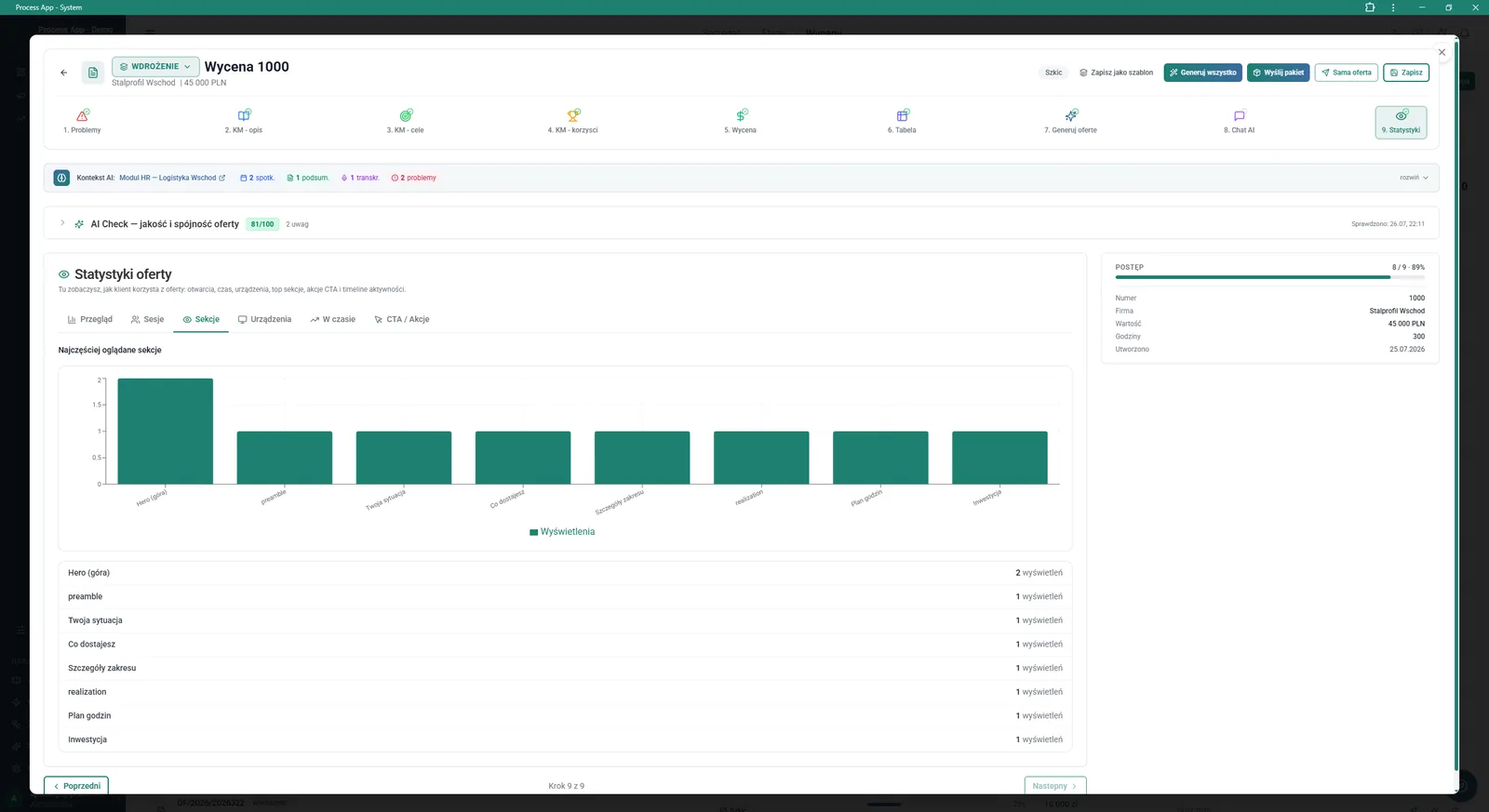
Offer wizard screen open at the statistics step, showing a bar chart and table with data on the document sections most frequently viewed by the customer.
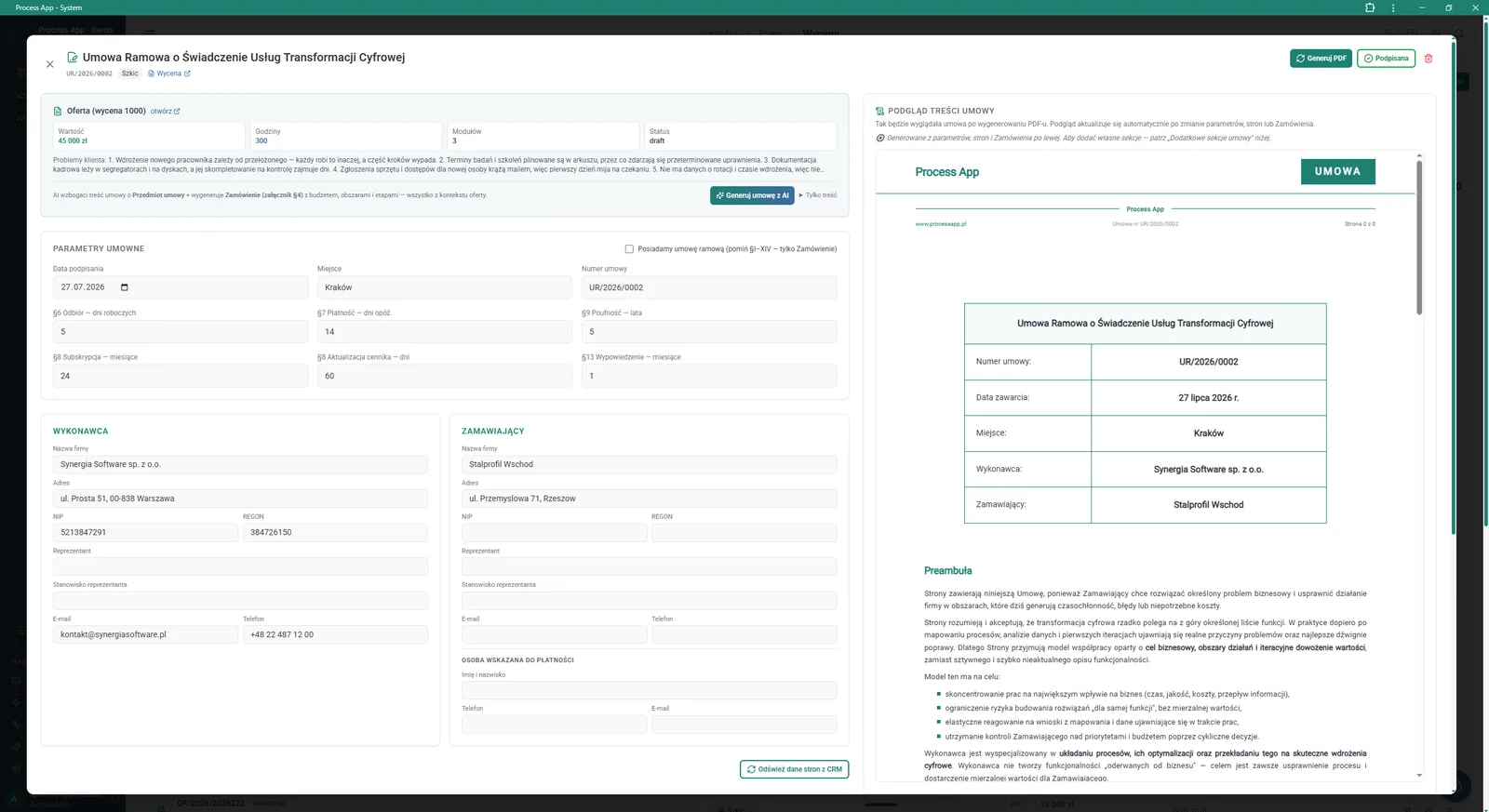
Framework agreement details screen showing forms with contract parameters and party data on the left and a preview of the generated document on the right.
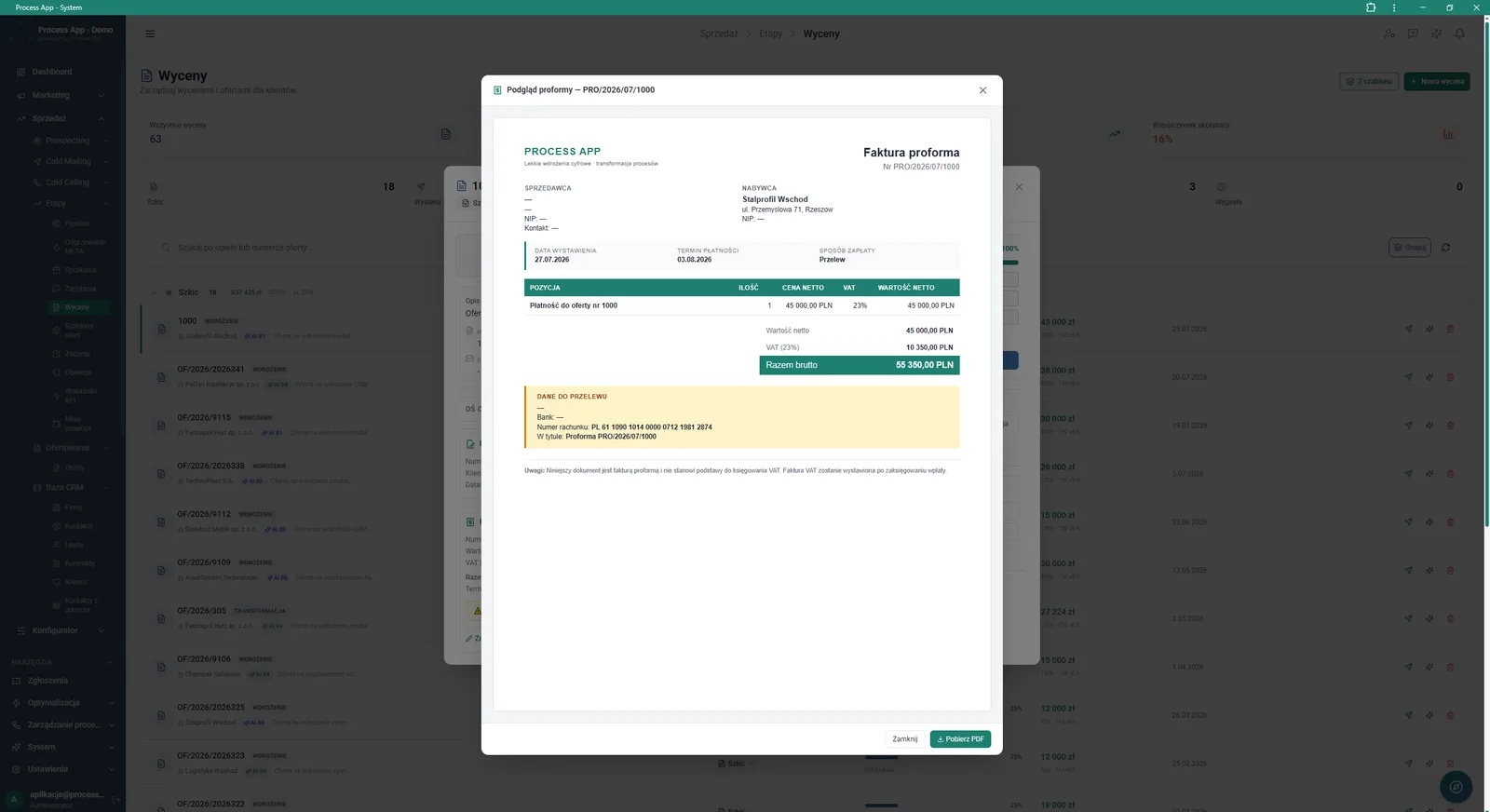
Estimates screen with an open preview window of the generated pro forma invoice, showing party data, cost items, amount summary, and bank transfer details.
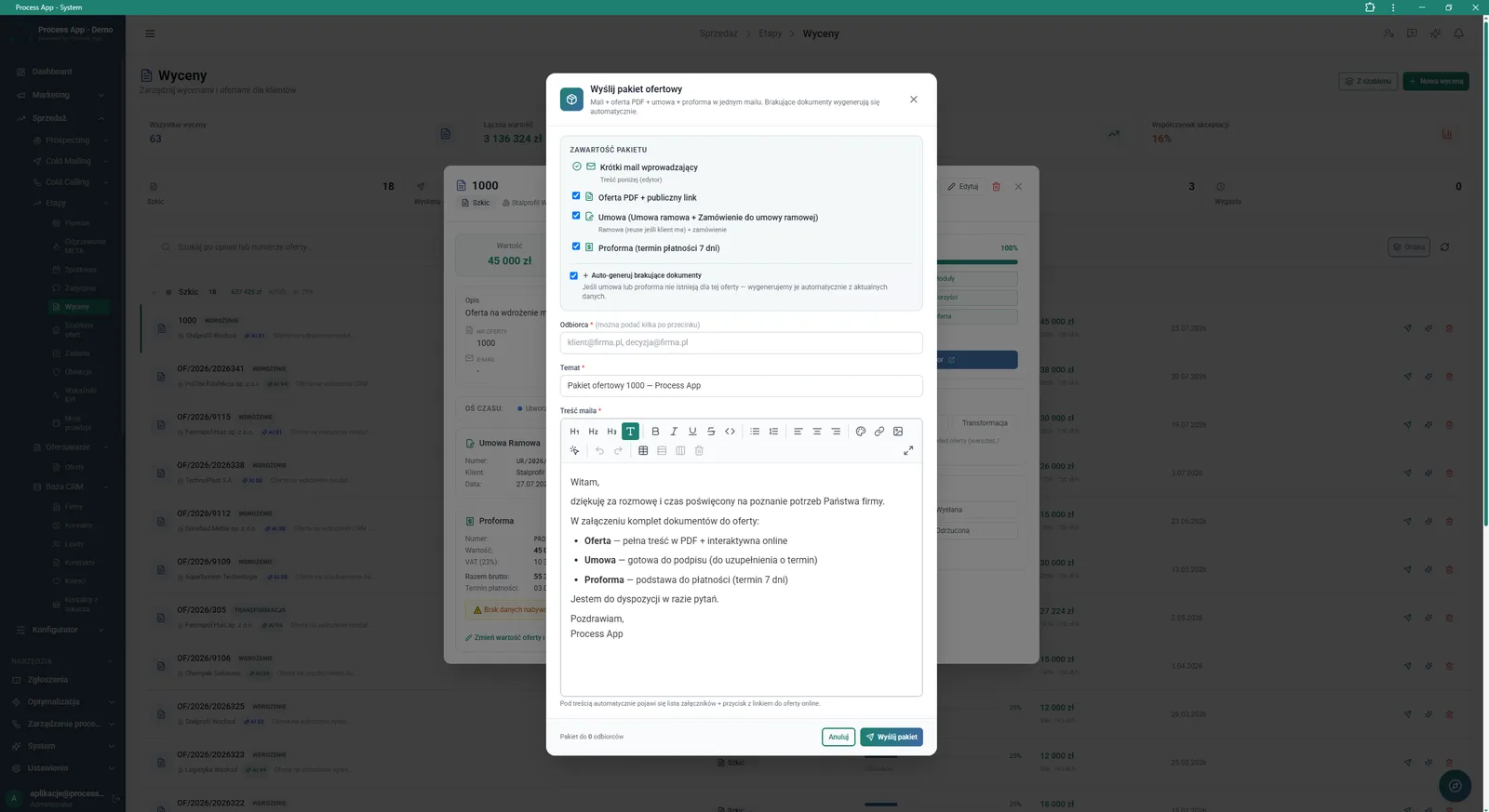
Estimates screen with an open “Send offer package” modal window, showing a form for selecting attached documents, recipient data, and an email message editor.
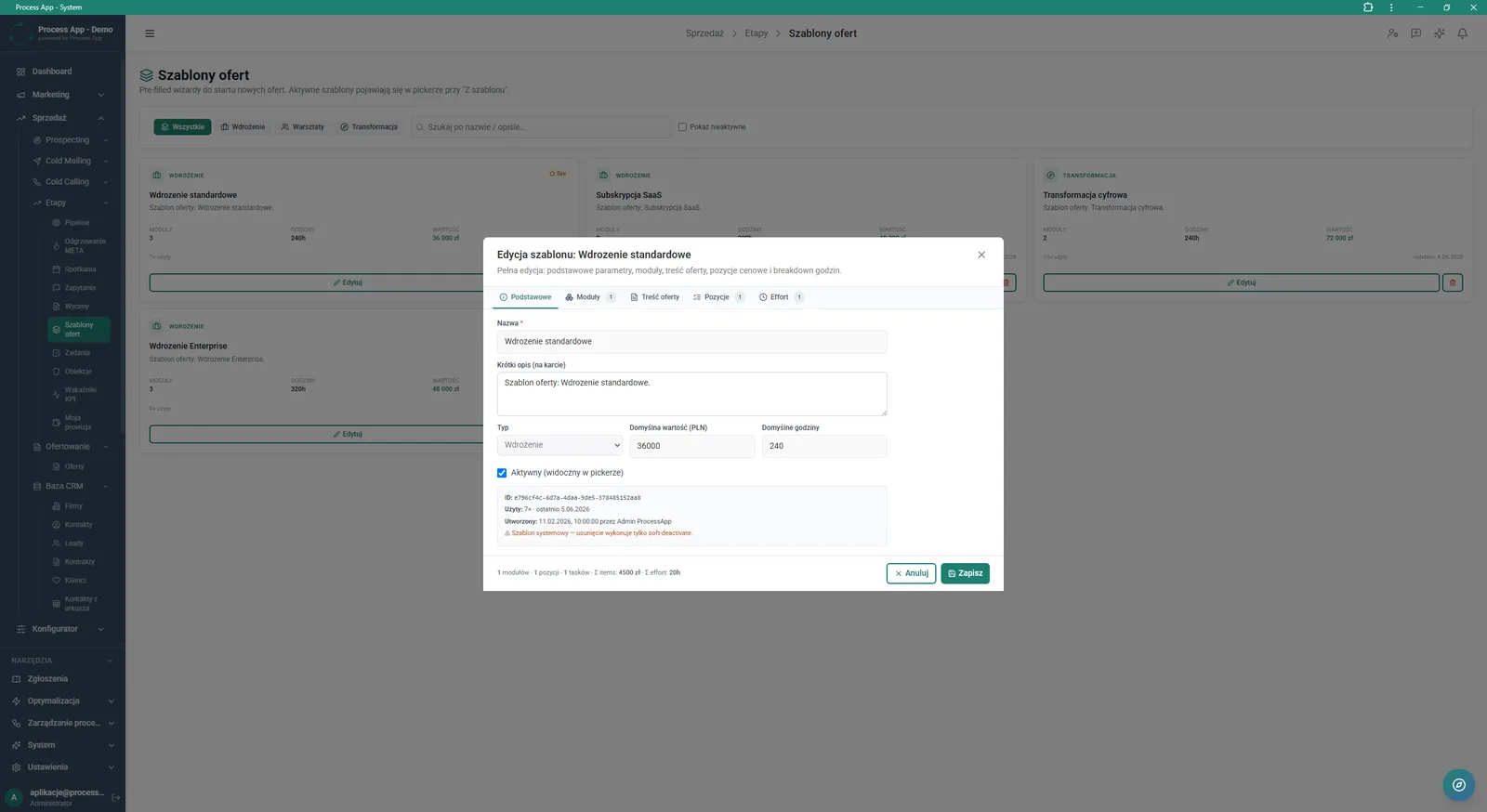
Offer Templates screen with an open modal window for editing a specific template, showing a form with basic parameters, configuration tabs, and tiles of available templates in the background.
What exactly you get
Offer and estimate wizard
Guides you step by step through building an offer, from defining problems to the effort table and module selection.
Offer package management
Enables you to send the offer PDF, public link, framework agreement and pro forma invoice at the same time from a single window.
Interactive landing page
Generates a public offer view for the customer, with the option to download a PDF file and see key parameters.
Offer view statistics
Collects data on the most frequently viewed sections of the document, sessions and devices used by recipients.
Offer template library
Lets you save proven estimates as templates with predefined modules, values and hours.
Contract and pro forma generation
Automatically fills in contract parameters and party details based on information from the CRM system.
What AI does for you in this process
Offer quality assessment
Artificial intelligence analyses document consistency via the AI Check function, assigning a score and pointing out gaps to fix.
Global content editing
AI modifies the entire offer based on chat commands, for example changing the tone to more business-like or shortening descriptions.
Scope of work generation
Algorithms automatically create a detailed effort table broken down into stages, activities and hours.
Multimedia creation and selection
AI generates images from text prompts and selects appropriate videos for individual offer sections.
Sales context analysis
The system processes transcripts and summaries from meetings to automatically define the customer’s key problems.
The process from start to finish
Manage the entire quoting process from the Estimates screen, where you can instantly see document statuses and key financial funnel metrics. Create new proposals from scratch or accelerate repeatable quotes using ready-made Offer templates. Go through an intuitive offer wizard, defining the customer’s problems, goals and a detailed effort table.
Verify how the proposal looks on a preview of the public landing page and analyse customer engagement in the Statistics tab. Generate related documents, such as a Framework Agreement or pro forma invoice, directly from the data entered into the system. Finally, send the complete offer package straight from the application, including a personalised email message.
See this process on your own data
We will walk you through the “Offer Preparation and Sending” module using your company as the example — the input, the flow and the end result in Process App.
Explore the remaining system modules
Prospecting
Cold Mailing
Cold Calling
Sales Opportunity Management
Quotation Preparation
Product configurator
BOM Development
Technology Routing
Manufacturing Cost Calculation
Demand Forecasting (Forecast)
Resource Planning and Workload Analysis