For companies — comprehensive ProcessApp solutions for business

For business

Process modules for companies of any size

From a dozen people to several thousand — the same system, a different scope. The first process runs in weeks, not quarters.

For companies

The same system, a different scope

A twenty-person company and a thousand-person one have the same trouble: the data sits in spreadsheets, the status of an order is known only to the person who took it, and the plan is built in Excel and corrected daily. What differs is the scale, not the nature of the problem.

That is why we do not roll the system out across the whole company at once. We pick one process — the one that costs the most time today — put it live and measure the effect. The next ones follow it, rather than running in parallel.

53ready process modules
16documented rollouts
0departments covered
Let's talk about your processes
An office interior — people working together at desks and laptops
Segments

Which companies are our solutions for?

Two axes, deliberately kept apart: the size of the company decides the scope of the first project, the profile of the business decides which process we start with.

By company size

A team meeting around a shared table in an open-plan office
up to 250 people

Small and mid-sized companies

One person runs quoting, orders and invoicing at the same time, and the knowledge about orders lives in their head and their spreadsheet. Their absence stops the process.

  • We start with a single process, so the rollout does not require pausing the business.
  • No per-seat fees and no in-house IT department to maintain it.
Office towers seen from street level
over 250 people

Large companies and corporations

The systems are there but they do not talk to each other — the same data is keyed into the ERP, into a controlling spreadsheet and into a board deck. Closing a month takes a week.

  • The module sits between the systems you already have instead of replacing them.
  • One definition of the process and one source for each figure, across departments.

By type of business

A worker at an assembly station on a production floor
Manufacturing

Manufacturing companies

The schedule is built in Excel and corrected daily, because the availability of people, machines and material has to be checked in three places. Progress on an order is known only after the shift.

  • Reporting from a shop-floor terminal — progress visible as it happens, not afterwards.
  • A schedule calculated from real resource availability rather than assumptions.
Paying by phone at a shop counter
Trade and e-commerce

Trading companies

The enquiry arrives by email, the offer is built in Excel from the previous one, and the history of the conversation stays in the salesperson’s inbox. When they are away, it starts from scratch.

  • Offers generated from a configurator and a price list instead of copying the last one.
  • The full contact history held against the customer, not in a private mailbox.
Documents, a calculator and notes on a desk
Public sector

Public institutions

Requests and requisitions circulate on paper or by email, so there is no quick answer to "what stage is this case at". Reporting is assembled by hand from several sources.

  • Every request has a visible stage, a deadline and a named owner.
  • Reports assembled from process data rather than retyped at the end of the period.
A volunteer in a marked shirt at an event
Non-profit organisations

Non-profit organisations

Projects funded from several sources, each with its own settlement deadline and reporting format. Budget control happens in a spreadsheet that one person understands.

  • Budget and spend broken down by project and by funding source.
  • Project settlement built from the data created while the project was running.
Where it starts

The processes companies start with most often

Each one is a single process described from input to output — with screens, the flow and the roles that work on it. Which one comes first depends on where the time leaks out today.

Sales

Offer Preparation and Sending

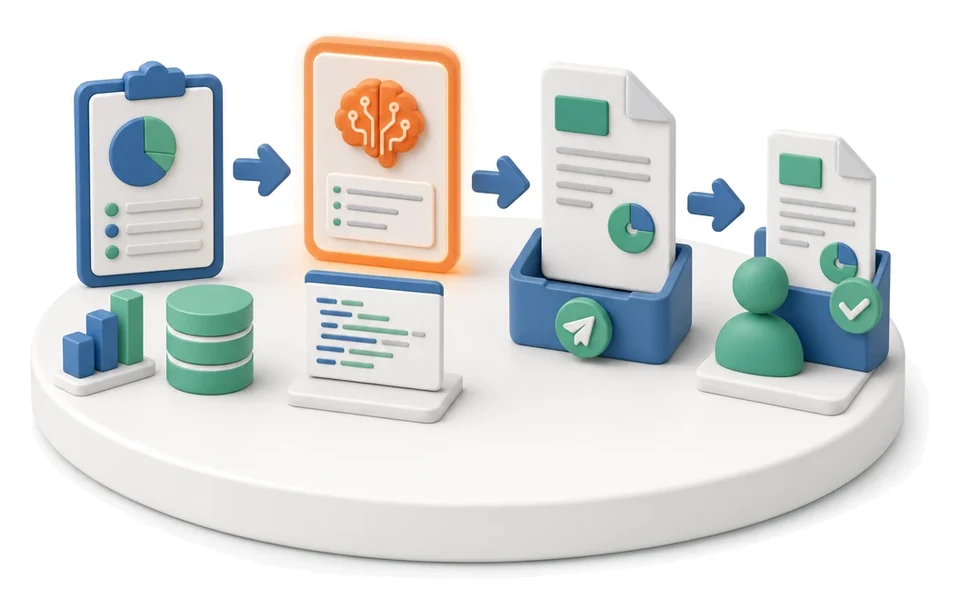
Spending hours manually copying data from cost estimates into offer documents? The Sales module lets you manage estimates end-to-end, create interactive offers and generate contracts in one place. Artificial intelligence automatically drafts copy, selects visuals and checks the consistency of the entire package before you send it to the customer.

Planning

Production Scheduling

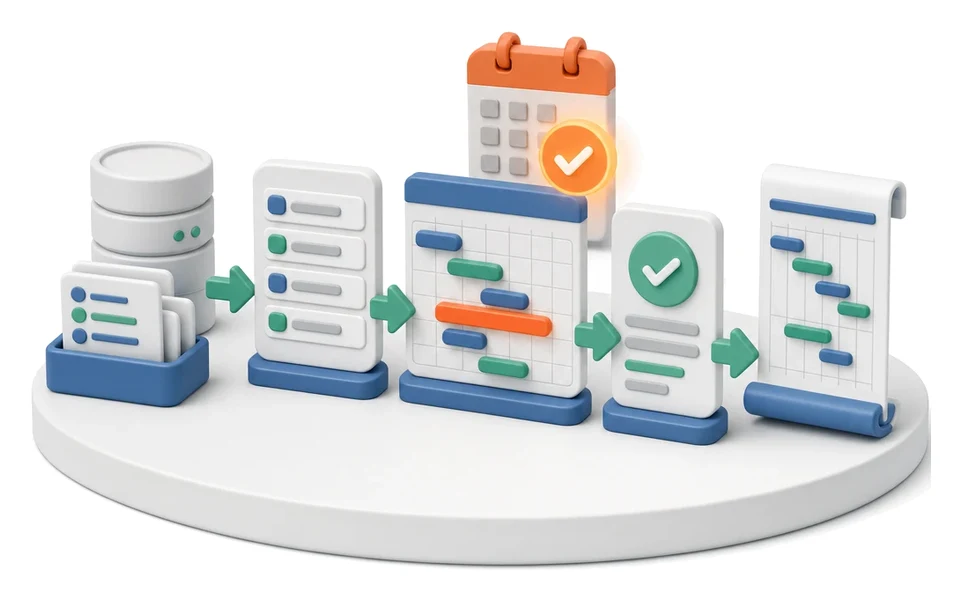
Is your production plan just a wish list that collapses at the first delay? The Planning module turns orders and workloads into a realistic schedule with concrete start and end times for each operation. AI algorithms analyse available capacity and forecast data to automatically optimise task allocation and prevent crew overload.

Production

Production Reporting (MES Terminal)

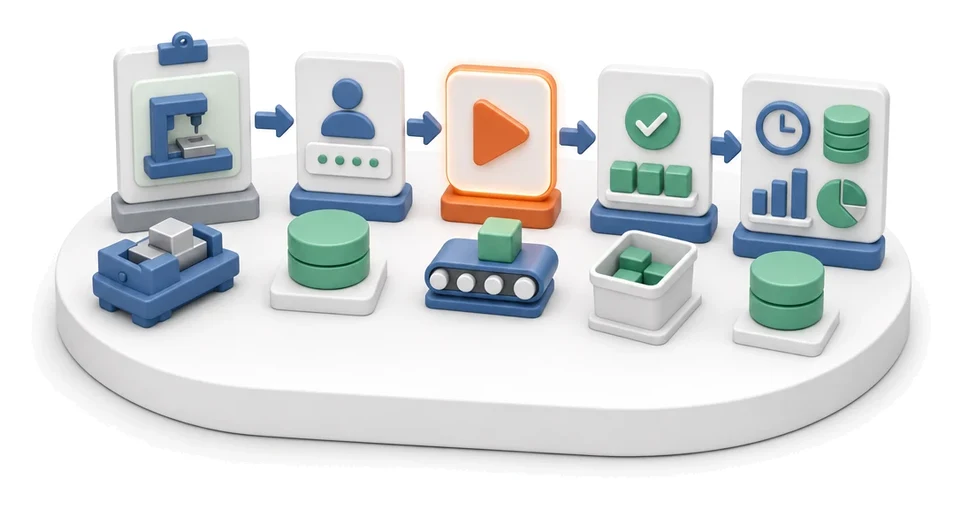
Wasting time retyping paper job cards and counting scrap by hand? The MES Terminal module lets operators quickly report time, good parts and rejects directly at the workstation. AI algorithms analyse collected data, recommending optimal batch sizes and monitoring machine health based on reported cycles.

Transport

Transport Order

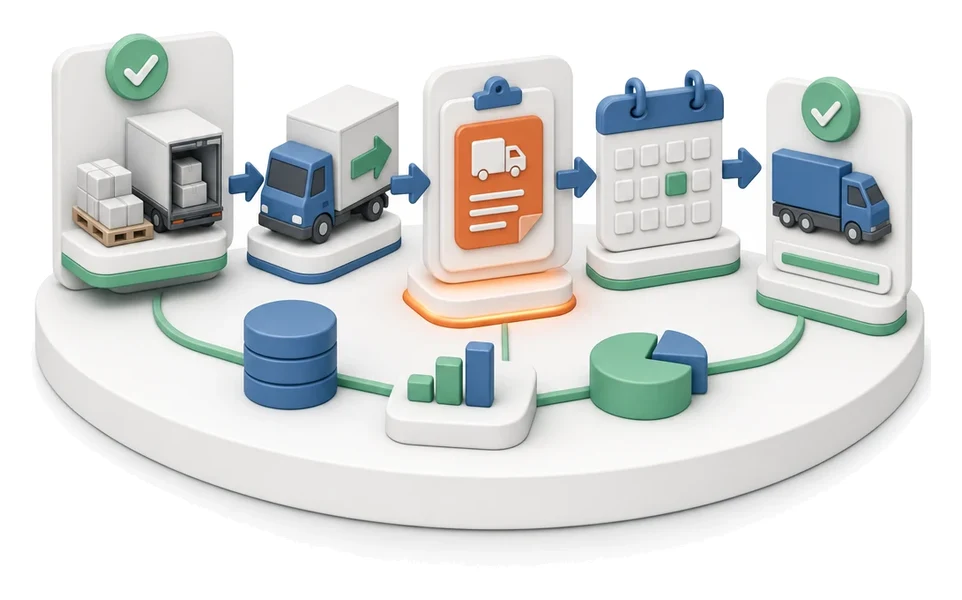
Wasting time manually matching carriers and tracking departure dates? The Transport module lets you comprehensively manage transport orders, fleet and request exchange in one place. AI analyses transport costs and supports choosing the most profitable carrier proposals.

Purchasing

Purchase Requisition

Does production sometimes stop because materials for a project suddenly run out? The Purchasing module lets production or the warehouse raise material requisitions fast and organizes them into a clear queue for buyers. AI algorithms continuously analyze order statuses and assortment shortages to help keep your processes running smoothly.

Projects & Implementations

Project Management

The team is getting lost in a tangle of tasks and you’re losing control of implementation timelines? The Projects module lets you manage all work end-to-end using Kanban boards and Gantt charts, giving the whole team one consistent view of progress. Built-in AI algorithms automatically generate status summaries and help refine the details of individual tasks.

Projects & Implementations

Project Budget and Margin Control

Losing control over costs and time during project delivery? The Projects module continuously compares your planned budget with actual expenses and logged hours, giving you a full margin picture. Built‑in AI Reports automatically analyse entered data and forecast the final financial outcome.

System & Platform

Support Ticket Handling

Drowning in a flood of emails with technical support requests and bug reports? This module lets you receive, process and resolve user issues in a structured way, all in one dedicated place. The built-in AI Assistant analyzes the ticket before it’s sent and actively asks the user to fill in missing information.

Marketing

Lead Generation

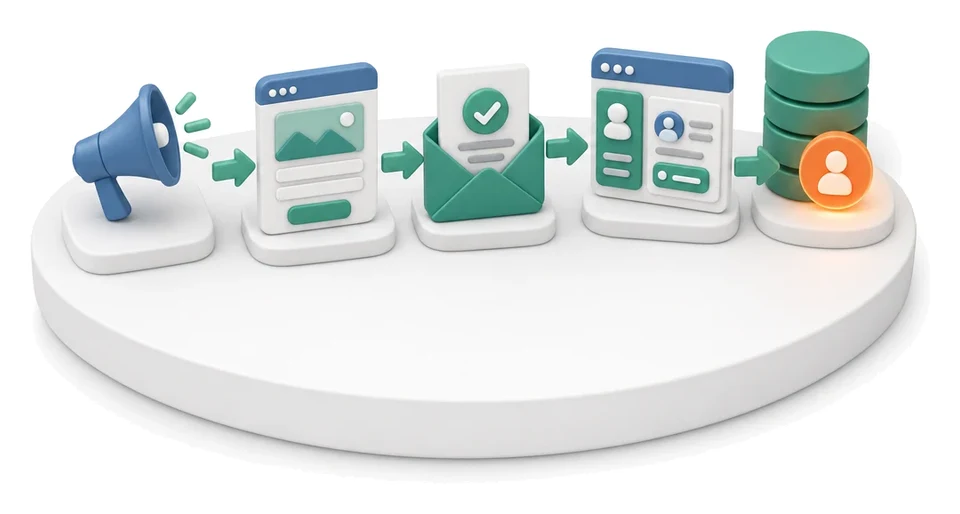
Losing potential customers because your forms are scattered and you can’t consistently track sources? The Lead Generation module unifies traffic from campaigns, landing pages and forms into one automated flow that feeds straight into your CRM. Built‑in AI algorithms help you instantly create new landing pages and analyse performance reports.

Let's talk about your processes