See it on video
A step-by-step walk through the module — the same screens this write-up describes.
What is in the recording
- 0:00No more manual data hunting
- 0:20Kanban view and eliminating spreadsheets
- 0:38Structured lead qualification process
- 1:01Meetings module and full agenda control
- 1:33Won opportunity analysis and objection logging
- 1:51AI reporting and saving a dozen-plus hours
The Challenge
Replacing scattered spreadsheets with a single AI-powered reporting ecosystem lets the team focus on closing deals instead of administration.
Is your morning sales review a mess pulled from three different departments? In this case study, the sales director used to lose entire Mondays manually hunting for data and piecing together reports in spreadsheets. In this material we present a real story of a sales department transformation. You will see how replacing scattered files with a single, unified CRM dashboard dramatically changed the day-to-day work of the entire team. We focus on concrete business benefits: eliminating lost leads, perfect meeting preparation through a dedicated module, and building a central knowledge base of customer objections. The biggest change, however, turned out to be the automation of reporting using artificial intelligence. The system independently generates weekly summaries and delivers ready-made recommendations for management. The result? A dozen or more hours return to the team each month, allowing them to finally focus on what truly matters in this industry – strategic business development, relationship building, and closing deals.
How the deployment ran
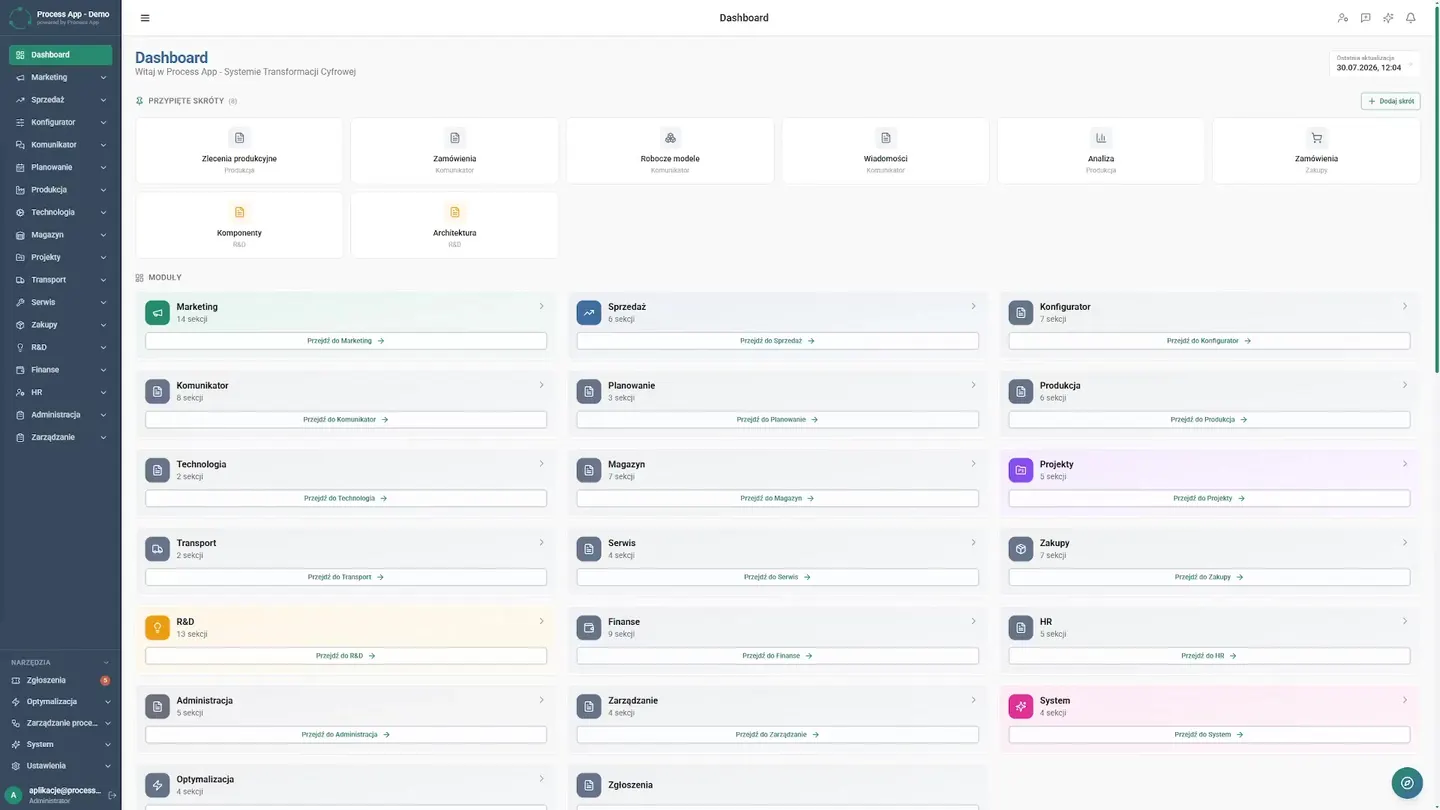
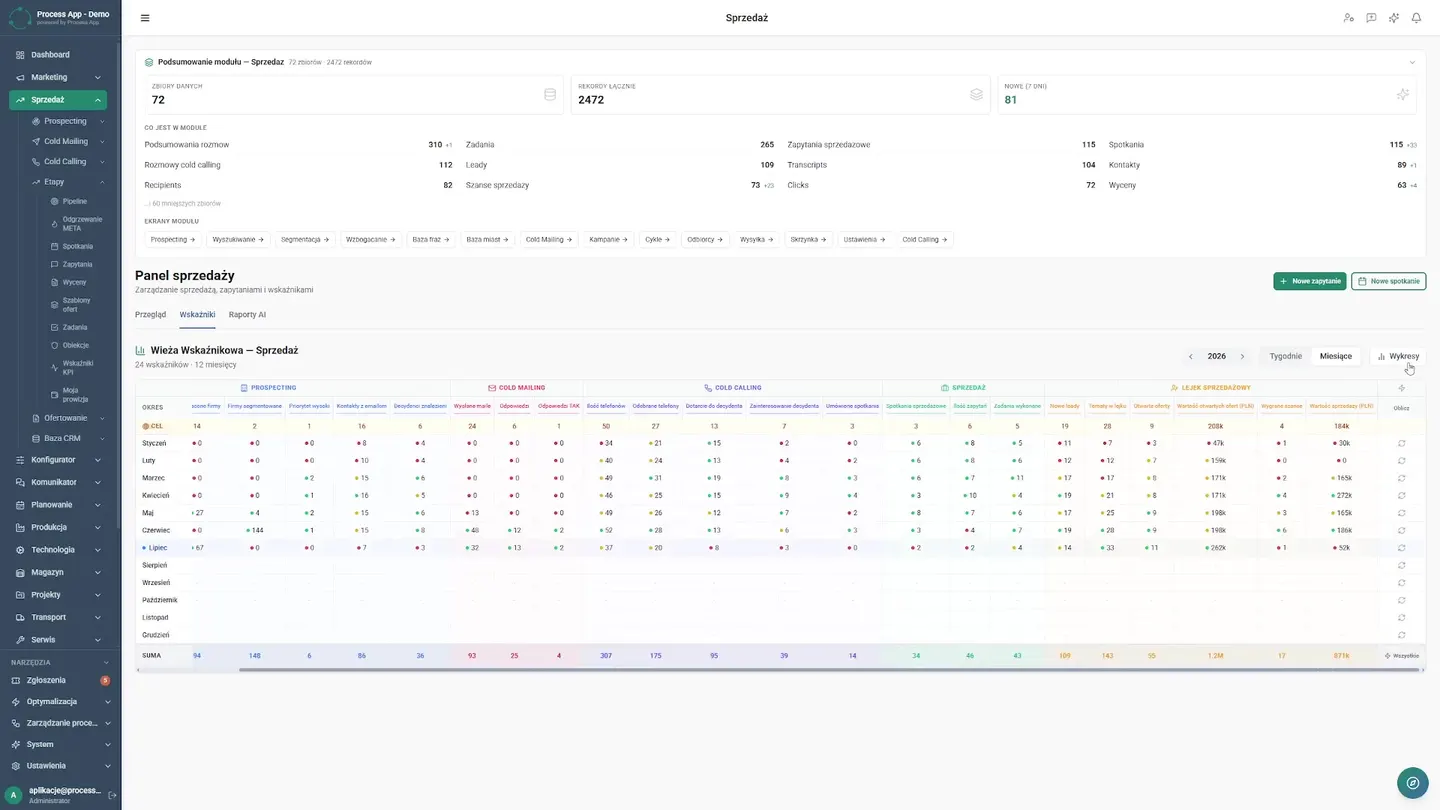
The video presents a comprehensive overview of the CRM module within the ProcessApp system. The demonstration begins with the general dashboard and then moves to a dedicated sales panel, showcasing key features such as a visual Kanban pipeline, lead management, meeting and task management. Particular emphasis is placed on analytical capabilities, including KPI dashboards, detailed indicator tables, and automatically generated AI reports that deliver valuable insights and recommendations. The whole demonstrates how the tool supports the full lifecycle of the sales process.
What works after go-live
What actually works in the system after the deployment — every one of these screens appears in the recording above.
Morning Review
Today, reviewing the entire company means a single unified dashboard fed from three different departments.
Sales Panel
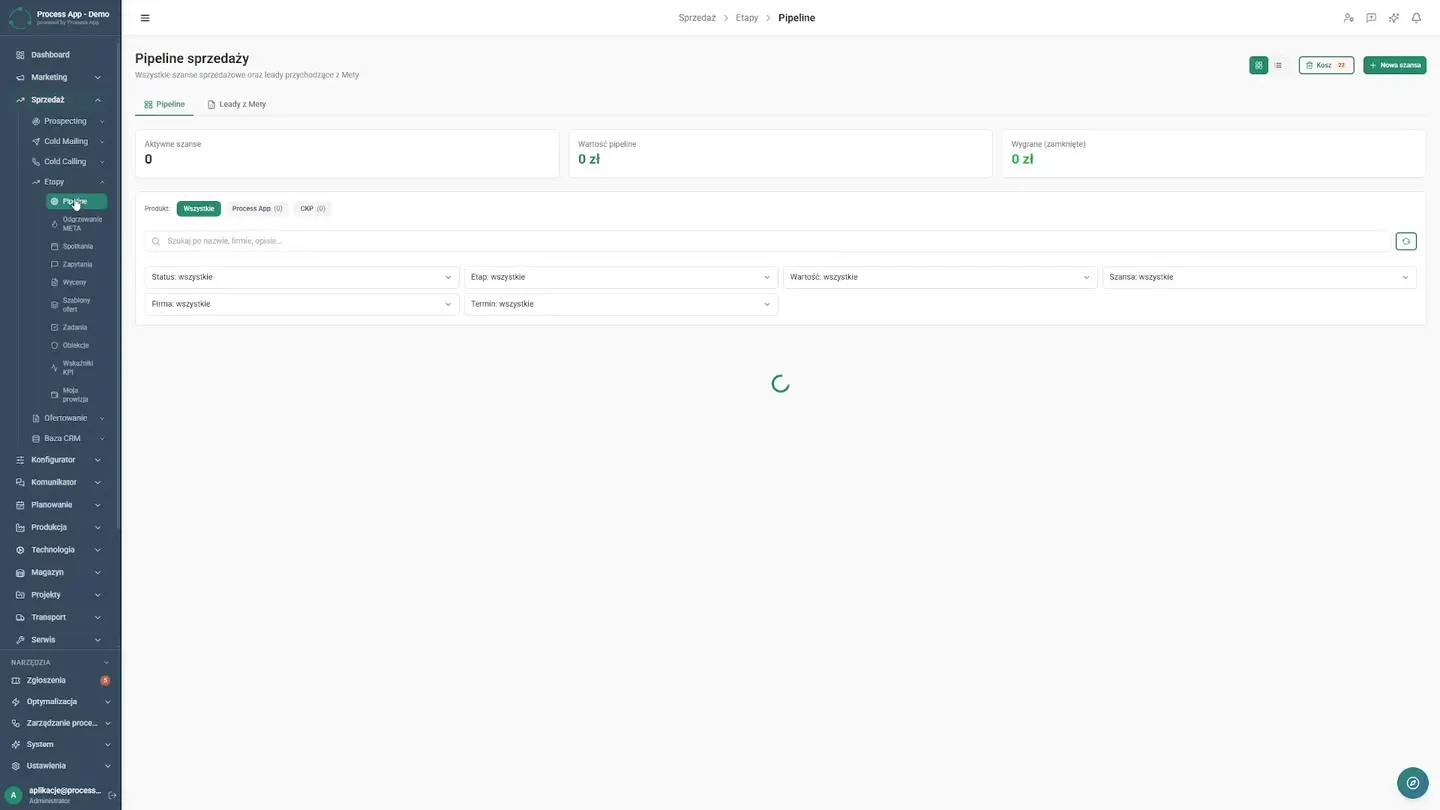
The team implemented a dedicated panel. Key metrics and the sales funnel immediately show the director where the priorities lie.
Kanban View
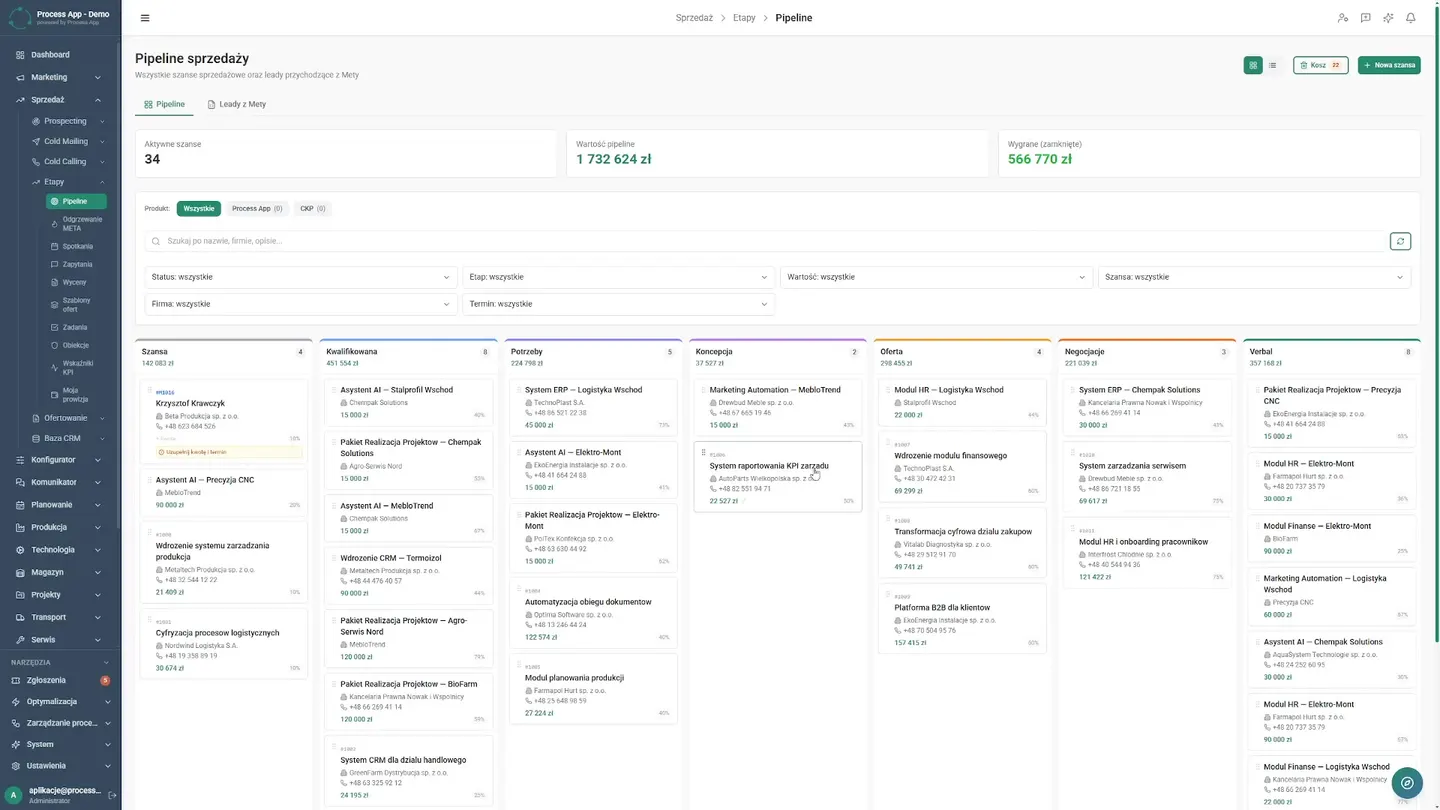
Sales reps use a clear Kanban board where they have the full interaction history, notes, and tasks in one place, eliminating questions about deal stages.
Lead Qualification
Previously, leads got lost in emails. Today, lead qualification is a structured process. The team verifies every record and analyzes sources and statuses. As a result, no valuable opportunity is missed and the company invests time only in contacts with real sales potential.
Meeting Management
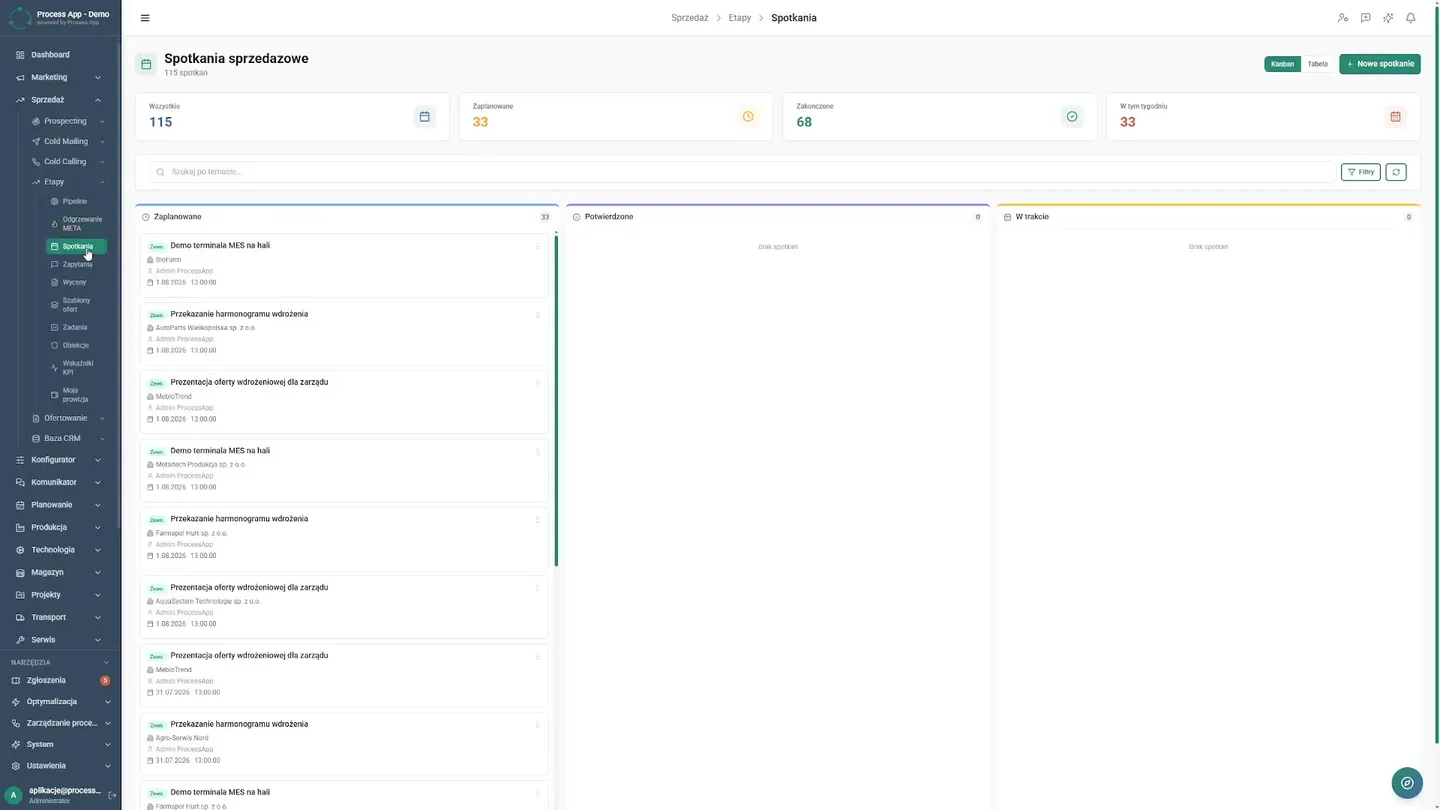
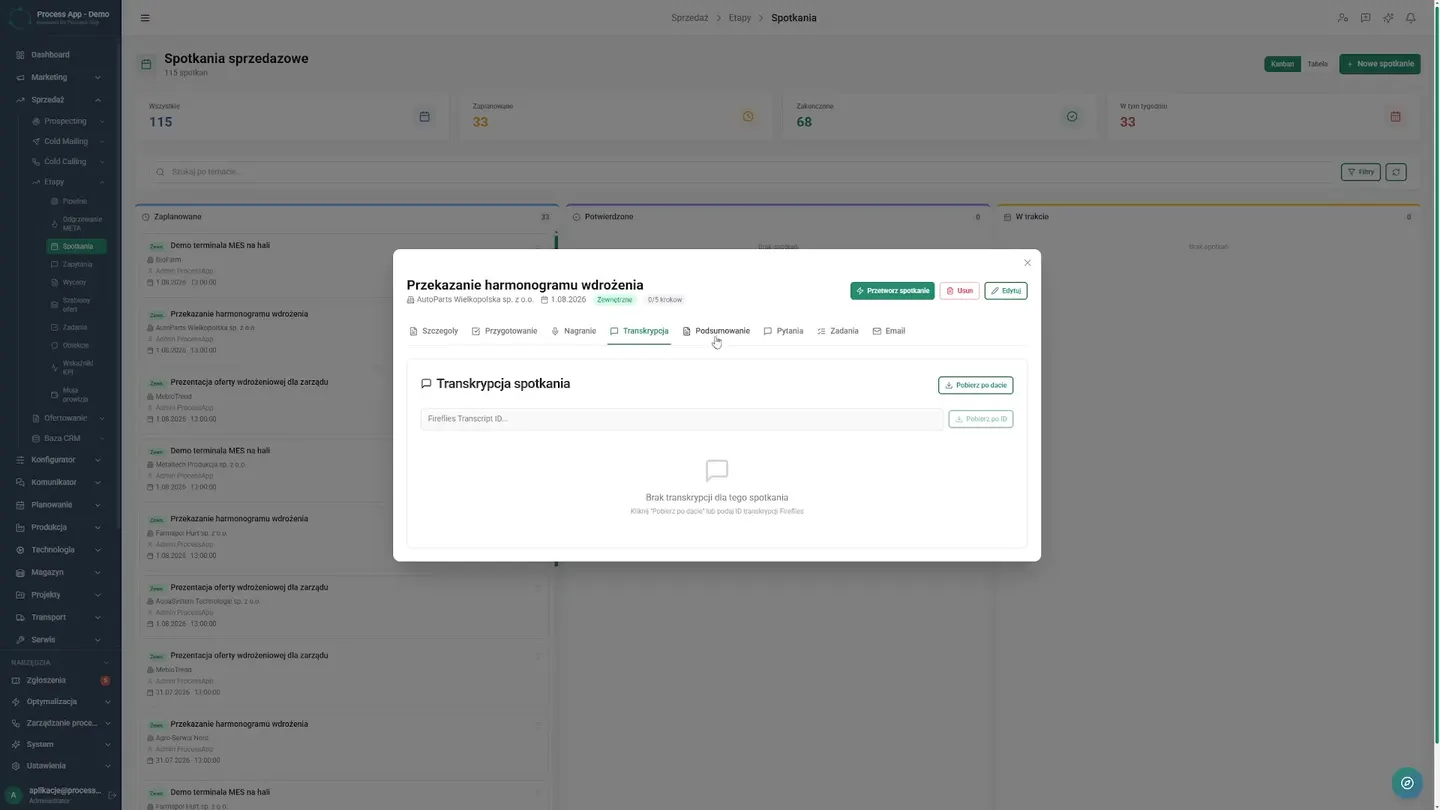
Pre-meeting chaos was the department's biggest pain point. Agendas were missing and key decisions slipped away. Now the meetings module keeps everything under control. A sales rep reviews upcoming events, sees participants and the discussion plan. Dedicated tabs store recordings and summaries from previous visits. Every representative enters a meeting perfectly prepared, building a professional image and shortening the time needed to close difficult negotiations.
Inquiries and Results
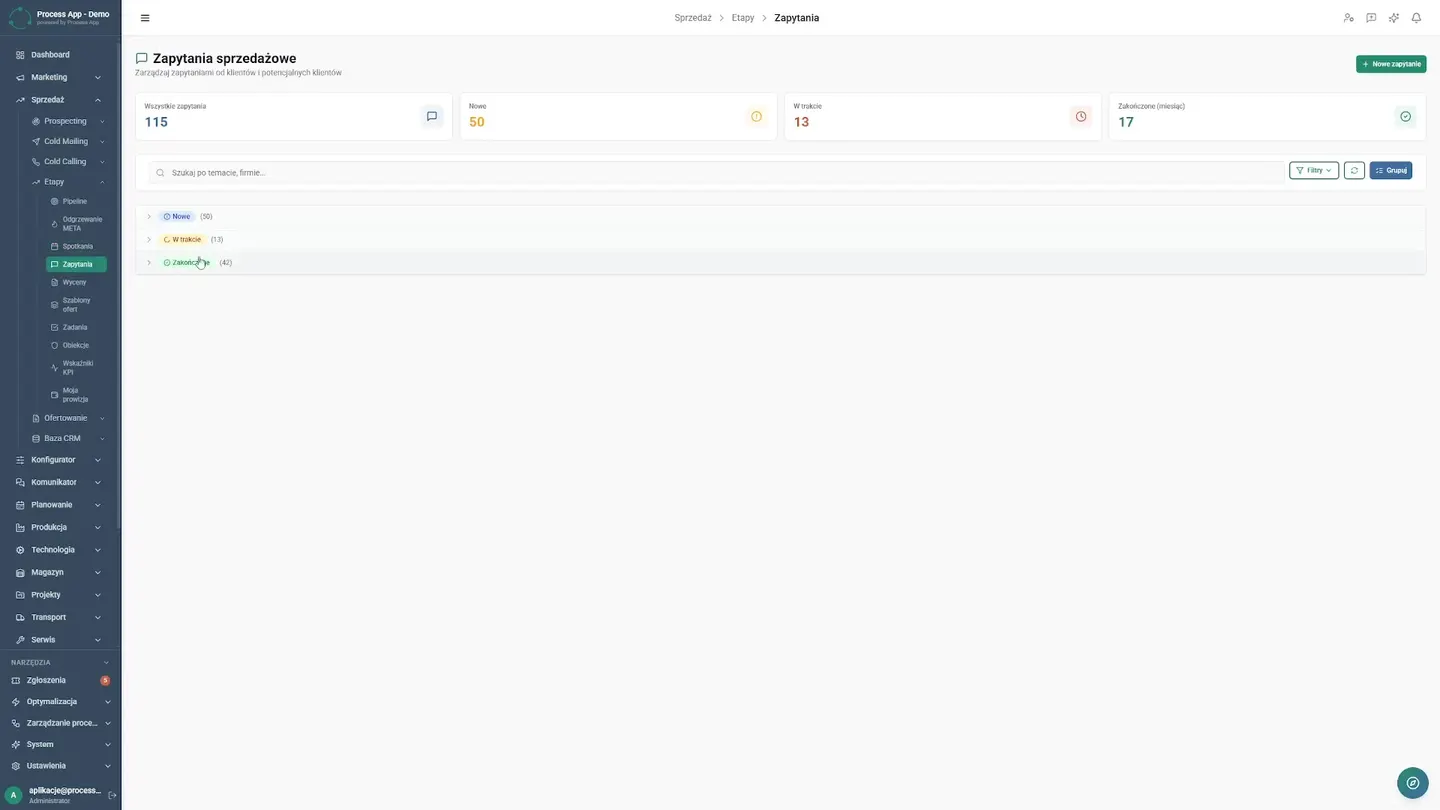
A smooth transition from inquiries to results gives management control over the process, while deal analysis allows quick conclusions to be drawn and the best sales practices to be effectively replicated.
Tasks and Objections
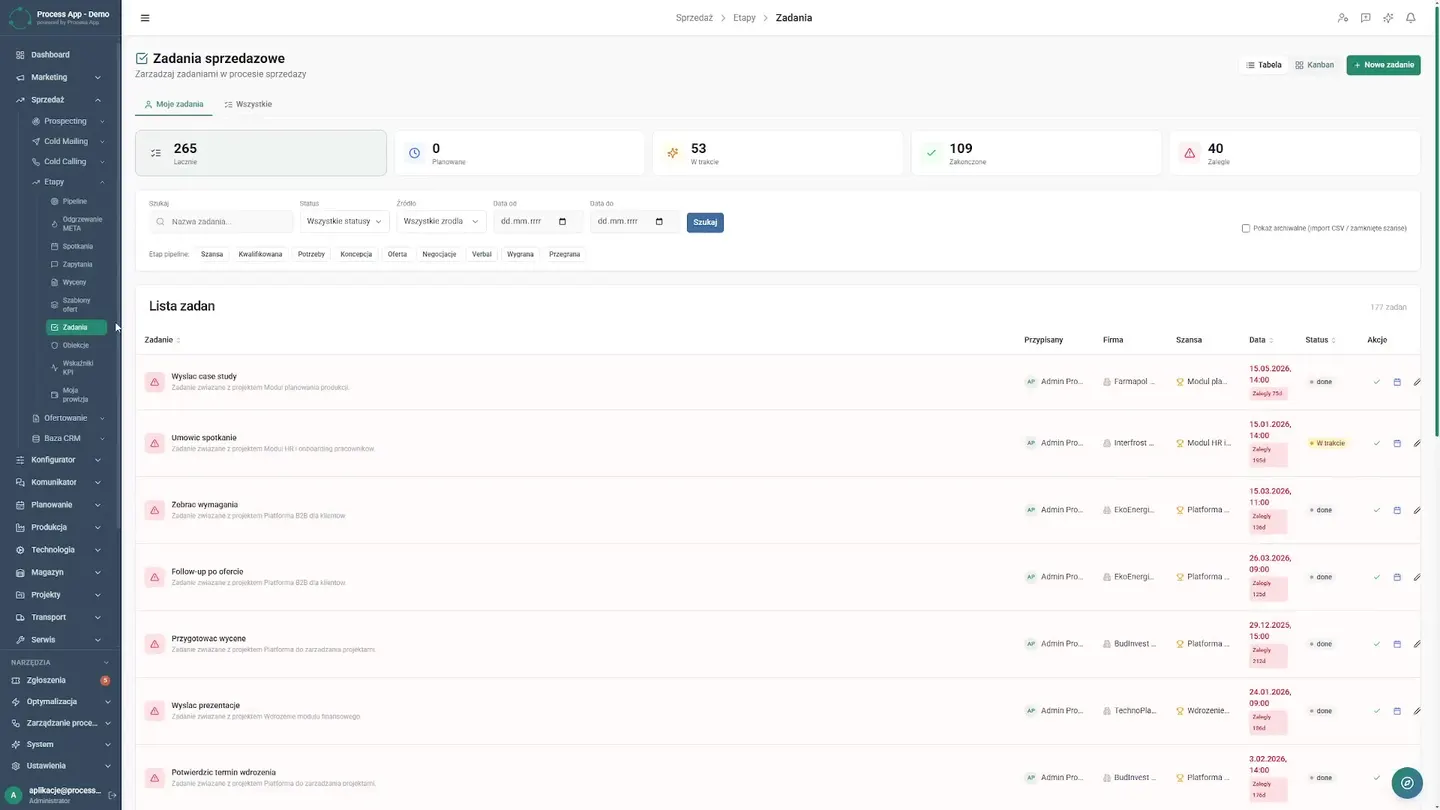
Closing tasks takes a single click, speeding up daily work. Most importantly, the objections module is where the team accumulates knowledge about customer doubts, helping new employees quickly learn how to respond to difficult questions during conversations.
AI Reporting
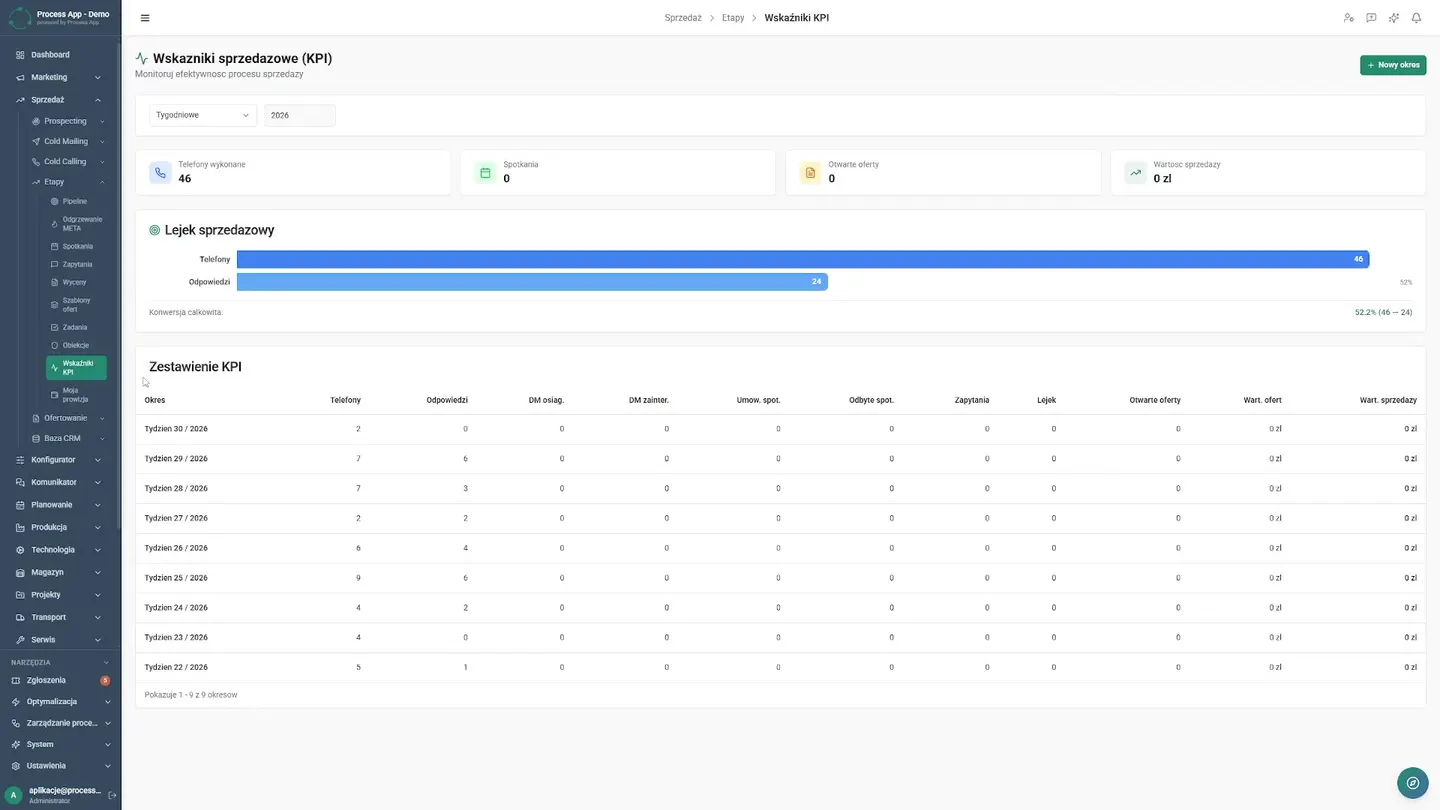
Today the director simply opens the KPI dashboard and analyzes charts in real time, while the automated AI report generates a weekly summary with recommendations. This saves a dozen or more hours per month that were previously spent pasting data, and now allows the team to focus on strategic business development.
Screens from the deployment