Cold Calling
Spending time manually dialing numbers and losing track of sales call notes? The Cold Calling module automates call queuing, campaign management and guides sales reps through structured call scripts. Built-in AI continuously analyzes calls, draws conclusions and suggests the best responses to customer objections.
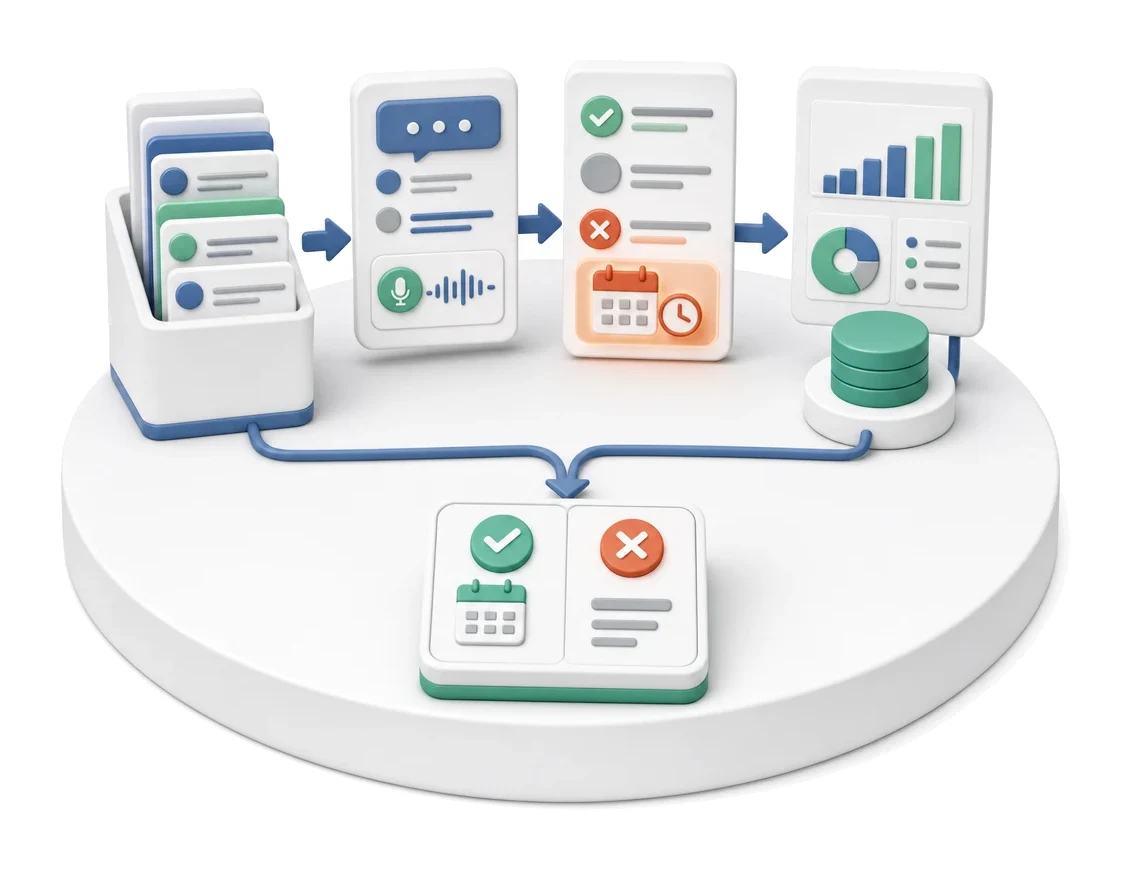
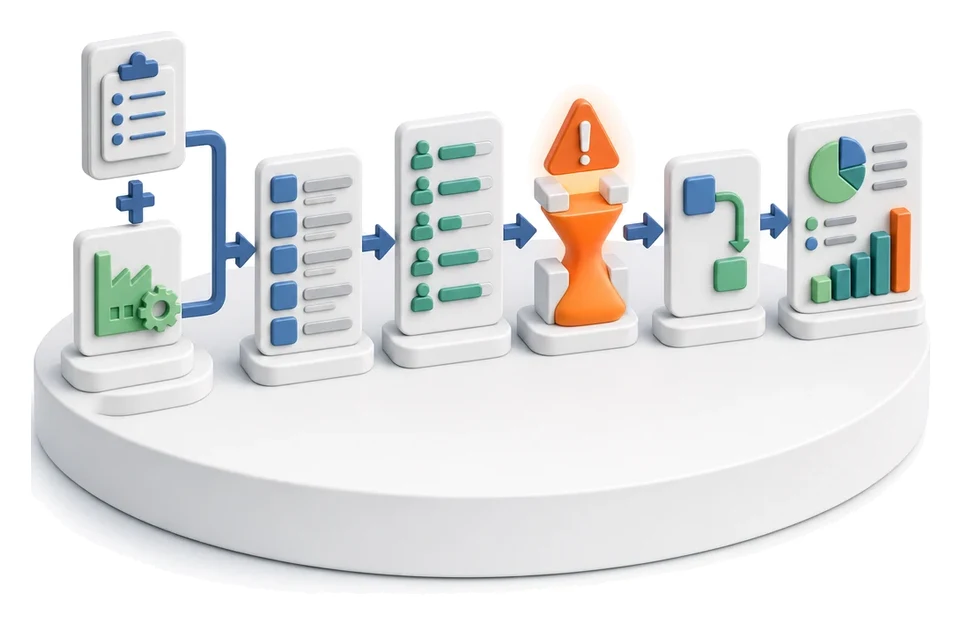
- Input
- Contact queue
- Flow
- Queue → in-call script → outcome and follow-up → effectiveness analytics
- Output
- Scheduled meeting or rejection with a reason
What changes in the company after the rollout
A sales rep works from a call queue with a guided script. Every call gets an outcome, note and next step, while analytics show conversion and performance.
Standardization of sales calls
With ready-made scripts and decision branches, every sales rep runs the conversation using a proven, repeatable pattern.
Higher calling efficiency
Working from an organized prioritized call queue eliminates time wasted on manually searching for the next contact.
Full process visibility
The conversion funnel and statistics tiles let you continuously monitor campaign performance and team activity.
Centralized sales data
All recordings, notes, statuses and linked opportunities are available in a single call details view.
Easy infrastructure management
Quickly adding and editing phone accounts and limits makes it easier to control costs and capacity.
How this process looks in Process App
Zrzuty pochodzą z działającego systemu — kliknij, aby powiększyć.
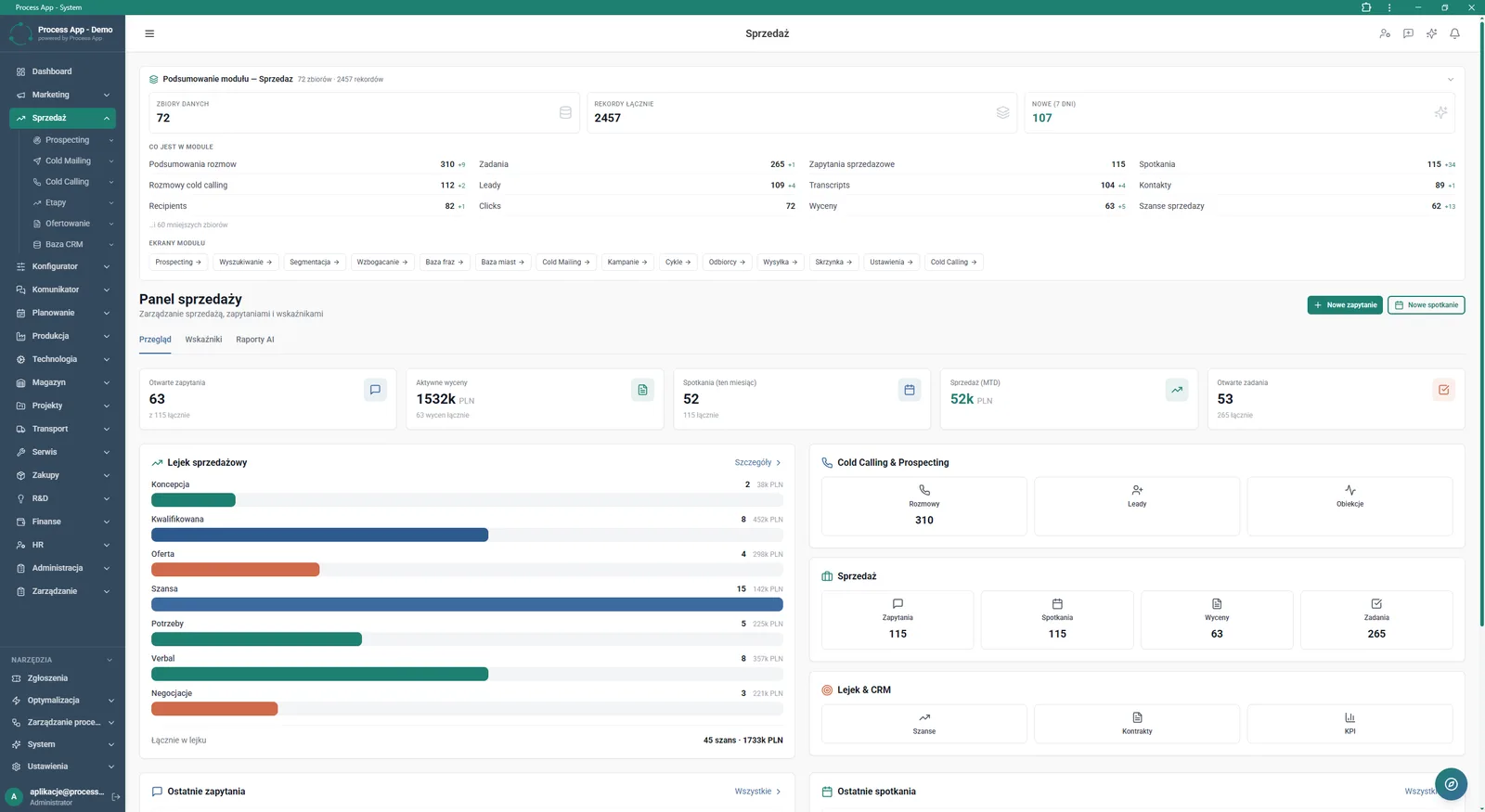
Main Sales module screen showing a data summary, sales panel with key metrics, sales funnel and shortcuts to sections such as cold calling and prospecting.
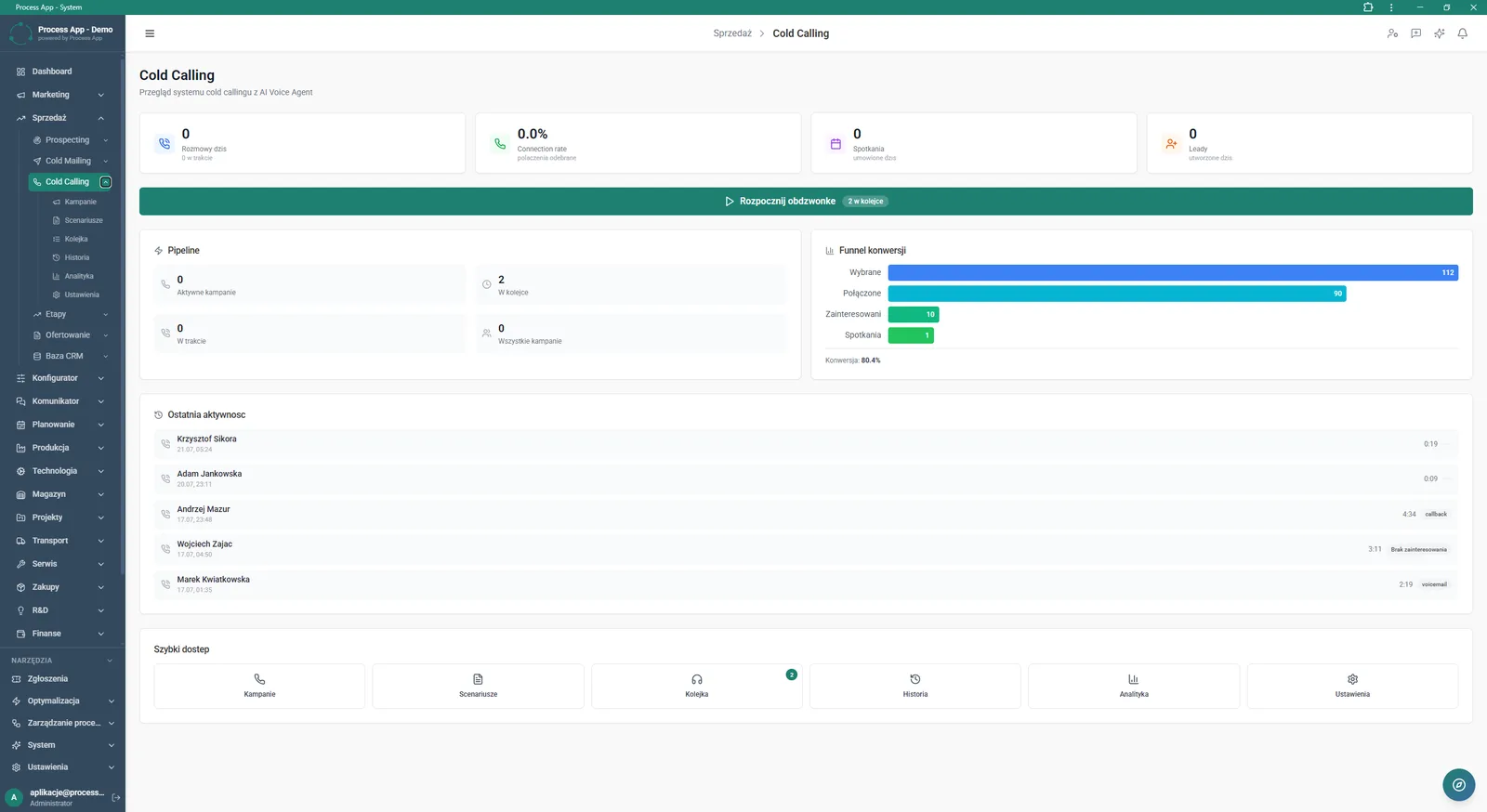
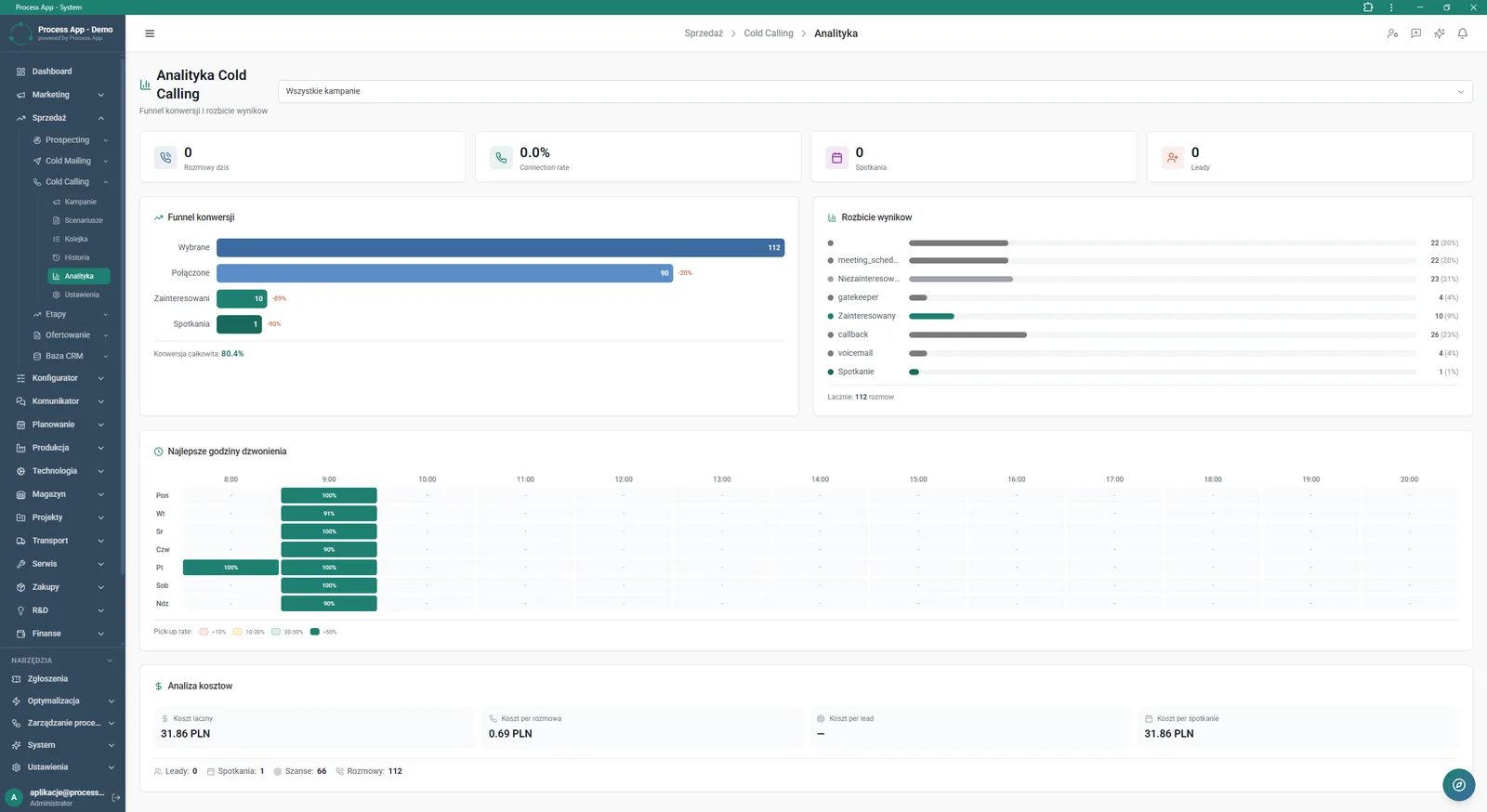
Main Cold Calling module screen presenting a summary of statistics, conversion funnel, list of recent activities and shortcuts to related tools.
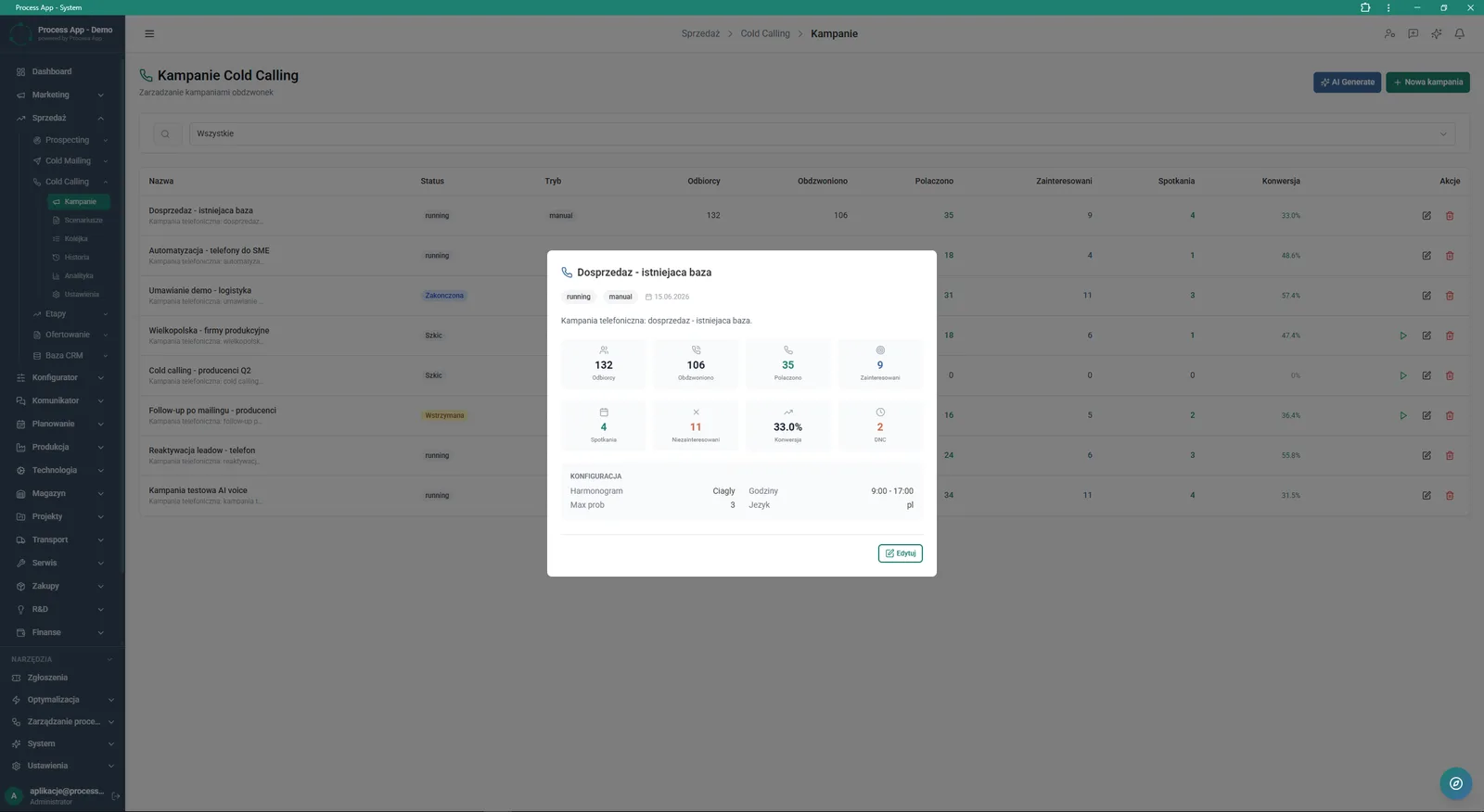
Cold Calling Campaigns screen with a table view of campaigns and an open details pane for the selected campaign showing its statistics and configuration.
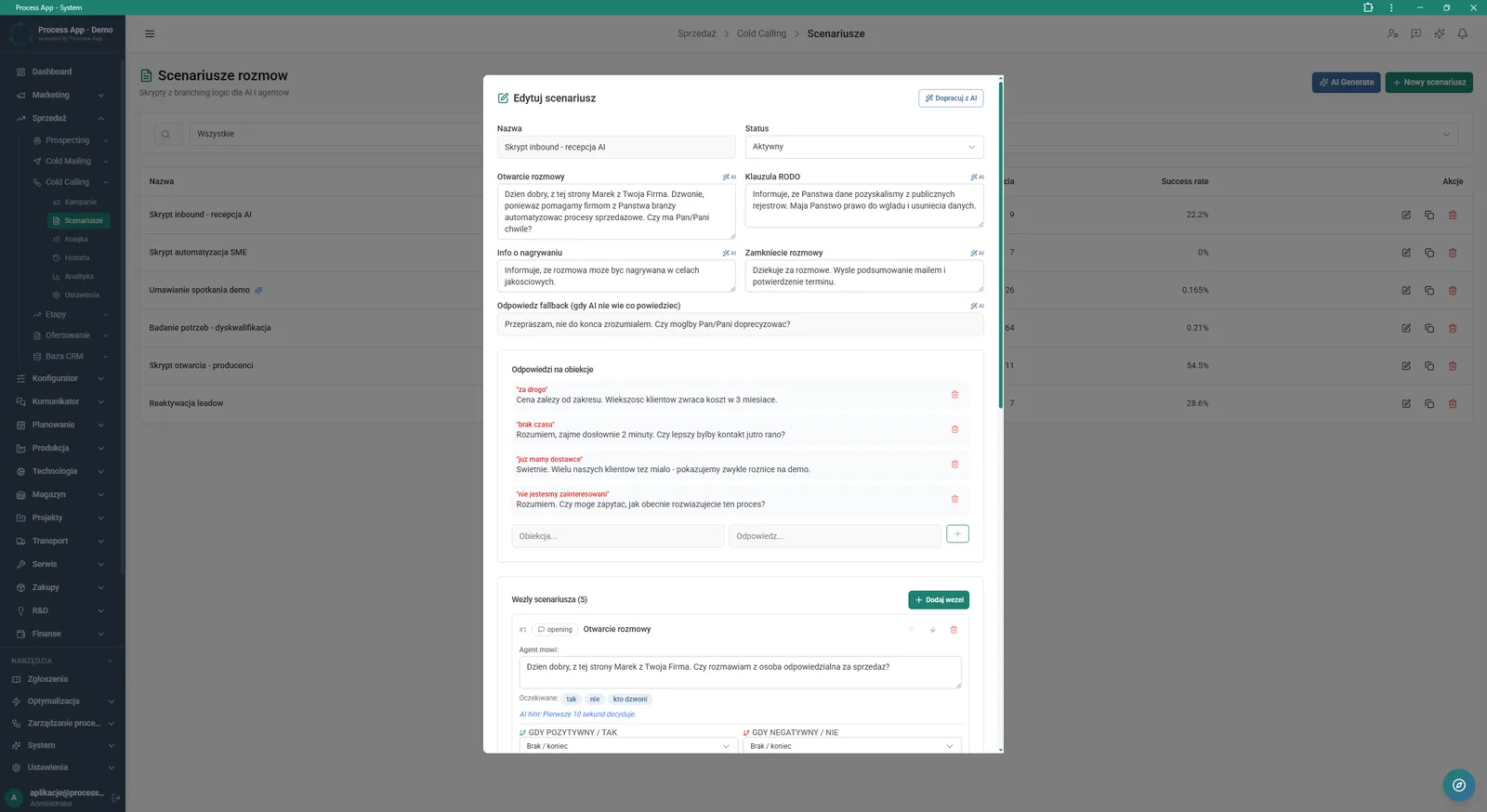
Call Scripts screen with an open editor for a selected script, displaying text fields for each call stage, a list of objection responses and decision node configuration.
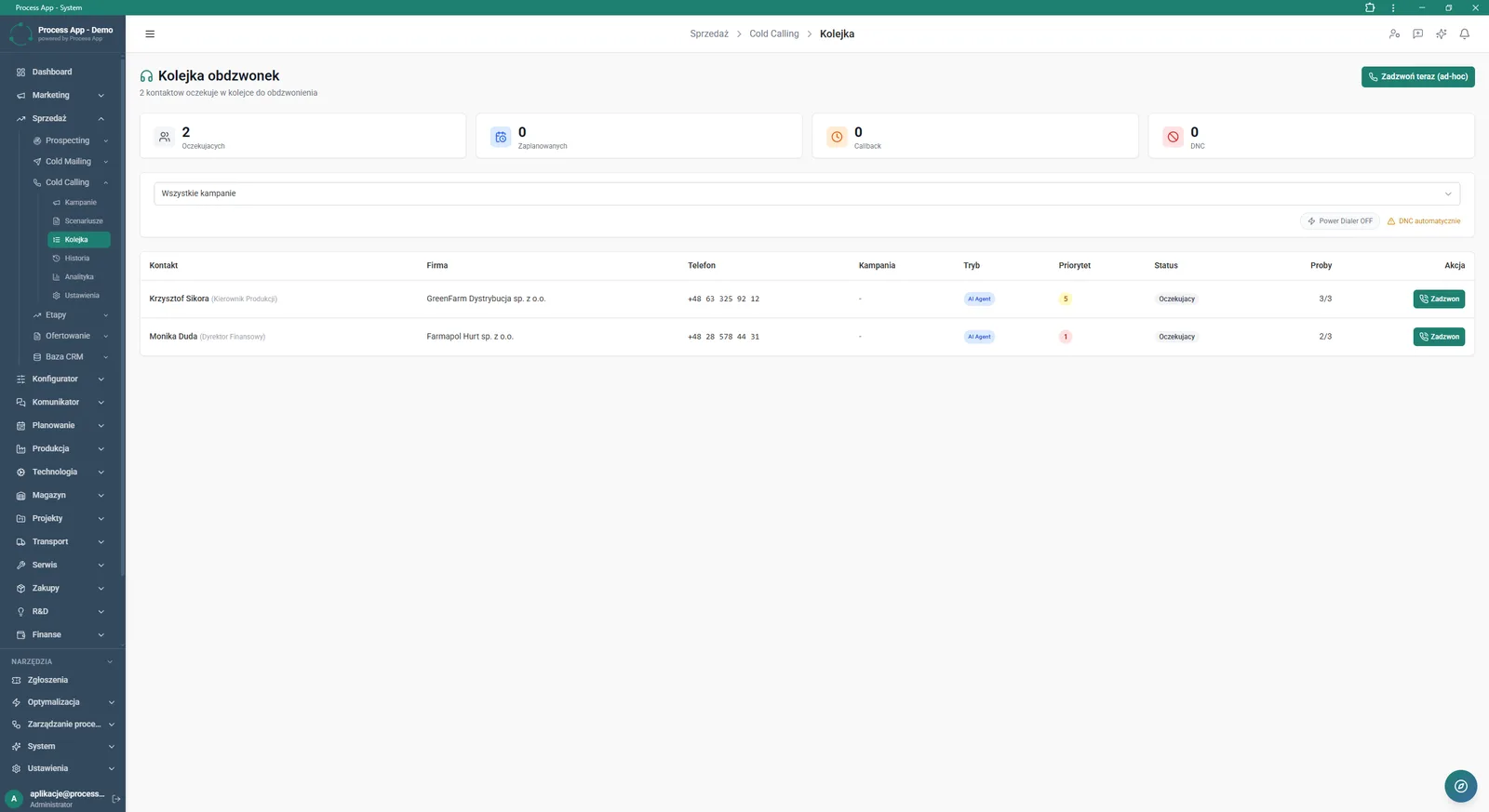
Call Queue screen showing a list of contacts waiting to be called, with summary tiles of statuses and a detailed table for each contact.
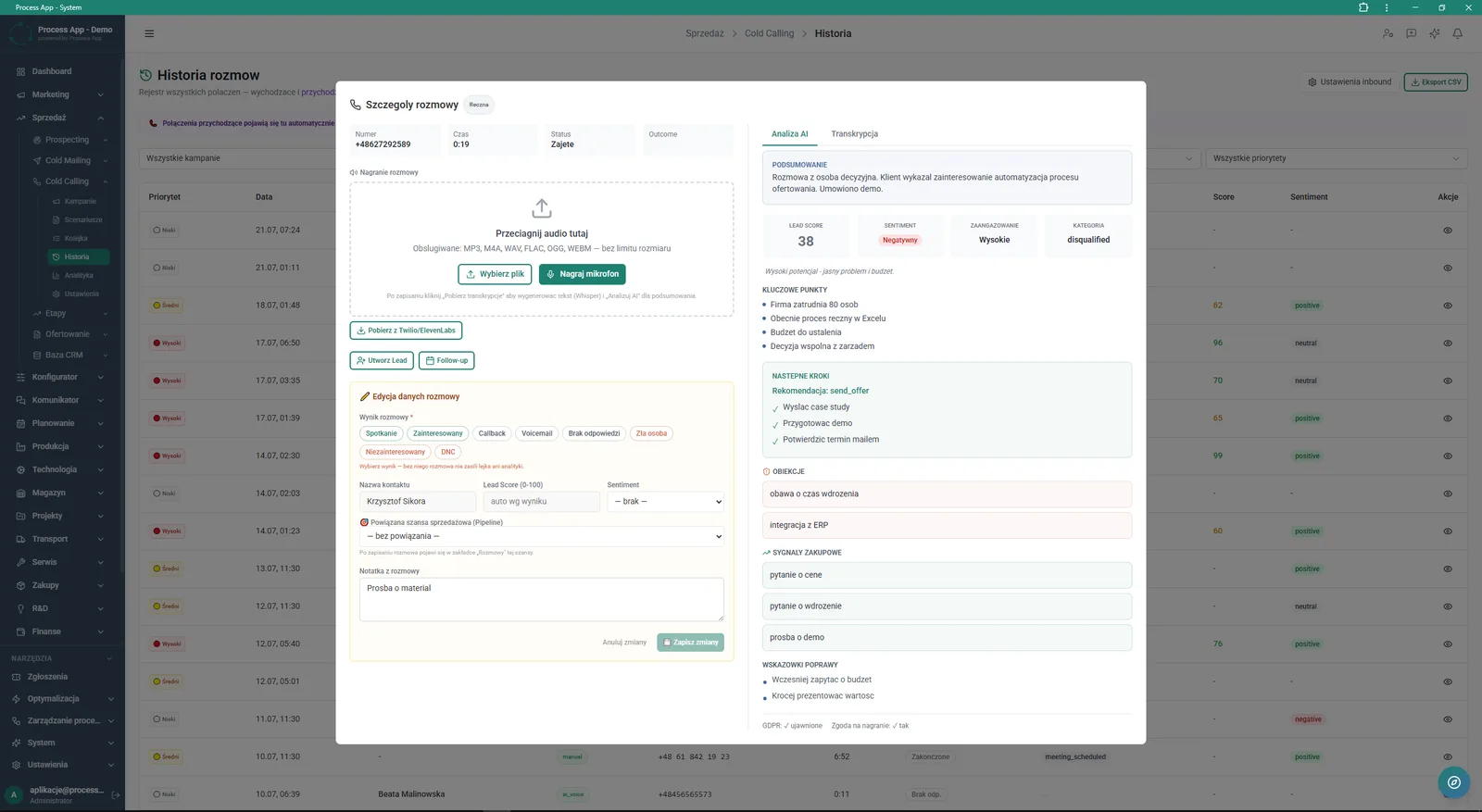
Call history screen with an open call details window showing options to add recordings, a form to edit call data, and an AI analysis tab with summary, indicators and insights.
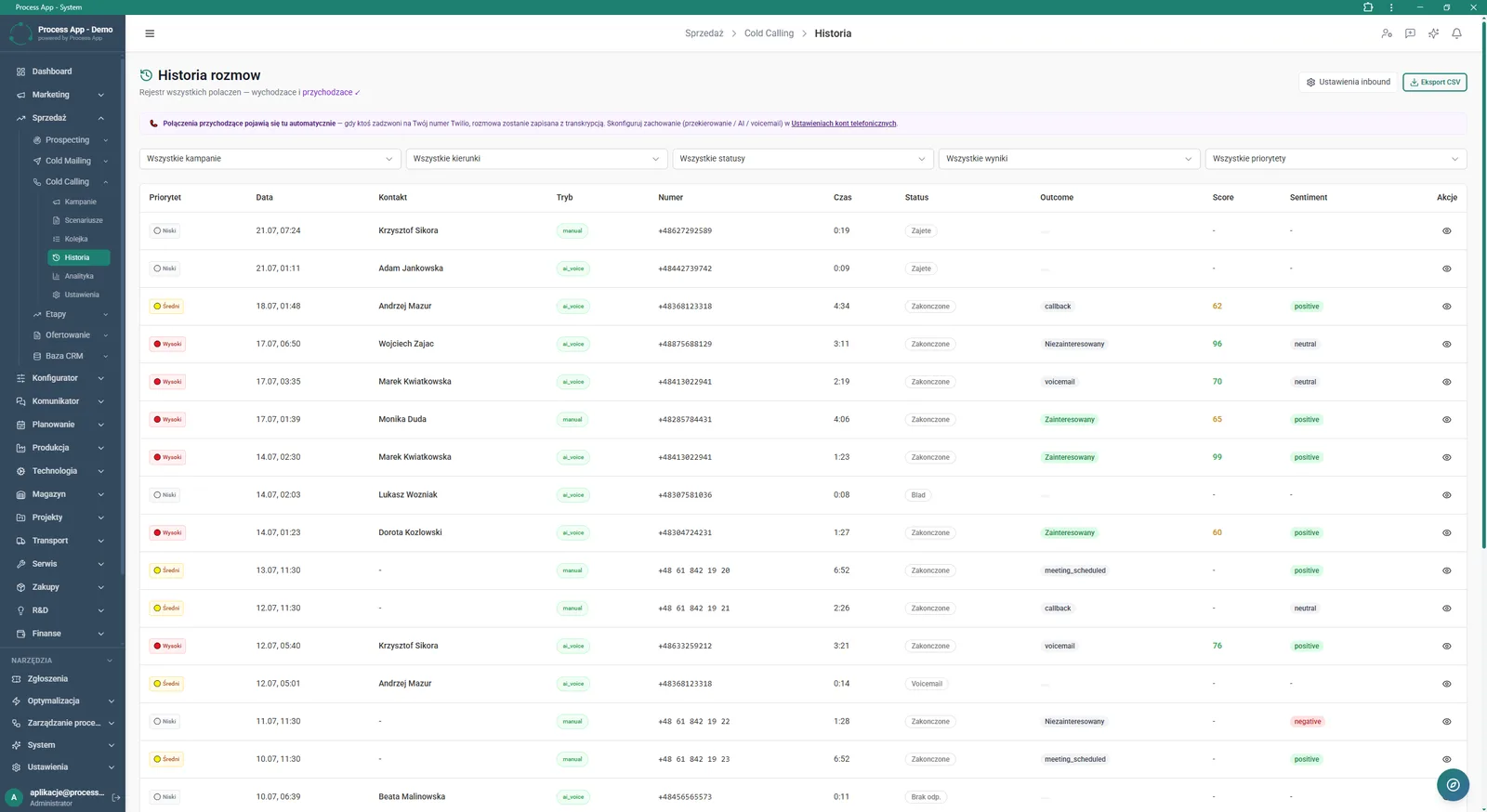
Call History screen presenting a tabular log of all outbound and inbound calls with filters and detailed metrics such as status, result, rating and sentiment.
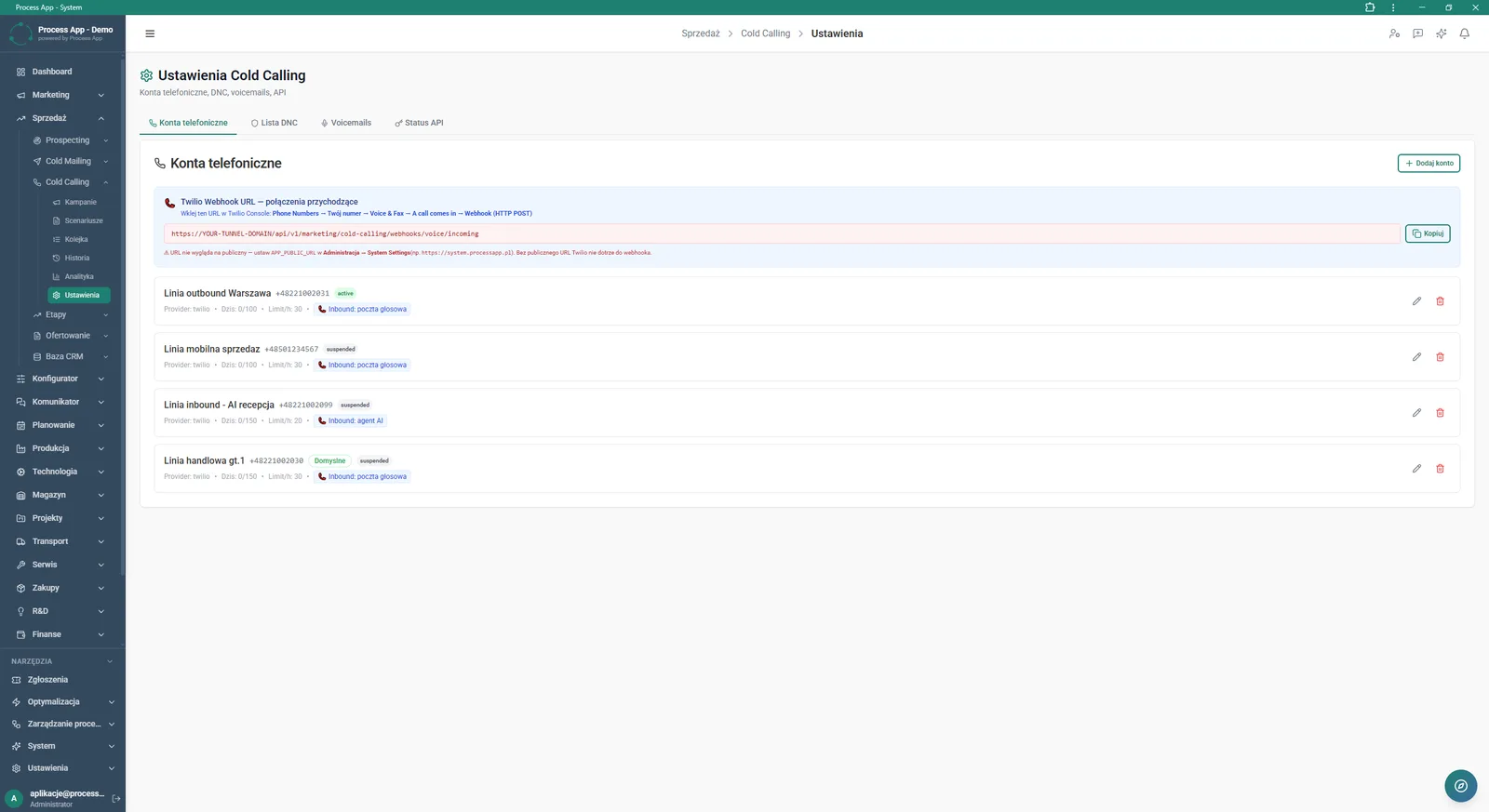
Cold Calling module settings screen in the Phone accounts tab, showing Twilio webhook configuration and a list of connected phone numbers with their limits and statuses.
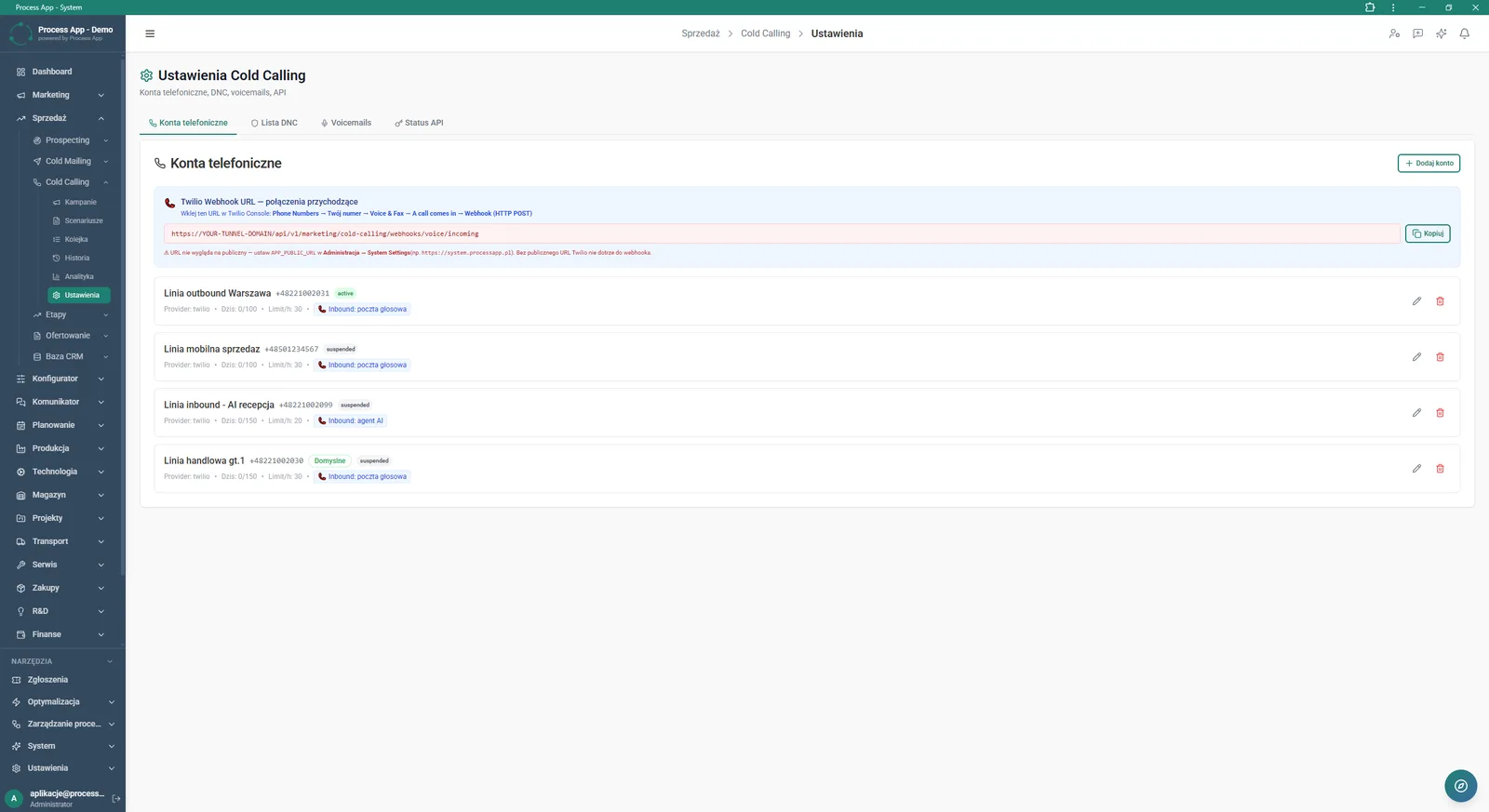
Cold Calling module settings screen in the Phone accounts tab, displaying Twilio webhook configuration for inbound calls and a list of configured phone lines with their parameters.
What exactly you get
Cold calling campaign management
The system lets you create campaigns, assign schedules and track statuses such as running or paused.
Call script editor
A visual builder lets you design call flows with stages, GDPR clauses, and reactions to positive and negative responses.
Call queue management
The module displays a list of contacts waiting to be called, with the option to place ad-hoc calls or work directly from the queue.
Call history log
A tabular view of all calls enables filtering by direction, status, result and priority, plus export to CSV.
Phone account configuration
The application lets you connect numbers, set hourly limits and configure Twilio webhooks for inbound calls.
What AI does for you in this process
Campaign generation
AI automatically creates outlines of new cold calling campaigns based on your input assumptions.
Script refinement
AI optimizes and expands the content of individual script nodes, tailoring them to your sales objectives.
Call analysis and summarization
AI analyzes the call transcript, generating a concise summary, key points and recommended next steps.
Sentiment and engagement scoring
AI evaluates the course of the conversation, automatically assigning a Lead Score, customer sentiment and detecting buying signals and objections.
Real-time guidance
AI provides live tips and fallback responses when the standard script doesn’t cover a customer’s objection.
The process from start to finish
Manage the entire quoting and prospecting process from a single tool, with full visibility into your sales funnel and KPIs. Create and configure cold calling campaigns, assigning the right audience and dialing modes to each one. Build multi-step call scripts with ready-made objection handling and decision branches to standardize how your team works. Start calling directly from the queue screen, using a clear view of priorities and statuses for each contact. Log the outcome of every call, add notes, and smoothly create new leads or opportunities. Review the complete history of outbound and inbound calls, filtering data by campaign, result or sentiment. Control connected phone accounts, call limits and webhook configuration for integration with external providers.
See this process on your own data
We will walk you through the “Cold Calling” module using your company as the example — the input, the flow and the end result in Process App.
Explore the remaining system modules
Prospecting

Cold Mailing
Sales Opportunity Management
Quotation Preparation
Offer Preparation and Sending
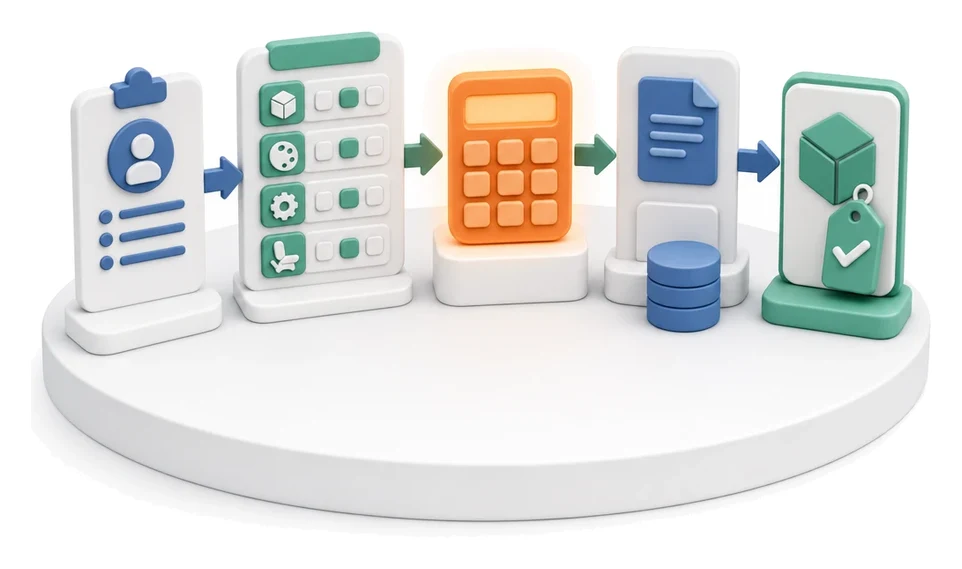
Product configurator
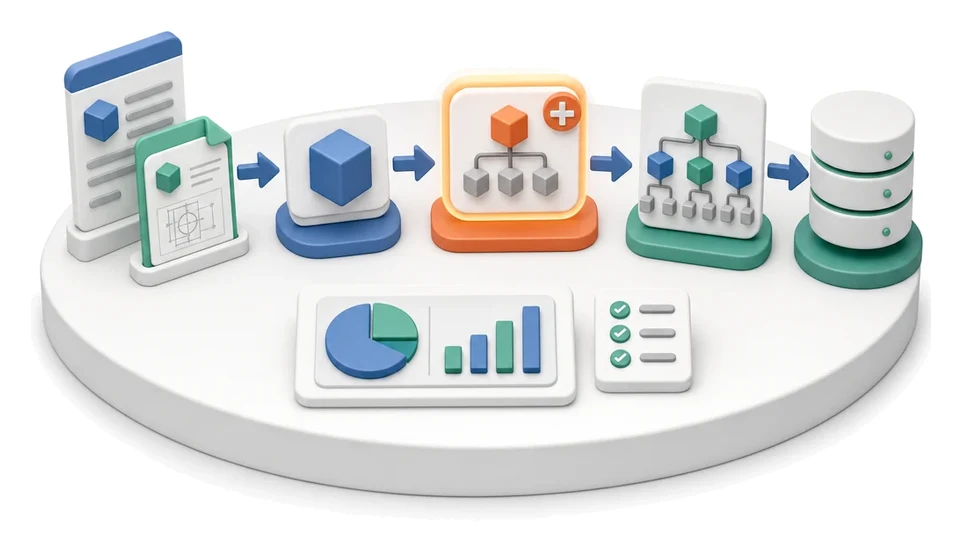
BOM Development
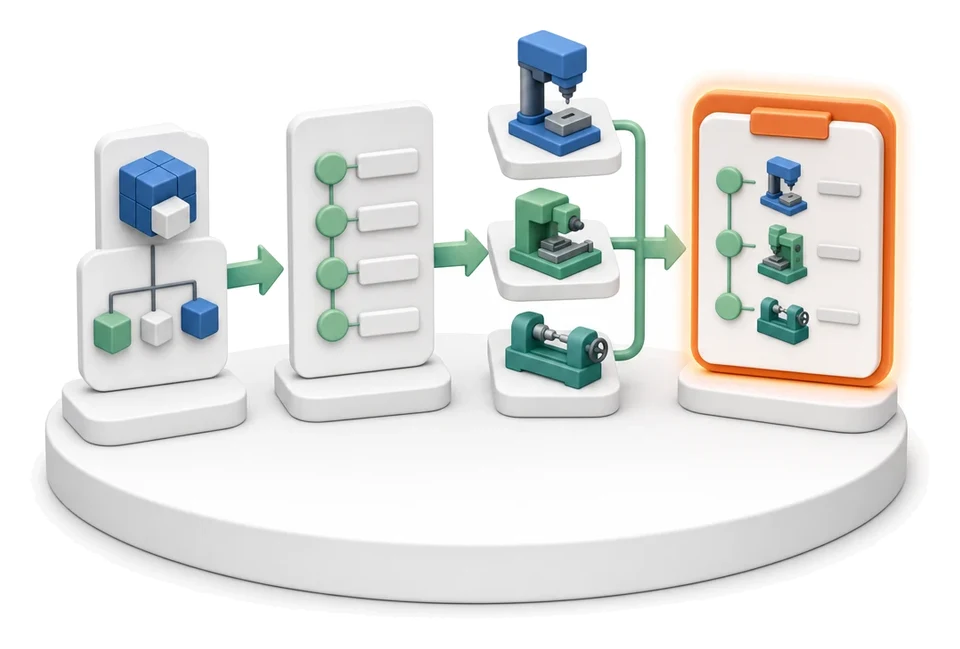
Technology Routing
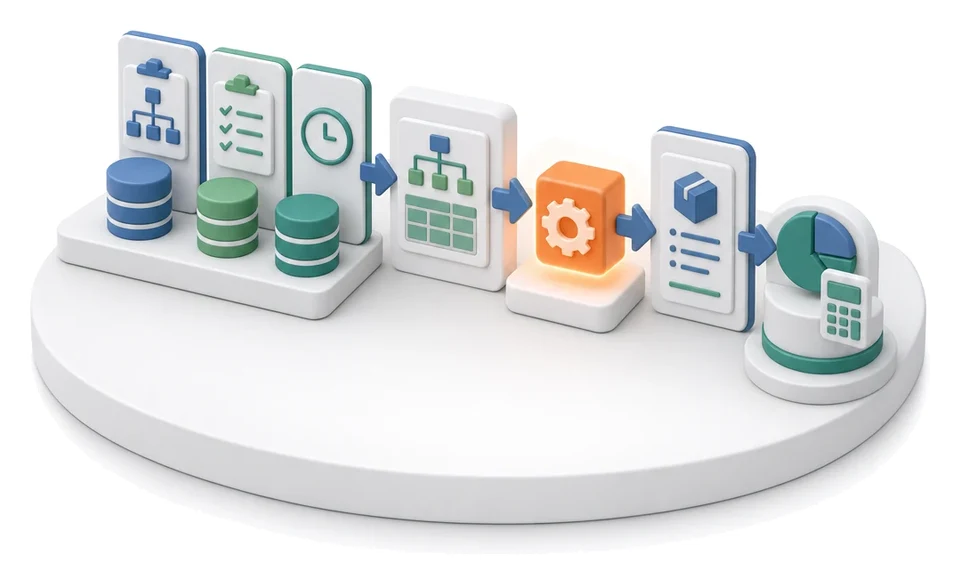
Manufacturing Cost Calculation

Demand Forecasting (Forecast)
Resource Planning and Workload Analysis