Production Scheduling
Is your production plan just a wish list that collapses at the first delay? The Planning module turns orders and workloads into a realistic schedule with concrete start and end times for each operation. AI algorithms analyse available capacity and forecast data to automatically optimise task allocation and prevent crew overload.
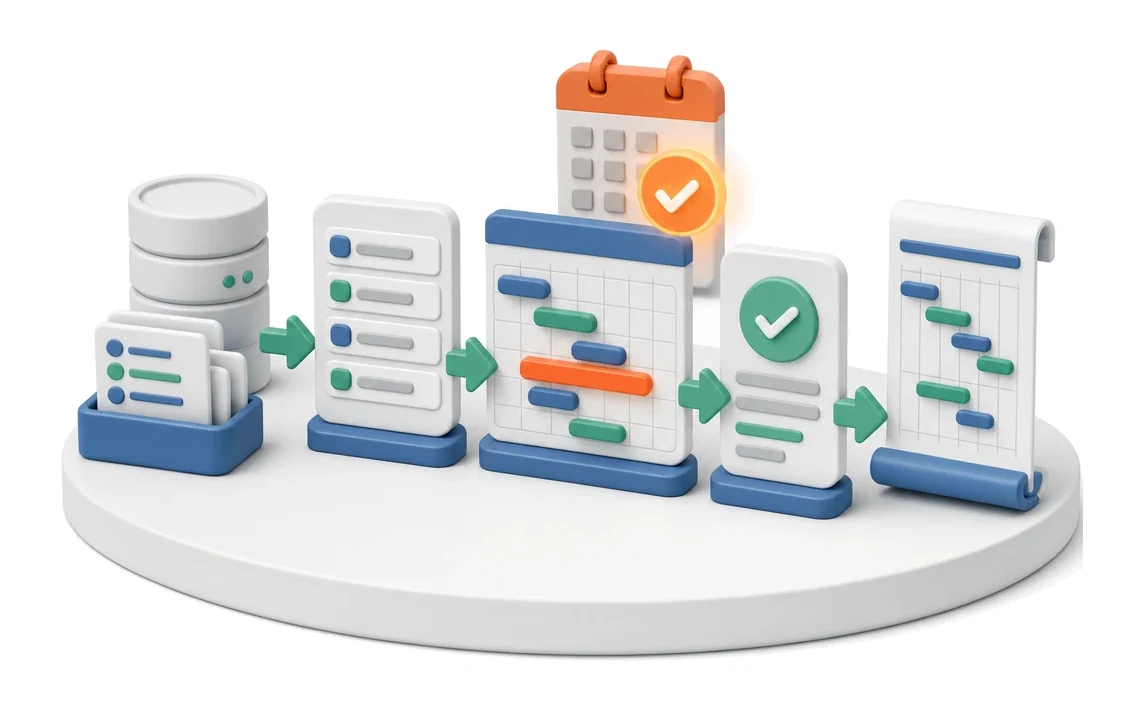
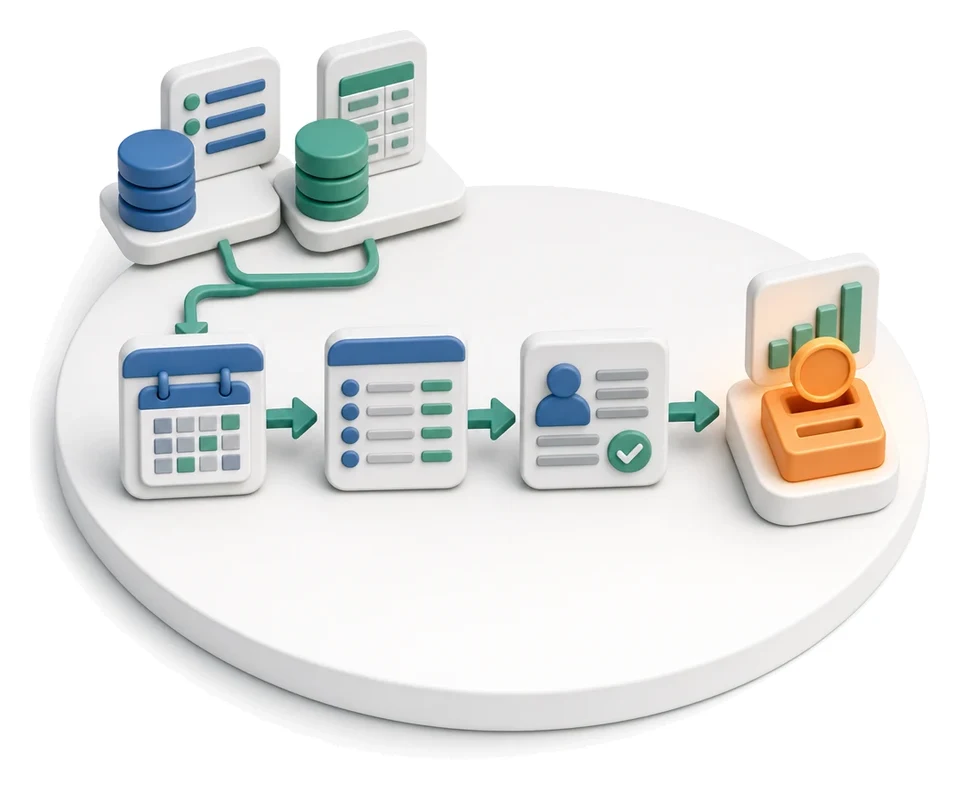
- Input
- Orders and workloads
- Flow
- Order list → arranging on Gantt → confirmed dates
- Output
- Schedule with dates
What changes in the company after the rollout
Orders receive concrete start and end times for each operation. You get a realistic, executable schedule instead of a wish list.
Realistic production plan
Orders receive specific completion dates based on actual capacity, not wishful thinking.
Full workload visibility
Charts and tiles show whether a given day is tight or requires overtime, helping prevent employee overload.
Fast reaction to change
Instantly undo planning decisions or update from the forecast to manage crises flexibly.
Better progress control
Live tracking of operations in progress gives confidence that production is running according to the planned schedule.
Fewer communication errors
All departments see the same up-to-date plan in views tailored to their needs.
How this process looks in Process App
Zrzuty pochodzą z działającego systemu — kliknij, aby powiększyć.
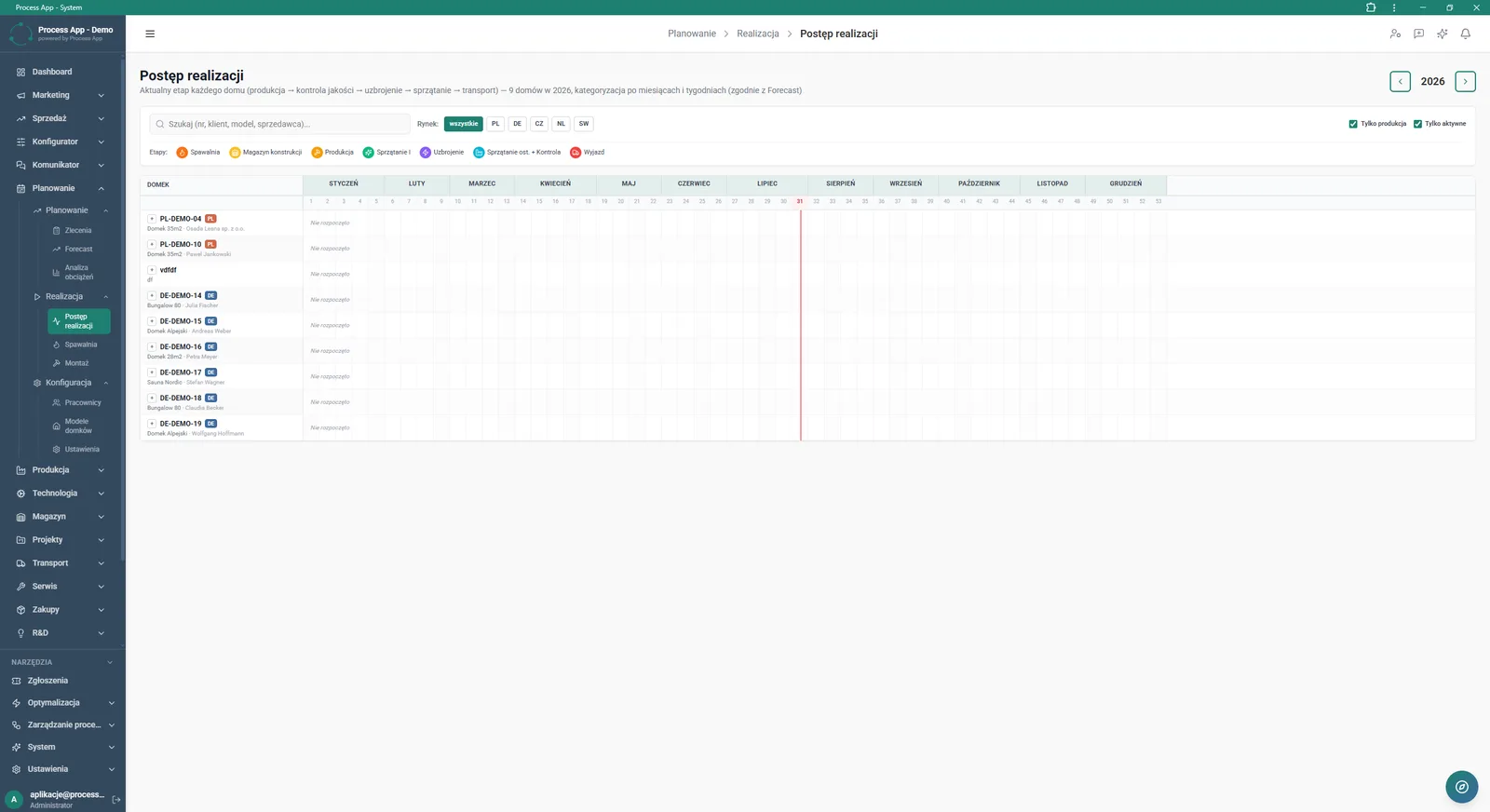
The Progress screen shows the annual production schedule for houses, split into months and weeks, with market filters and a legend of production stages.
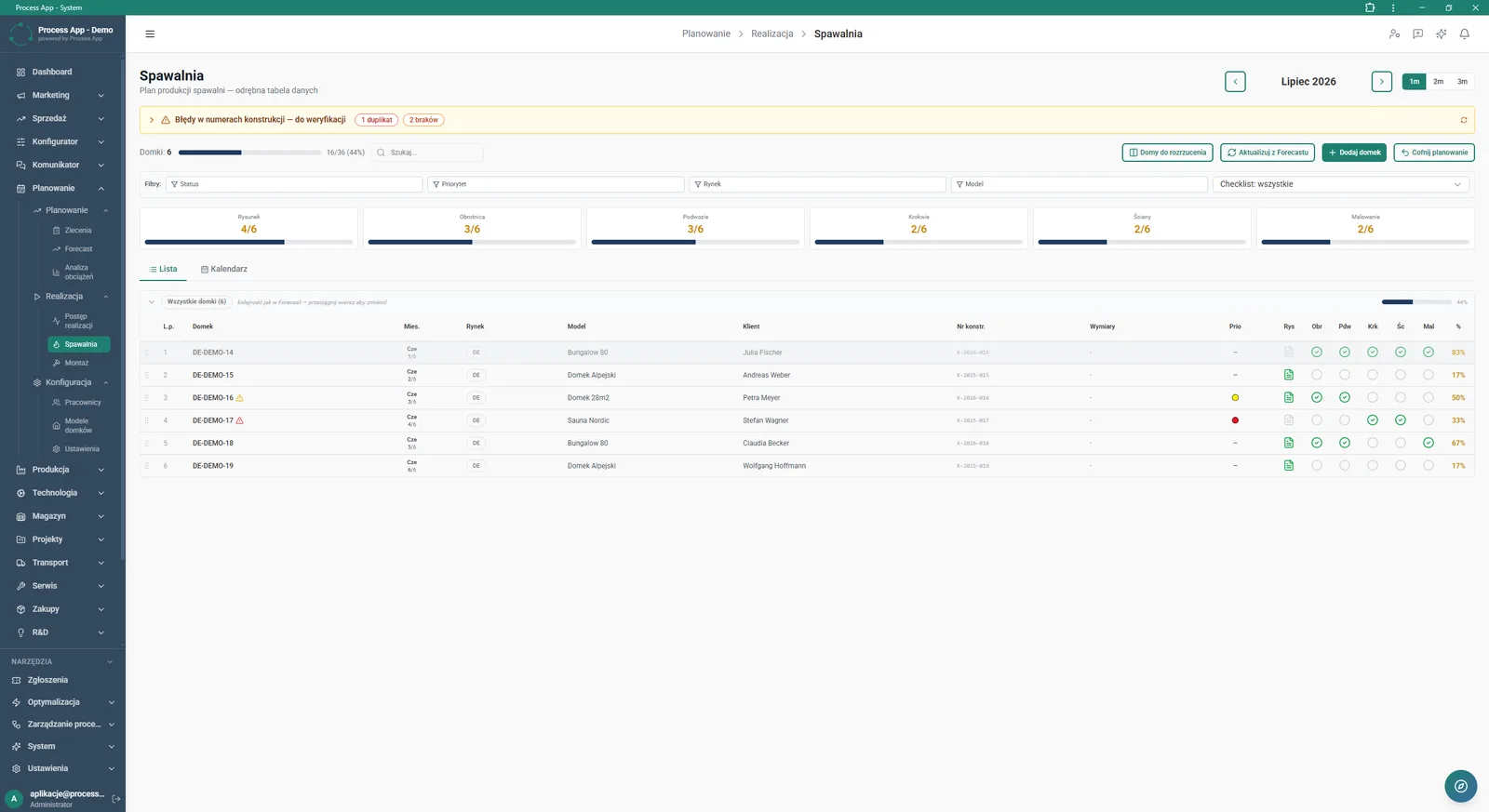
The Welding screen in the Planning module shows a detailed list of houses in production with progress tiles for individual stages and an order data table.
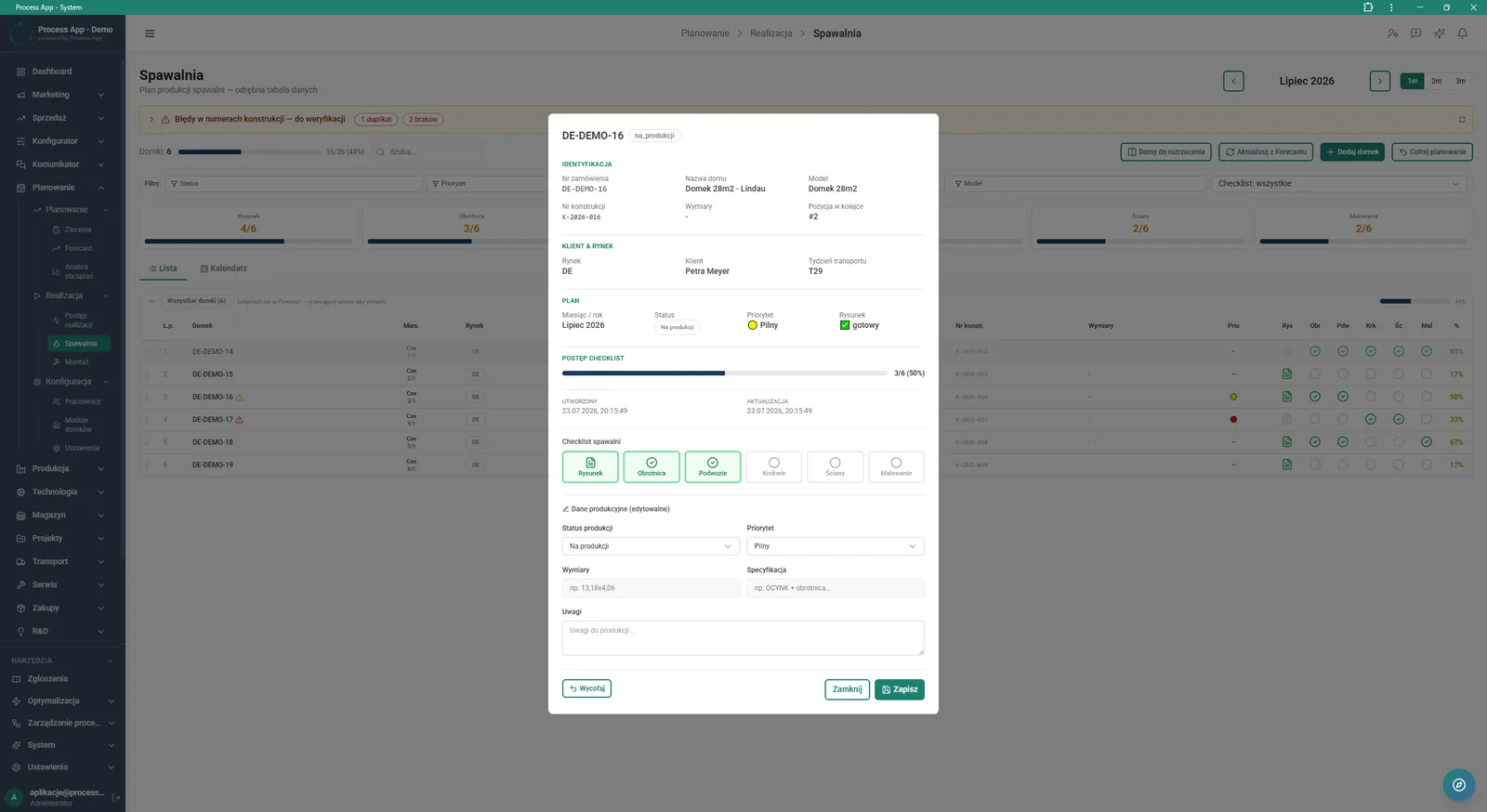
The screen shows an open modal window with details of order DE-DEMO-16 in the Welding view, including identification data, customer and plan information, checklist progress, and editable production data forms.
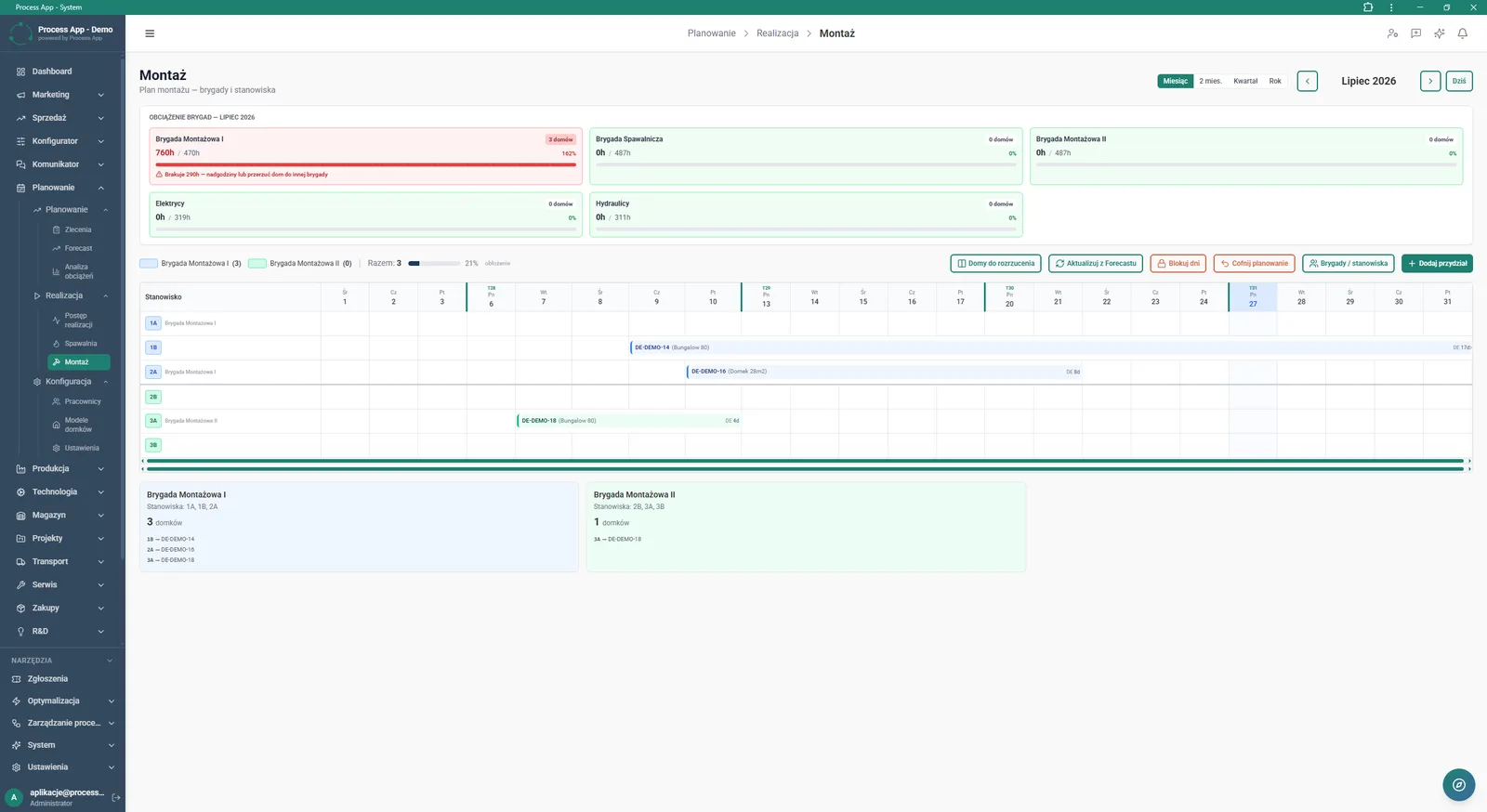
The Assembly screen in the Planning module shows the monthly schedule of assembly crews, with crew workload tiles and a Gantt chart assigning orders to workstations.
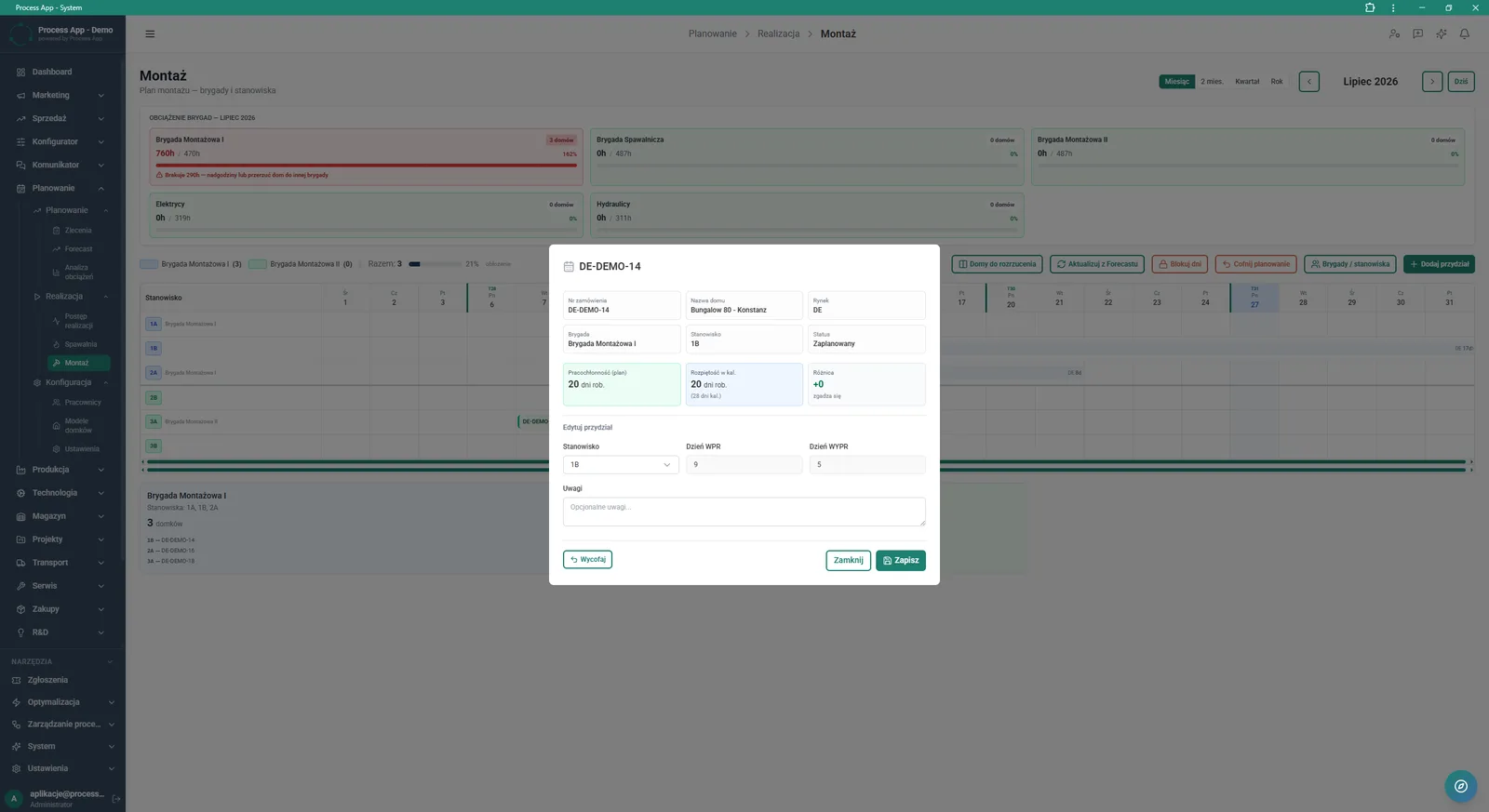
The screen shows an open modal window with details of order DE-DEMO-14 in the Assembly view, including order data, workload information, and a form for editing the workstation assignment.
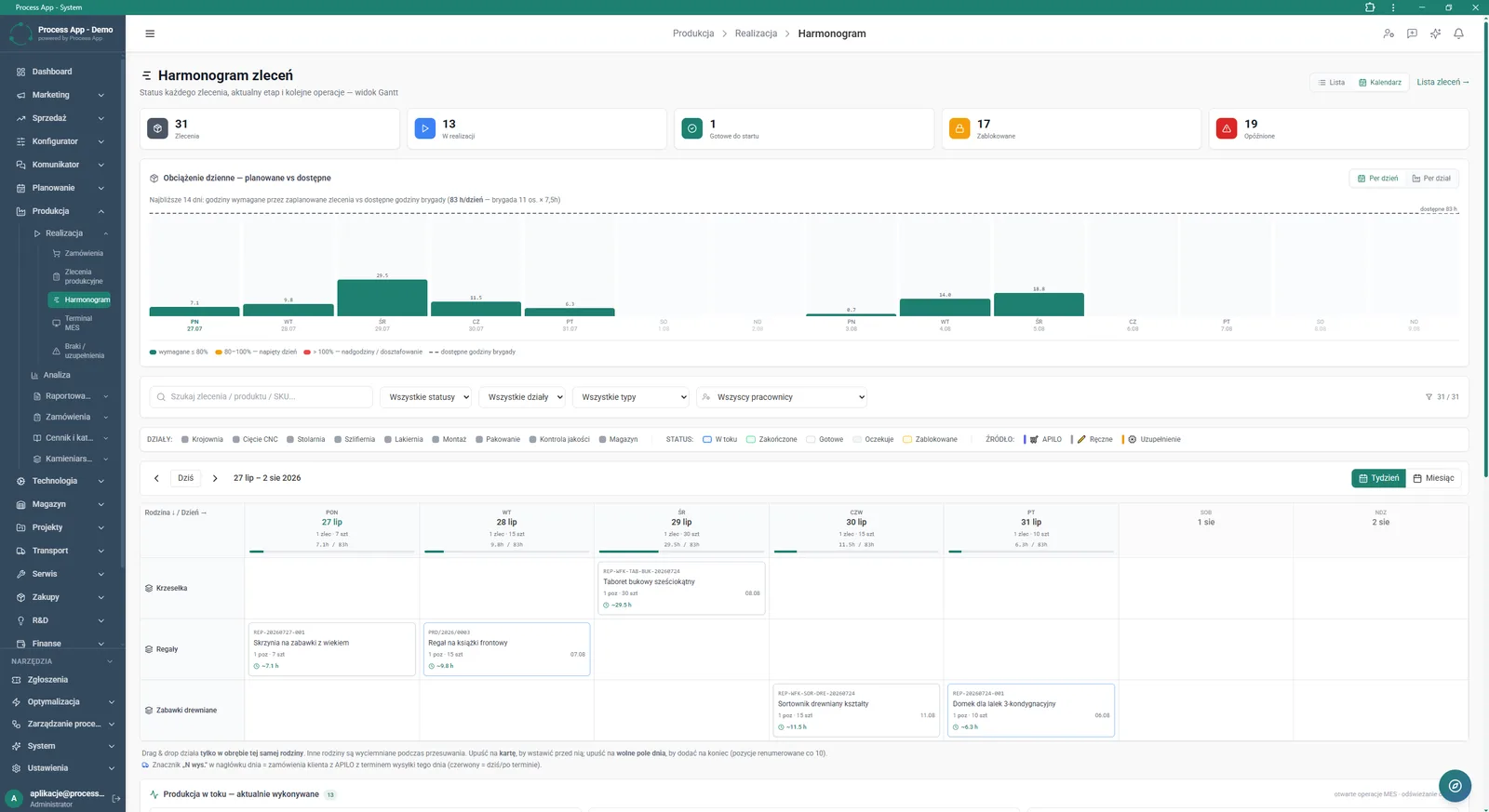
The Order schedule screen in the Production module shows a daily crew workload chart and a calendar grid with production orders assigned, broken down by product family.
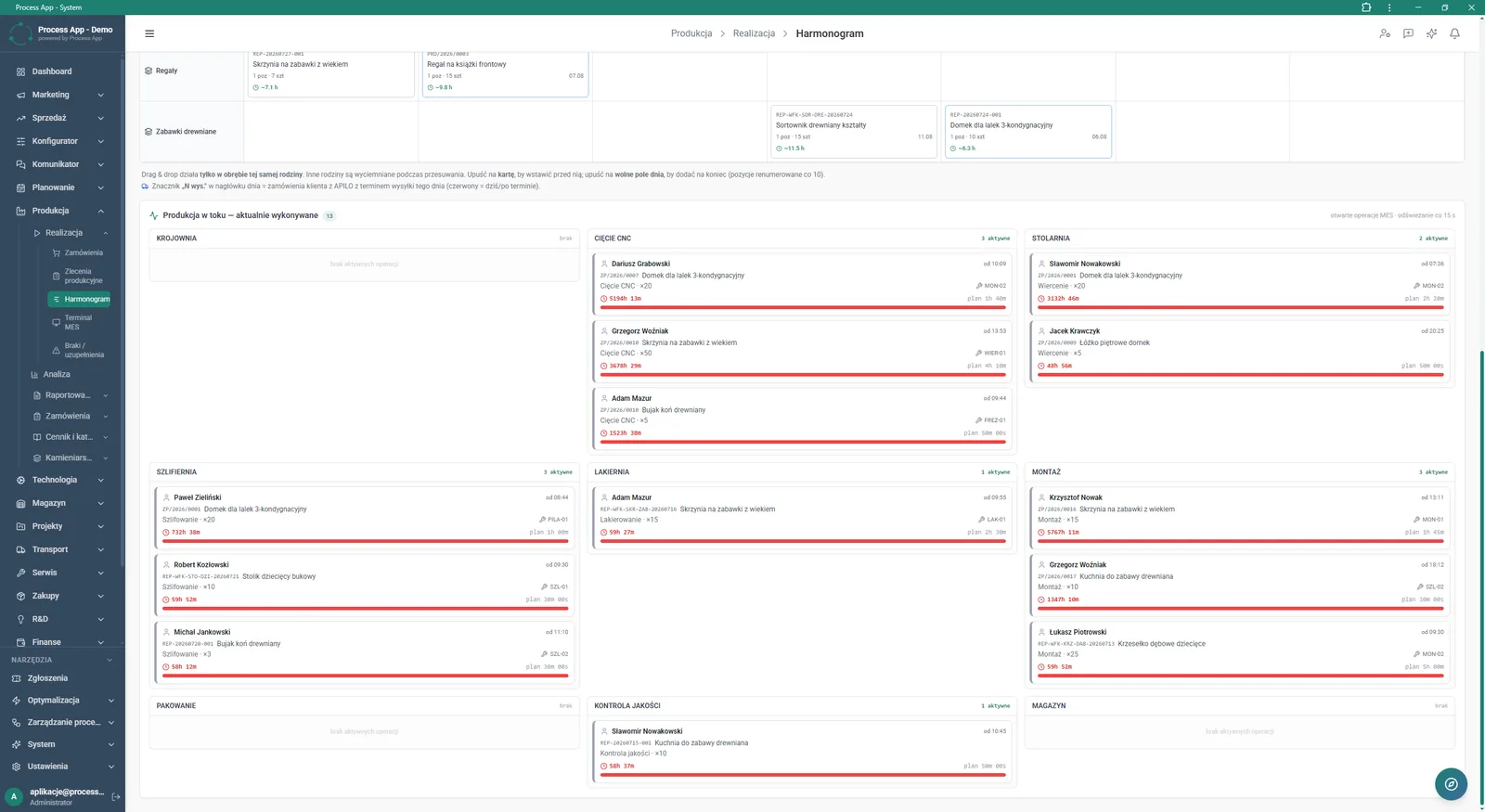
The Schedule screen in the Production module shows the order planning view broken down by product family and a section for monitoring operations currently being performed by individual employees in different departments.
What exactly you get
Gantt charts and calendars
The system presents the schedule as a visual grid broken down into months, weeks, and days.
Drag and drop
The application lets you quickly change order dates in the calendar using drag & drop within a product family.
Assignment management
The module enables editing the assignment of an order to a specific workstation and crew, including planned start and finish days.
MES operation monitoring
The screen displays active operation cards refreshed every 15 seconds, with employee data and a progress bar.
Filtering and search
Users can narrow the view by markets, statuses, departments, priorities, and search for orders by number or customer.
Order detail windows
The system provides editable forms with identification data, checklists, and production parameters for every task.
What AI does for you in this process
Crew workload analysis
Artificial intelligence analyses available hours and order workload, warning about days that will require overtime.
Forecast-based optimisation
AI algorithms process forecast data to automatically propose the most efficient distribution of houses on the planning grid.
Dynamic delay tracking
Artificial intelligence continuously analyses incoming MES operation data to identify delayed and blocked orders.
The process from start to finish
Build schedules you can actually deliver, based on hard data about workstation load. Track execution progress in an annual, monthly, or detailed Gantt chart view. Assign orders to specific crews and workstations while continuously controlling their availability and workload. Use drag & drop to quickly move tasks within a product family on the calendar grid. Monitor live production operations in progress through integration with the MES system. Respond to change by updating plans directly from the forecast or blocking selected days in the calendar. Manage every order’s details, including priorities, checklists, and status, from convenient modal windows.
See this process on your own data
We will walk you through the “Production Scheduling” module using your company as the example — the input, the flow and the end result in Process App.
Explore the remaining system modules

Demand Forecasting (Forecast)
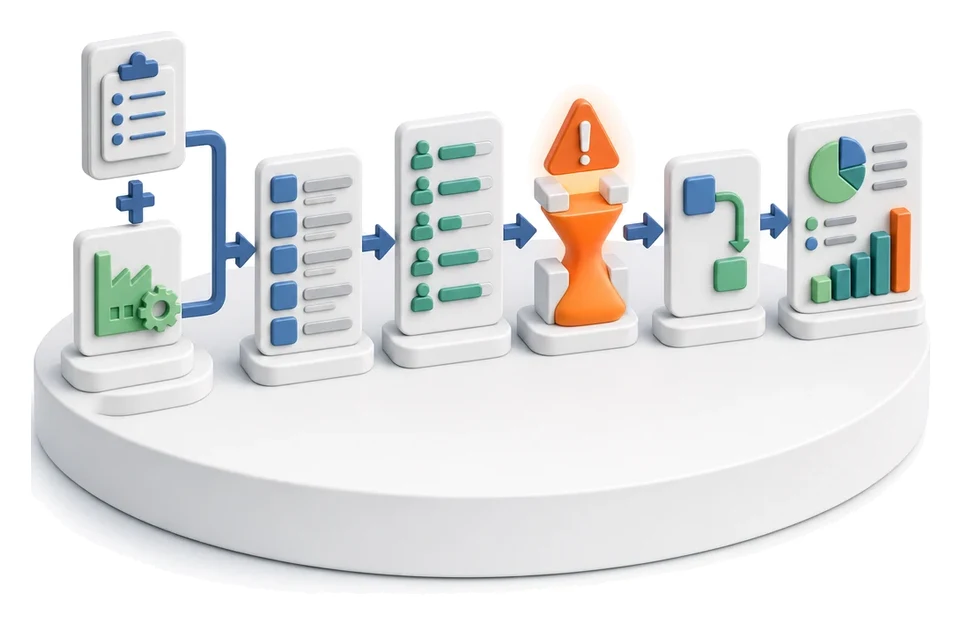
Resource Planning and Workload Analysis
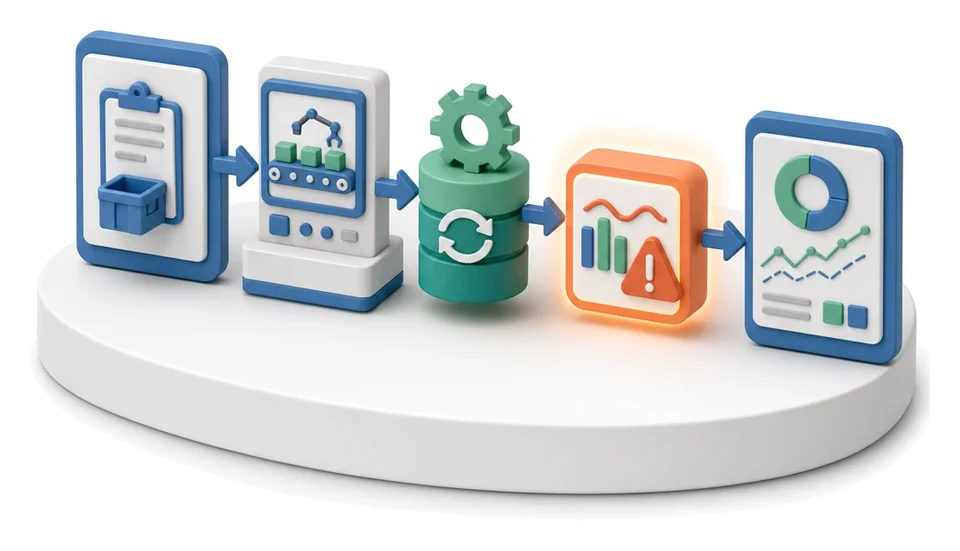
Execution Progress Monitoring
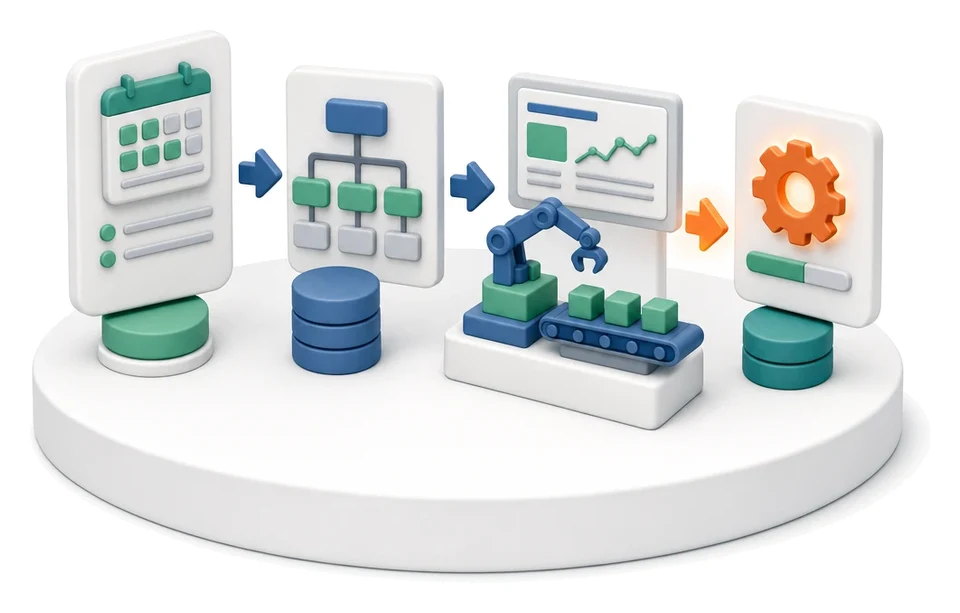
Production Order Launch

Production Reporting (MES Terminal)

Daily Work Reporting
Piecework Settlement
Purchase Requisition

Purchase Order

Demand vs Inventory Balancing

Transport Order