Resource Planning and Workload Analysis
Do you ever promise a deadline to a customer and then frantically hunt for available people and machines? The Planning module continuously matches order demand with the real availability of your crews, revealing bottlenecks before they happen. Artificial intelligence analyses the schedule and automatically flags delay risks based on available capacity.
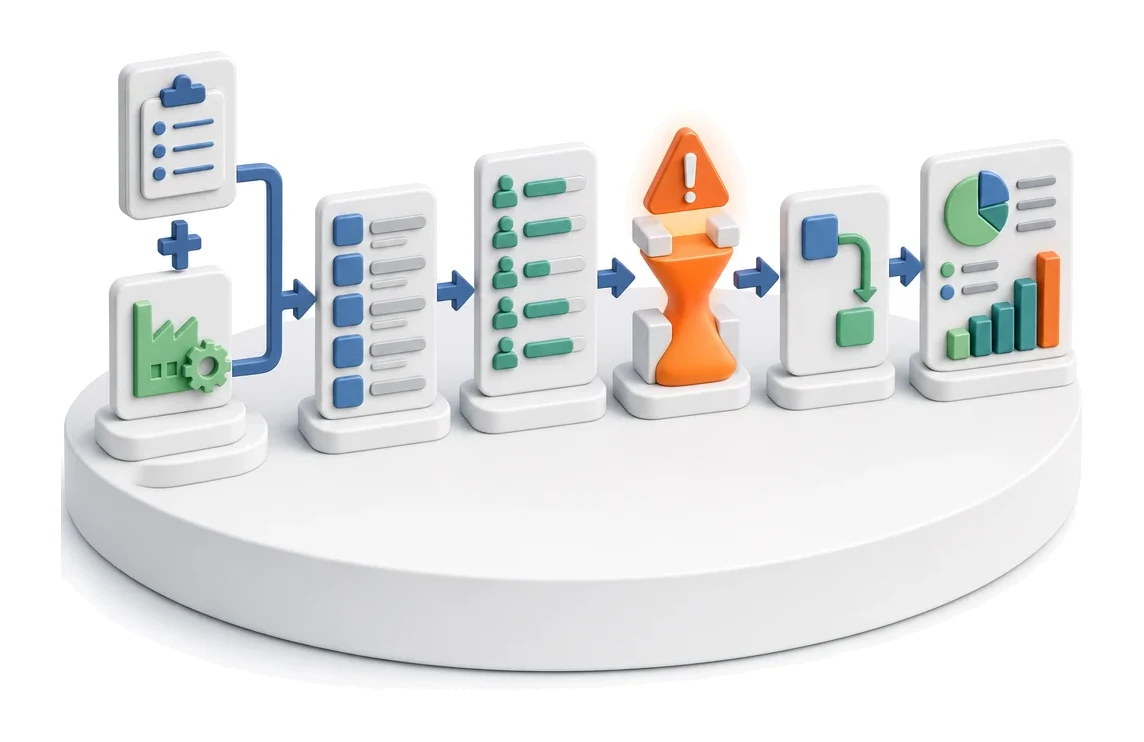
- Input
- Orders + production capacity
- Flow
- Orders → workstation workload → detected bottleneck → rescheduling
- Output
- Resource workload and bottlenecks
What changes in the company after the rollout
The system compares order demand with the availability of people and machines. You see the bottleneck before it happens, not after the fact.
Visibility of bottlenecks
You see overloads in specific departments on charts before they impact on-time delivery.
Faster reaction to delays
You instantly identify overdue orders and assess the scale of the problem.
Better utilisation of resources
You precisely align demand for man-hours with the real availability of your crews.
Full control over production
You gain a clear view of all execution stages in one central dashboard.
Convenient work organisation
Changing dates by drag and drop directly in the schedule saves planner time.
How this process looks in Process App
Zrzuty pochodzą z działającego systemu — kliknij, aby powiększyć.
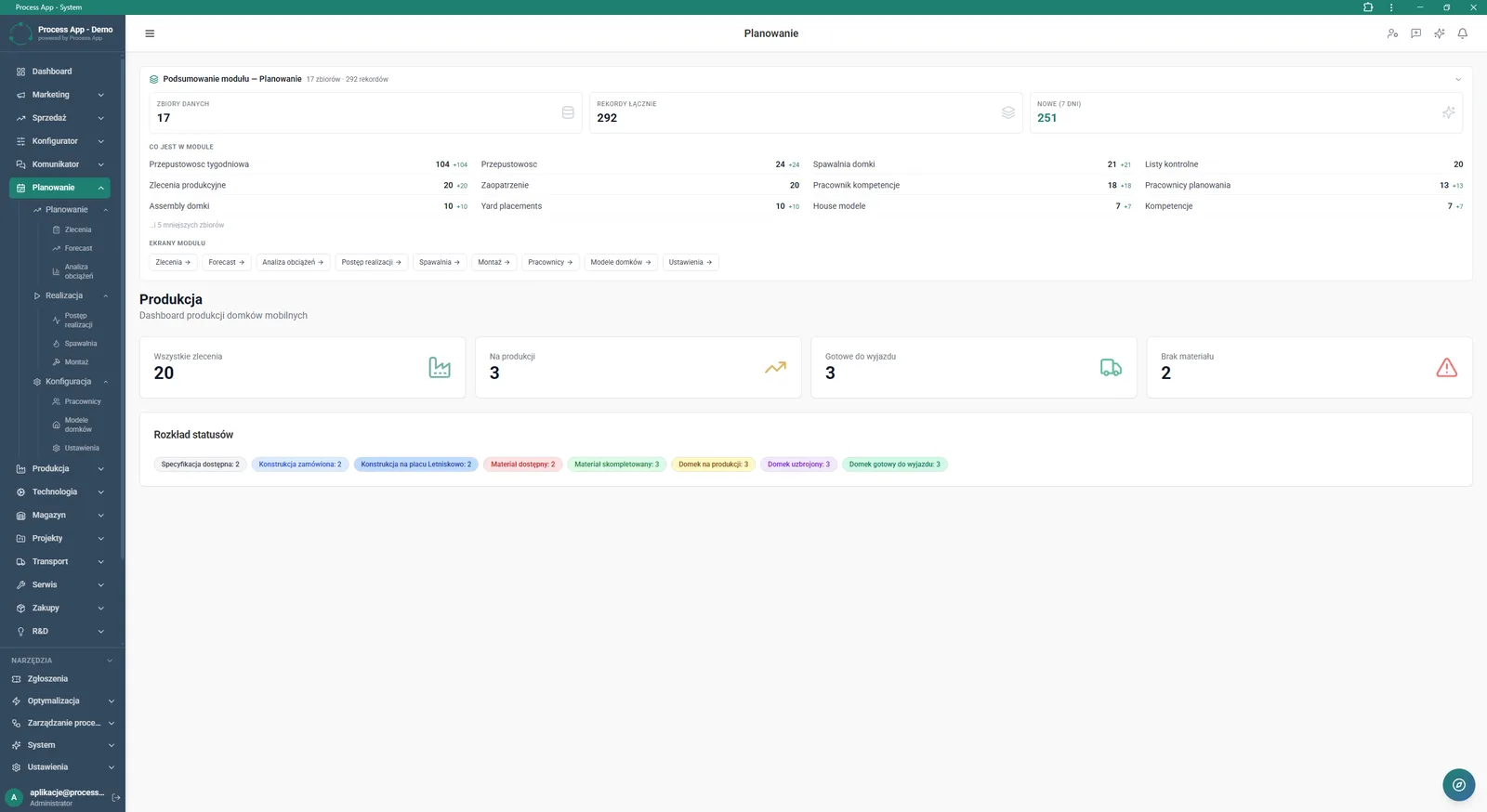
Planning module main screen displaying aggregated data summaries, the production dashboard for mobile homes, and a detailed breakdown of order statuses.
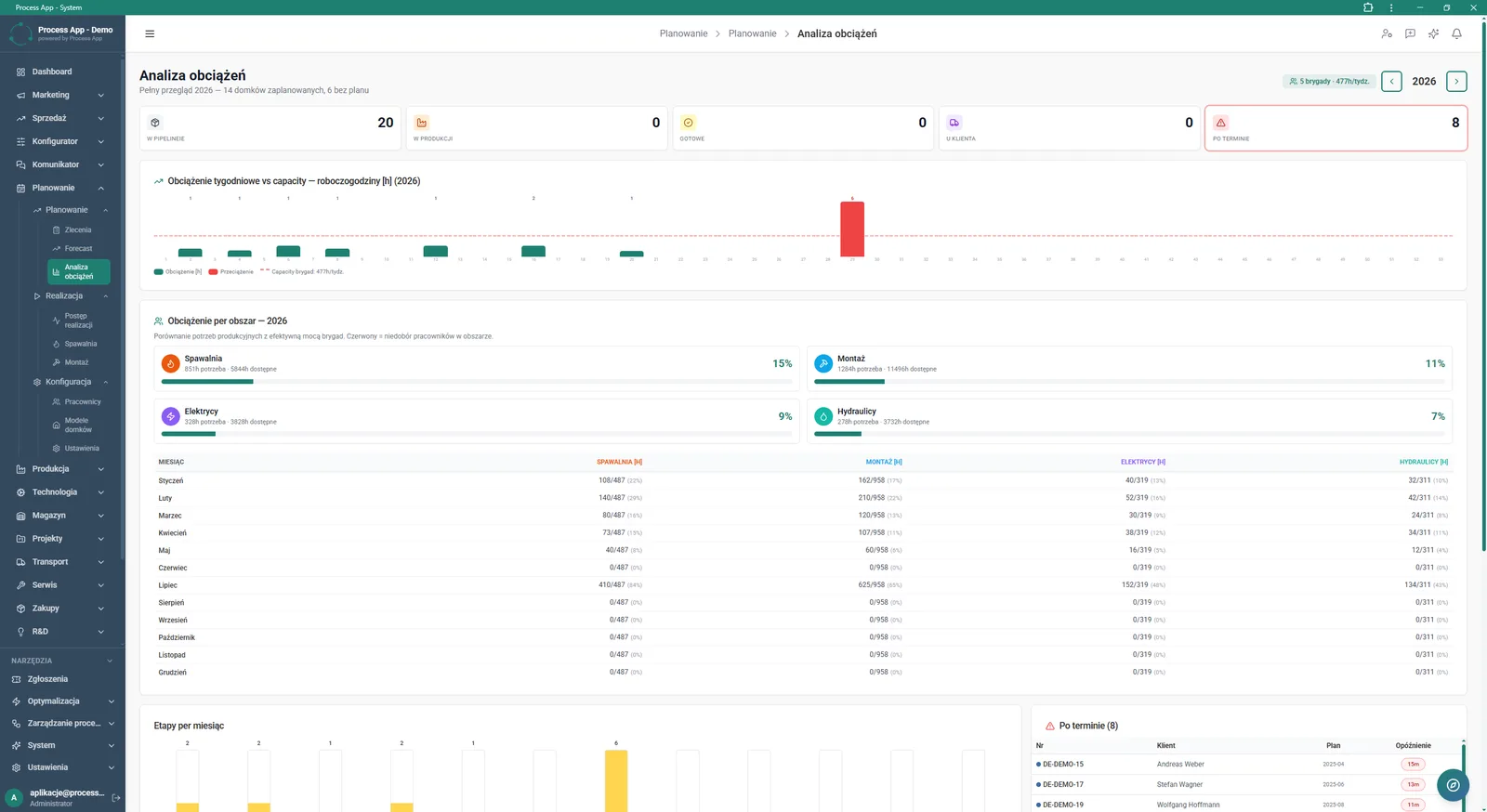
The Workload analysis screen shows a comparison of demand for man-hours with crew availability on a yearly, monthly and production-area basis.
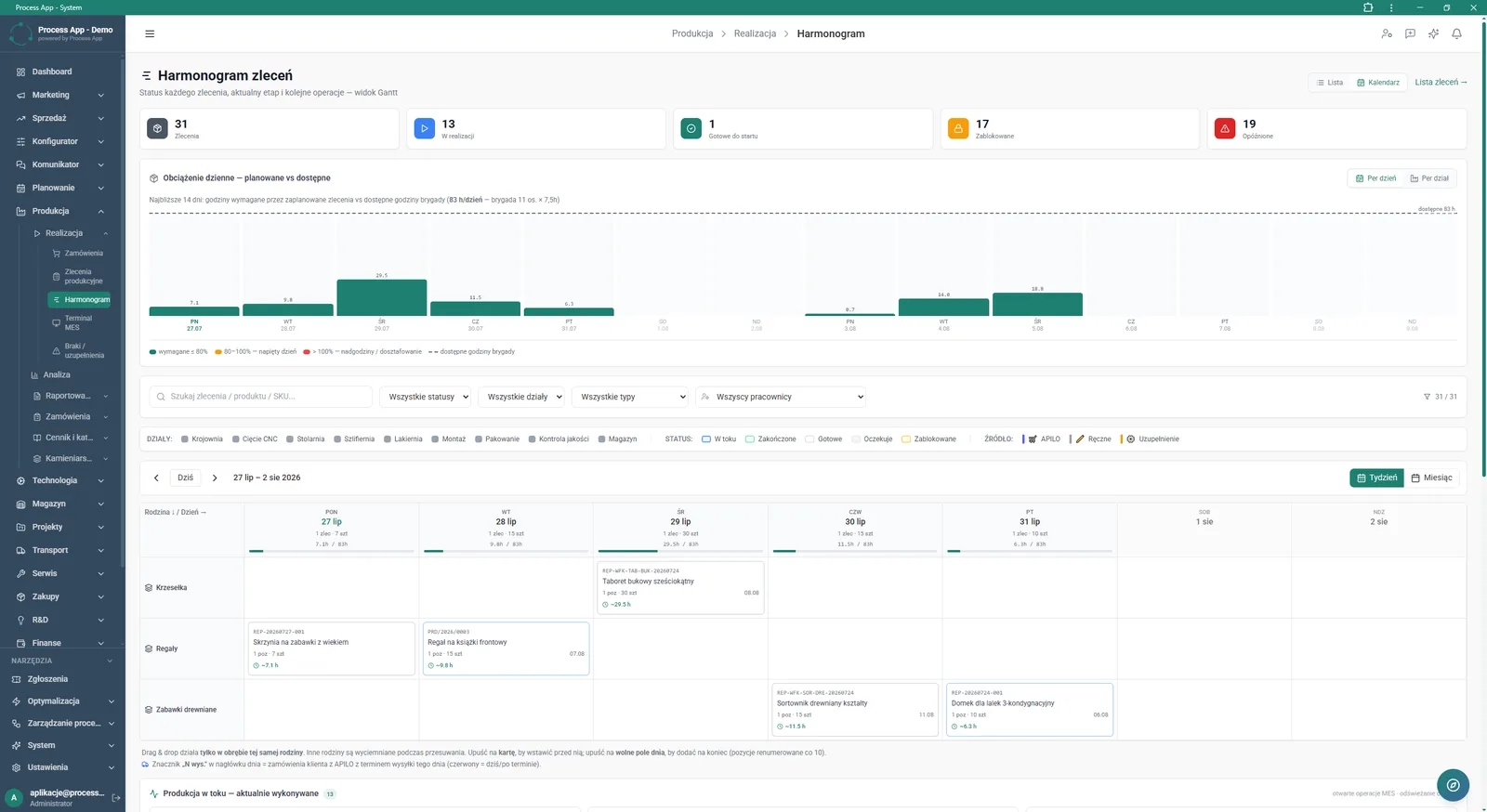
The Order schedule screen in Gantt view presents daily crew workload and the distribution of production orders by day and product family.
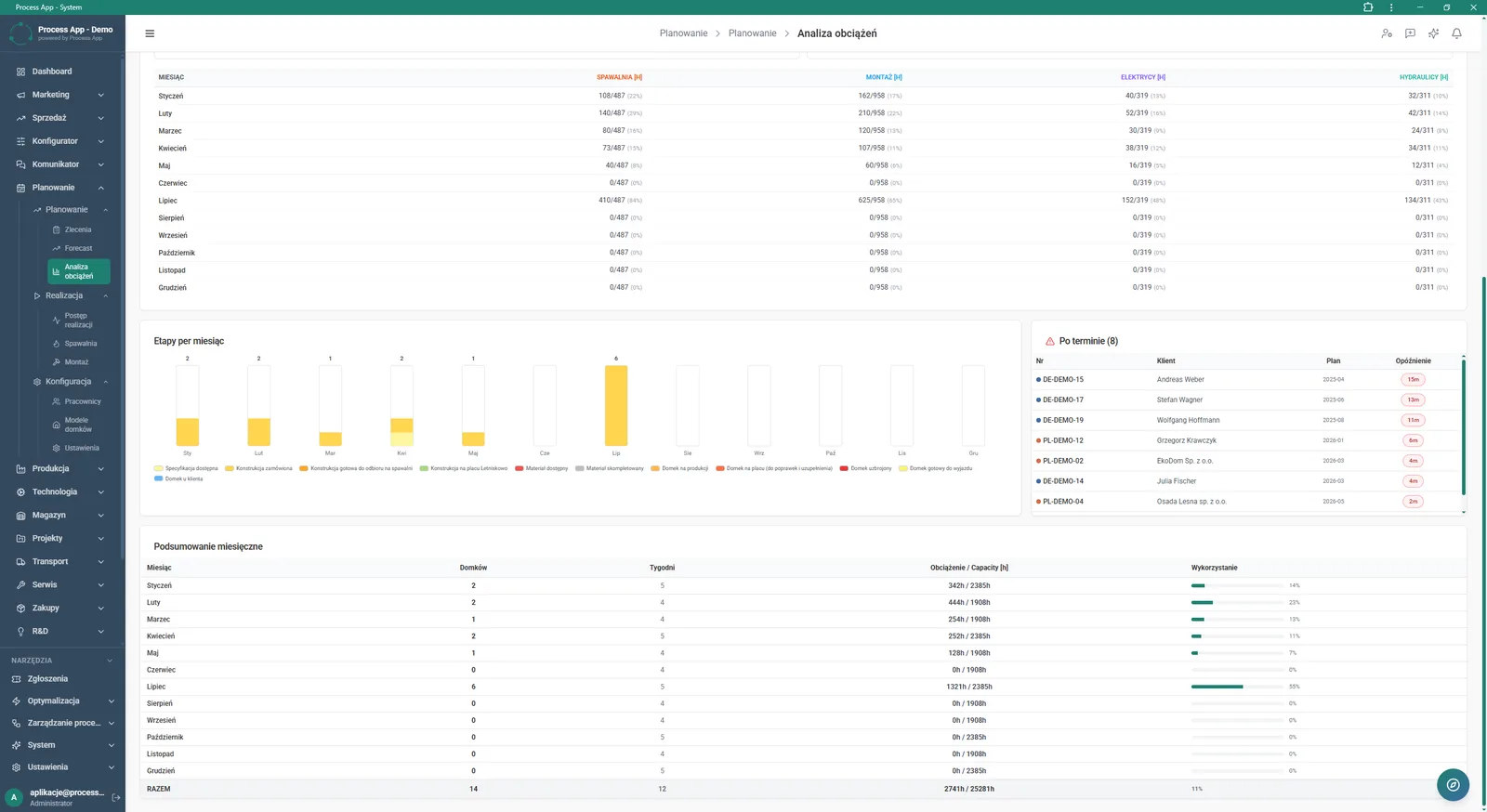
The Workload analysis screen presenting a tabular summary of man-hours by department, a bar chart of stages by month, a list of overdue orders, and a summary table of monthly workload and utilisation.
What exactly you get
Interactive order schedule
The system lets you manage tasks on a timeline using drag & drop.
Department workload analysis
The application generates man-hour summaries for welding, assembly, electricians and hydraulics.
Advanced data filtering
The module allows you to narrow the view by status, department, product type and employee.
Overdue orders table
The system automatically compiles overdue orders, showing order number, customer, plan and delay.
Monthly summaries
The application calculates workload, available capacity and percentage resource utilisation in a given month.
What AI does for you in this process
Bottleneck prediction
Artificial intelligence compares demand with crew availability and warns about overload risk.
Delay risk estimation
Algorithms monitor the distribution of statuses and predict which orders may appear in the overdue table.
Schedule optimisation
The system analyses daily workload and suggests the optimal arrangement of orders in the calendar grid.
The process from start to finish
Monitor the overall production status with clear dashboard tiles that show orders in progress, ready to ship, and those blocked due to missing materials. Plan crew work on an interactive order schedule, moving tasks by drag and drop within product families. Check the percentage workload of specific areas such as welding, assembly or electricians on a weekly and monthly basis. Instantly identify overdue orders in a dedicated table, including exact delay time and assigned customer. Filter views by status, department and employee to keep full control over plant throughput. Switch between list, calendar and workload chart views to match the tool to your current needs. Change date ranges and analyse how production stages are distributed across individual months to make optimal use of available man-hours.
See this process on your own data
We will walk you through the “Resource Planning and Workload Analysis” module using your company as the example — the input, the flow and the end result in Process App.
Explore the remaining system modules
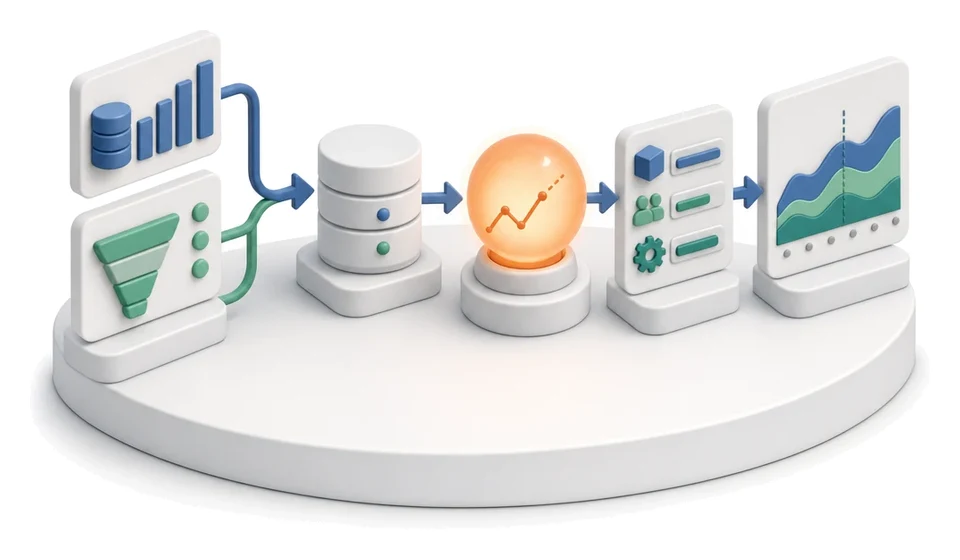
Demand Forecasting (Forecast)
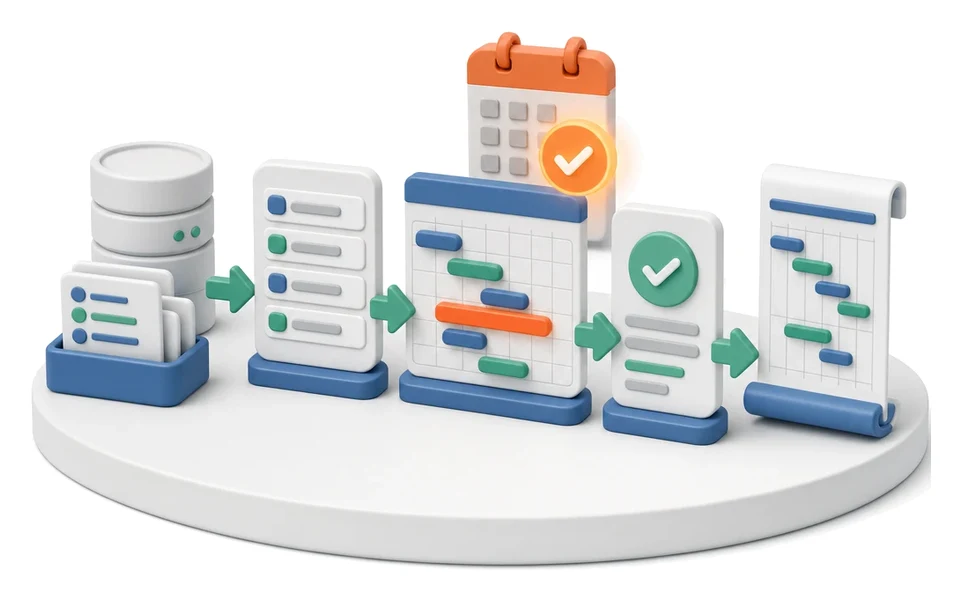
Production Scheduling
Execution Progress Monitoring
Production Order Launch
Production Reporting (MES Terminal)
Daily Work Reporting
Piecework Settlement
Purchase Requisition
Purchase Order
Demand vs Inventory Balancing
Transport Order