Sales Opportunity Management
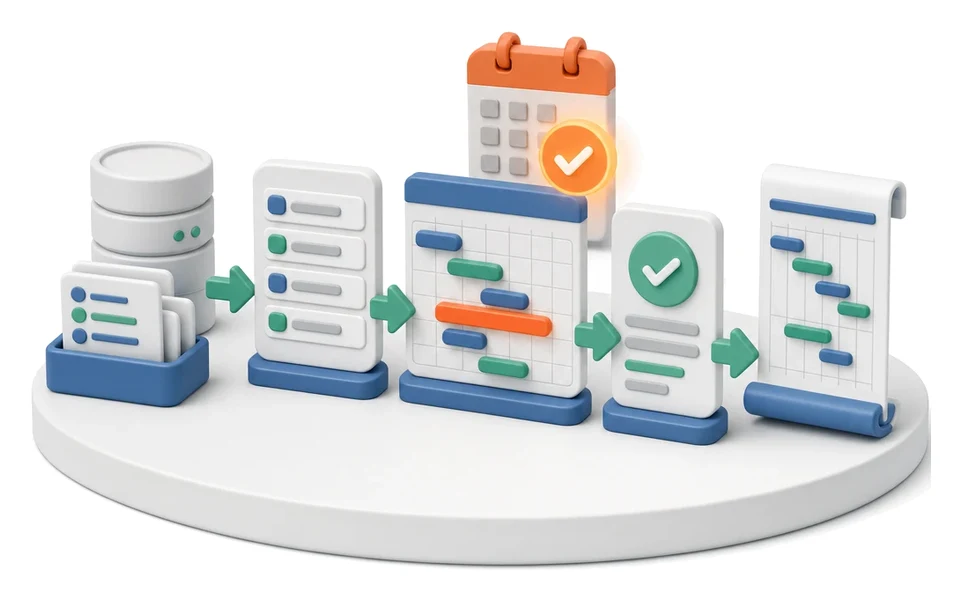
Losing track of where your sales opportunities are in the pipeline and which ones will actually generate profit? The Sales module lets you manage the entire funnel in a Kanban view, from the first inquiry through to a win, bringing tasks and meetings together in one place. Built‑in AI recommends the next steps in the process and automatically prepares the business context before your customer meeting.
- Input
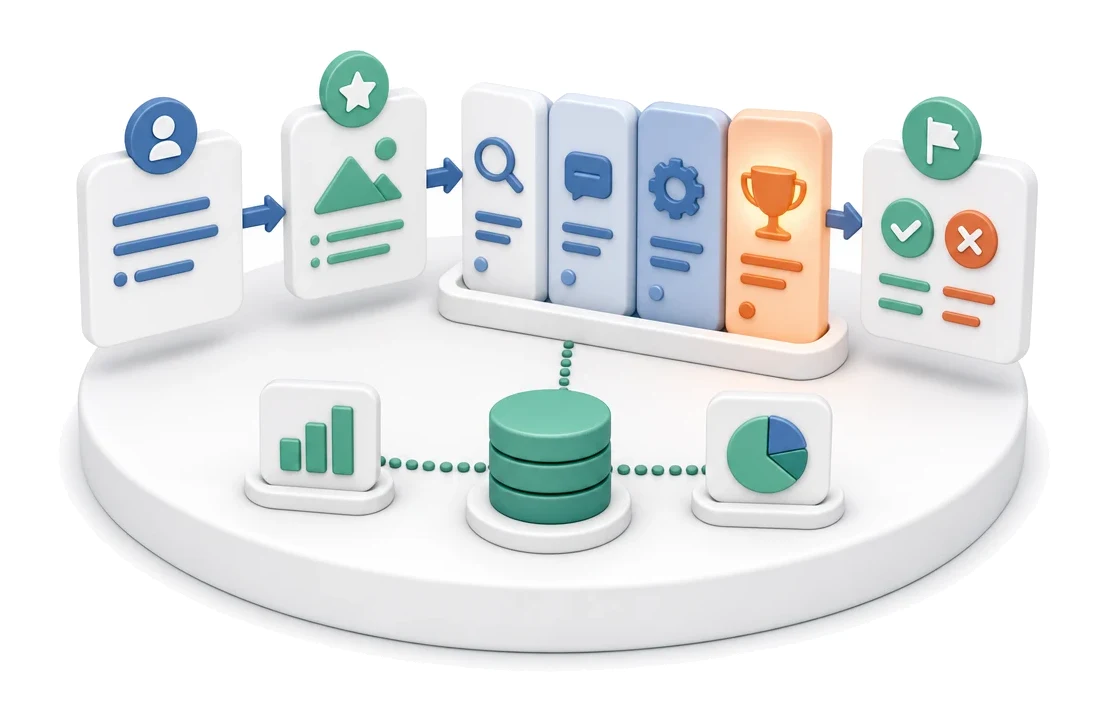
- Lead or inquiry
- Flow
- Lead → opportunity → pipeline stages → win with value
- Output
- Won or lost with reason
What changes in the company after the rollout
An opportunity moves through successive pipeline stages with value, due date and related tasks. The Kanban view shows the entire team’s sales funnel.
Full funnel visibility
Instantly assess your sales position with a visual Kanban board and KPI metrics on the main dashboard.
Less admin work
Save time thanks to Google Meet integration and automatic roll‑up of opportunity values.
Better work organisation
Avoid missed follow‑ups by linking every task and meeting to a specific sales opportunity.
Faster onboarding of sales reps
A structured process with clear stages makes it easier for new team members to run an opportunity from inquiry to win.
Centralised knowledge
Eliminate scattered files by keeping all notes, attachments and email history on a single timeline.
How this process looks in Process App
Zrzuty pochodzą z działającego systemu — kliknij, aby powiększyć.
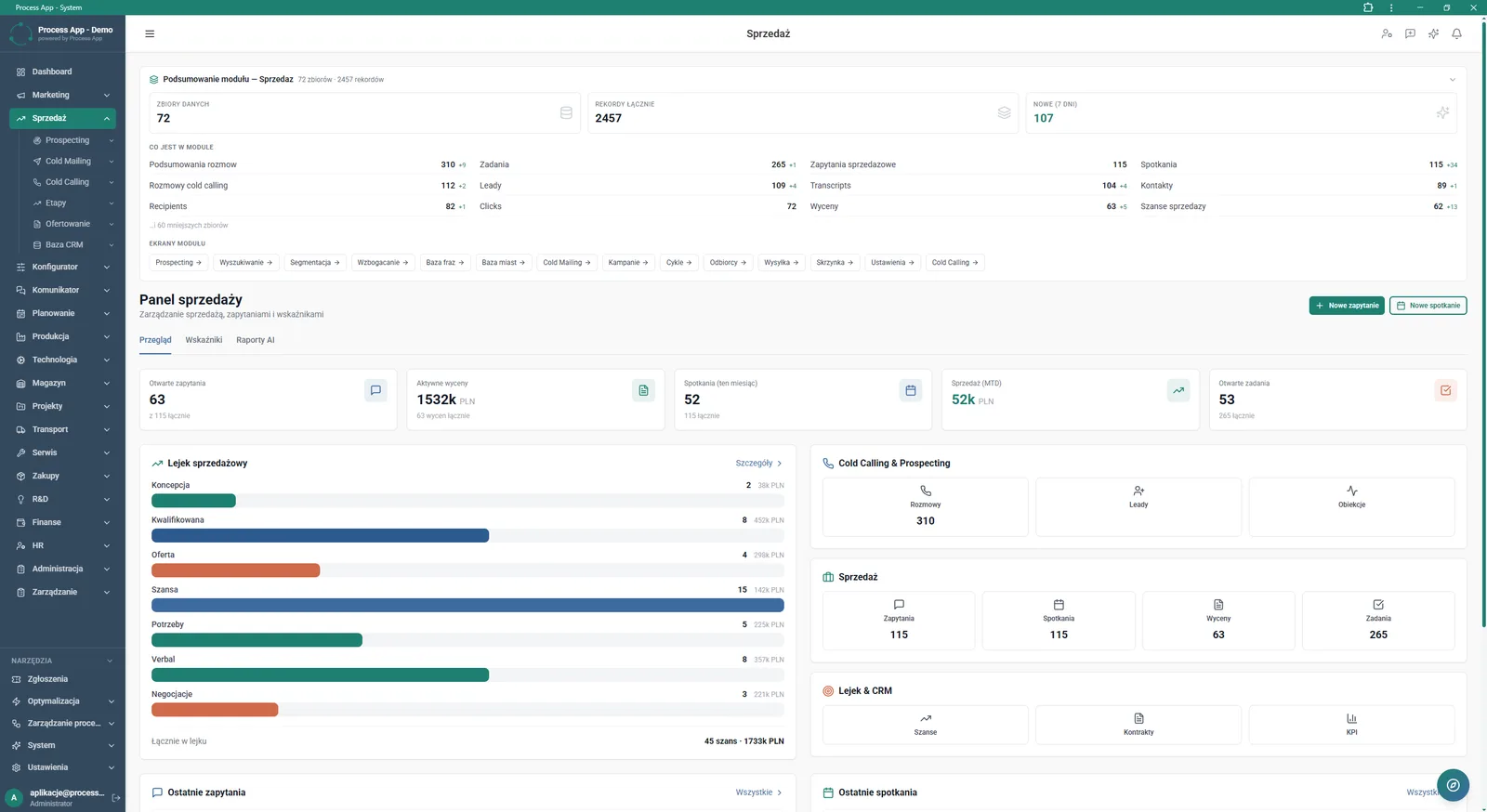
Main screen of the Sales module showing data summary, KPI indicators, the sales funnel, and shortcuts to key sections and actions.
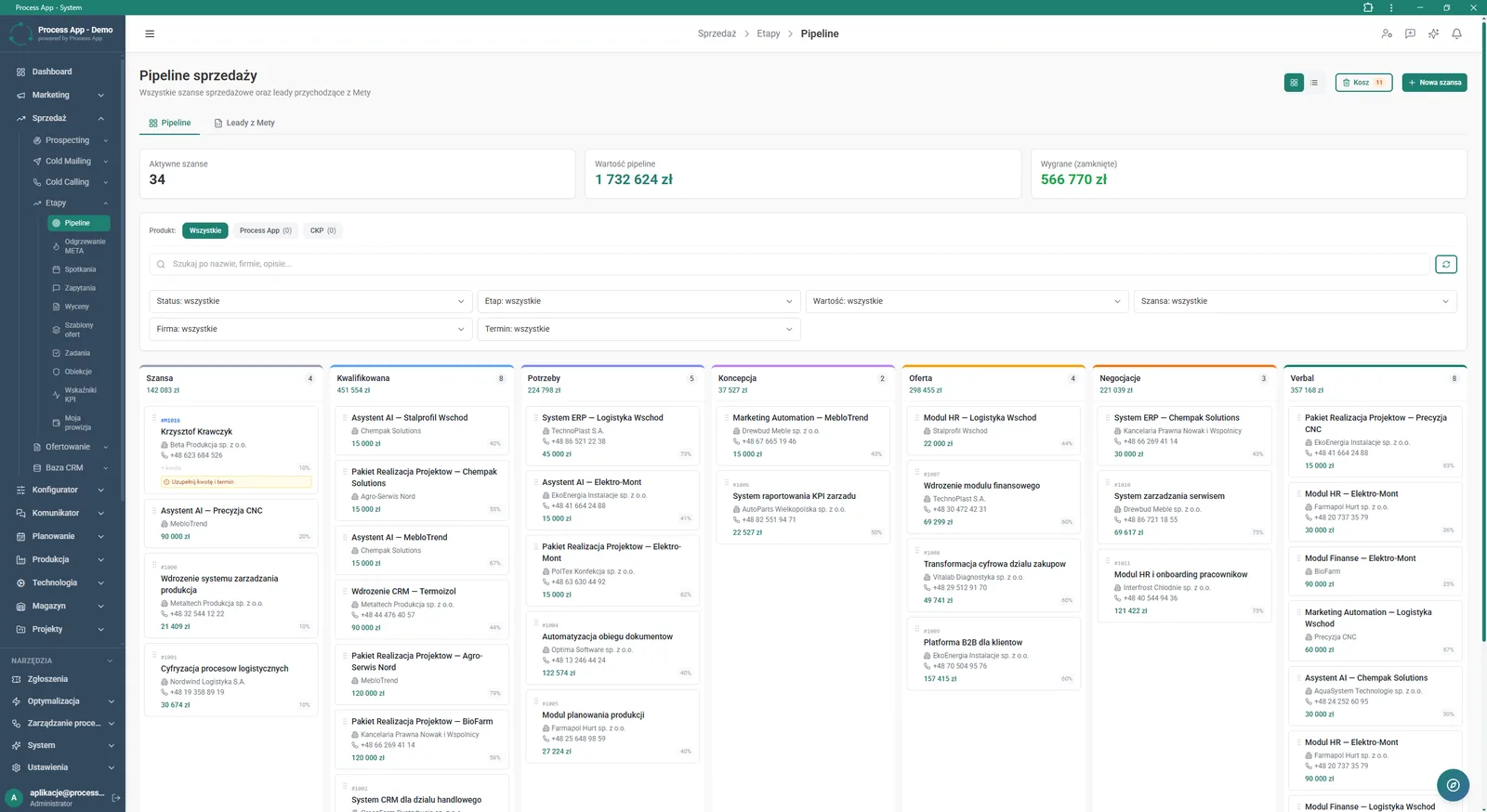
Kanban view of the sales pipeline showing opportunities by stage, with value summaries and advanced filters.
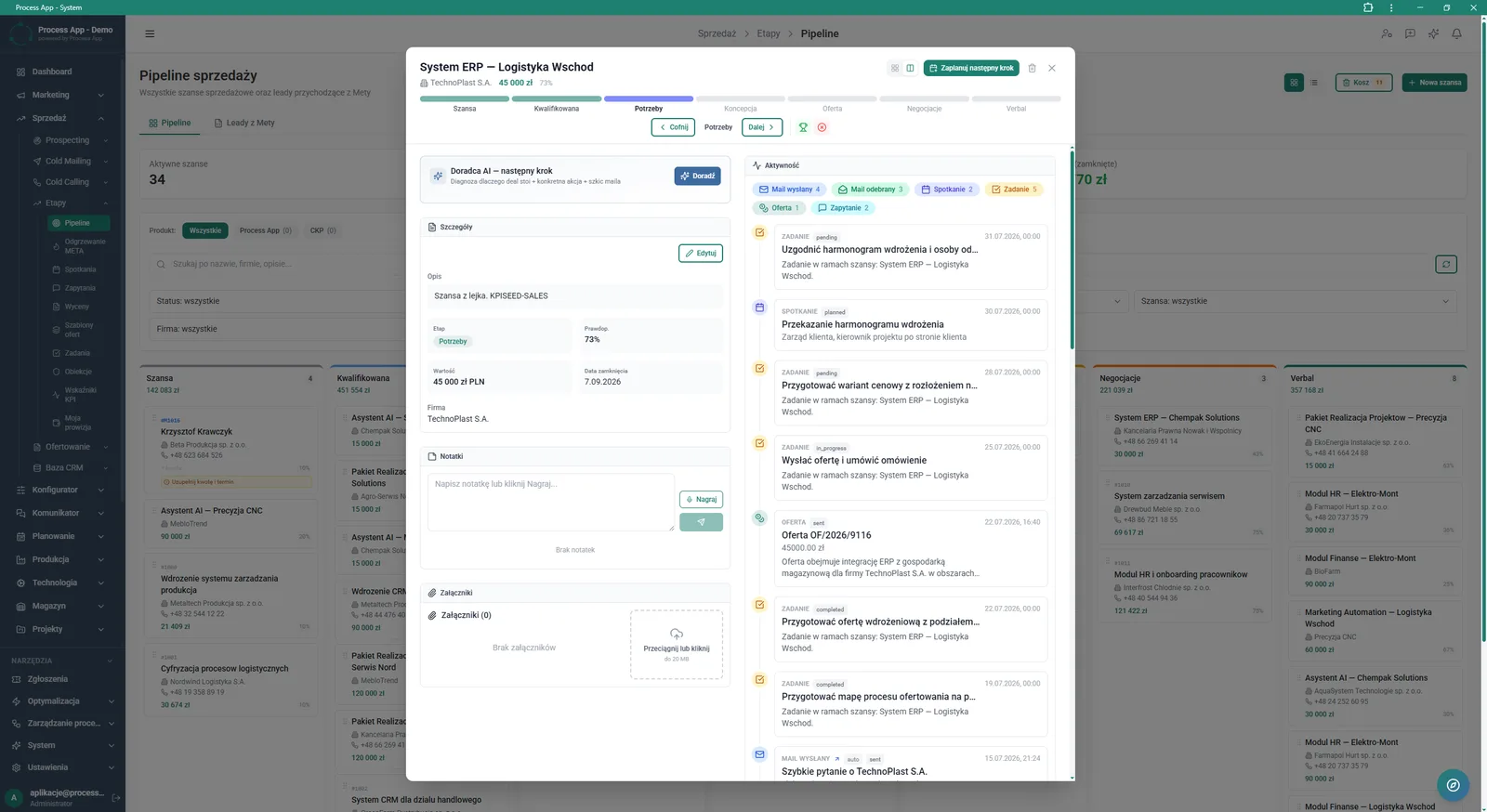
Sales opportunity detail view opened in a modal window over the pipeline Kanban view, showing opportunity data, notes, attachments and the activity timeline.
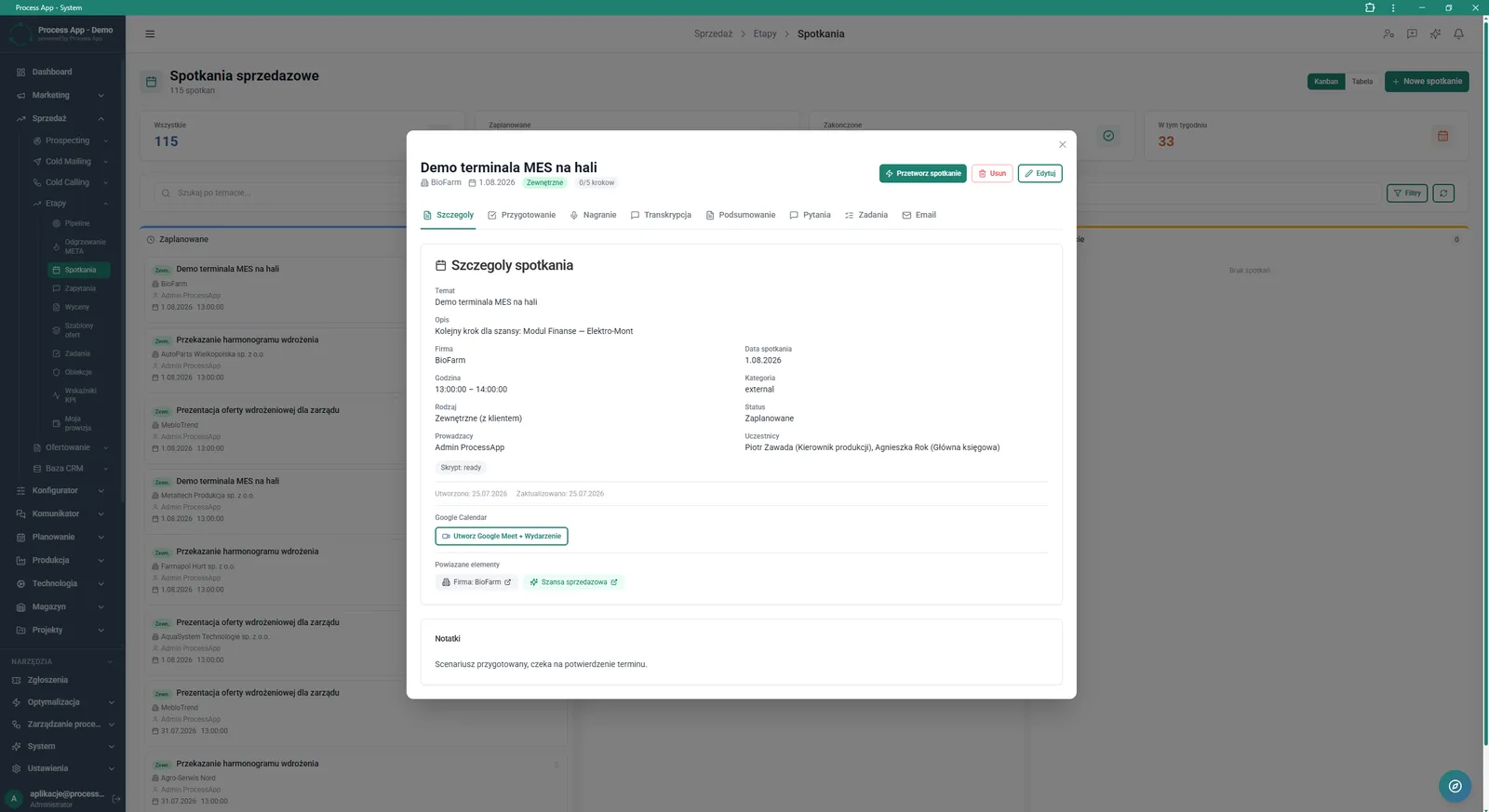
Sales meeting detail view opened in a modal window over the Kanban board, showing meeting data, related items and tabs for managing the meeting flow.
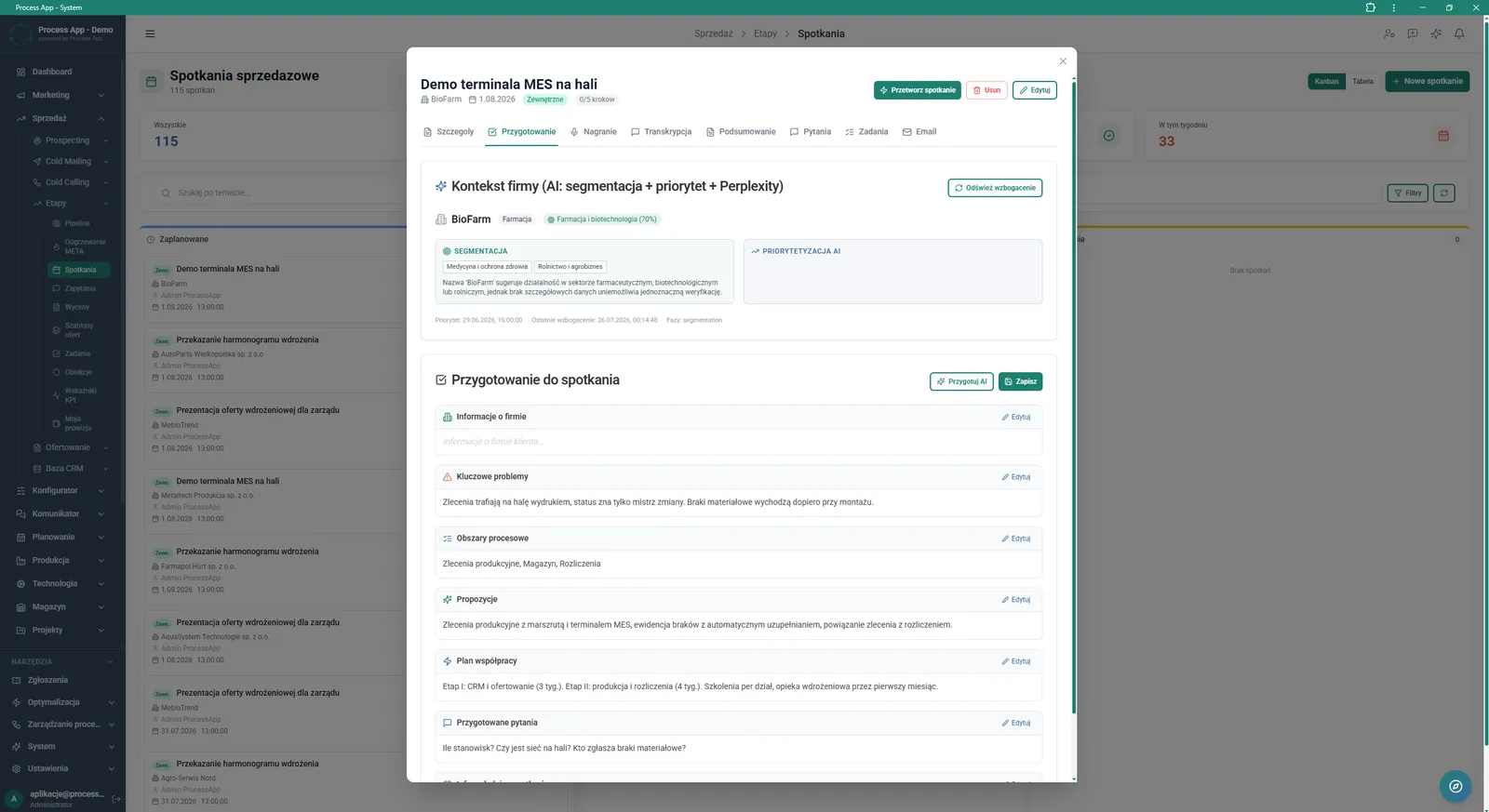
Sales meeting detail view with the preparation tab active, showing AI‑generated company context and structured pre‑meeting notes.
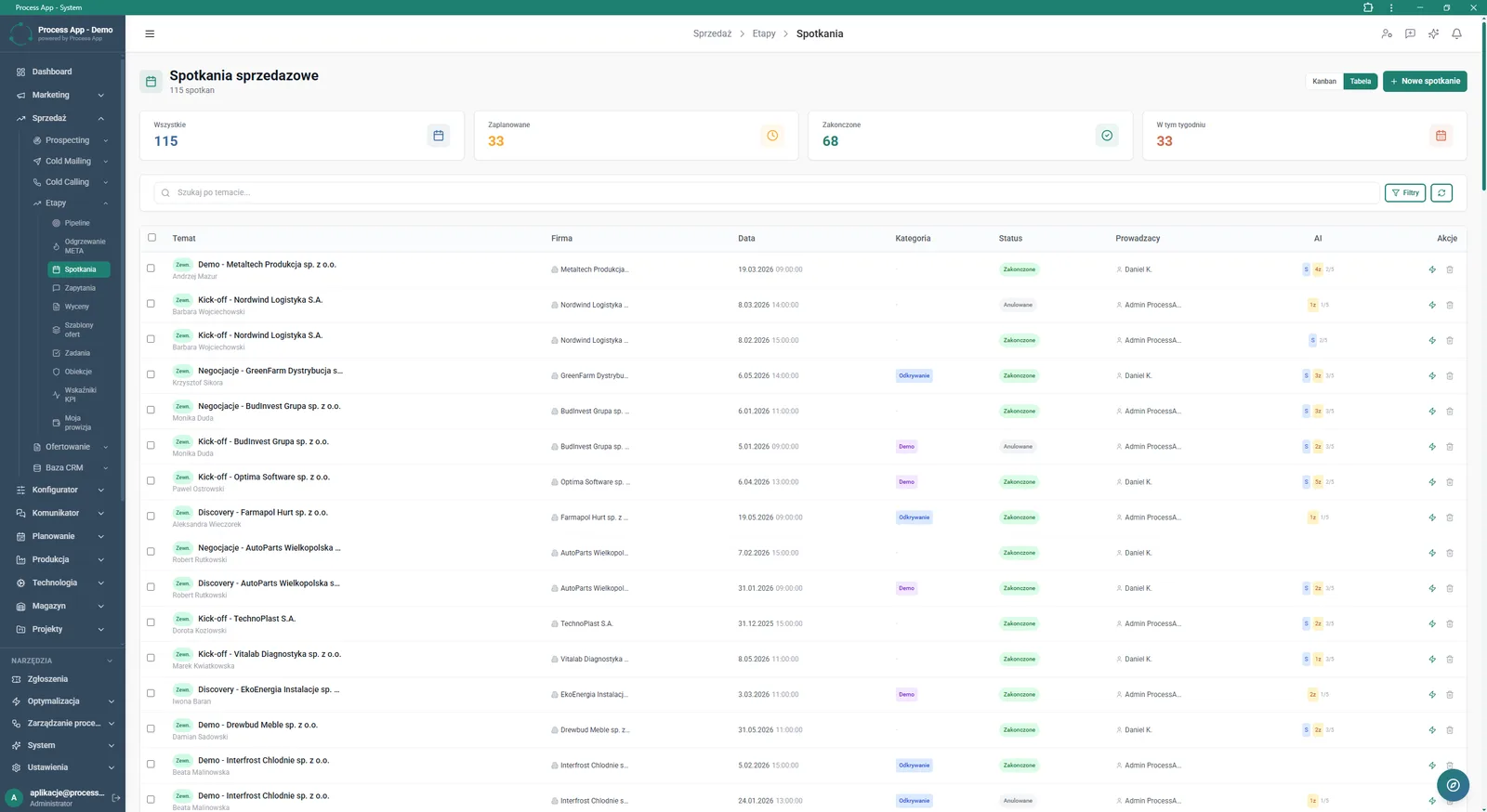
Tabular view of the list of sales meetings with tiles summarising their statuses and a search bar.
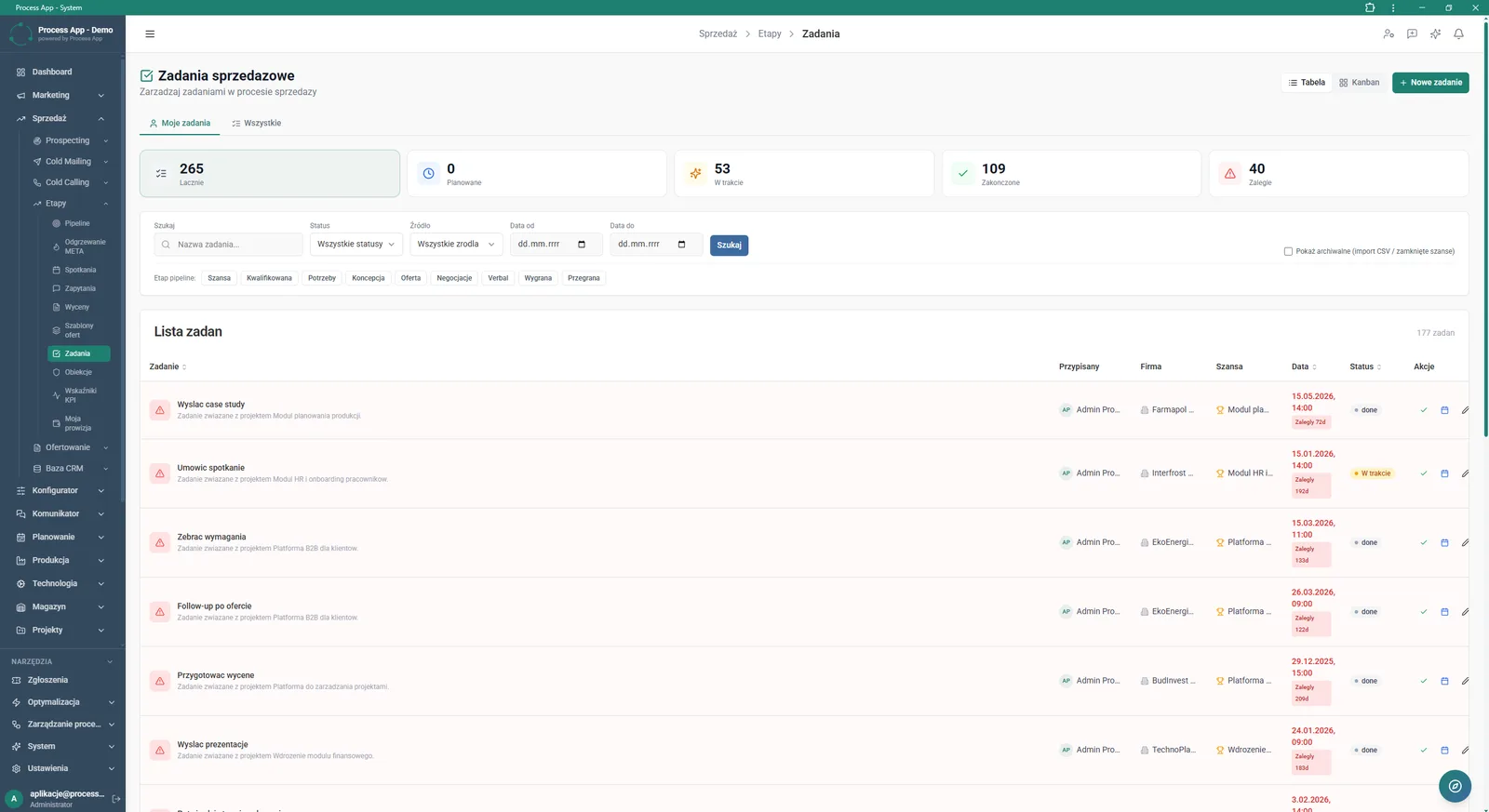
Tabular view of the list of sales tasks with tiles summarising their statuses, a filters section and breakdown by pipeline stage.
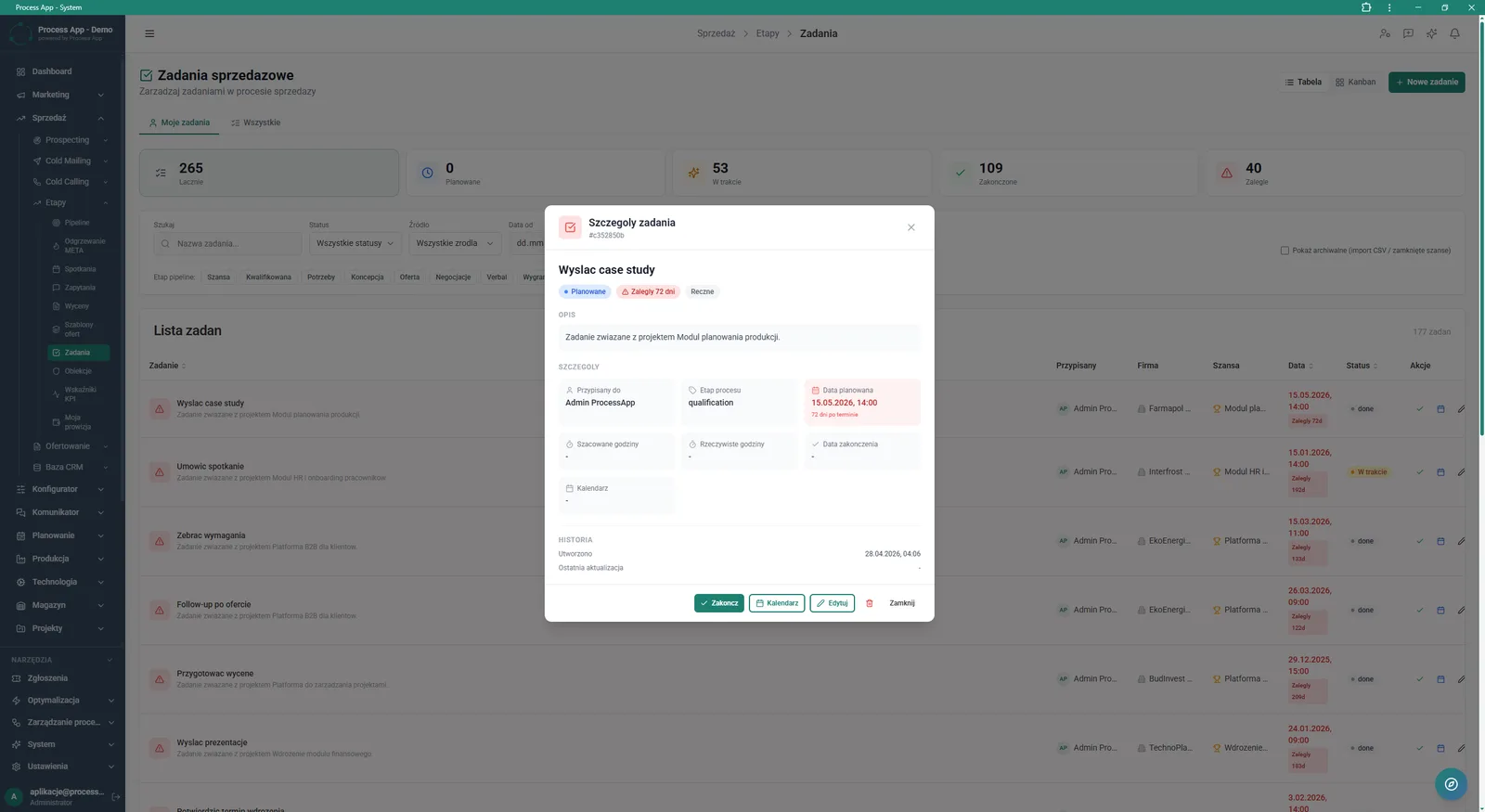
Sales task detail view opened in a modal window over the task list, showing description, assignee, dates and history of the selected task.
What exactly you get
Pipeline management
Move sales opportunities between funnel stages and filter them by tags, values or statuses.
Activity timeline
Log sent emails, meetings and offers, and add voice and text notes directly in the opportunity details.
Sales meeting handling
Schedule events, create Google Meet links and manage tabs for recordings, transcripts and summaries.
Task tracking
Monitor your own and the team’s tasks in table or Kanban view, controlling estimated hours and delay statuses.
Sales main dashboard
Continuously monitor KPIs such as open inquiries, active quotations and sales value for the current month.
What AI does for you in this process
Next step advisor
AI analyses the current stage of the sales opportunity and, on user request, suggests the optimal next action.
Company context generation
AI segments the customer and determines their priorities based on external data before a scheduled meeting.
Meeting preparation
AI automatically fills in structured notes, highlighting key pain points, process areas and suggested questions.
Meeting processing
AI analyses call recordings to generate a transcript, summary and task list resulting from the meeting.
The process from start to finish
Control the entire sales process with a clear Pipeline view, moving opportunities through consecutive stages from concept to negotiations. Manage daily work using integrated lists of sales tasks and meetings, which you can link directly with your Google calendar. Filter data by status, value or funnel stage to quickly find priority topics. Capture the full history of communication, voice notes and attachments on the activity timeline for each opportunity. Plan next steps using detailed meeting cards that collect recordings, transcripts and summaries. Track key KPIs in real time on the main sales dashboard so you always know how many open inquiries and active quotations you have.
See this process on your own data
We will walk you through the “Sales Opportunity Management” module using your company as the example — the input, the flow and the end result in Process App.
Explore the remaining system modules
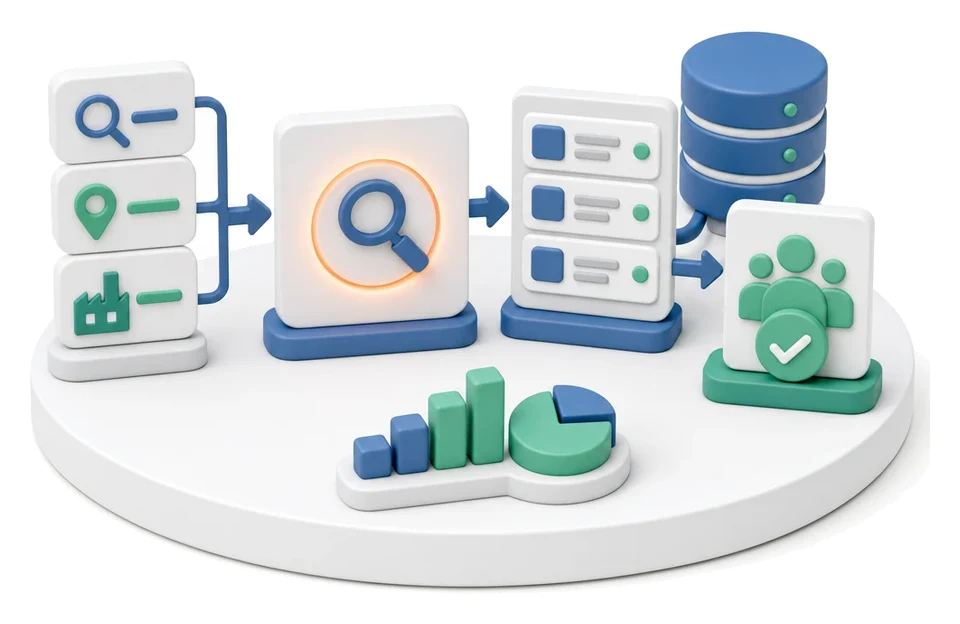
Prospecting
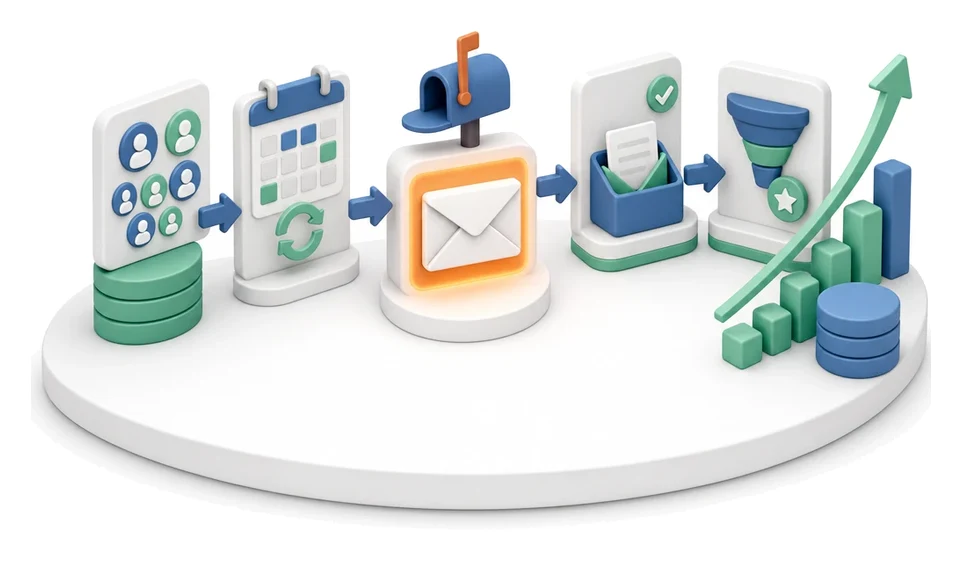
Cold Mailing
Cold Calling
Quotation Preparation
Offer Preparation and Sending
Product configurator
BOM Development
Technology Routing
Manufacturing Cost Calculation
Demand Forecasting (Forecast)
Resource Planning and Workload Analysis