Piecework Settlement
Is your HR team spending too much time manually recalculating rates and daily reports? The Piecework Settlement module automatically matches work reports with the piecework price list, generating ready-to-pay amounts for every employee and department. Artificial intelligence analyses entered production data, instantly flagging anomalies and reporting errors.
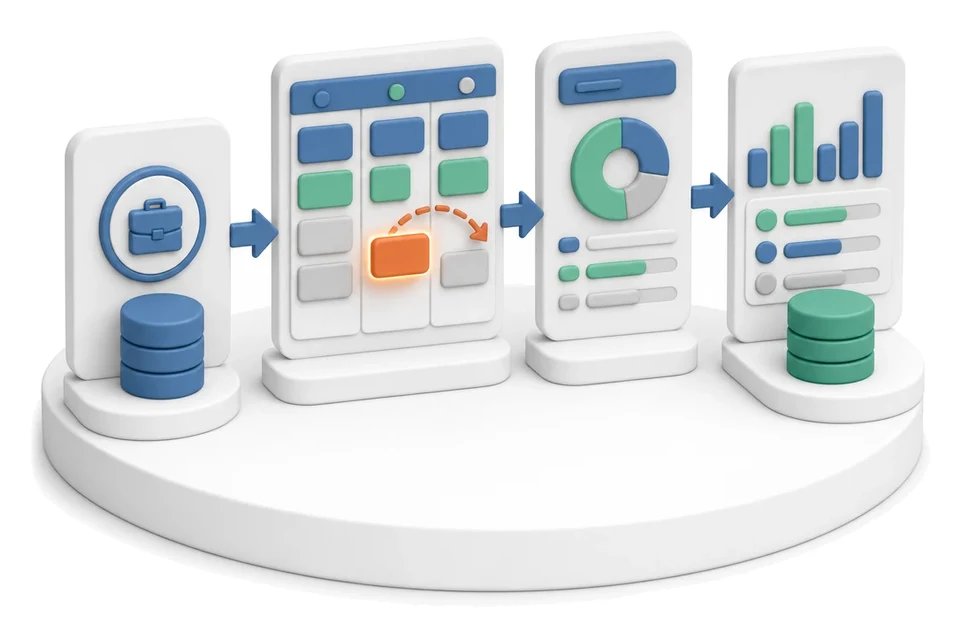
- Input
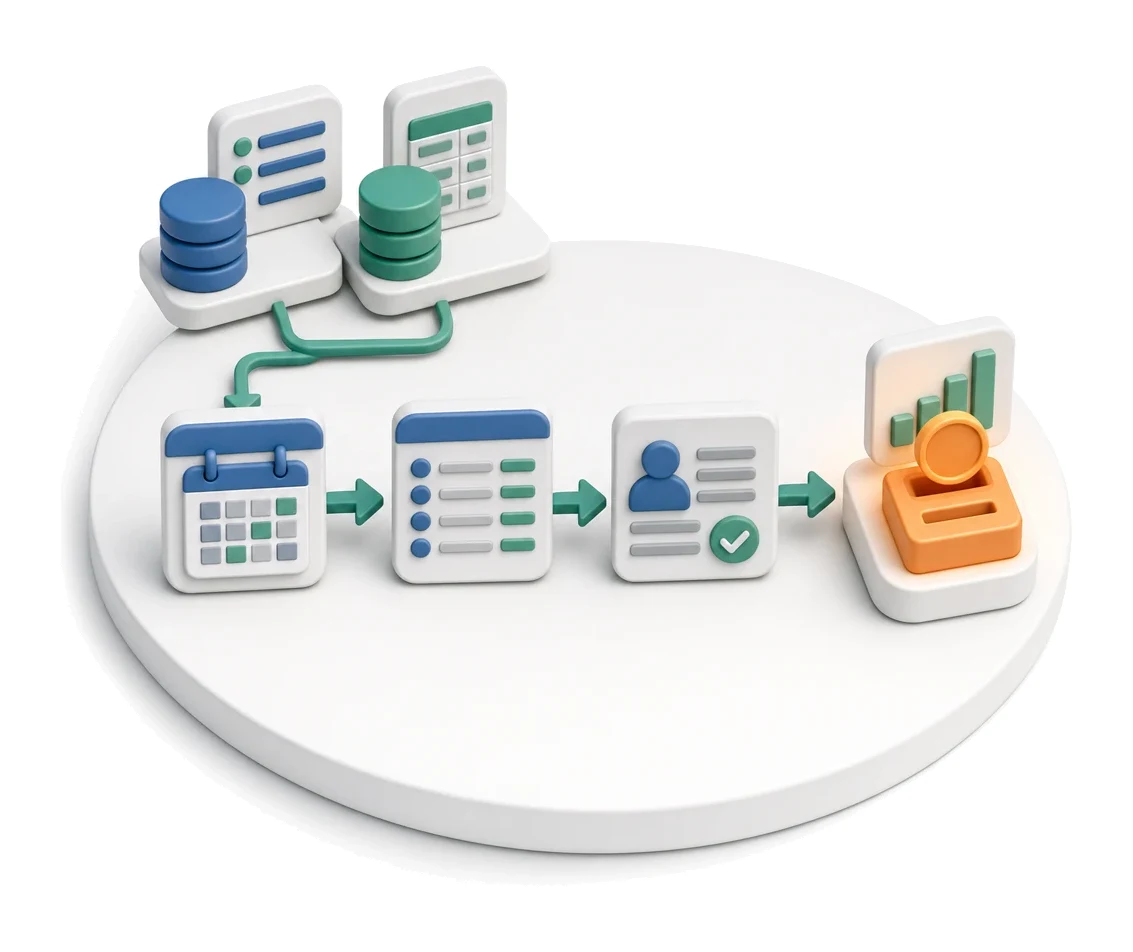
- Work reports + piecework price list
- Flow
- Monthly reports → matching with rates → employee settlement
- Output
- Period settlement and amount to be paid
What changes in the company after the rollout
Work reports combined with the piecework price list produce the amount to be paid. The employee and HR see the same calculation.
Transparency of calculations
The employee and HR department see exactly the same breakdown of completed items and applied rates.
Time savings for HR
Automatic aggregation of daily reports eliminates the need to manually recalculate amounts to be paid.
Full cost control
Summaries broken down by departments allow you to quickly assess the financial load of each production stage.
Error elimination
A central price list ensures that every report always pulls in the current, approved rate.
Fast data verification
The ability to drill down into each settlement to the level of a single item and order number simplifies auditing.
How this process looks in Process App
Zrzuty pochodzą z działającego systemu — kliknij, aby powiększyć.
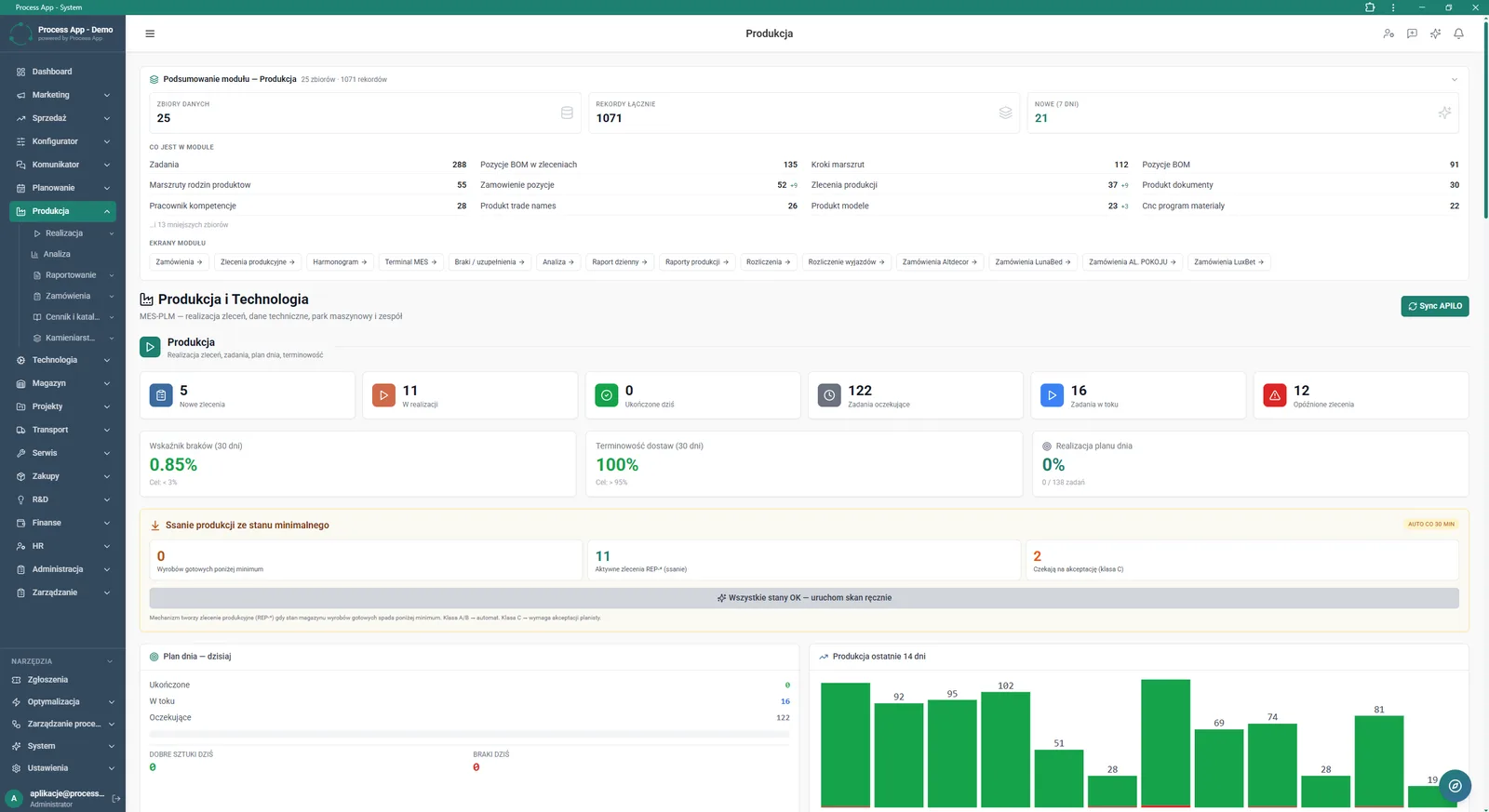
Main screen of the Production module showing a data summary, tiles with order and task statuses, KPI indicators and a production chart for the last 14 days.
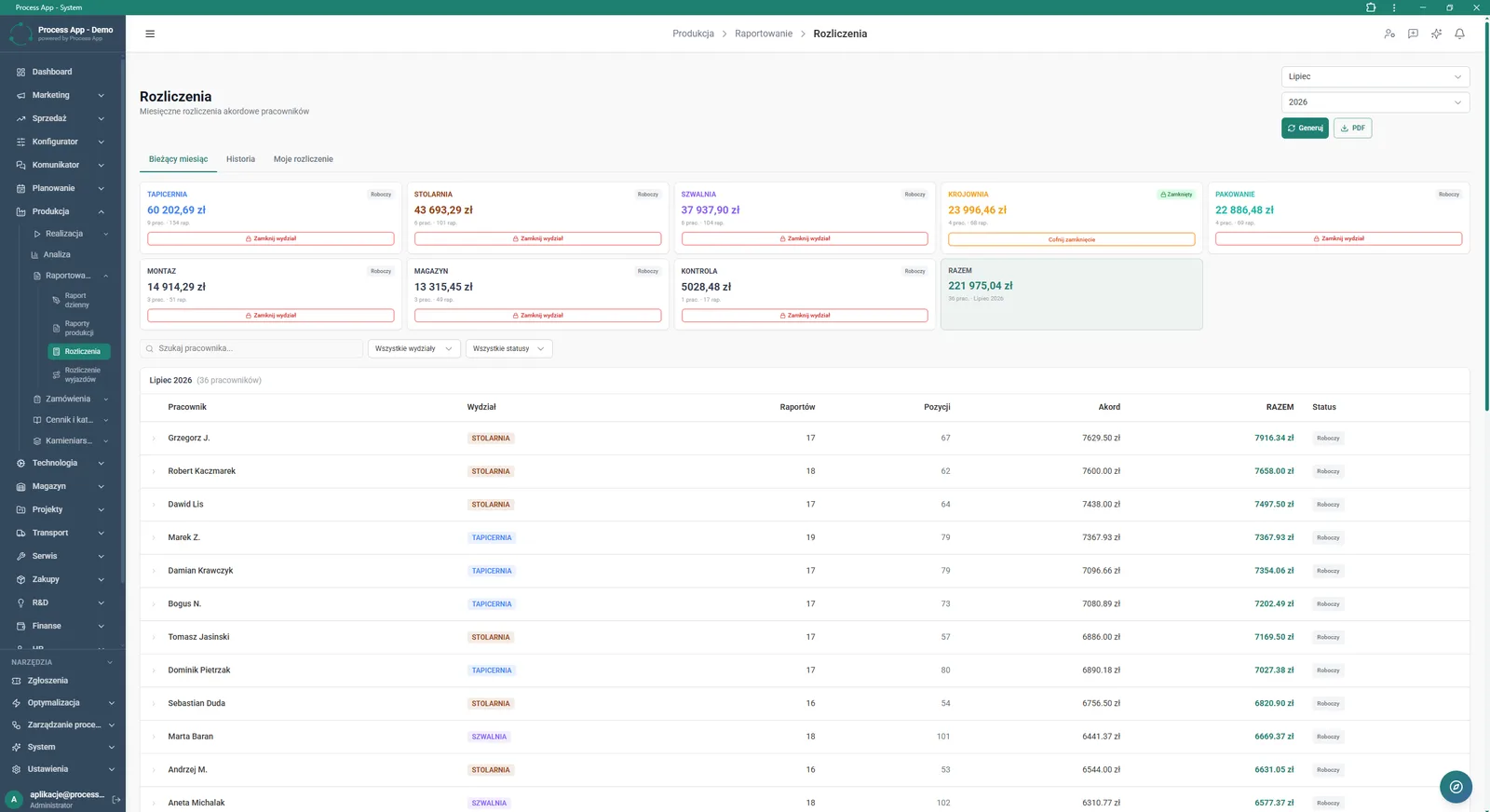
Settlements screen in the Production module showing employees’ monthly piecework settlements with a breakdown by departments and a detailed table.
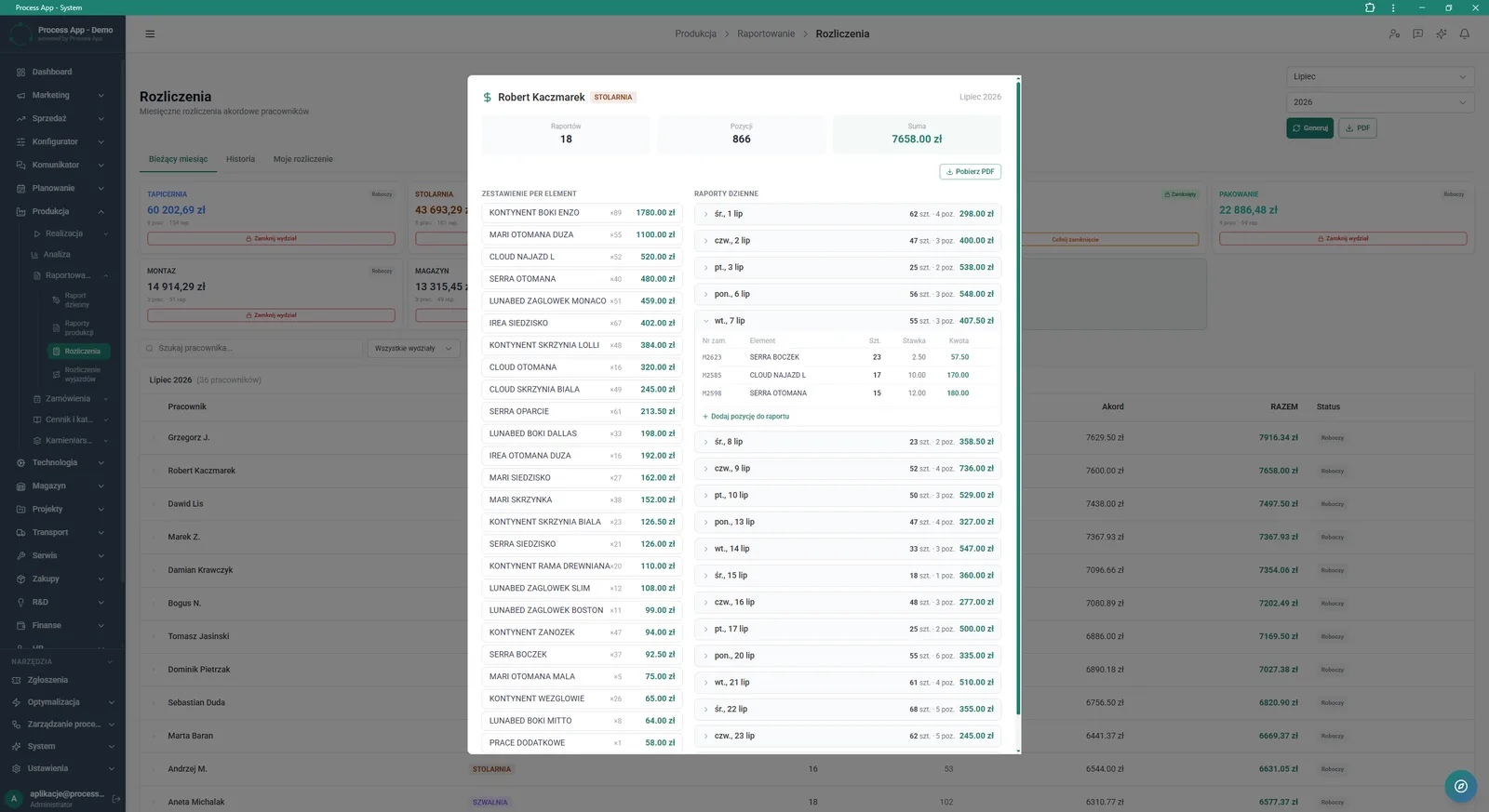
Settlements screen with an open detail window for the piecework settlement of a selected employee, showing the summary, list of completed items and daily reports.
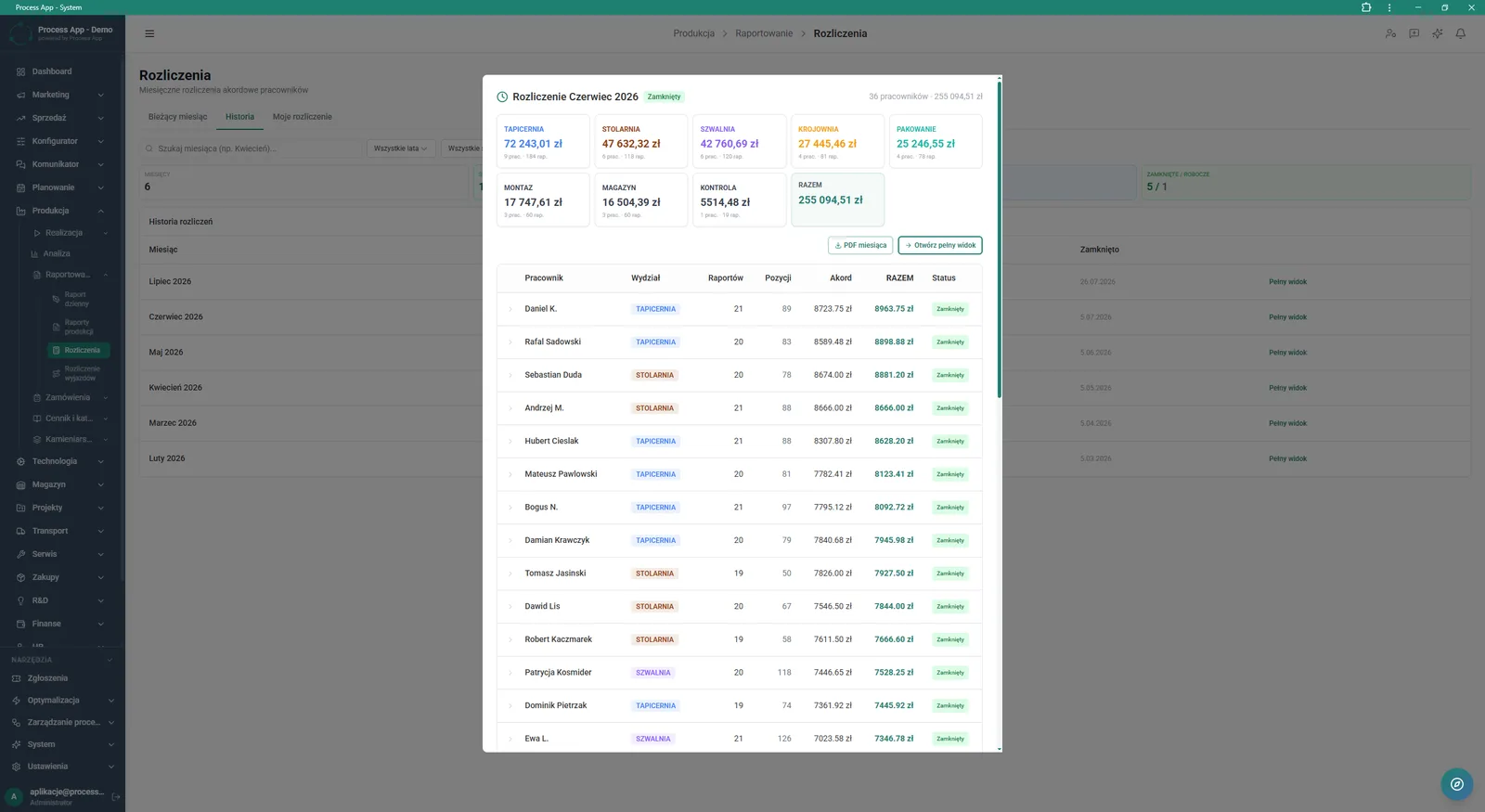
Settlements screen with an open detail window for the monthly piecework settlement, showing a cost summary by departments and a list of employees with amounts to be paid.
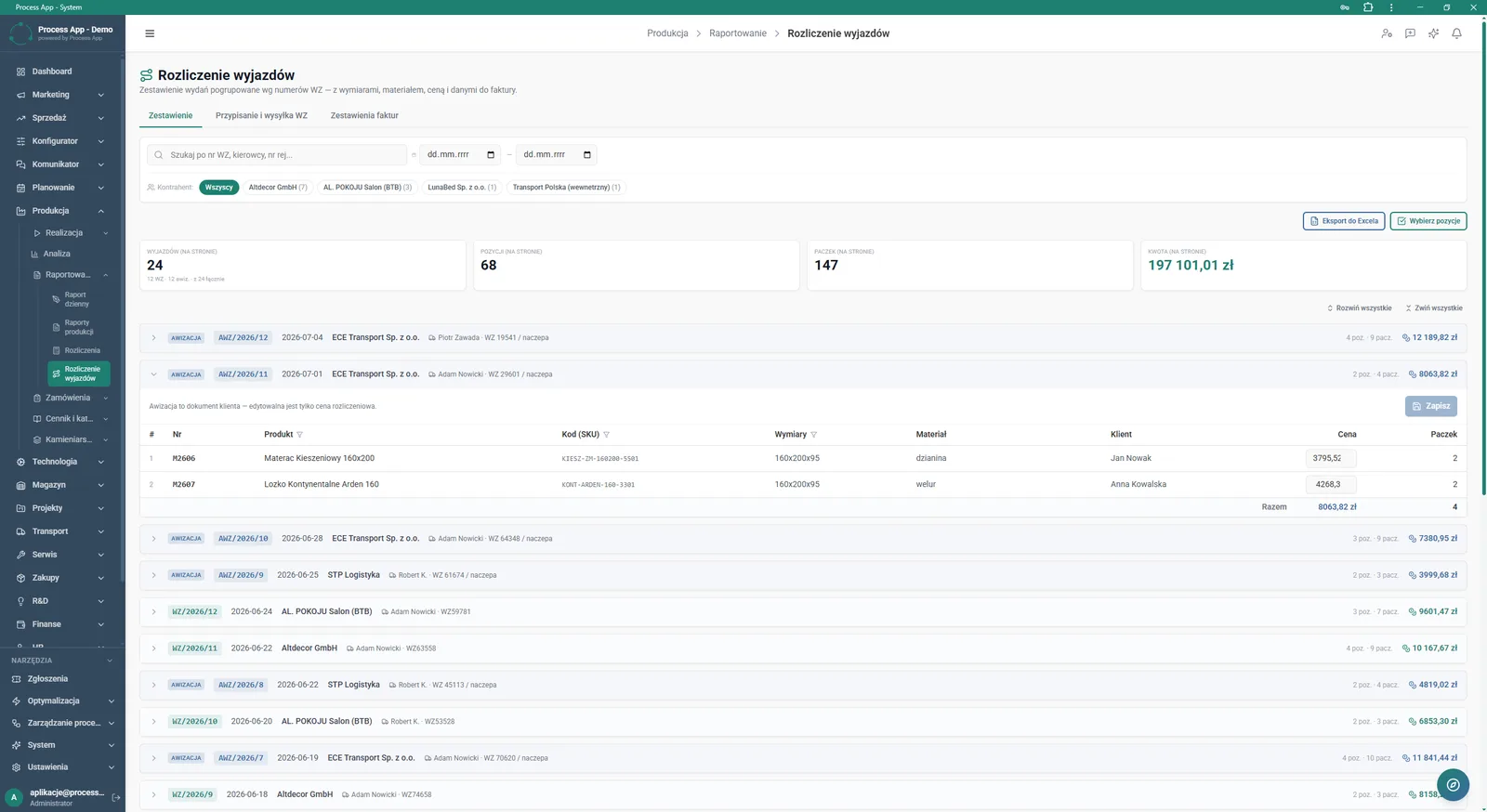
Travel Settlement screen in the Production module, showing a list of issues grouped by goods issue note numbers with summary tiles and a table enabling a view of individual pre-advice details.
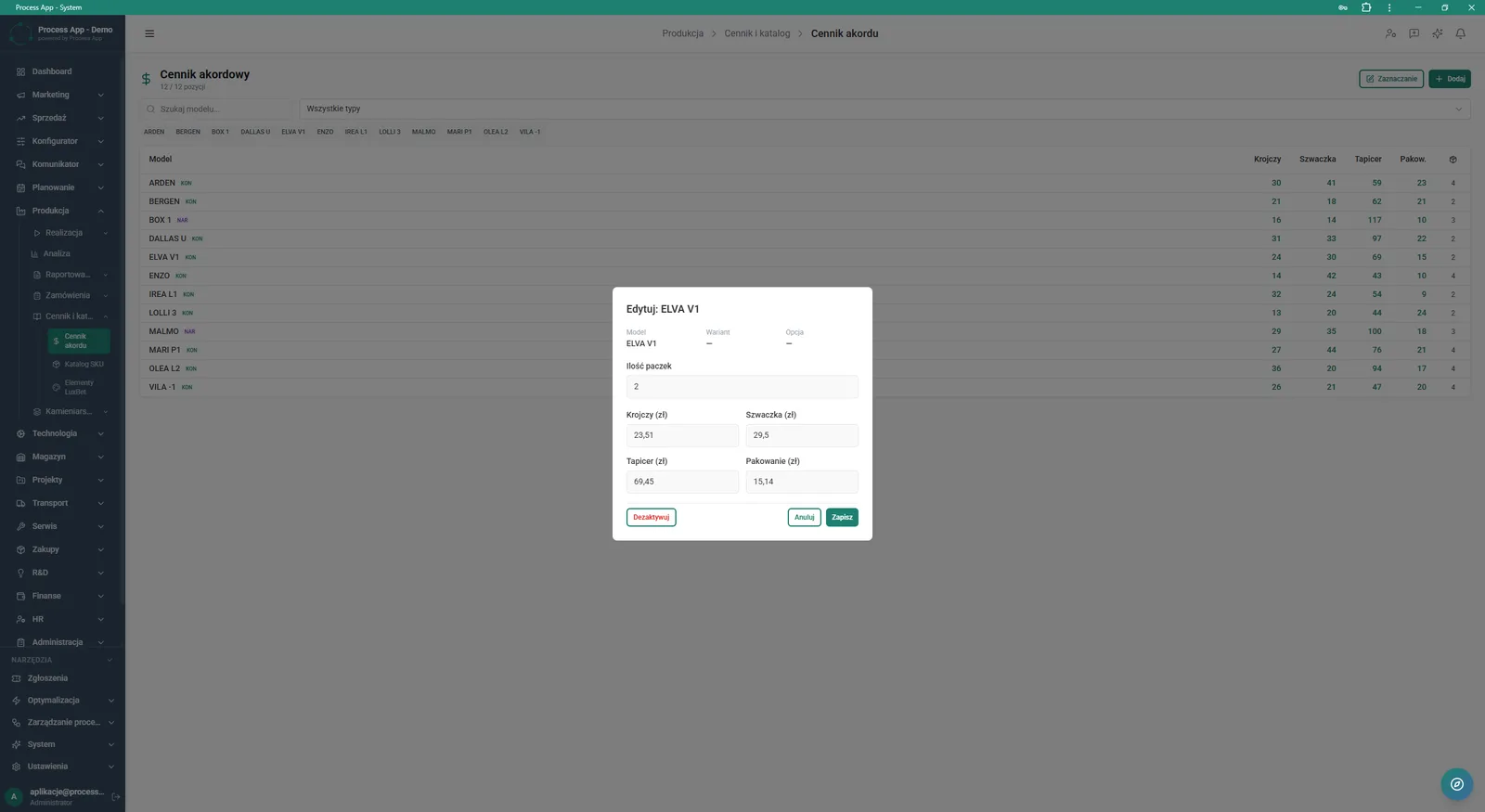
Piecework Price List screen with an open rate editing window for a selected model, showing fields for defining amounts for cutting, sewing, upholstery and packing.
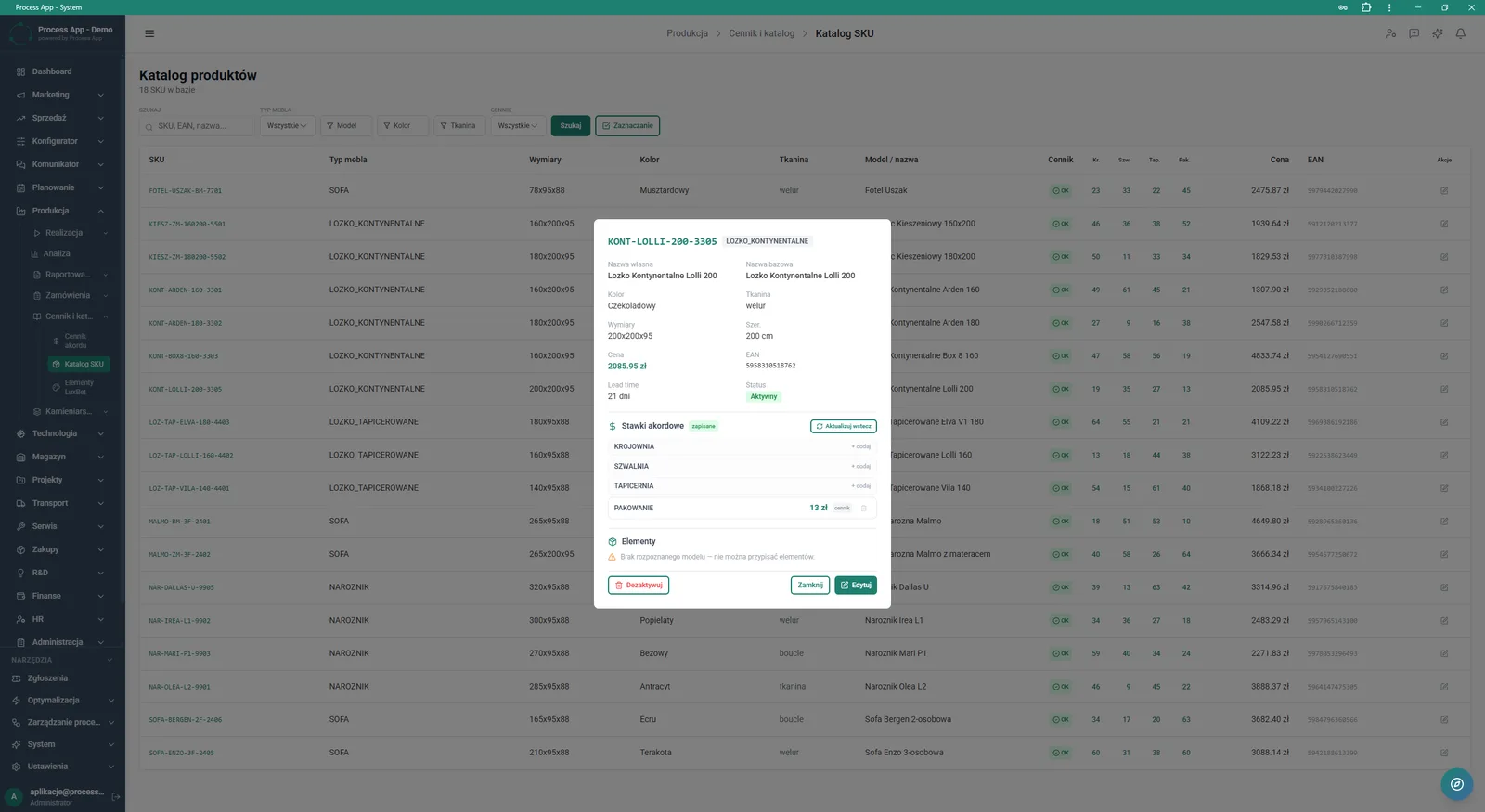
SKU Catalogue screen in the Production module with an open detail window for a selected product, showing its parameters and assigned piecework rates for individual production stages.
What exactly you get
Piecework price list management
The system allows you to edit rates for individual models, broken down by specific workstations.
PDF document generation
The application enables you to download the settlement for the entire month or an individual card for a selected employee.
Closing settlement periods
This function allows you to lock data editing by assigning a closed status to a selected department.
Retroactive rate updates
The system allows you to change assigned amounts in the SKU catalogue, taking past periods into account.
Editing daily reports
Authorised users can manually add new entries to a selected employee report.
What AI does for you in this process
Anomaly detection in reports
Artificial intelligence analyses daily work reports, flagging unrealistic quantities of completed units.
Piecework cost prediction
Algorithms evaluate active orders and historical work pace to forecast the budget needed for payouts in a given month.
Rate optimisation
Artificial intelligence analyses execution times from MES terminals and suggests adjustments to the piecework price list for new models.
The process from start to finish
Manage rates for cutting, sewing, upholstery and packing directly in the Piecework Price List view or from the SKU Catalogue. Review monthly settlements broken down by departments such as Upholstery, Woodshop or Sewing. Verify detailed employee daily reports, checking the number of completed units and the amounts assigned to them. Close settlements for individual departments with a single click, and reopen them if needed. Generate consolidated cost summaries or individual employee cards and download them as PDF files. Update piecework rates retroactively to maintain continuity and accuracy of historical calculations. Monitor scrap rate and daily plan completion in real time on the main screen of the Production module.
See this process on your own data
We will walk you through the “Piecework Settlement” module using your company as the example — the input, the flow and the end result in Process App.
Explore the remaining system modules
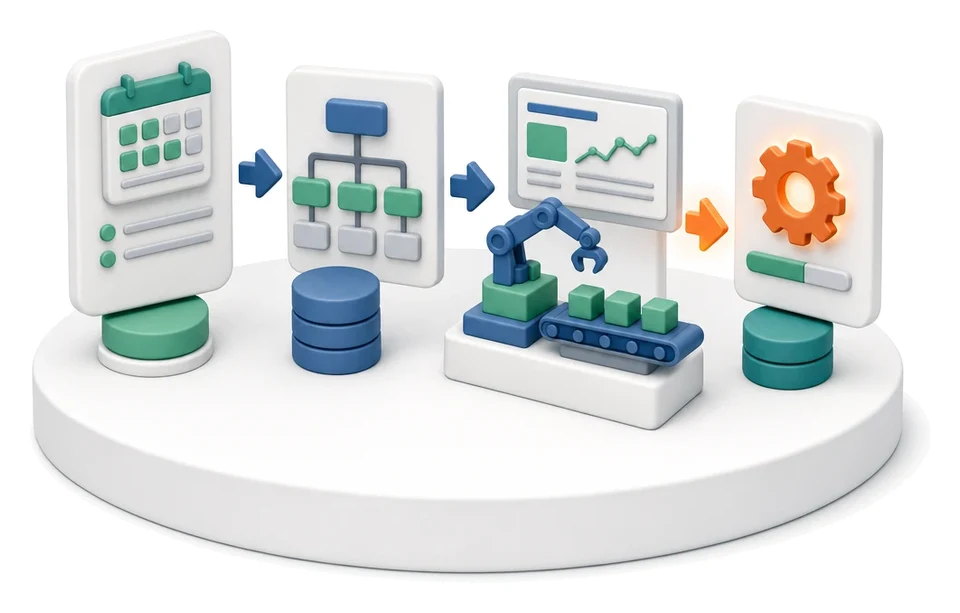
Production Order Launch
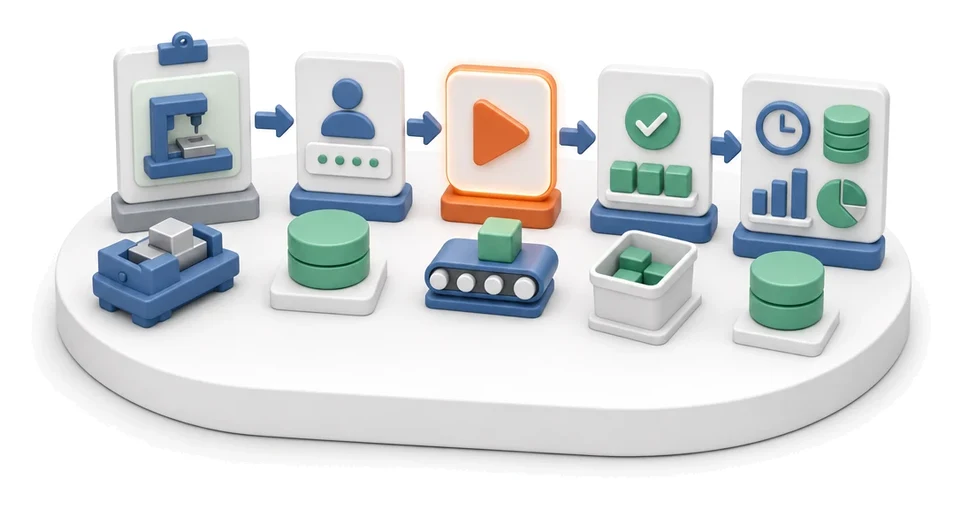
Production Reporting (MES Terminal)
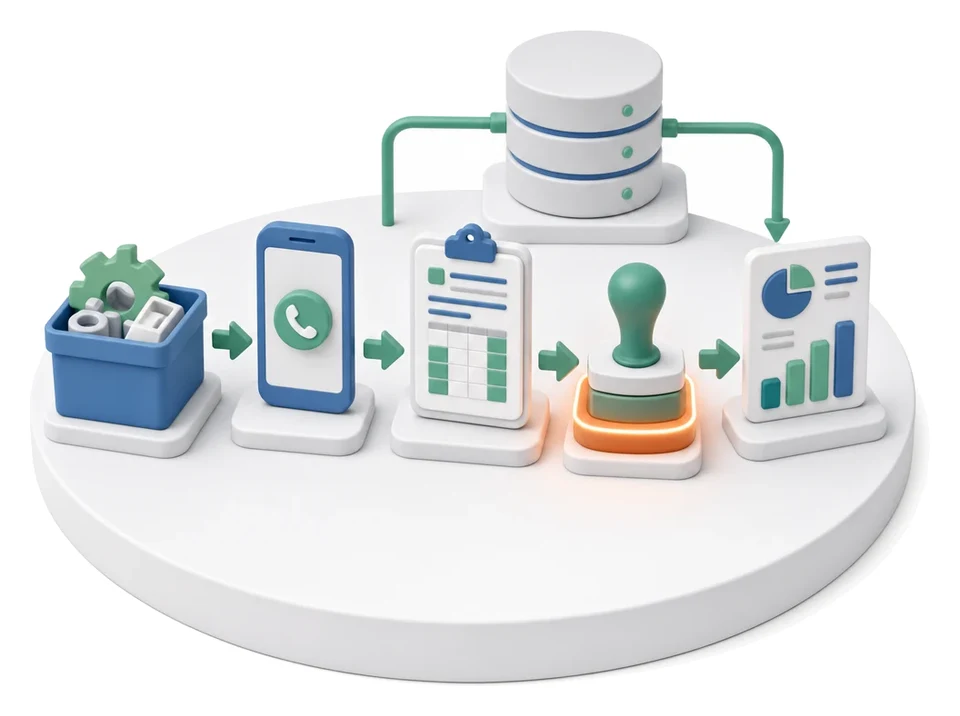
Daily Work Reporting
Purchase Requisition

Purchase Order

Demand vs Inventory Balancing
Transport Order
Project Kick-off
Project Schedule Planning
Project Management
Project Time Tracking