Project Time Tracking
Losing control of implementation profitability and your team’s time? The Projects module enables precise logging of hours against tasks and ongoing budget monitoring. Built-in AI algorithms automatically optimize resource allocation and generate weekly work summaries.
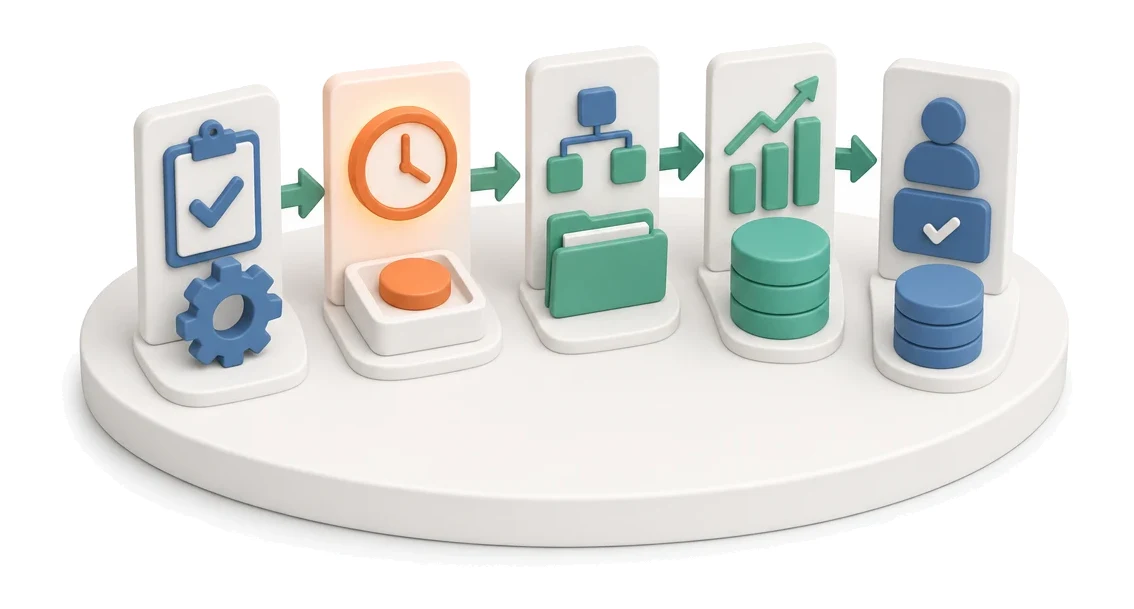
- Input
- Completed work
- Flow
- Enter hours → assign to task → impact on project budget
- Output
- Hours assigned to the project
What changes in the company after the rollout
The team reports hours logged against tasks and projects. This data is used to calculate implementation profitability.
Full control over profitability
Real-time insight into budget usage and spending helps you avoid financial losses on projects.
Optimal team workload
Clear allocation statistics prevent employee overload and work stoppages.
Faster time reconciliation
A convenient day grid and fast hour entry reduce the time needed for reporting.
Better visibility of progress
KPI tiles and progress bars give an instant view of the status of all active implementations.
Fewer recording errors
A structured process for submitting timesheets for approval ensures the accuracy of input data.
How this process looks in Process App
Zrzuty pochodzą z działającego systemu — kliknij, aby powiększyć.
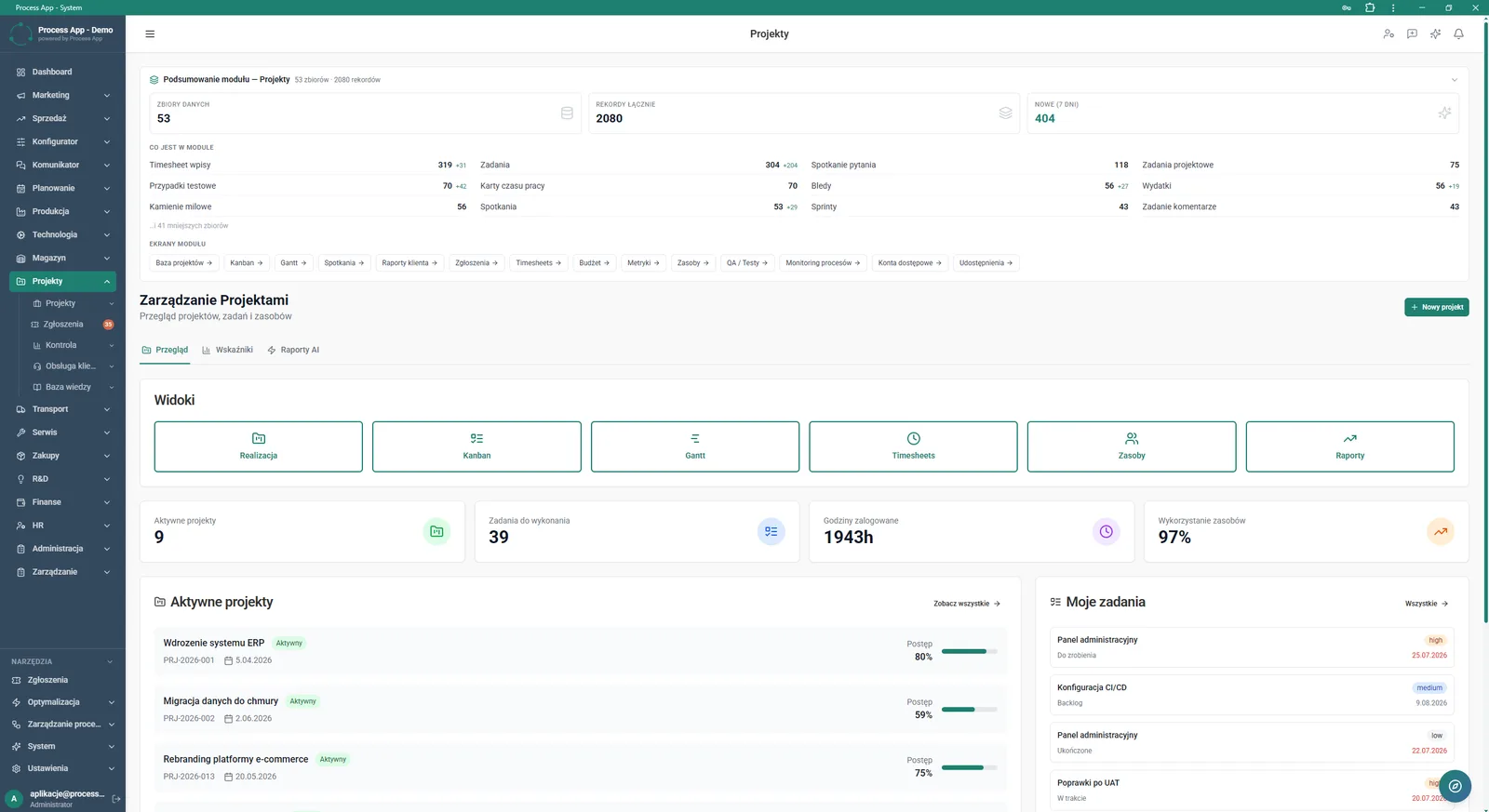
Main Projects module screen presenting a summary of statistics, navigation tiles to views, and short lists of the user’s active projects and tasks.
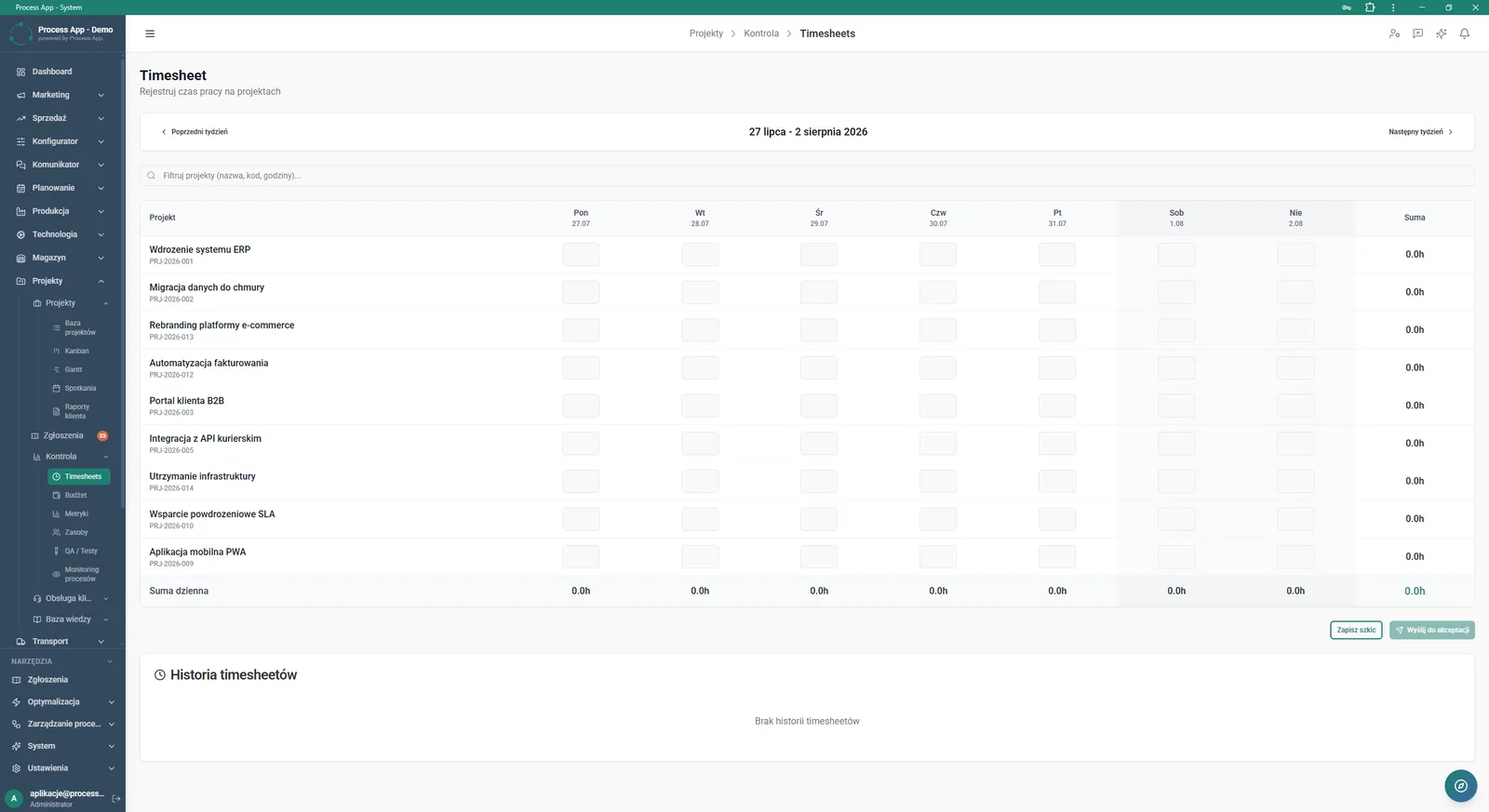
Timesheet screen for recording work time, containing a table with the list of projects and fields for entering hours for each day of the selected week.
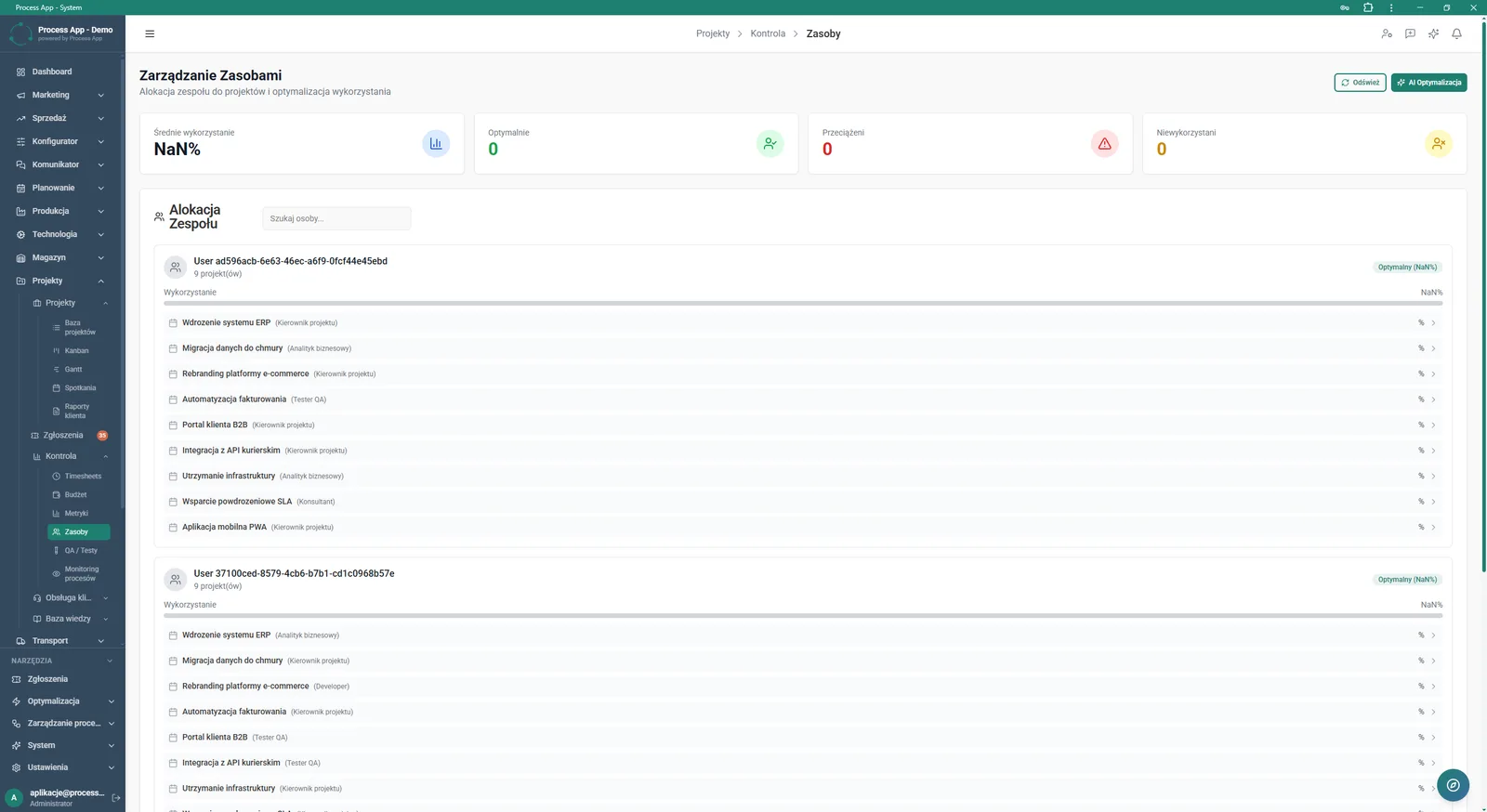
Resource Management screen presenting team allocation statistics and a list of users with their assigned projects and utilization level.
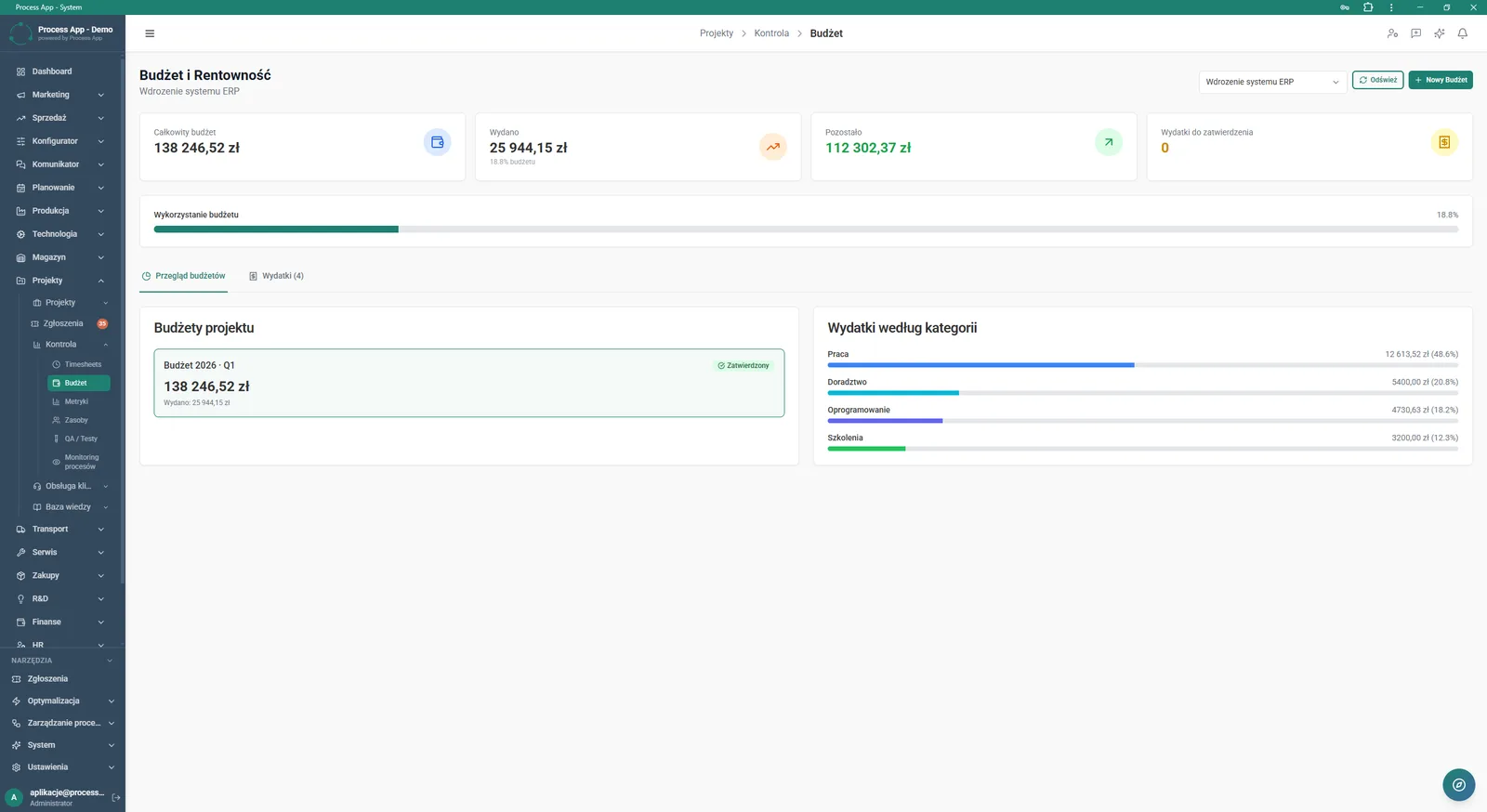
Budget and Profitability screen presenting the financial summary of a selected project, including budget statistic tiles, the list of project budgets, and an overview of spend by category.
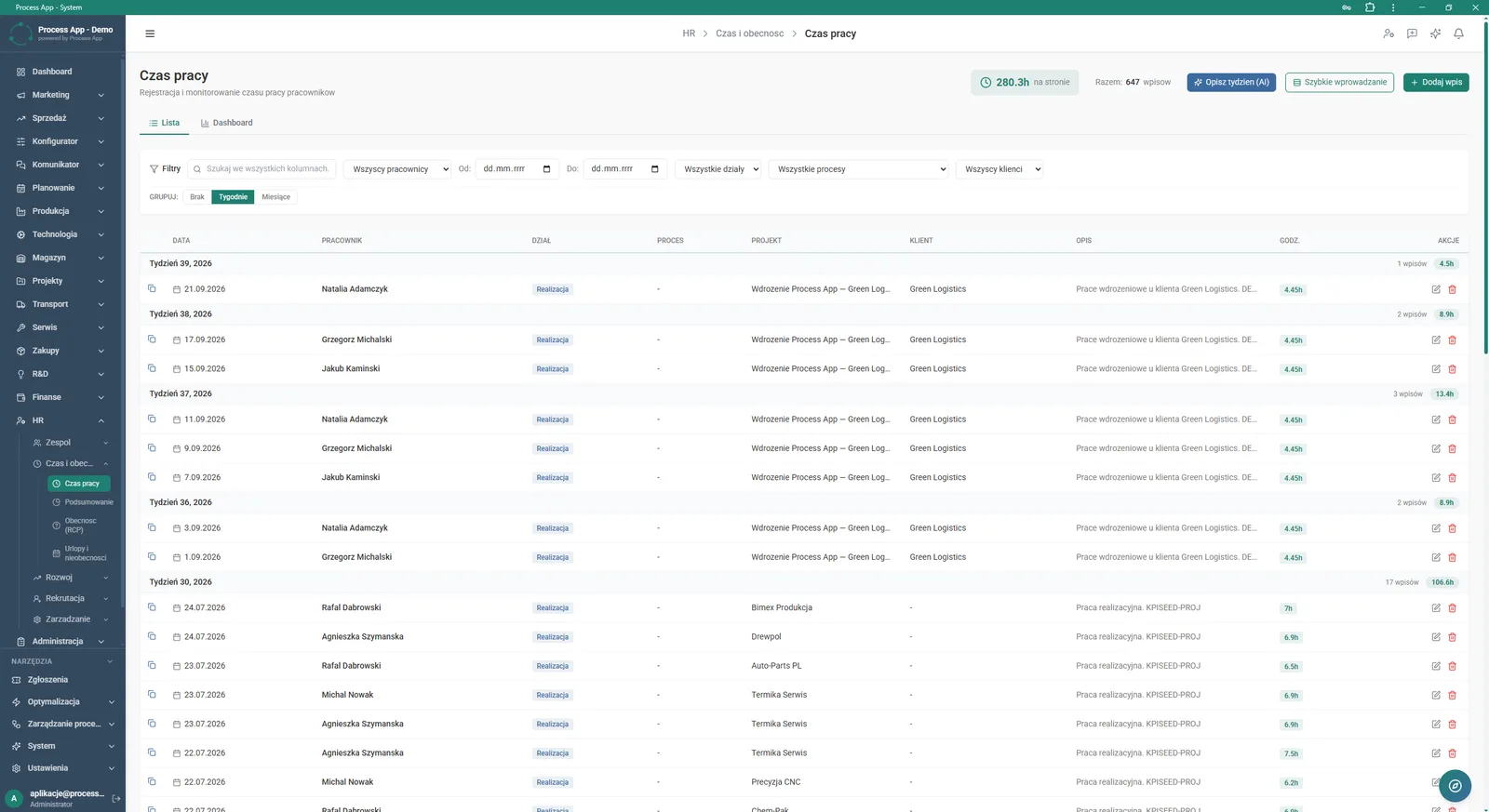
Work Time screen showing a tabular breakdown of reported team work hours grouped by weeks, with visible task details and filtering options.
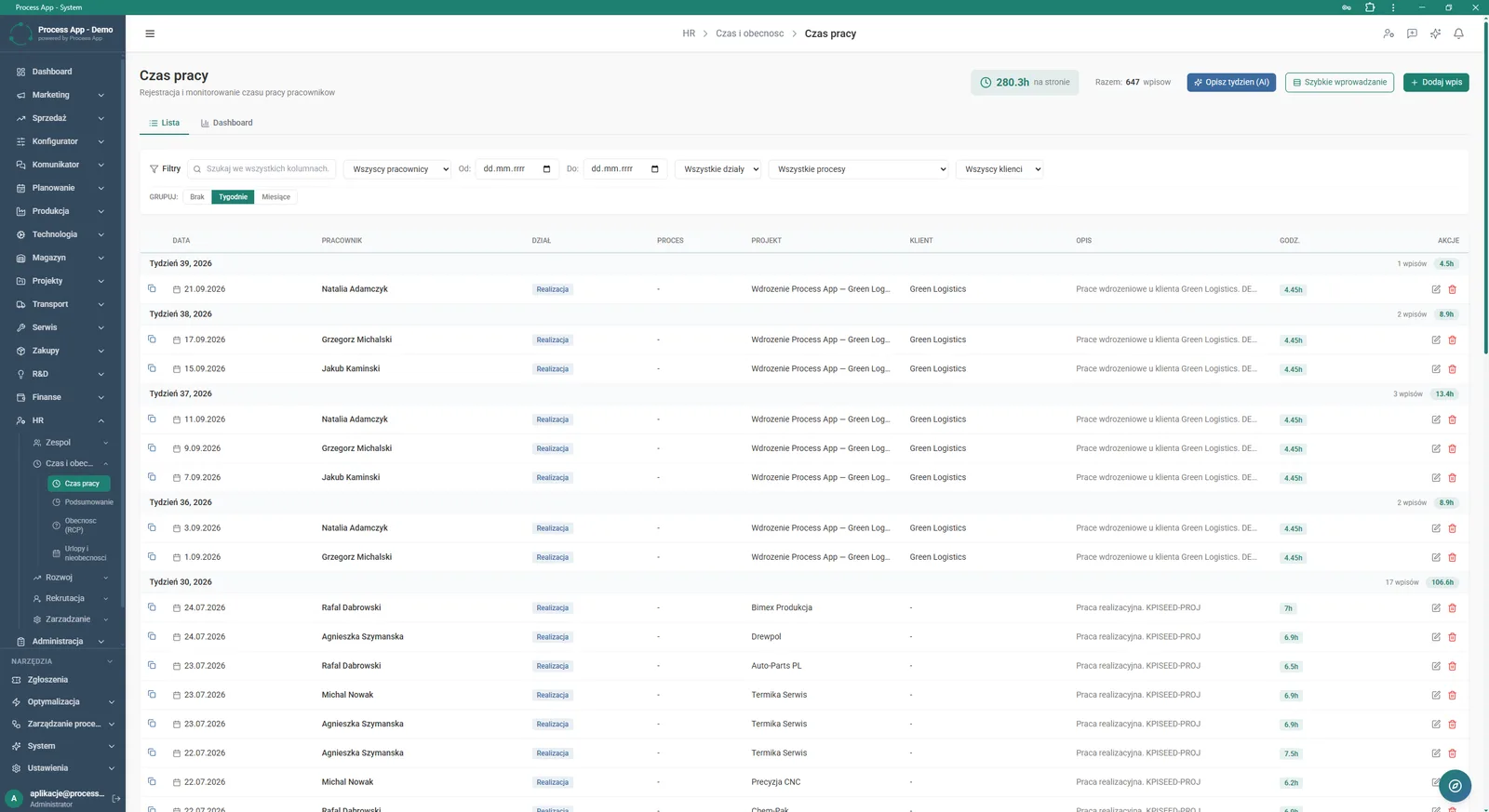
Work Time screen in the HR module presenting a tabular breakdown of reported employee work hours grouped by weeks.
What exactly you get
Day-grid time entry
The system allows users to enter worked hours for projects split by individual days of the week.
Project budget management
The application lets you add new budgets and track spending by category.
Filtering and grouping entries
Users can search work time by employee, customer, or process and group data by weeks or months.
Resource allocation tracking
The module displays a list of users with their assigned projects and percentage utilization indicators.
Time sheet approval
This feature lets you save entered time as a draft or send a completed timesheet for manager approval.
What AI does for you in this process
Resource allocation optimization
AI analyses team workload and suggests optimal assignment of employees to projects via the AI Optimization function.
Weekly description generation
AI automatically creates a text summary of reported hours and tasks using the Describe Week (AI) option.
Intelligent KPI reporting
AI processes time and budget data, presenting ready-made insights in the AI Reports tab.
The process from start to finish
Manage the entire implementation lifecycle from the Projects screen, where you can quickly review active projects and open tasks. Record completed work in the Timesheet view by entering hours into the day grid for the selected week, then submit the form for approval. Monitor team workload on the Resource Management screen to avoid overloads and distribute tasks optimally. Control finances in the Budget and Profitability tab by analysing the total budget, category-based spend, and remaining funds. Review detailed breakdowns of reported hours on the Work Time screen, using advanced filters and data grouping. Use the Overview, KPIs, and AI Reports tabs to keep the full picture and make sound business decisions.
See this process on your own data
We will walk you through the “Project Time Tracking” module using your company as the example — the input, the flow and the end result in Process App.
Explore the remaining system modules
Project Kick-off
Project Schedule Planning
Project Management
Project Budget and Margin Control
Client Status Reporting
Complaint Intake and Qualification
Complaints Handling
Service Team and Calendar Planning
Service Trip Execution
Sales Invoicing
Annual Budgeting (P&L)