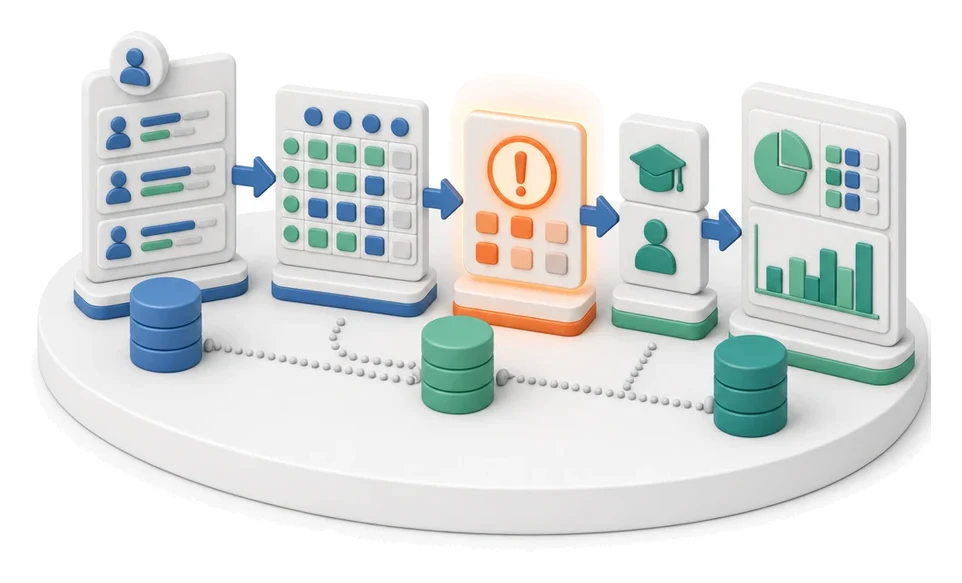
Complaints Handling
Drowning in a flood of complaints and not sure what your service technicians are working on right now? The Service module fully digitises complaint handling, from logging the case, through trip planning in the calendar, to profitability settlement for each job. Built-in AI algorithms automatically generate ready-made customer responses based on your guidelines and templates.
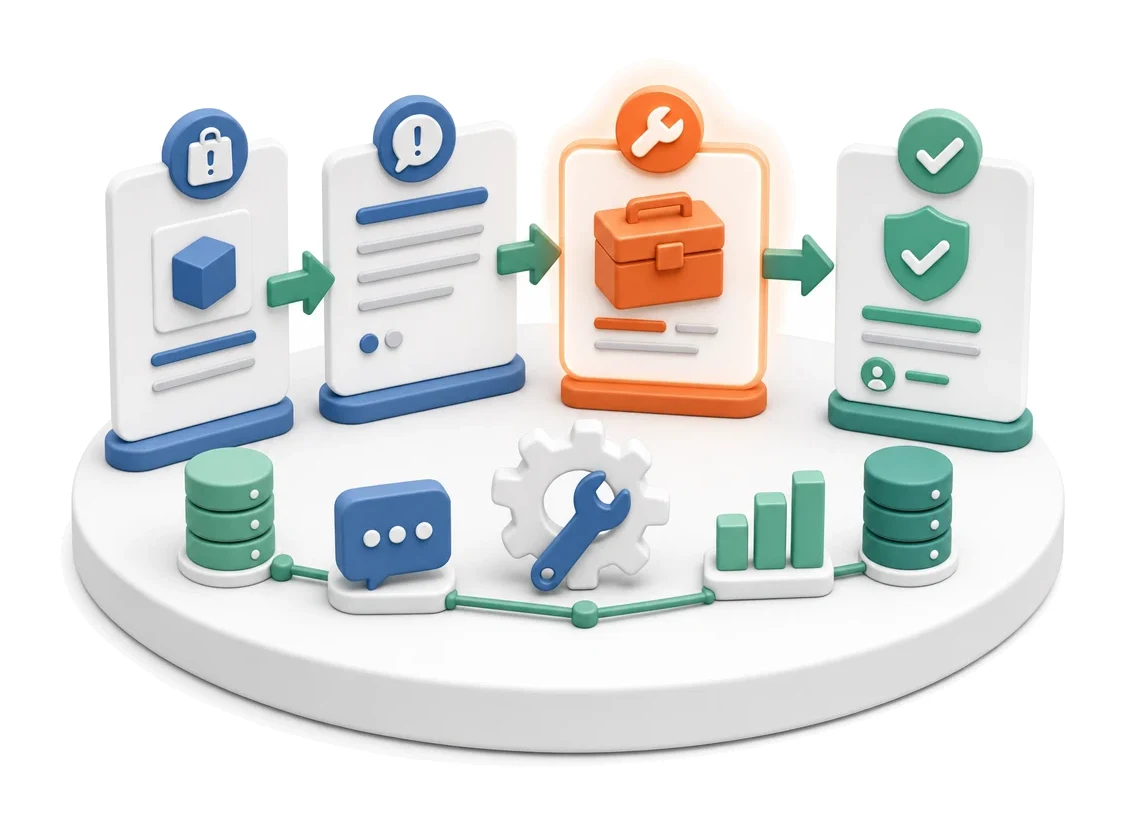
- Input
- Qualified complaint
- Flow
- Complaint → repair order → closure and customer notification
- Output
- Closed complaint with a decision
What changes in the company after the rollout
A qualified complaint proceeds to repair, replacement or rejection. The customer is informed at every stage.
Full cost control
Analyse the profitability of every job by verifying generated revenue and net profit.
Worktime optimisation
Quickly assess technician workload and plan trips to avoid schedule clashes.
Faster communication
Shorten response times to complaints thanks to message previews and ready-made templates.
Reduced fleet downtime
Receive early alerts about expiring vehicle documents to avoid logistics disruptions.
Process transparency
Track complaint statuses from initial receipt through to the generated service report.
How this process looks in Process App
Zrzuty pochodzą z działającego systemu — kliknij, aby powiększyć.
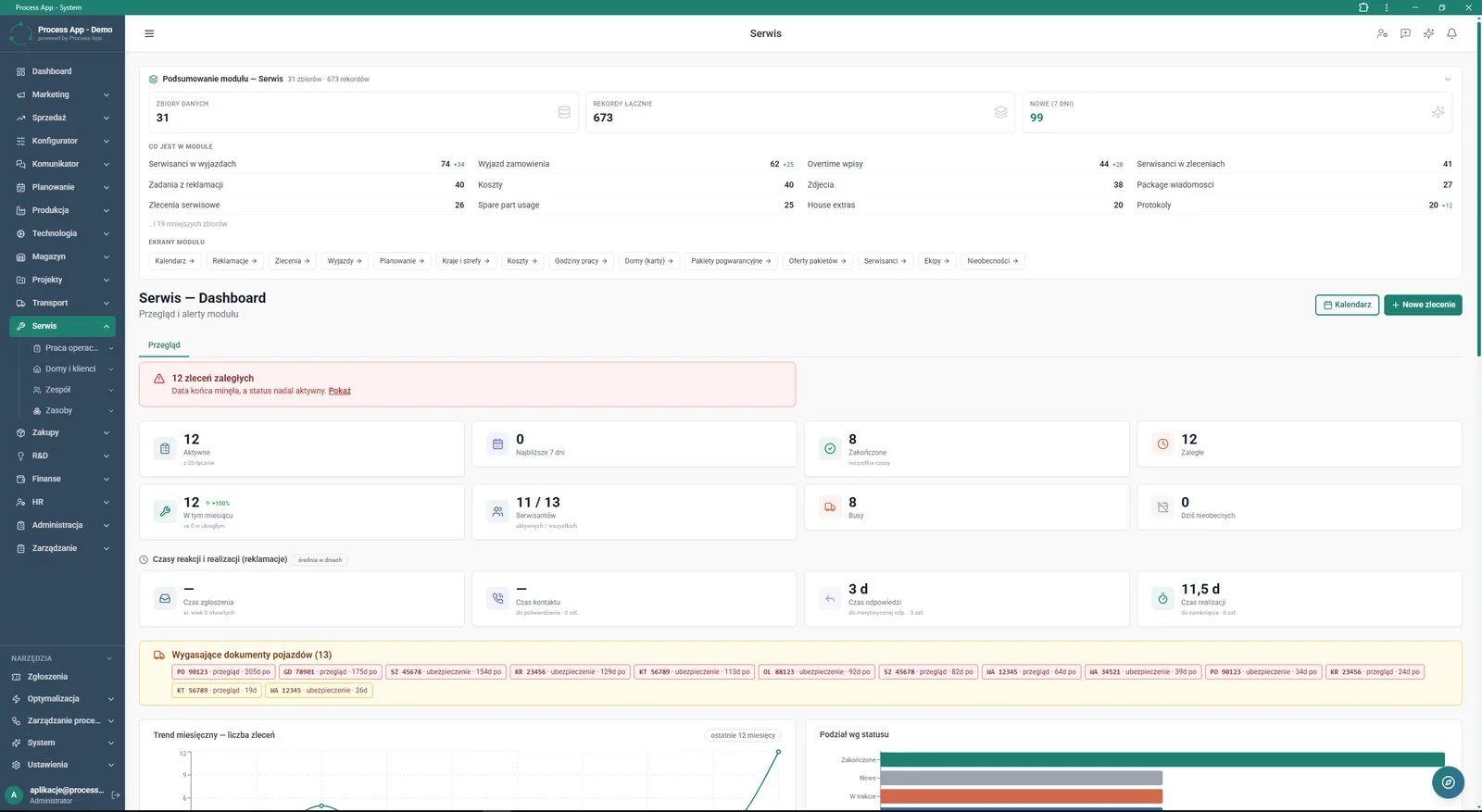
Service screen — Dashboard showing a summary of module data, tiles with order and reaction time statistics, alerts and trend charts.
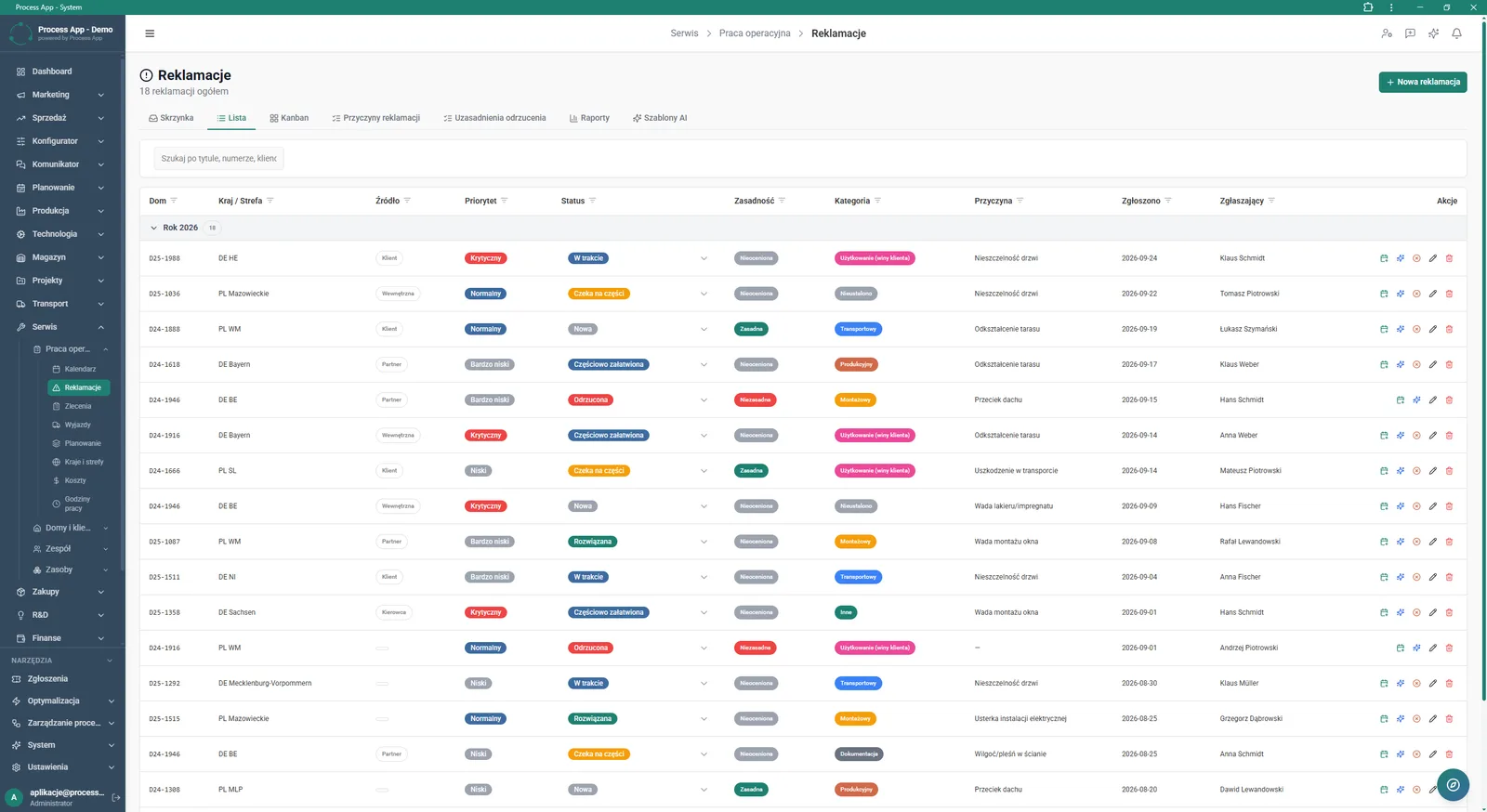
Complaints list screen in the Service module, showing a table of cases with detailed attributes such as priority, status, validity and category.
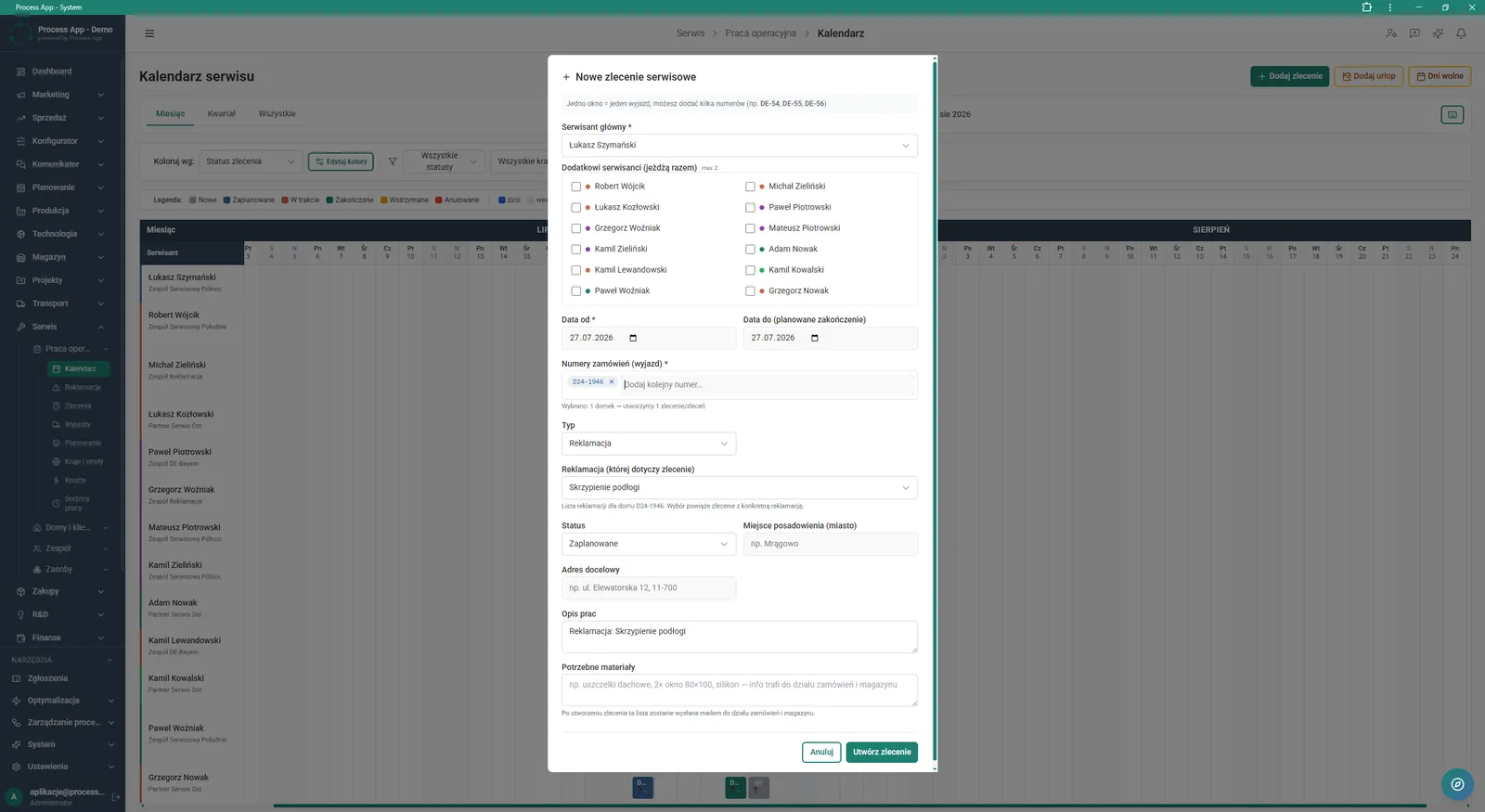
Service calendar screen with an open modal window for adding a new service job, containing a form for assigning technicians, dates, order numbers and job details.
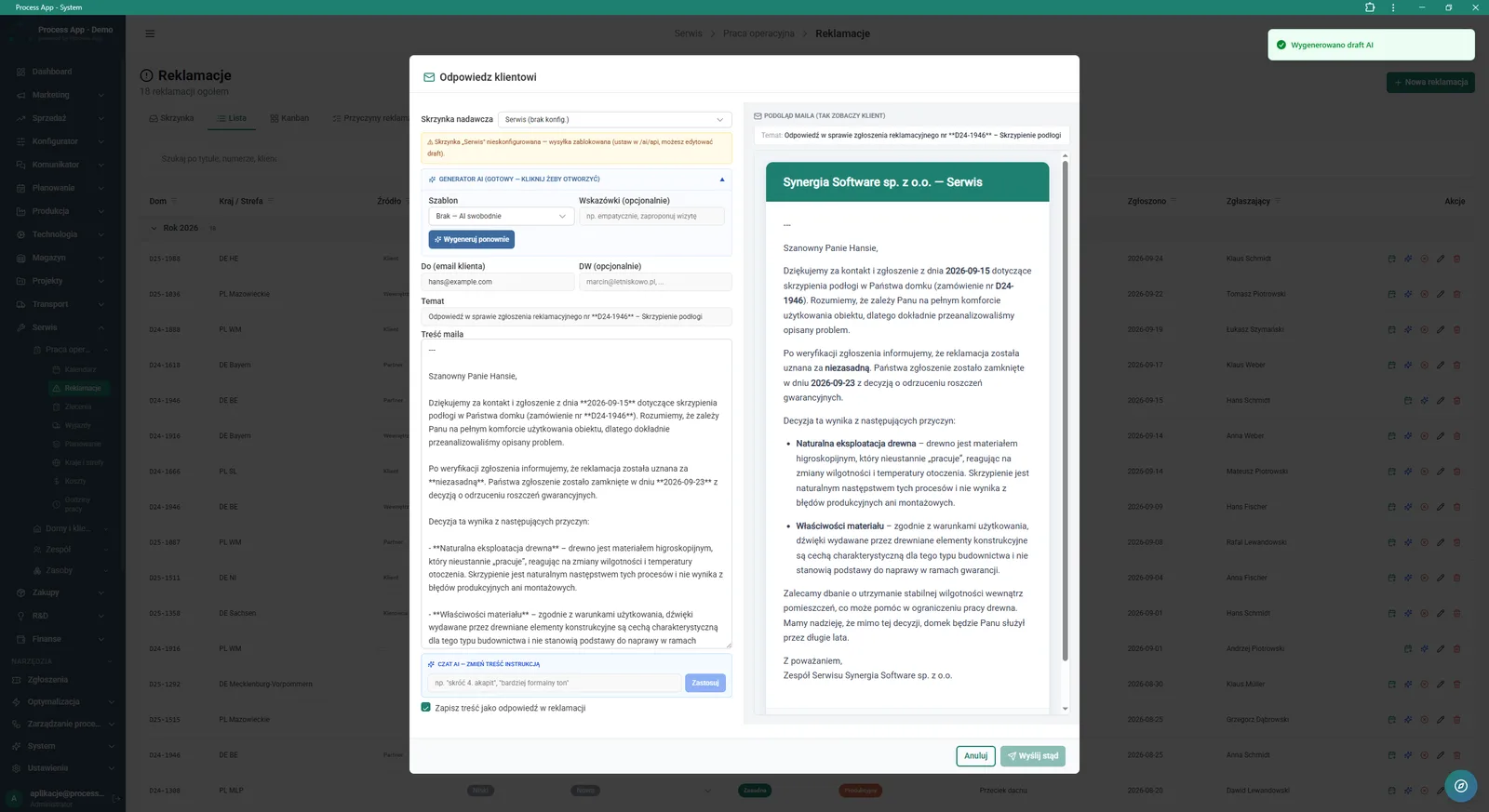
Complaints list screen with an open “Reply to customer” modal window, showing an email creation form using the AI generator and a preview of the ready message.
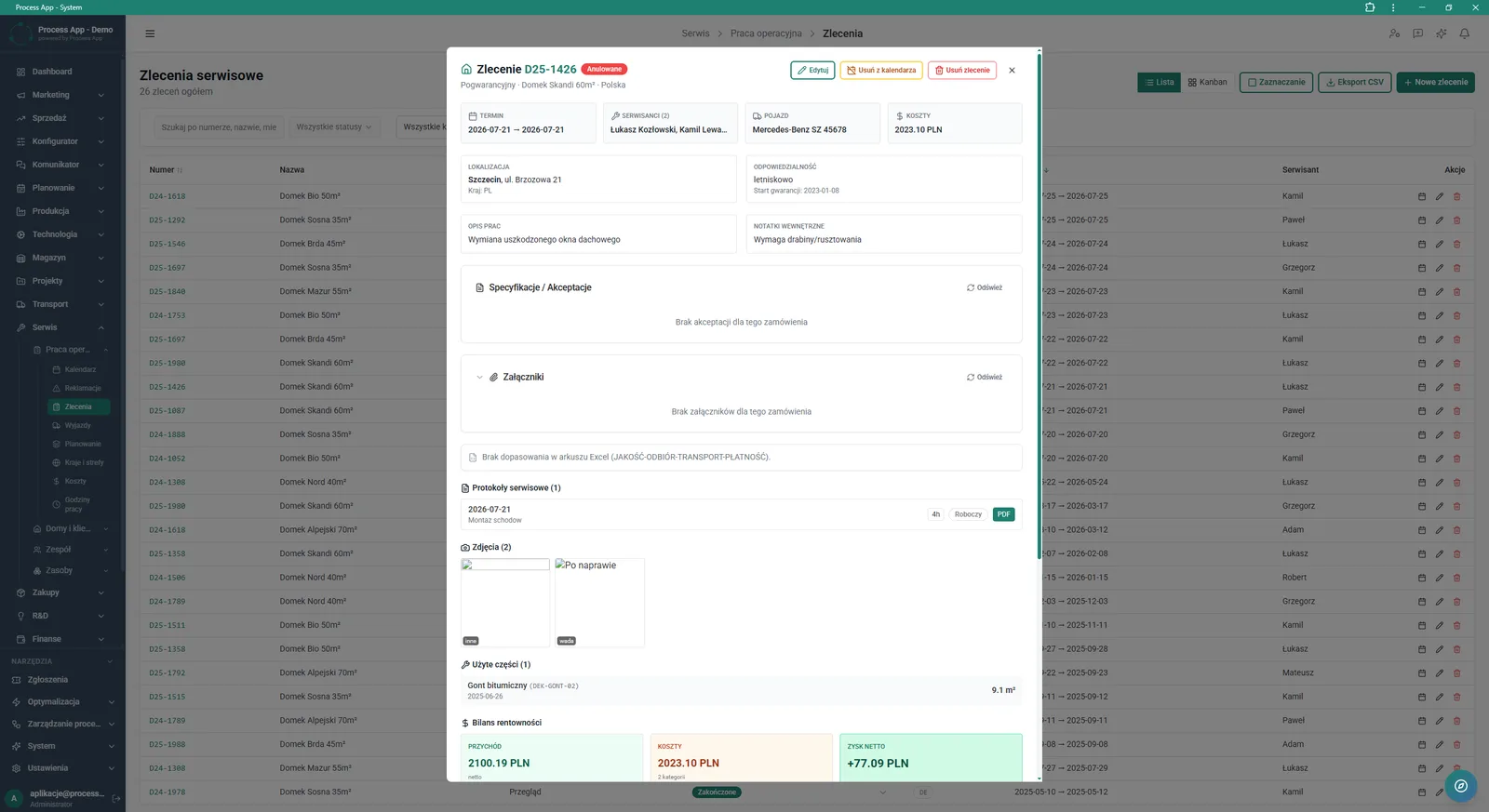
Service jobs list screen with an open job details modal window, showing data on dates, technicians, costs, reports, photos and profitability balance.
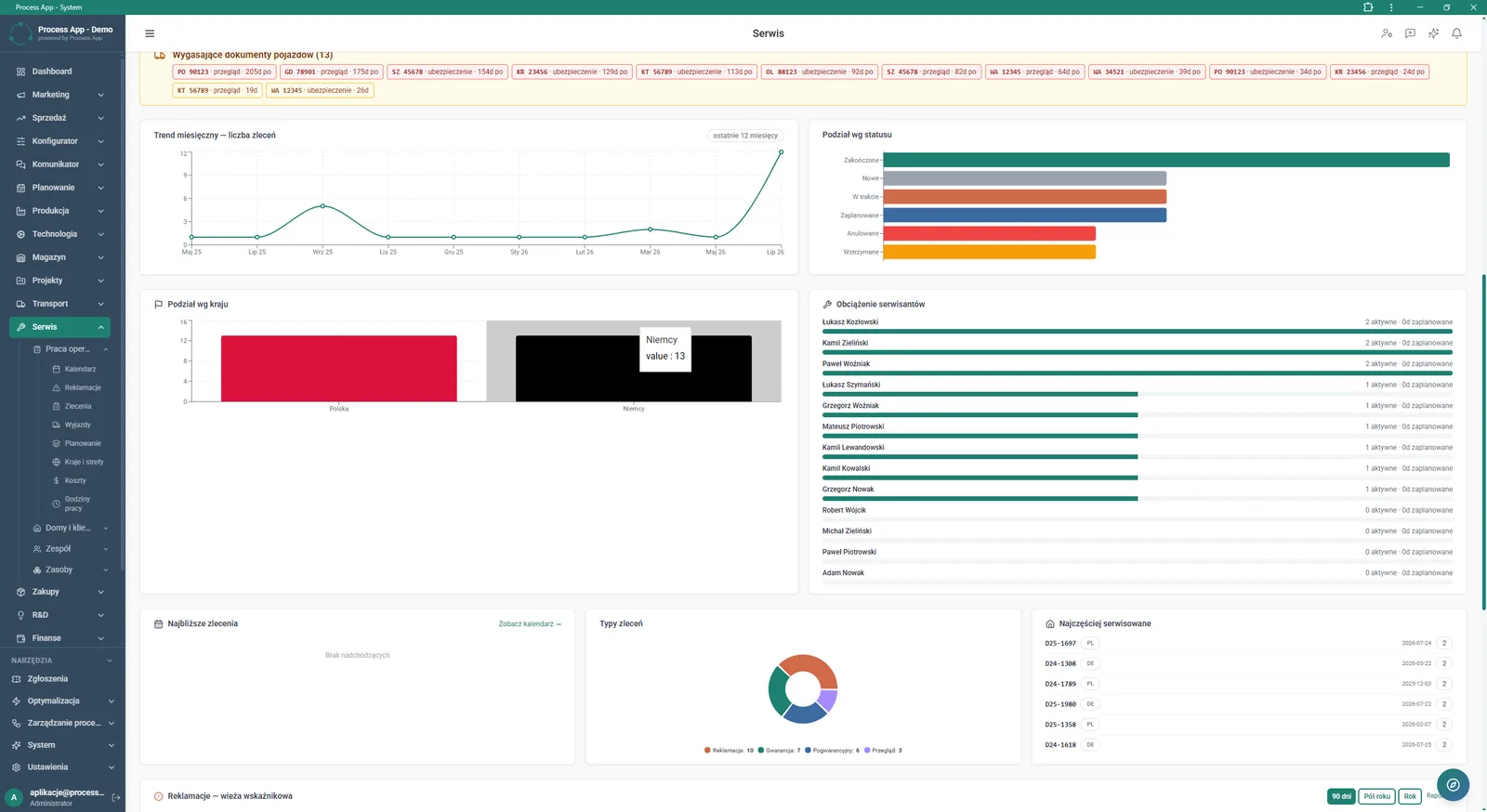
Main dashboard screen of the Service module showing an overview of operational data using charts, indicators and lists.
What exactly you get
Interactive service calendar
Add new jobs, assign technicians, define timeframes and link related order numbers.
Complaint case management
Browse the list of cases by priority, status, validity and category.
Job details card
Keep all information on costs, used parts, photos and reports in one place.
Reaction time monitoring
Track time-to-report, time-to-contact, time-to-response and time-to-completion KPIs.
Advanced data filtering
Analyse monthly trends and breakdowns of jobs by status and country using clear charts.
What AI does for you in this process
Email content generation
AI creates ready-to-send customer responses based on selected templates and your guidelines.
Chat-based editing
AI analyses your text instructions and automatically adjusts the generated message content.
Saving responses
AI lets you save the generated and approved content as the official complaint response with a single click.
The process from start to finish
Manage the entire complaint handling process from one place using a clear Dashboard and Kanban view. Plan team work in the service calendar by assigning a lead technician, accompanying staff and required materials to each visit. Continuously monitor response times, technician workload and expiring vehicle documents to avoid downtime. Verify every job in detail, including used parts, photo documentation and generated service reports in PDF format. Control profitability by checking revenue and net profit for every completed repair. Search the complaint database by number, title or customer data to instantly find the information you need and trigger the right actions.
See this process on your own data
We will walk you through the “Complaints Handling” module using your company as the example — the input, the flow and the end result in Process App.
Explore the remaining system modules
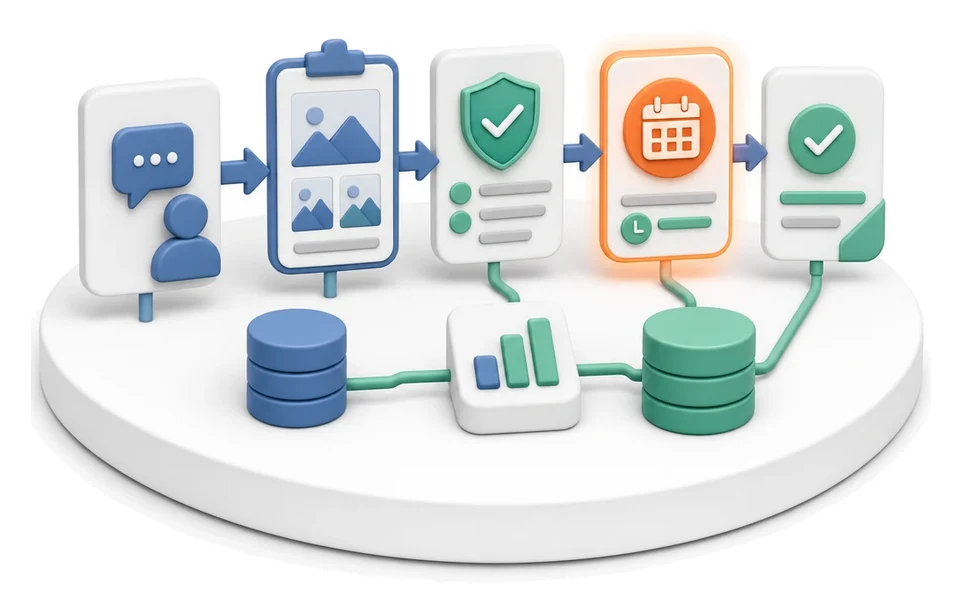
Complaint Intake and Qualification
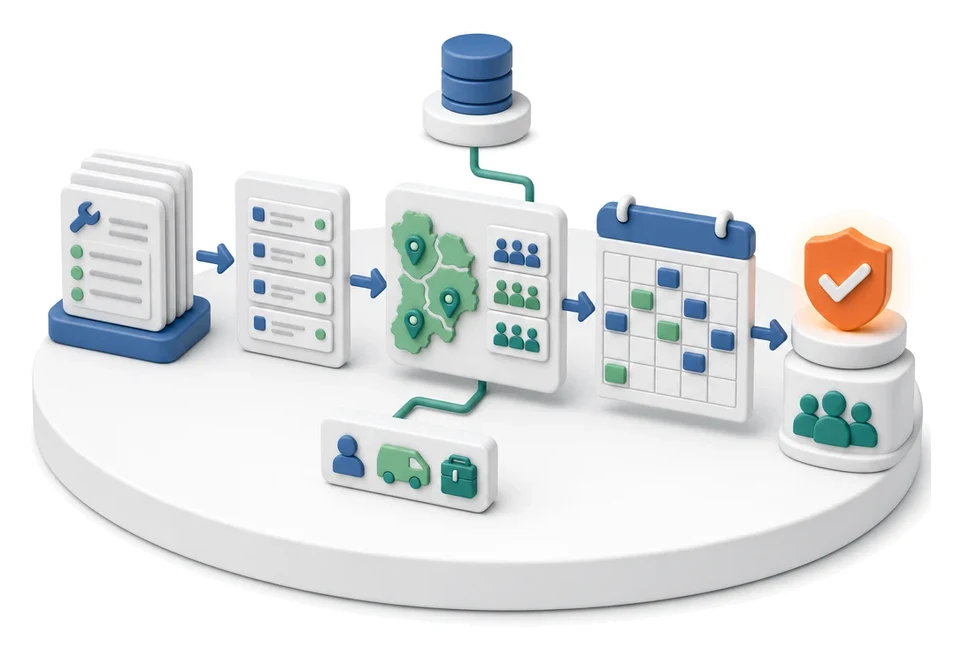
Service Team and Calendar Planning
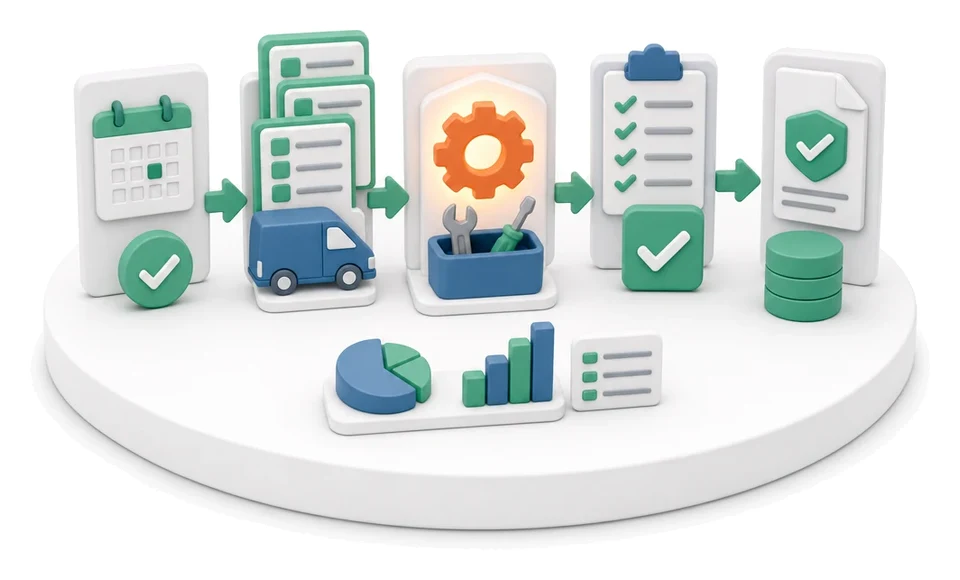
Service Trip Execution
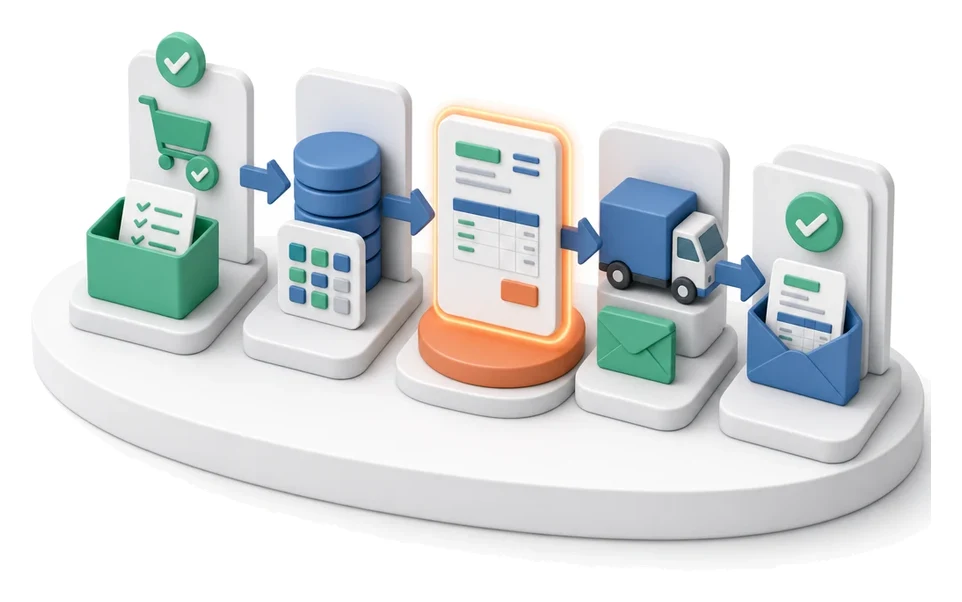
Sales Invoicing
Annual Budgeting (P&L)
Plan vs Actual Control
Month-End Close
Recruitment
Employee Onboarding
Working Time and Time & Attendance Records
Leave and Absence Management