Project Budget and Margin Control
Losing control over costs and time during project delivery? The Projects module continuously compares your planned budget with actual expenses and logged hours, giving you a full margin picture. Built‑in AI Reports automatically analyse entered data and forecast the final financial outcome.
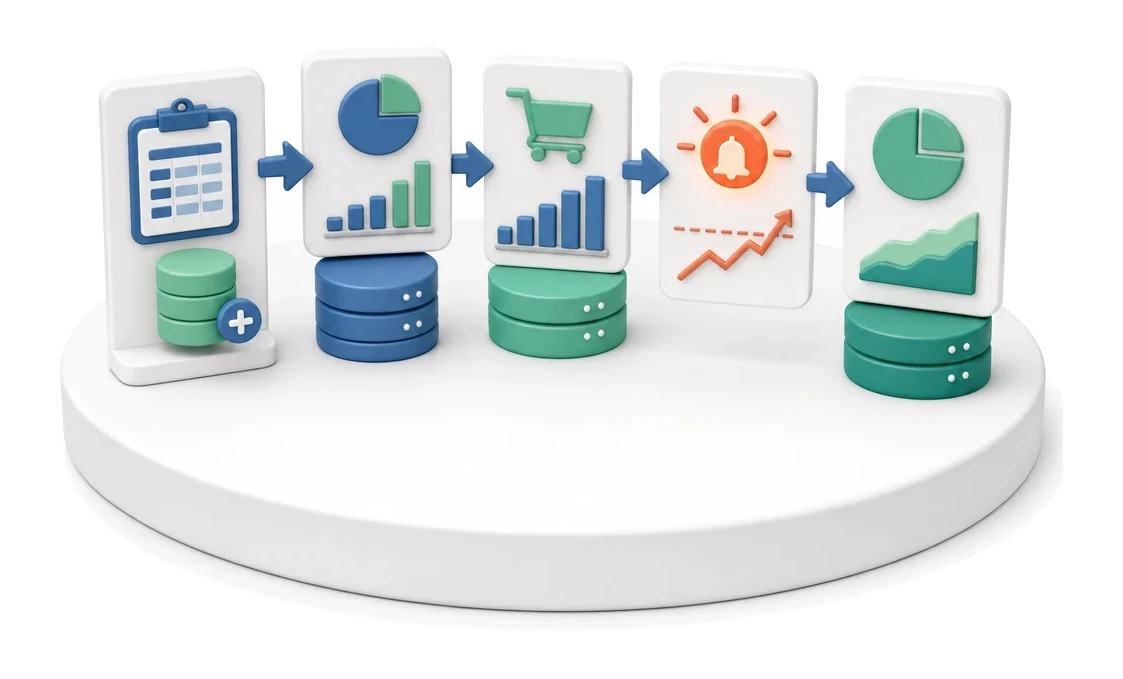
- Input
- Planned budget + costs
- Flow
- Budget → incurred costs → margin and overrun alert
- Output
- Margin and project outcome forecast
What changes in the company after the rollout
The planned budget is continuously reconciled with incurred costs and hours. The manager sees the margin before the project is finished.
Full margin visibility
You see project profitability at every stage, not only after closing the project.
Protection against budget overruns
A budget utilisation progress bar immediately shows how close you are to hitting your cost limit.
Faster time reconciliation
A clear weekly view speeds up entering and approving your team’s working hours.
Better resource planning
A comparison of available and used hours helps prevent conflicts in employee schedules.
Easier expense control
A central cost list with status tracking prevents lost invoices and approval delays.
How this process looks in Process App
Zrzuty pochodzą z działającego systemu — kliknij, aby powiększyć.
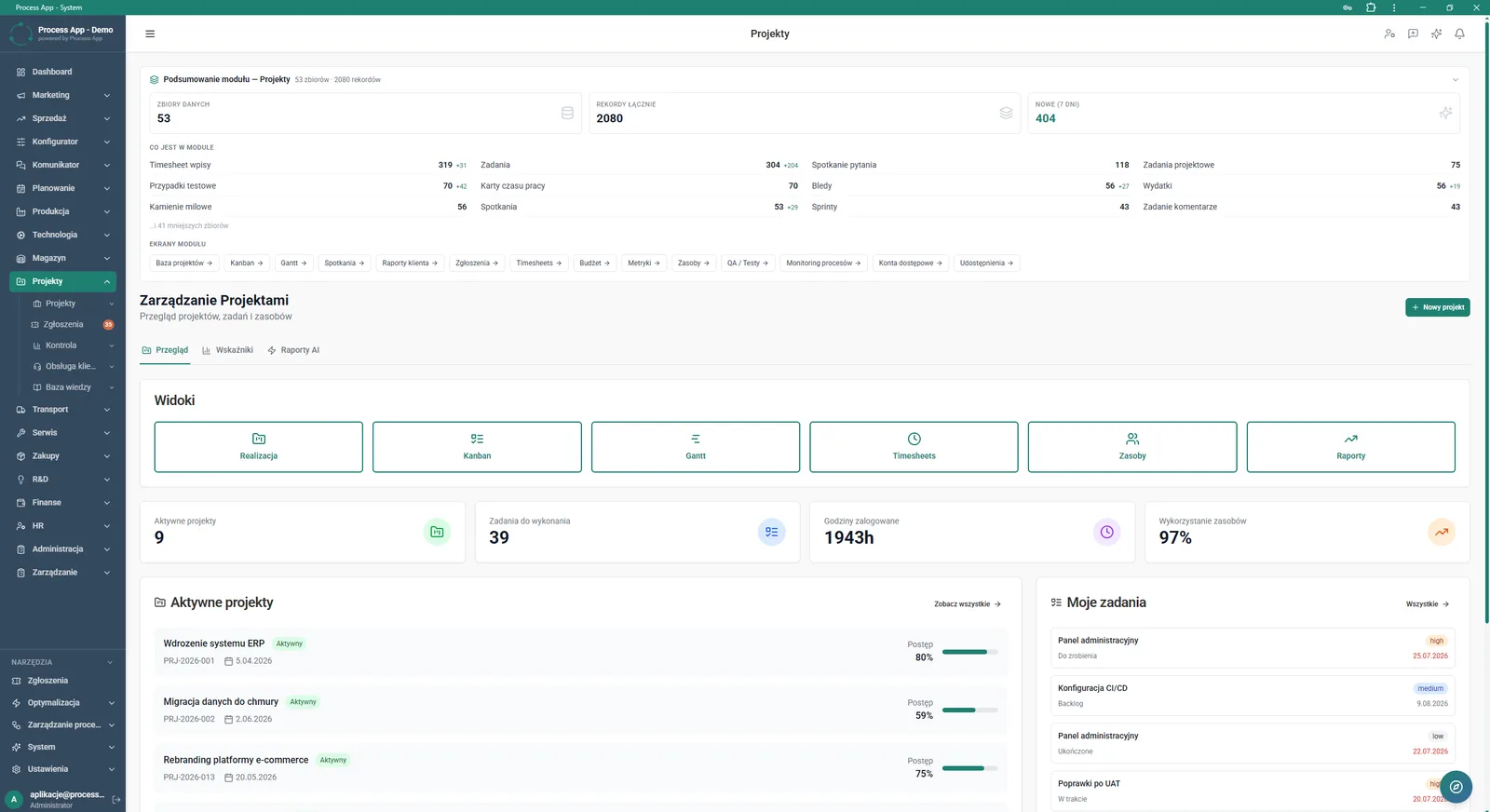
Main screen of the Projects module showing data summaries, available views, key metrics, and lists of active projects and assigned tasks.
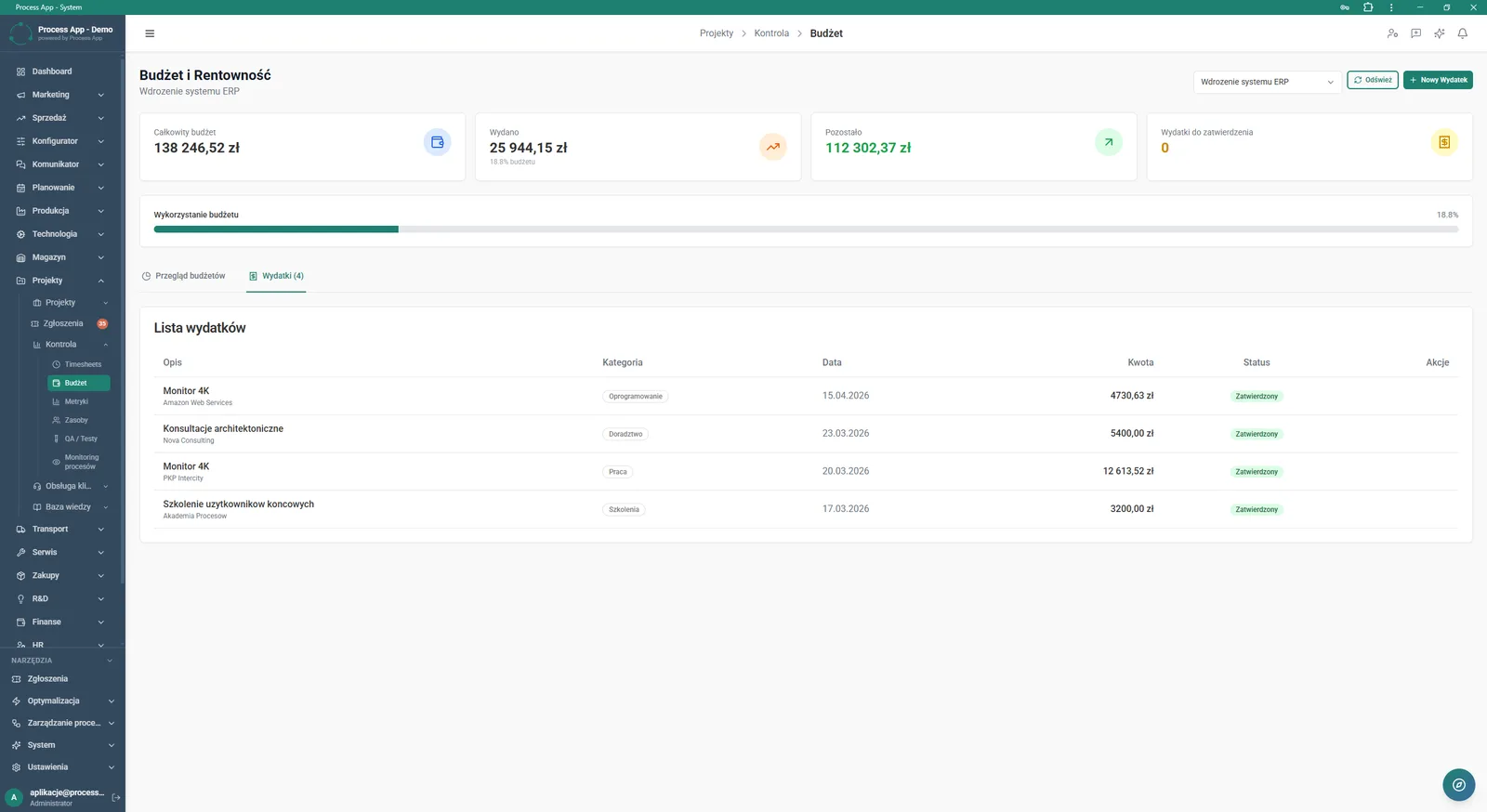
Budget and Profitability screen in the Projects module, presenting financial summary tiles for the selected project and a detailed list of incurred expenses.
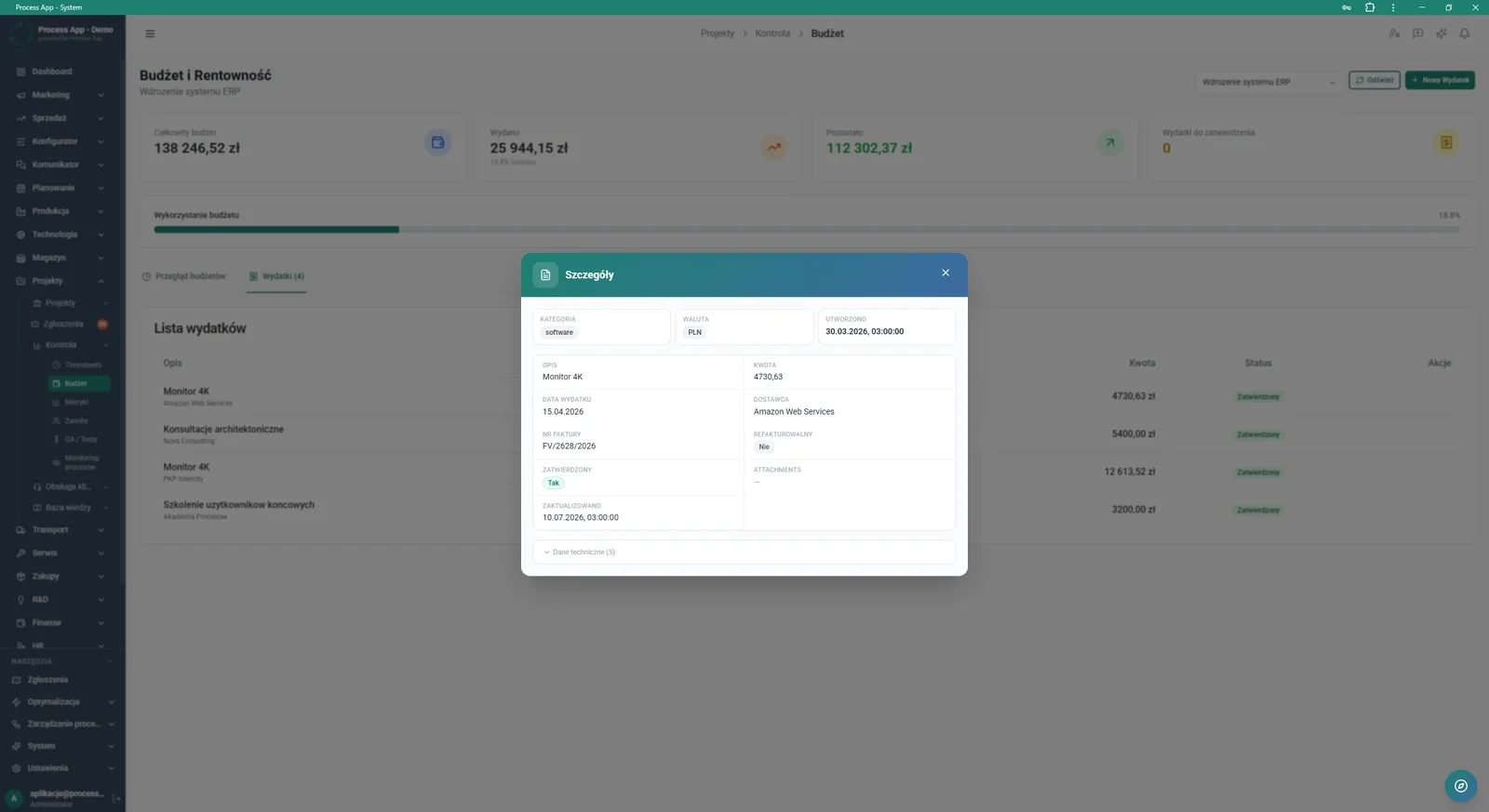
Budget and Profitability screen with the Details modal window open, showing precise information on the selected project expense.
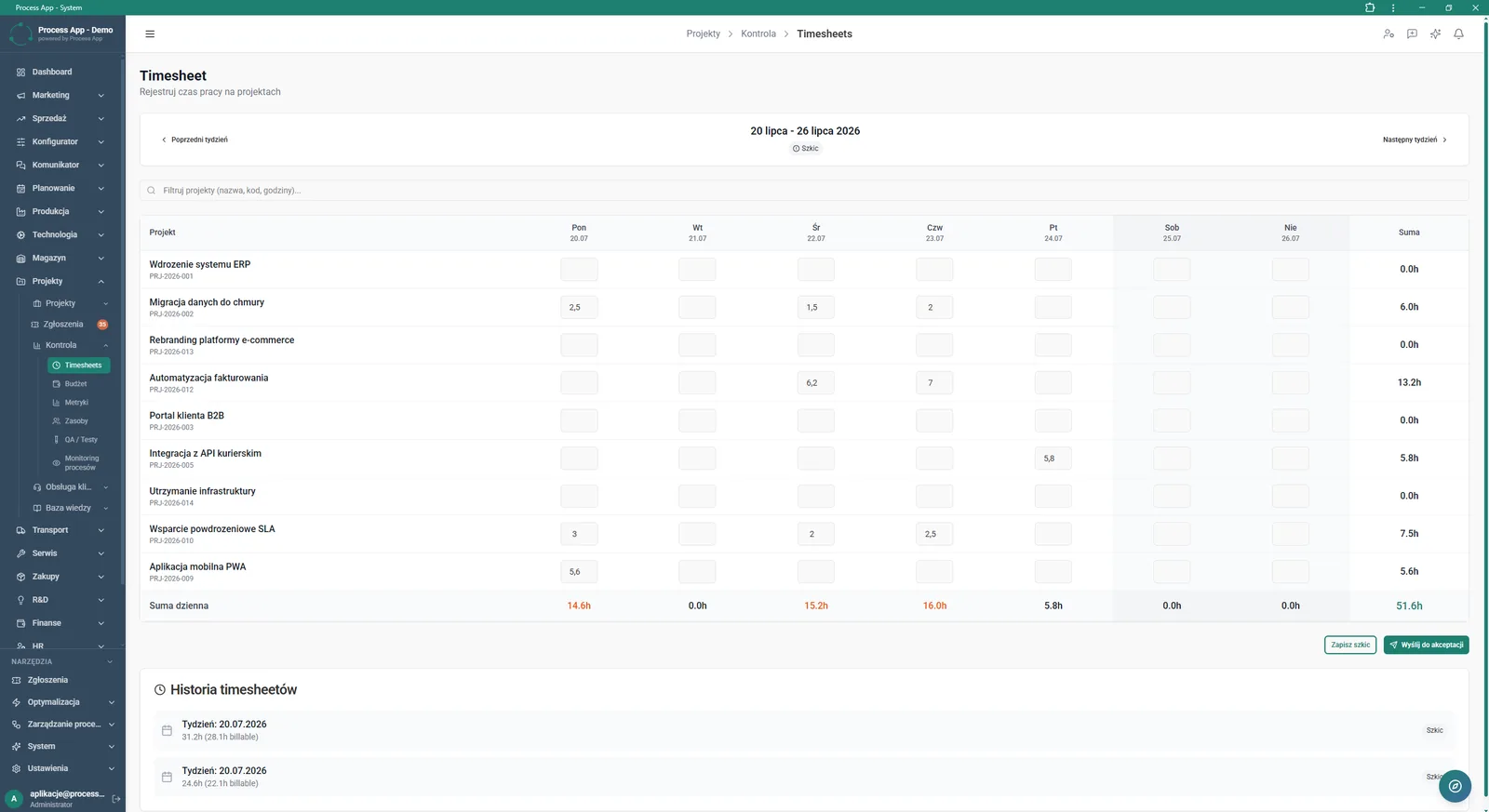
Timesheet screen in the Projects module showing a weekly view for recording working time by project and day of the week, plus an entry history.
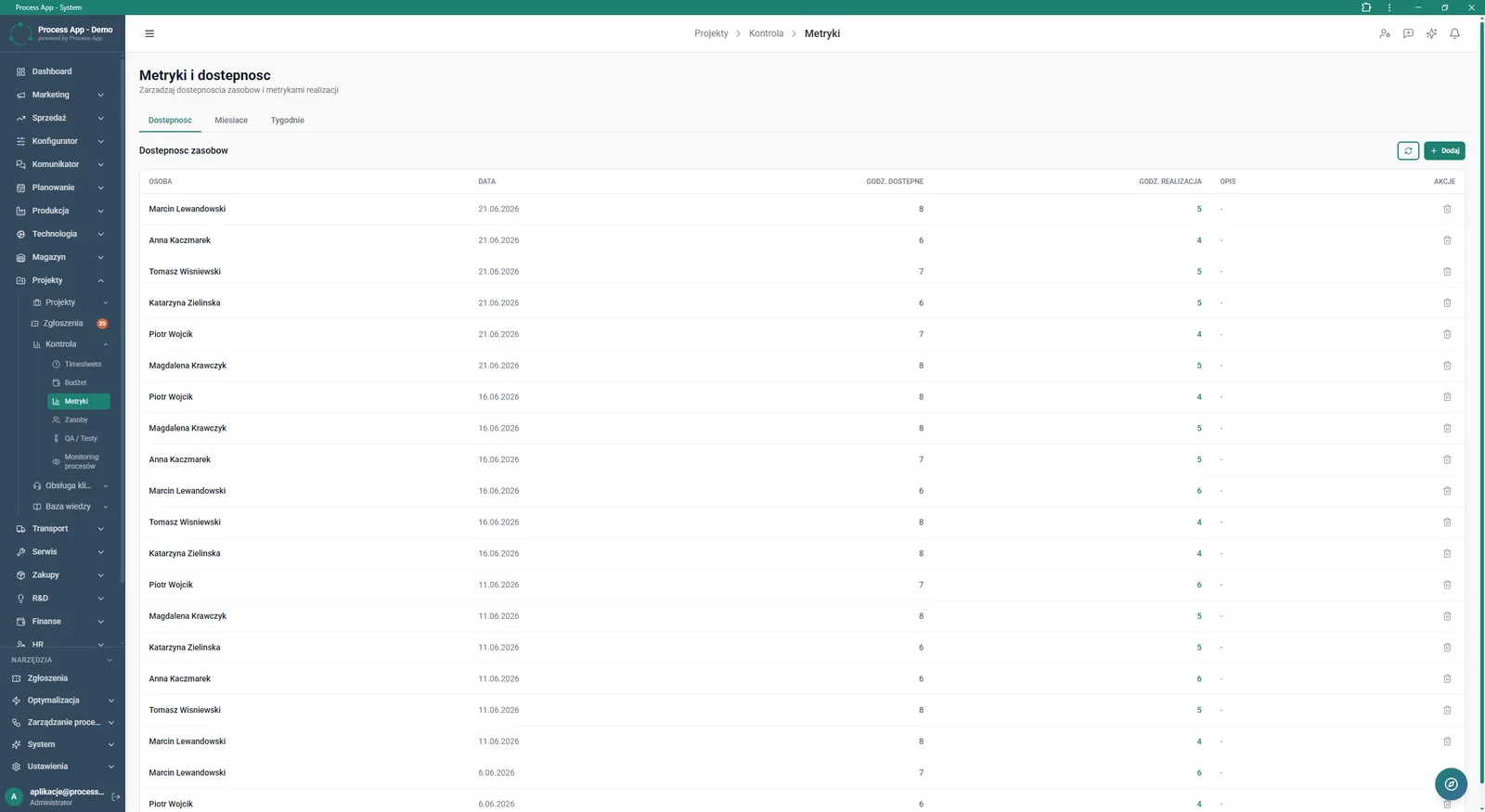
Metrics screen in the Projects module displaying a resource availability table by employee and date, with a breakdown of available and used hours.
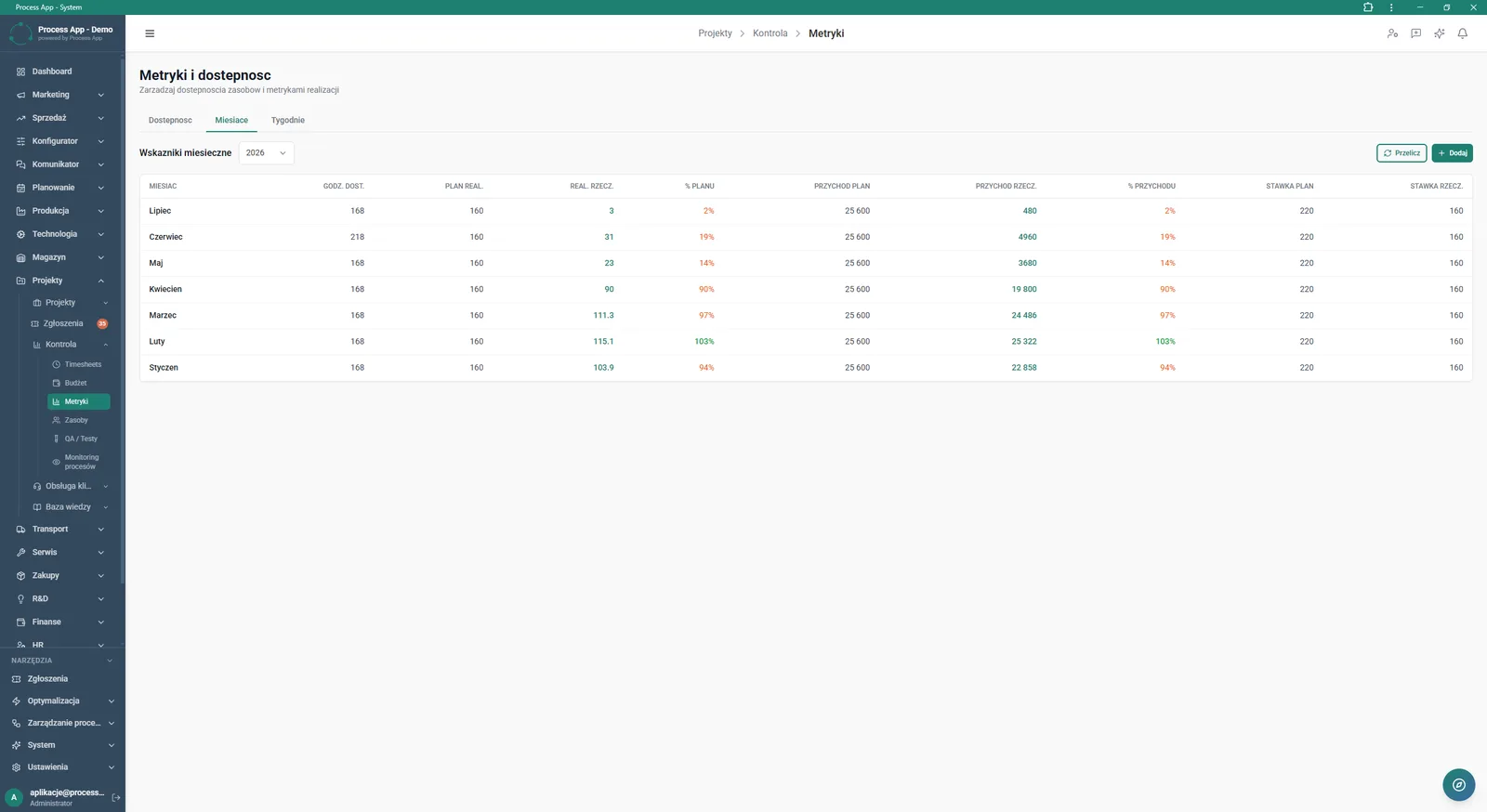
Metrics screen in the Projects module, Months tab active, showing a monthly metrics table comparing planned and actual hours, revenues, and rates.
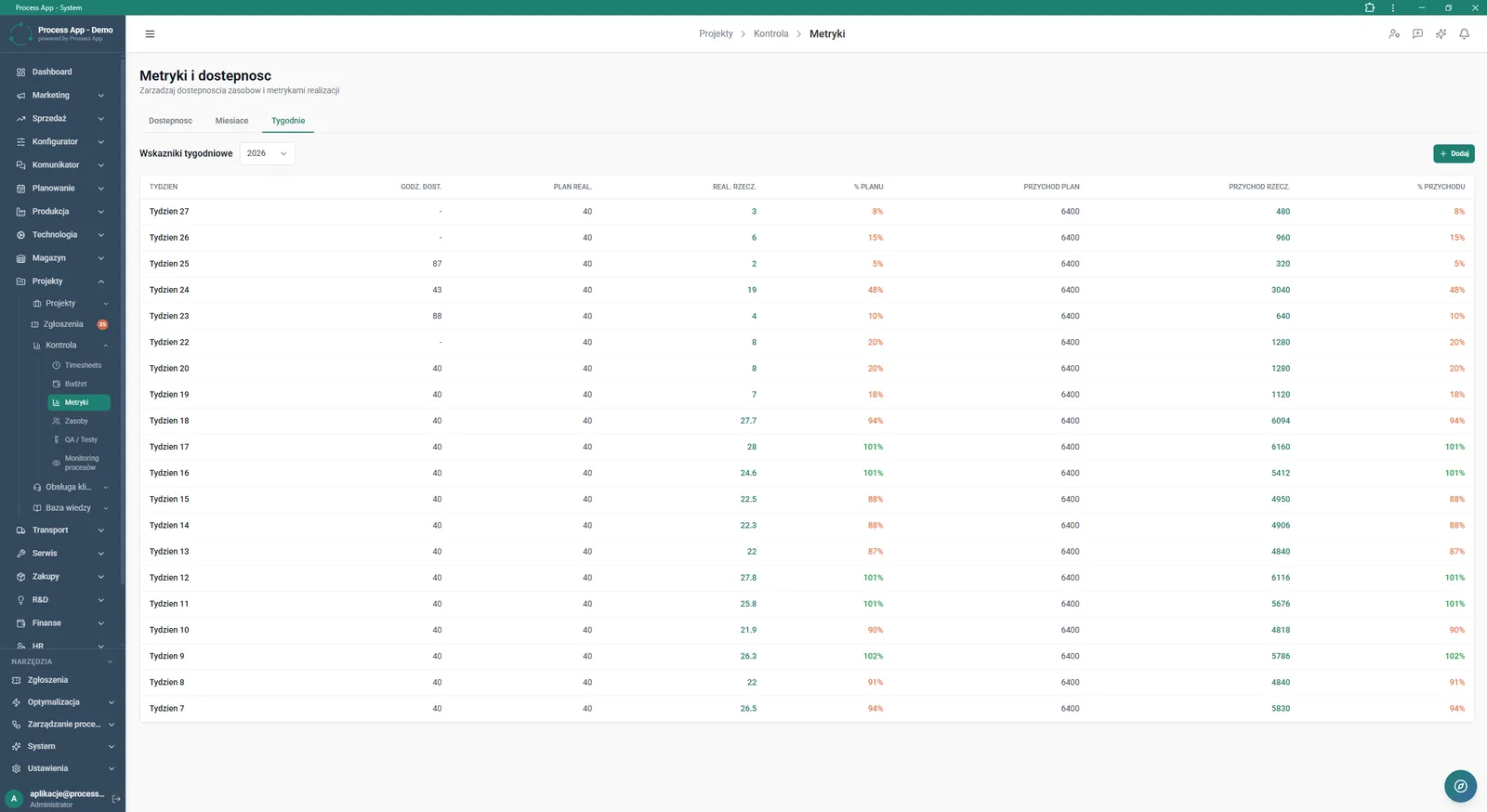
Metrics screen in the Projects module, Weeks tab active, showing a weekly metrics table comparing planned and actual hours and revenues.
What exactly you get
Working time registration
The system enables time entry in a Timesheet view, split by day of the week and specific projects.
Project expense records
The application lets you add costs, categorise them, and assign invoice numbers and attachments.
Financial metric calculation
The module compares planned and actual revenues and rates on a monthly and weekly basis.
Tracking employee availability
The system displays a table with assigned people, dates, and a balance of available versus used hours.
Approval status management
The application allows you to save entries as drafts, send them for approval, and approve incurred expenses.
What AI does for you in this process
Generation of summary reports
AI analyses data from the Overview and Metrics tabs to create ready‑made summaries in the AI Reports section.
Project outcome forecasting
AI processes logged hours and approved expenses to predict the final implementation margin.
Budget anomaly detection
AI monitors the rate of total budget consumption and alerts you to the risk of early depletion.
The process from start to finish
Manage your projects in one place, from planning through to final settlement. Track summary tiles in real time to see Total budget, amounts spent, and funds still available. Log your team’s time in the Timesheet view, assigning hours to specific tasks and marking them as billable or non‑billable. Control project expenses, approve costs, and verify related invoices in the details window. Analyse Monthly metrics and Weekly metrics to compare the planned delivery with actual revenue and rates. Use the Availability tab to check resource load and prevent schedule overlaps. Make decisions based on hard data, seeing the projected margin before the implementation is completed.
See this process on your own data
We will walk you through the “Project Budget and Margin Control” module using your company as the example — the input, the flow and the end result in Process App.
Explore the remaining system modules
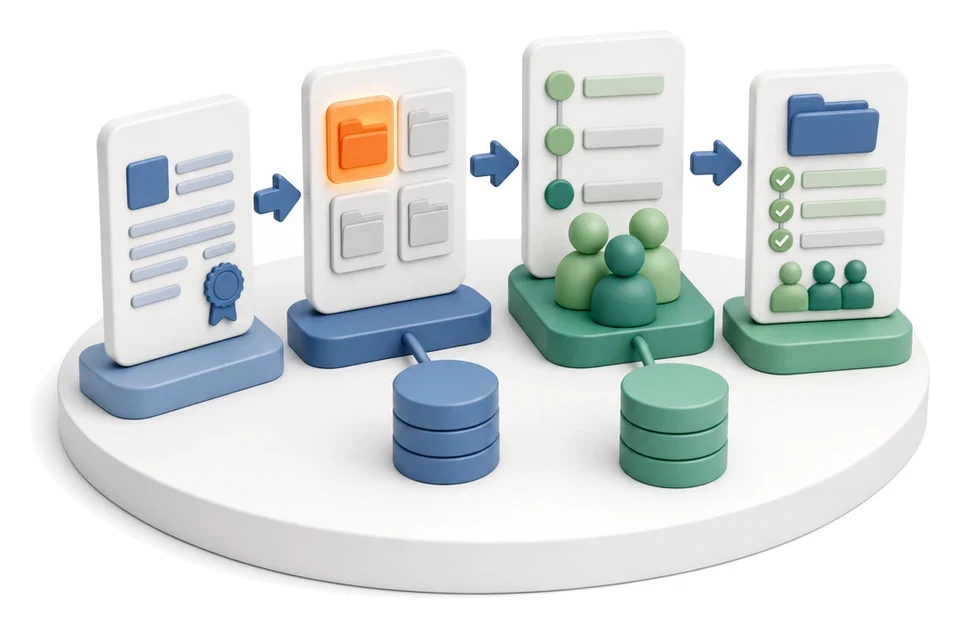
Project Kick-off
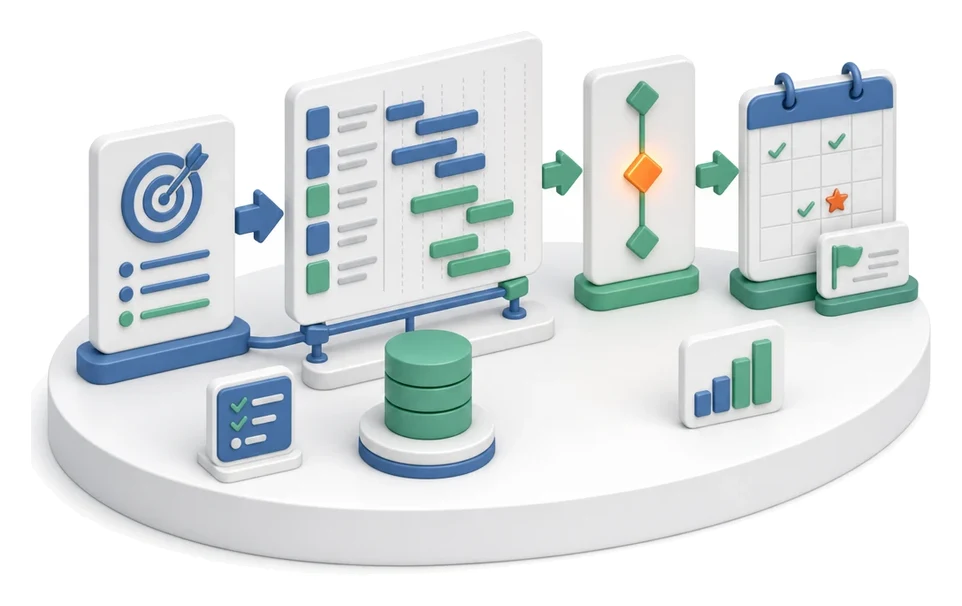
Project Schedule Planning
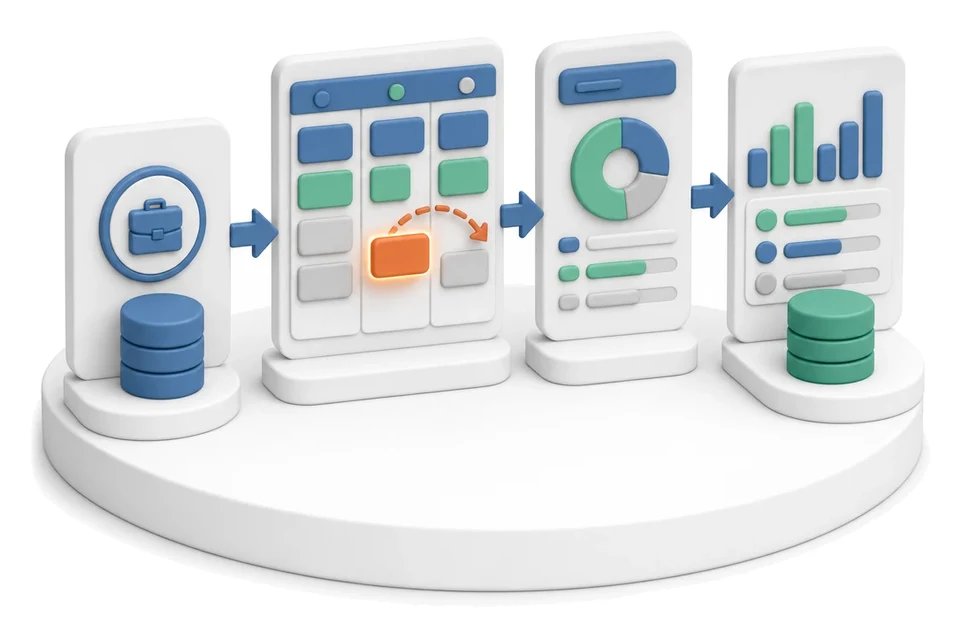
Project Management

Project Time Tracking

Client Status Reporting
Complaint Intake and Qualification

Complaints Handling
Service Team and Calendar Planning
Service Trip Execution
Sales Invoicing
Annual Budgeting (P&L)