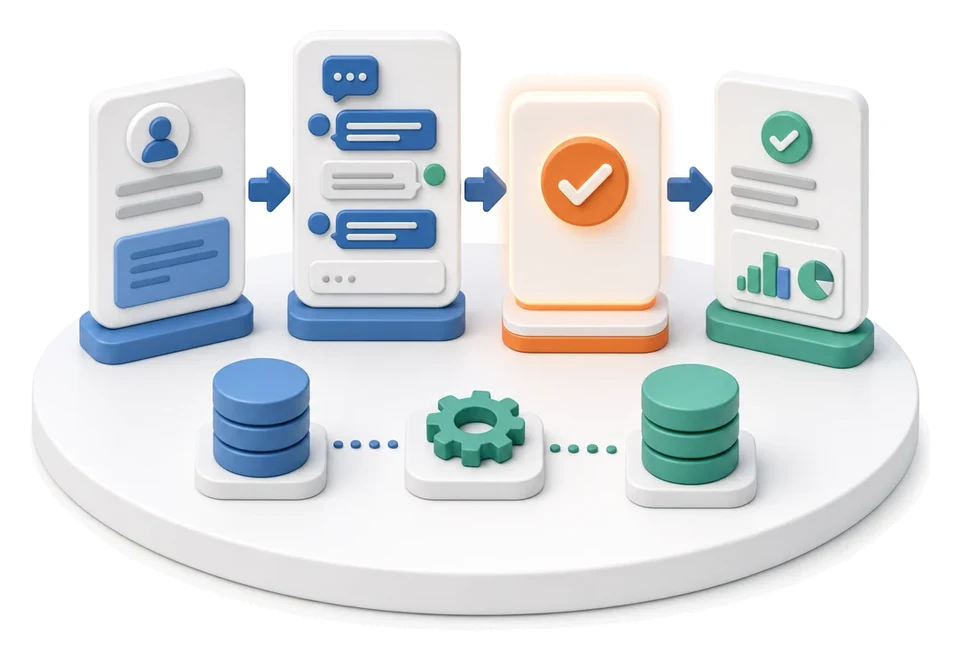
Leave and Absence Management
Wasting time retyping paper leave requests into spreadsheets? The HR module fully digitises absence handling, guiding each employee request through the manager approval path straight into the calendar. AI algorithms automatically analyse growth in time and attendance records and support resource planning.
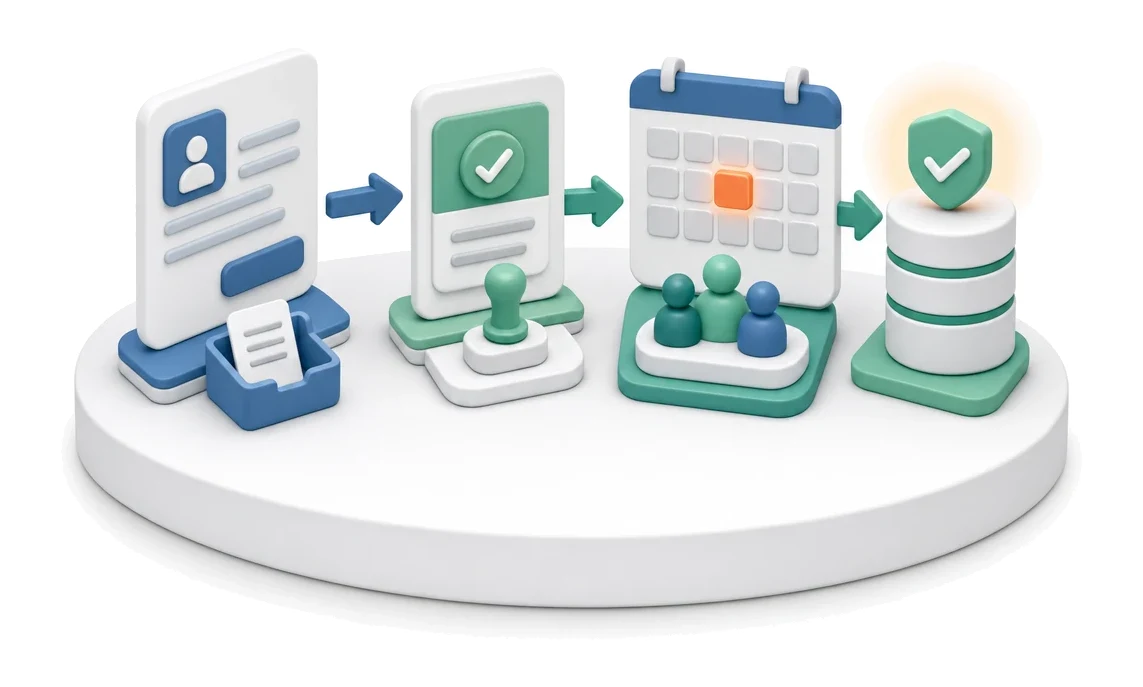
- Input
- Employee request
- Flow
- Request → approval → absence in the team calendar
- Output
- Approved absence in the calendar
What changes in the company after the rollout
A leave request follows a manager approval path. Approved leave is visible in the calendar and in resource planning.
Faster request approval
The manager approves the employee’s request directly in the system, significantly reducing waiting time for a decision.
Better resource visibility
The approved absence appears in the calendar immediately, making day‑to‑day team workload planning easier.
Control over documentation
A clear view of onboarding document statuses eliminates the risk of losing important HR information.
Instant access to data
An overview of the largest data sets enables a quick assessment of HR workload without manually digging through the system.
Easier time tracking control
A view of the most recently added time and attendance entries reduces the number of errors in payroll calculations.
How this process looks in Process App
Zrzuty pochodzą z działającego systemu — kliknij, aby powiększyć.
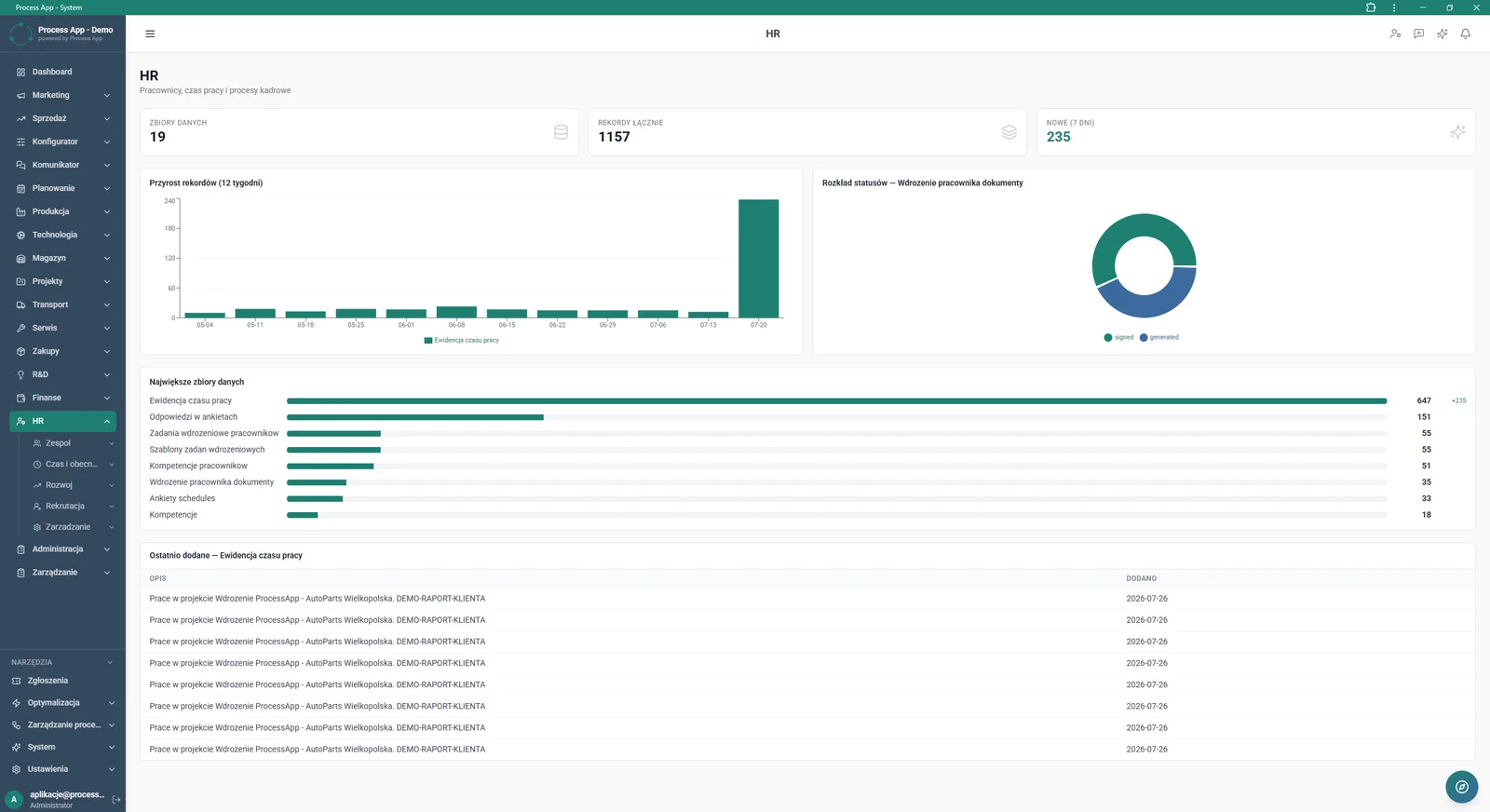
Main HR module screen presenting statistics as tiles, charts of record growth and status distribution, plus summaries of the largest data sets and the most recently added time and attendance entries.
What exactly you get
Leave approval workflow
The system automatically processes the employee’s request and routes it to the appropriate manager.
HR statistics dashboard
The main screen presents tiles summarising data sets, total records and new entries from the last seven days.
Record growth chart
The application generates a bar chart showing the growth of time and attendance records over twelve weeks.
Onboarding status analysis
The system visualises a detailed distribution of employee onboarding document statuses on a pie chart.
Recent entries table
The module displays a list of the most recently added time and attendance records with full descriptions and dates added.
What AI does for you in this process
Record growth analysis
AI analyses twelve weeks of data to detect anomalies in time and attendance records and reports them to managers.
Document status monitoring
Artificial intelligence analyses the distribution of employee onboarding statuses, automatically flagging delays in the process.
Staffing gap detection
Algorithms analyse approved absences in the calendar, helping HR departments optimise resource planning.
The process from start to finish
Manage the entire leave and absence process from a single, clear dashboard. Review overall statistics and KPIs for the HR module using tiles such as DATA SETS, TOTAL RECORDS and NEW (7 DAYS). Analyse the growth of time and attendance records on a dedicated bar chart covering twelve weeks. Check the distribution of employee onboarding document statuses using an intuitive pie chart. Monitor the largest data sets in the system, including time and attendance records, employee competencies and onboarding tasks. Continuously verify the table of recently added entries, where you can quickly check the DESCRIPTION and ADDED columns for each item. Navigate smoothly to other sections such as Team, Recruitment or Development using the side menu. As a result, every approved absence is immediately reflected in the calendar, simplifying work planning for the entire team.
See this process on your own data
We will walk you through the “Leave and Absence Management” module using your company as the example — the input, the flow and the end result in Process App.
Explore the remaining system modules
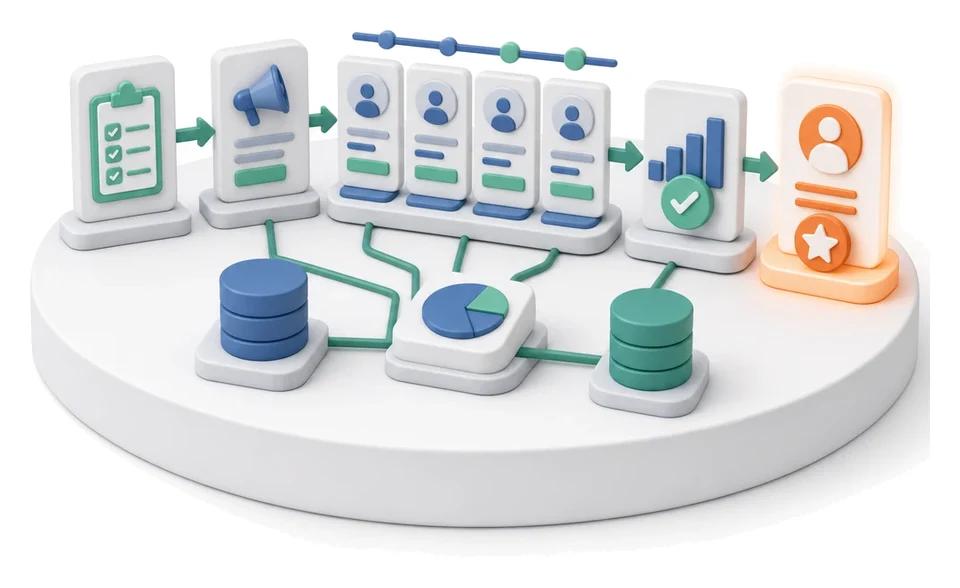
Recruitment
Employee Onboarding
Working Time and Time & Attendance Records
Competency Matrix Management
Strategic Planning (JPS)
Cascading Goals and KPIs
KPI Monitoring
Operational Meeting Management
Process Mapping
Process Standardization
User and Permission Management