Process Standardization
New employees get lost in a maze of unclear procedures and waste time asking what to do next? The Process Management module turns company practices into clear standards broken down by roles, screens and KPIs. Built-in AI algorithms automatically assess automation potential and let you generate a ready-made draft of the documentation with a single click.
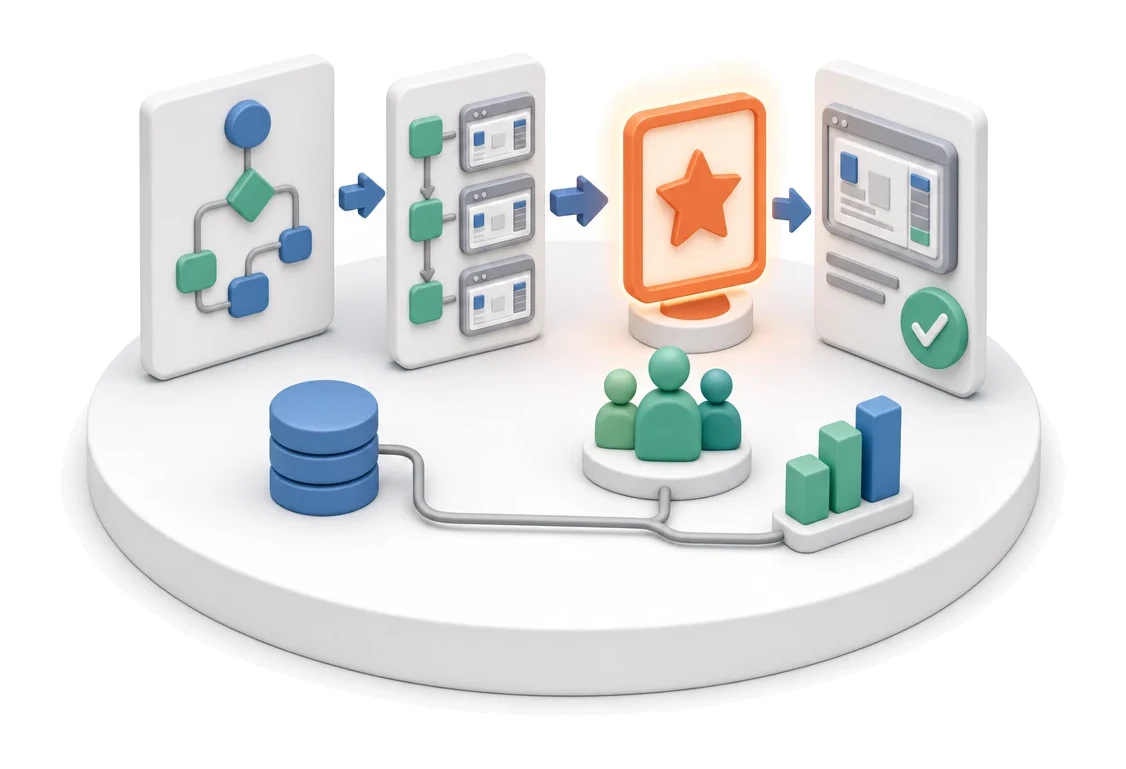
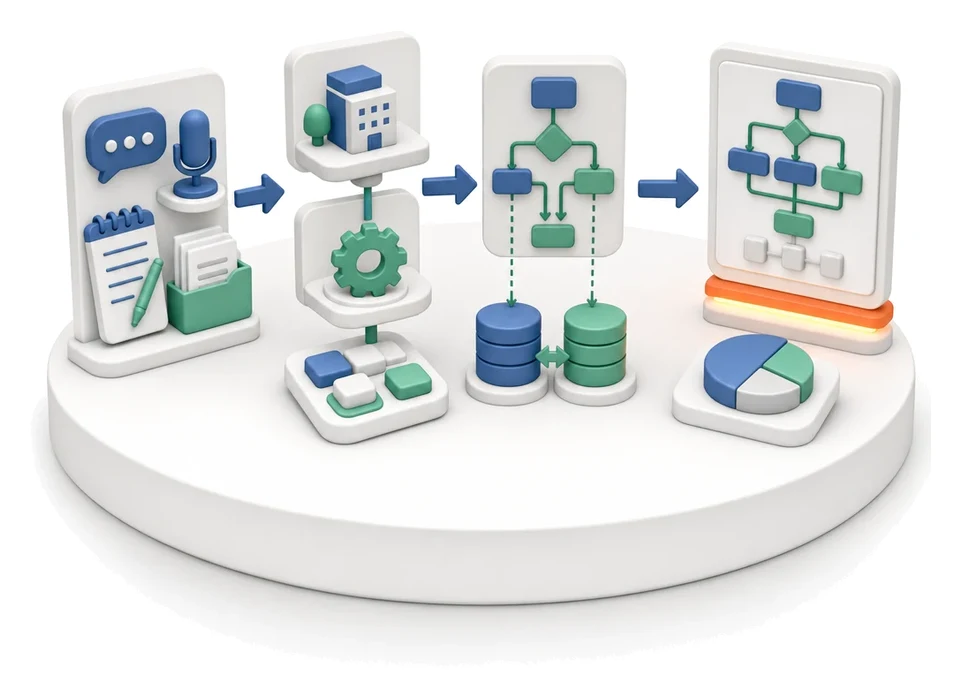
- Input
- Process from the map
- Flow
- Process → step list with screenshots → published standard for the team
- Output
- Published standard with screenshots
What changes in the company after the rollout
Practice is captured as a standard: steps, screens, roles, inputs and outputs. A new employee learns from instructions with screenshots.
Faster employee onboarding
New employees can follow the process on their own thanks to clear instructions, hints and screenshots.
Fewer operational errors
Unified business rules and precisely assigned roles eliminate mistakes in day-to-day work.
Full process visibility
Health and coverage indicators clearly show where standards or optimization are missing.
Easier change management
Version history and clear statuses let you continuously control how up to date your company procedures are.
How this process looks in Process App
Zrzuty pochodzą z działającego systemu — kliknij, aby powiększyć.
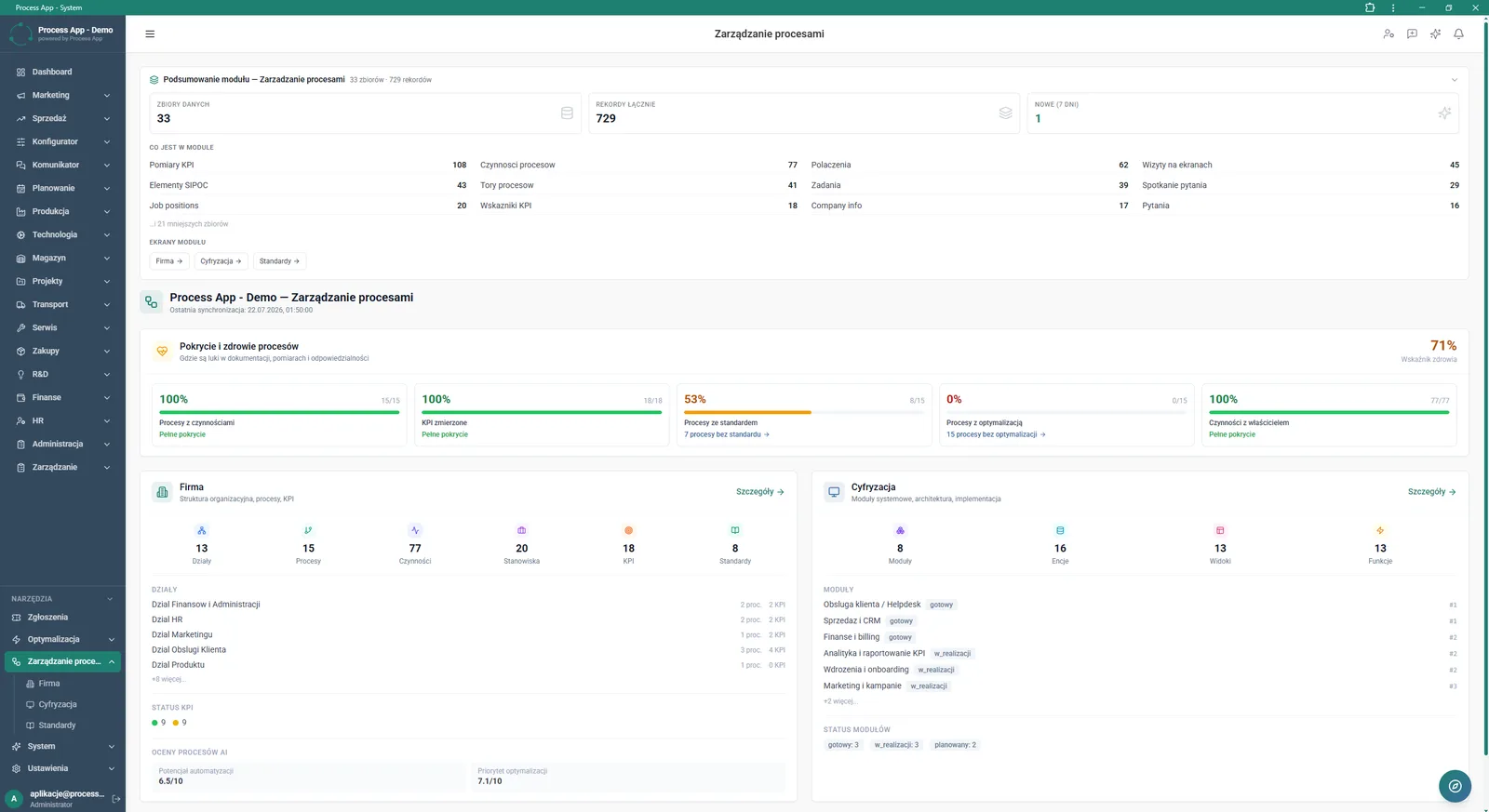
Main screen of the Process Management module showing data summaries, coverage and process health indicators, and statistics for the Company and Digitization areas.
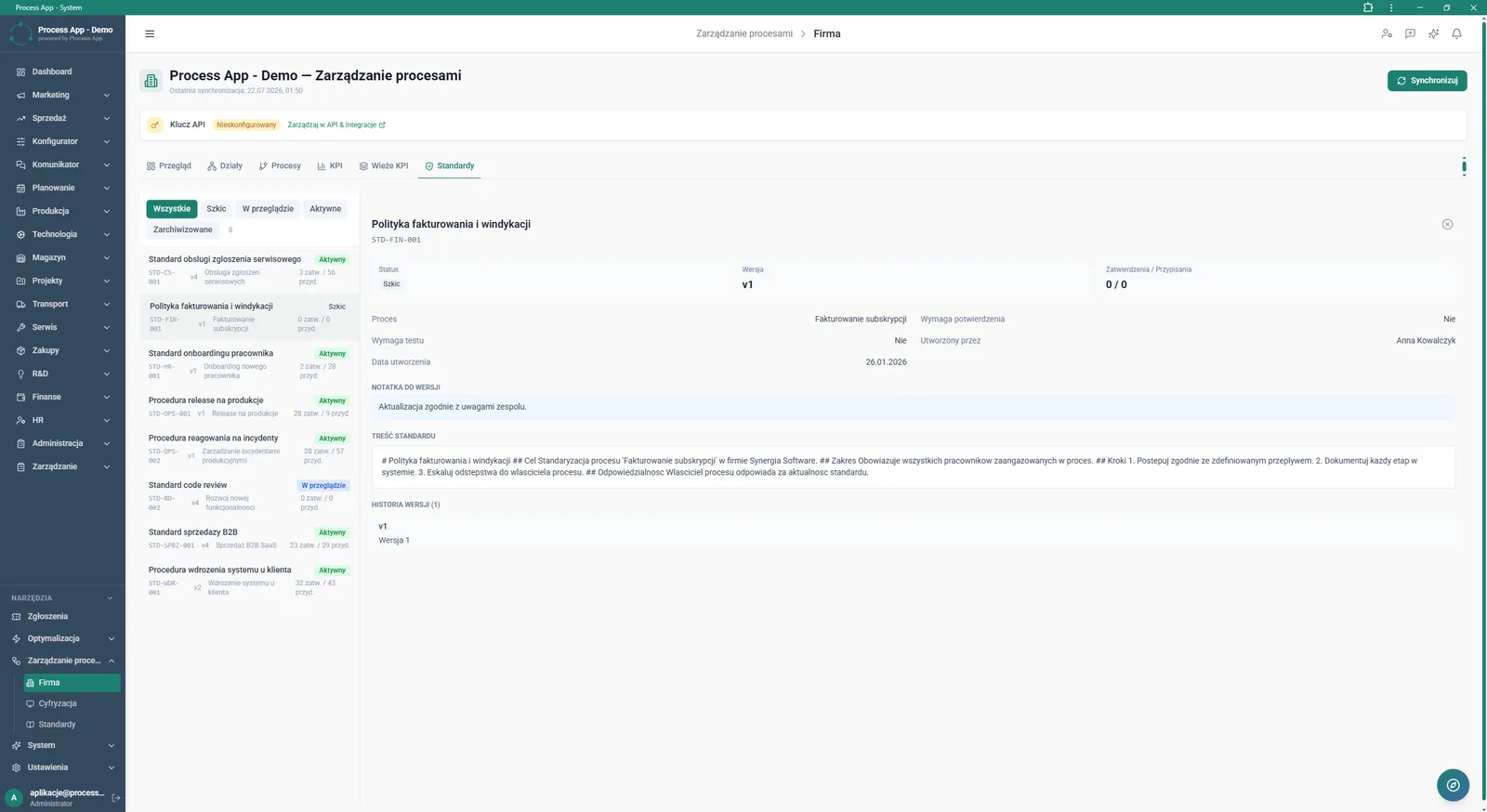
Process Management screen in the Company area with the Standards tab active, showing the list of procedures plus detailed information and the content of the selected standard.
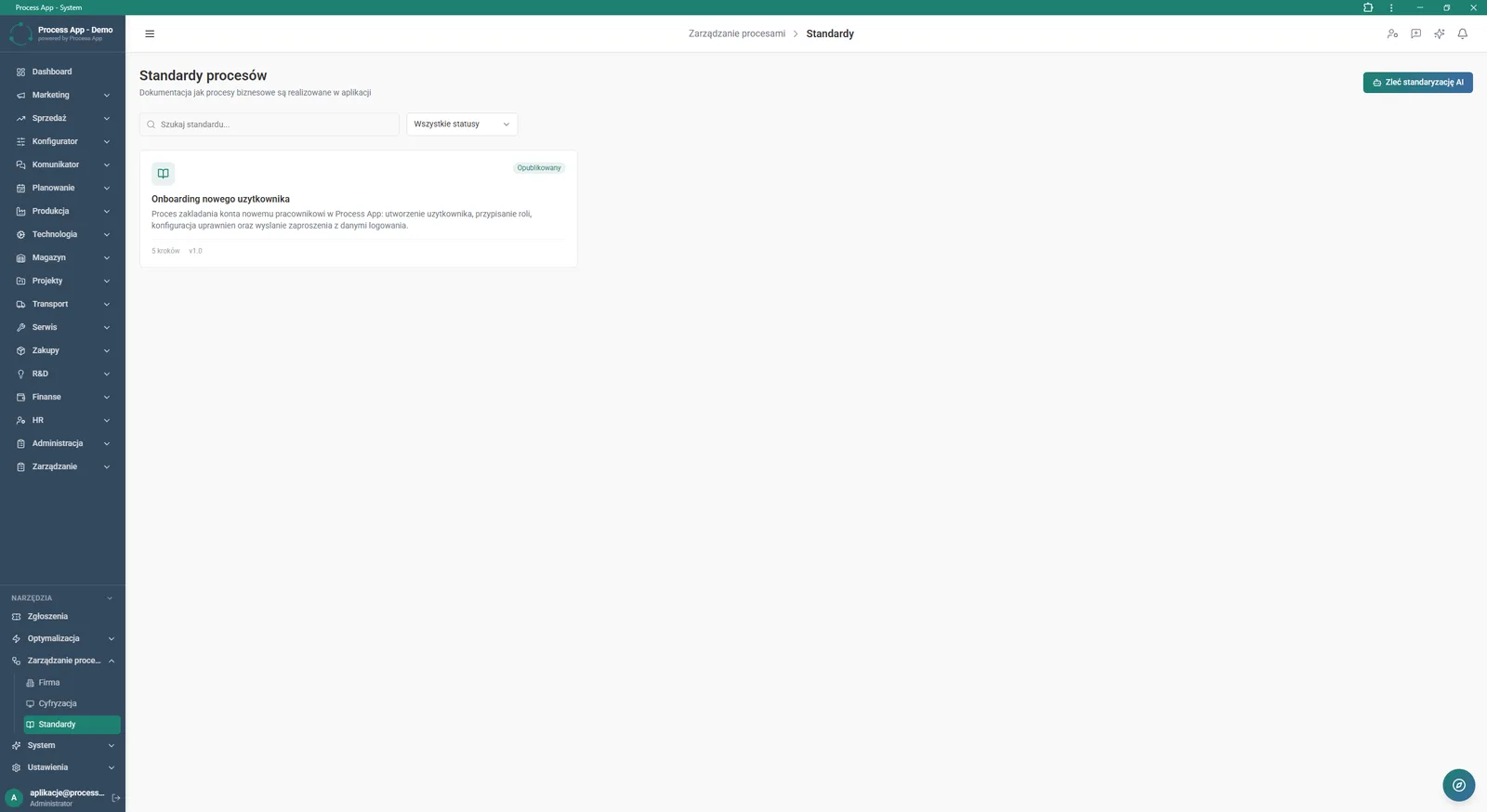
Process Standards screen in the Process Management module, displaying the list of documented standards with search and status-based filtering.
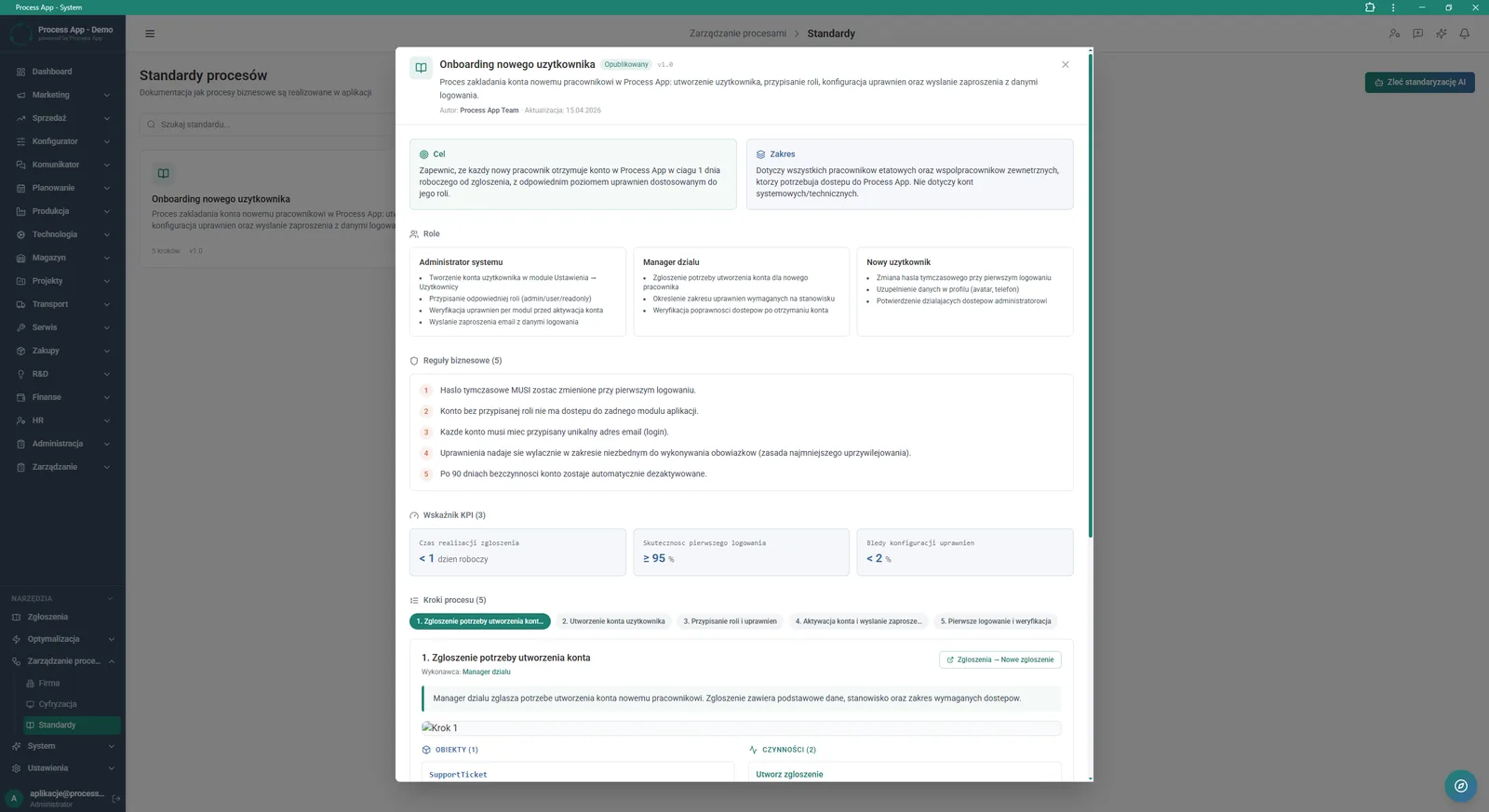
Detail view of a published process standard in an overlay, showing purpose, scope, roles, business rules, KPIs and individual process steps with assigned objects and activities.
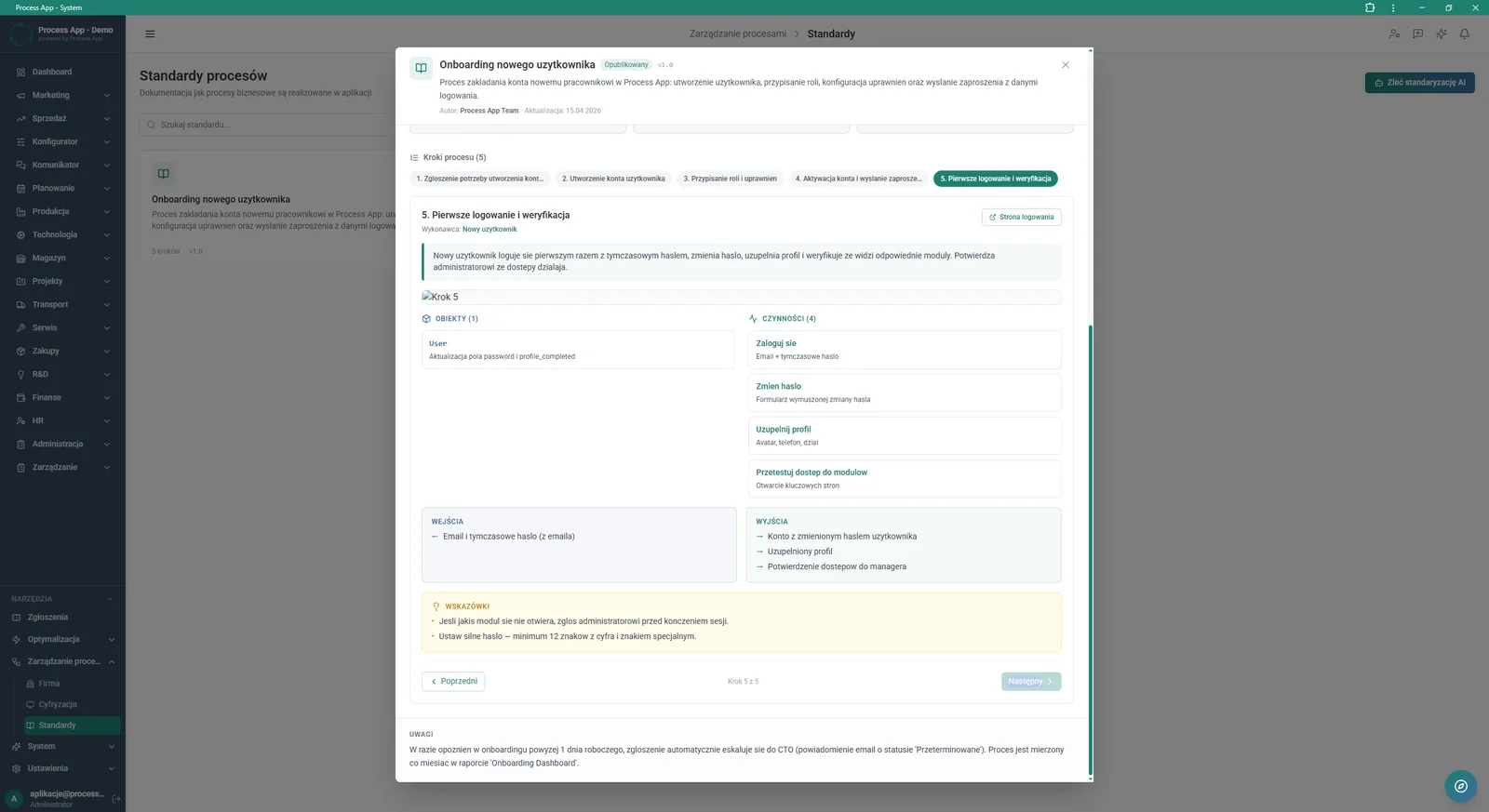
Detail view of the fifth step in a published process standard, showing the performer, description, assigned objects, activities, inputs, outputs and guidance.
What exactly you get
Process standards library
The system stores a list of all standards with the option to search and filter by status.
Detailed procedure cards
The application displays the purpose, scope, roles, business rules and KPIs for every published standard.
Step-by-step breakdown
The tool breaks the process into stages containing the performer, description, inputs, outputs and dedicated guidance.
Interactive links
The system links individual process steps to specific objects, activities and target screens in the application.
Coverage monitoring
The main dashboard shows percentage indicators for processes with a standard, with optimization and with measured KPIs.
What AI does for you in this process
Standardization request
Artificial intelligence generates the structure of a process standard after you use a dedicated button in the system.
Automation potential assessment
AI algorithms analyse processes and assign them a score for how suitable they are for automation.
Optimization prioritization
Artificial intelligence evaluates collected process data and indicates optimization priority for specific activities.
The process from start to finish
Manage all of your company’s operational knowledge from a single, consistent dashboard. Browse the list of documented process standards and quickly find the right procedures by filtering them by current status. Check process health and coverage indicators so you know exactly which areas need additional documentation. Create detailed step-by-step work instructions, assigning specific performers, objects, activities, and required inputs and outputs. Share clear standard cards with employees, including purpose, scope, business rules and related KPIs. Navigate between individual process steps and use direct links to the corresponding screens in the system, dramatically shortening the onboarding time for new team members.
See this process on your own data
We will walk you through the “Process Standardization” module using your company as the example — the input, the flow and the end result in Process App.
Explore the remaining system modules
Process Mapping
User and Permission Management
Support Ticket Handling
On-screen Feedback (Comment Mode)
Optimization Analysis
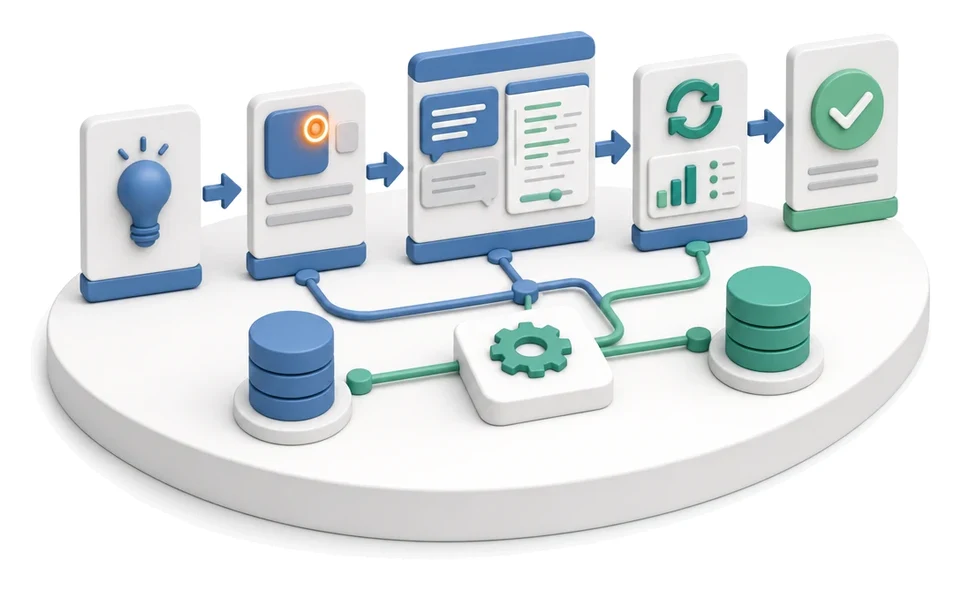
AI prompts and automation management
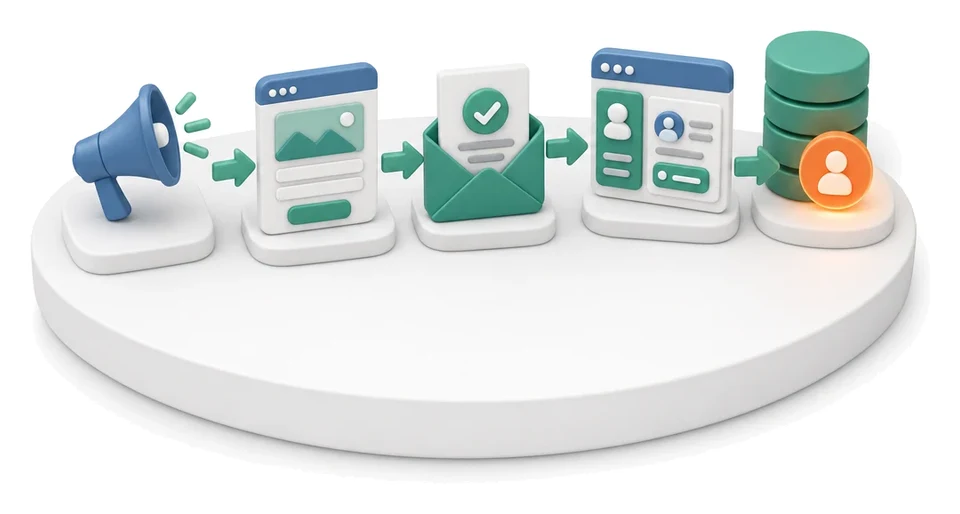
Lead Generation
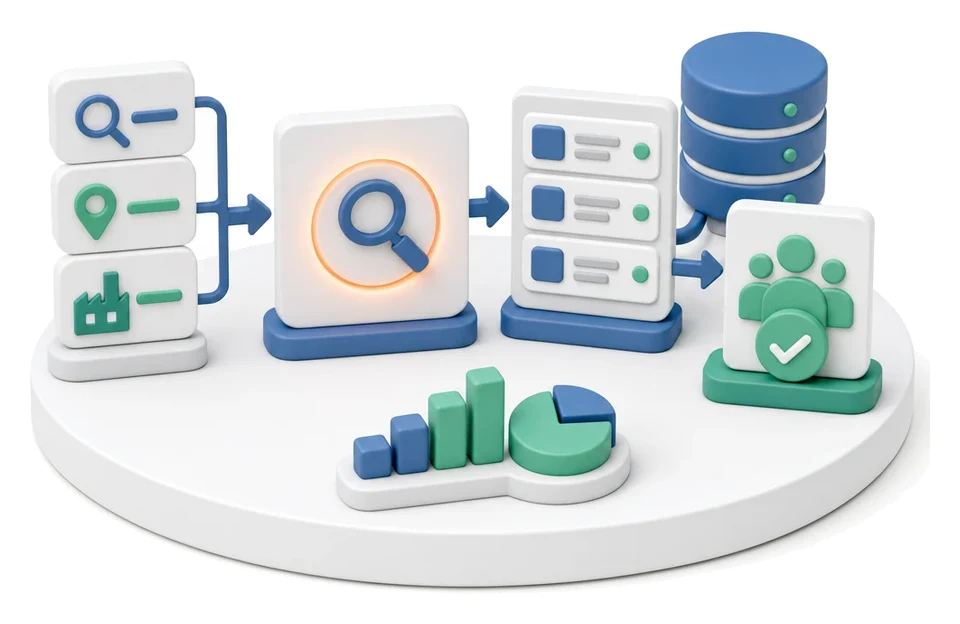
Prospecting
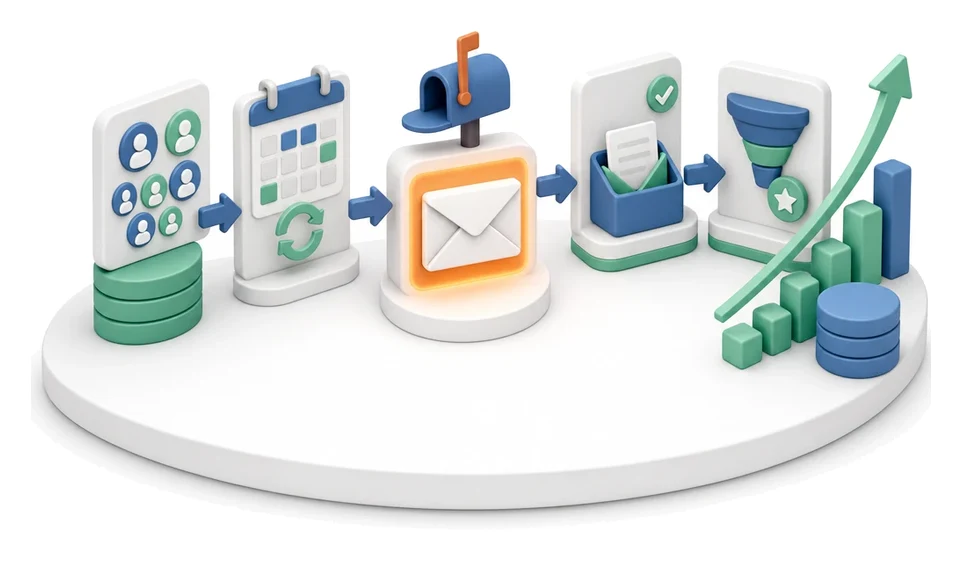
Cold Mailing
Cold Calling
Sales Opportunity Management