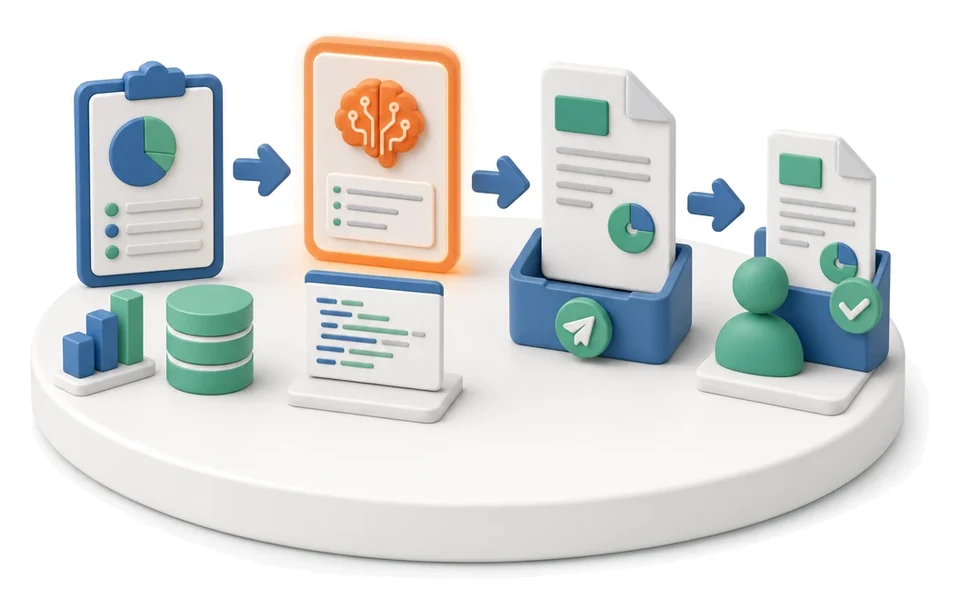
System & Platform

Optimization Analysis

Are you wasting time and resources on inefficient company processes? The Optimization module enables end‑to‑end monitoring of improvement potential and execution of action plans across all areas of the business. Artificial intelligence automatically reviews selected modules in six layers, delivering a ready‑made diagnosis with evidence and recommendations.
See the screens
Optimization Analysis — module screens in Process App
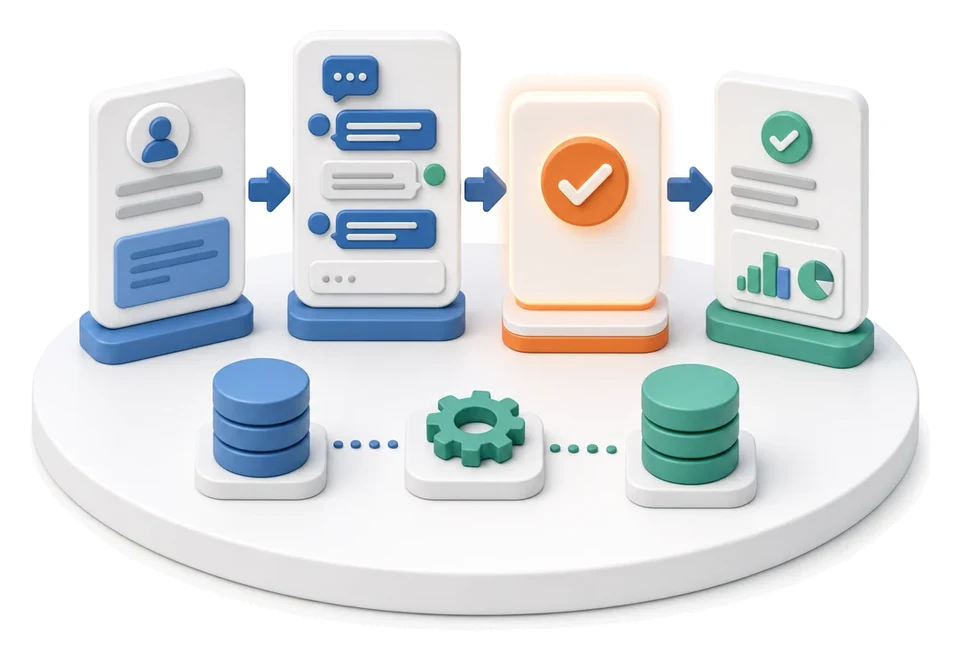
Input
Selected module or process
Flow
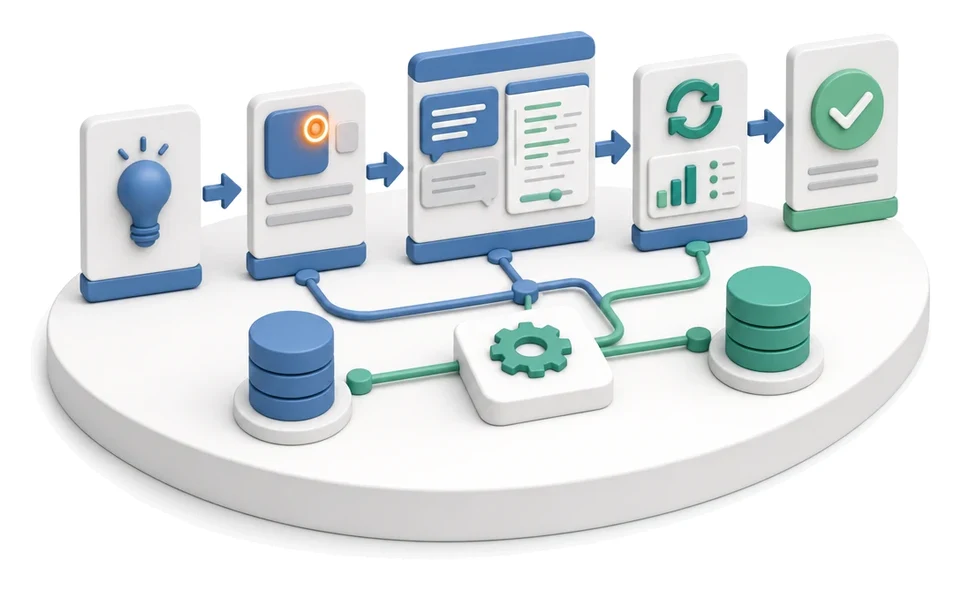
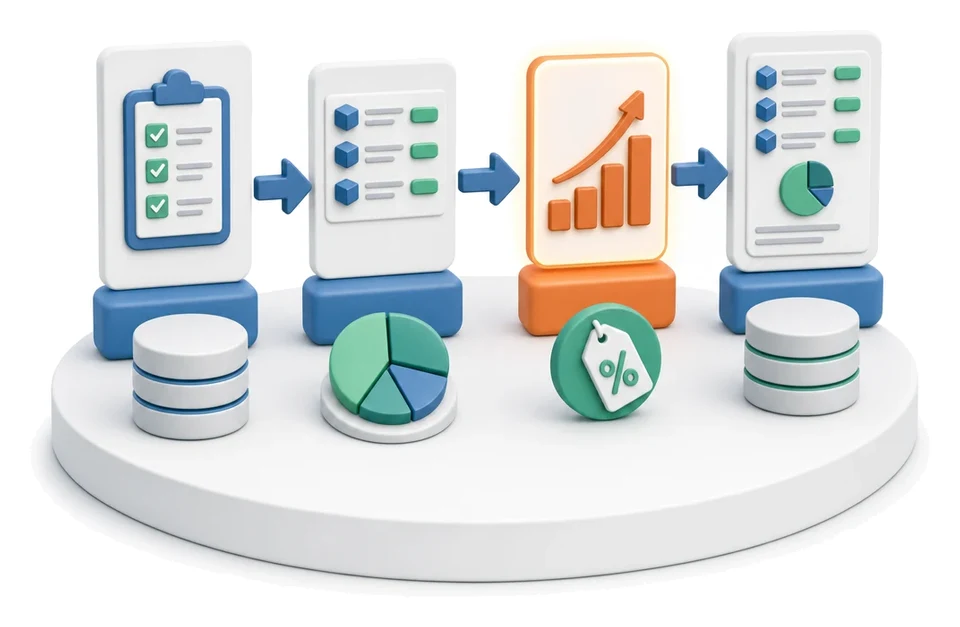
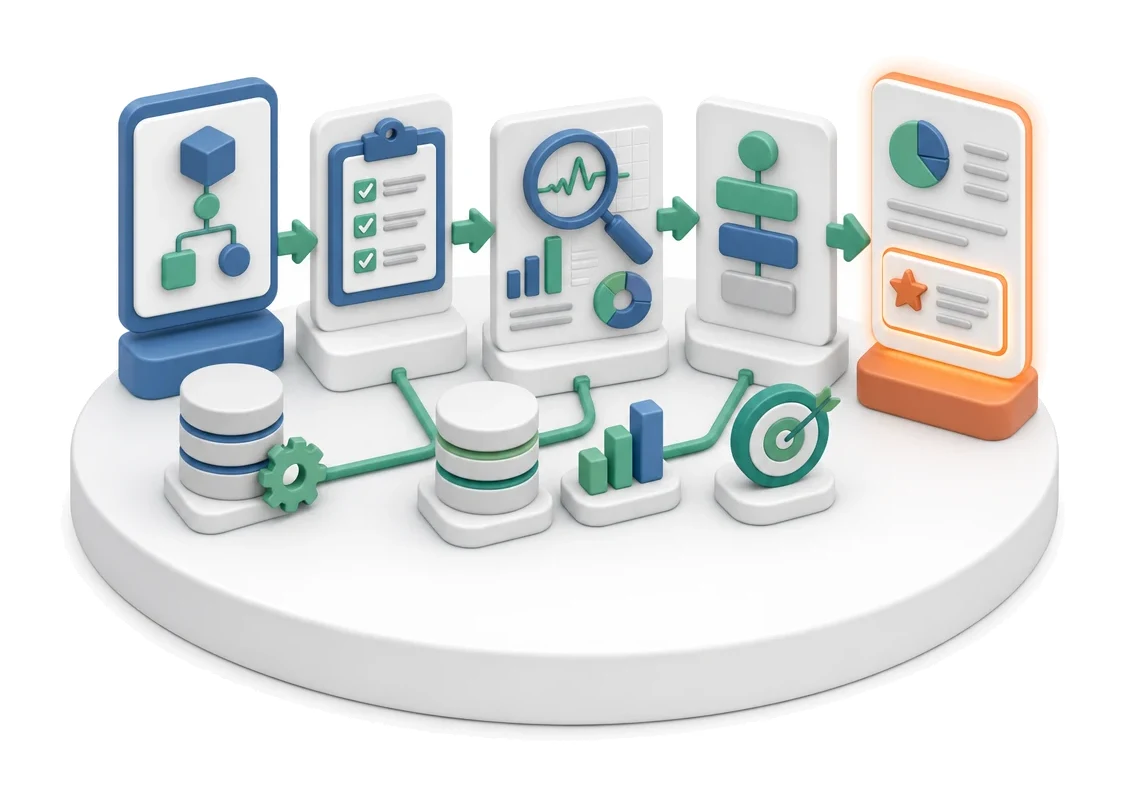
Request analysis → diagnosis with evidence → action plan
Output
Report with recommendations and an action plan
Who works here
AI, Management Board
Benefits

What changes in the company after the rollout

AI reviews the module across six layers and returns a diagnosis with evidence. Recommendations are mapped to processes and KPIs.

Full visibility of progress

Tracking task and job statuses in one place makes it easier to control ongoing changes.

Faster decision-making

Potential overviews and statistics allow management to instantly assess the profitability of improvements.

Better work organization

Breaking the action plan into clear stages prevents information chaos.

Comprehensive area control

Insight into coverage across all company departments ensures optimization spans the entire organization.

System screens

How this process looks in Process App

Zrzuty pochodzą z działającego systemu — kliknij, aby powiększyć.
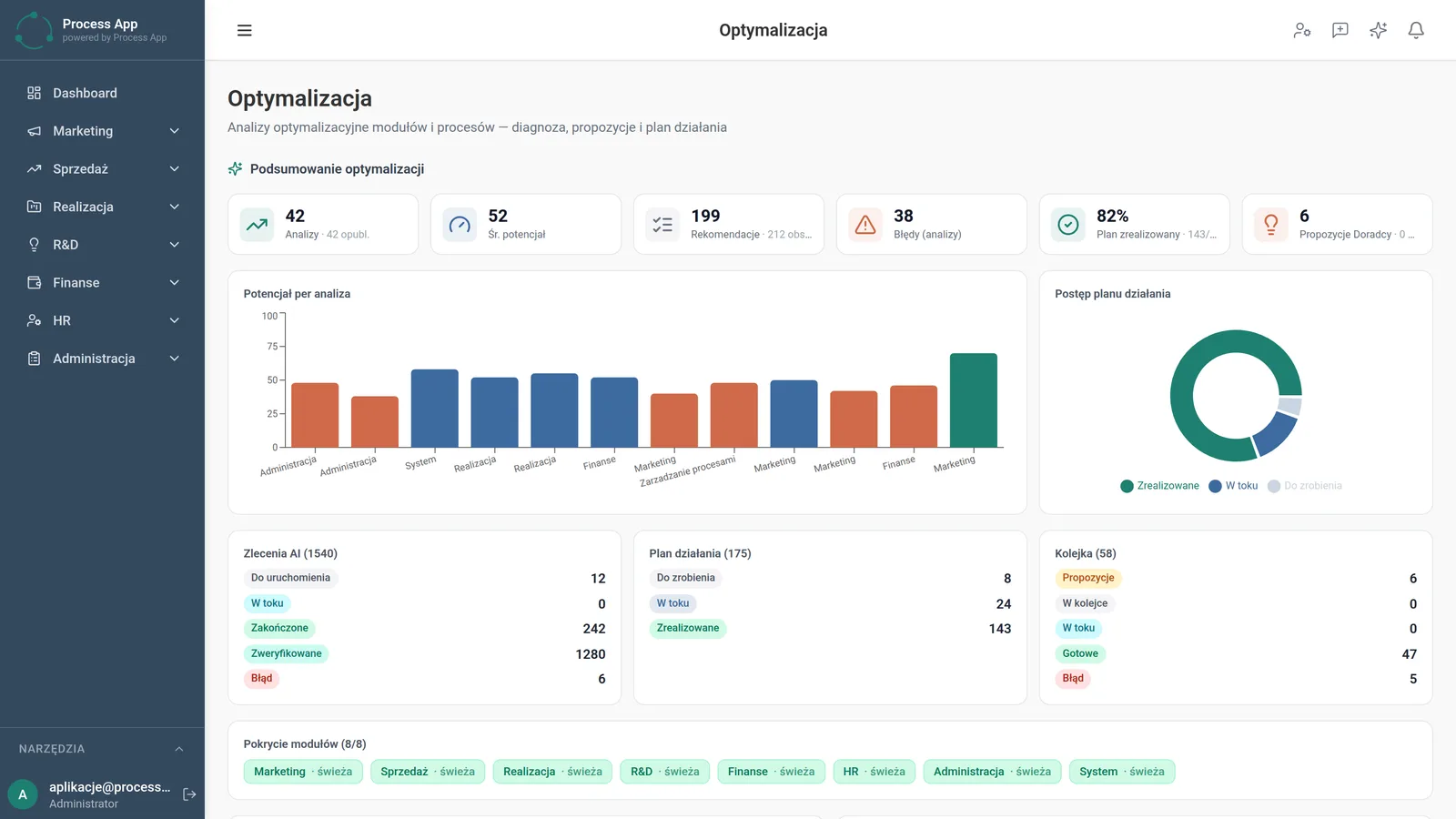
The Optimization screen presents a summary of optimization analyses using statistic tiles, potential and progress charts, and overviews of AI job statuses, the action plan and the task queue.
1

The Optimization screen presents a summary of optimization analyses using statistic tiles, potential and progress charts, and overviews of AI job statuses, the action plan and the task queue.

Features

What exactly you get

Optimization summary

The system displays tiles with analysis statistics, average potential, and the number of recommendations and errors.

Potential visualization

A bar chart shows potential per analysis, while a donut chart presents progress of the action plan.

AI job management

The jobs section allows you to monitor tasks to start, in progress, completed, verified, as well as errors.

Task queue tracking

The module displays proposals, items in the queue, ready items, and those with error status.

Module coverage verification

The screen shows analysis status for departments such as marketing, sales, HR and administration.

Artificial intelligence

What AI does for you in this process

Multi-layer module diagnosis

AI reviews the selected module across six layers and returns a detailed diagnosis supported by evidence.

Recommendation generation

Artificial intelligence creates improvement proposals that are automatically mapped to processes and KPI indicators.

Action plan creation

Algorithms deliver a ready report with recommendations and a structured implementation plan.

Advisor suggestions

AI generates additional optimization suggestions that are visible directly in the summary section.

Module description

The process from start to finish

Review overall optimization statistics on the main screen to quickly assess the company’s situation. Analyze improvement potential broken down by individual areas using clear bar charts. Monitor progress of the action plan by tracking completed, in‑progress and pending tasks. Continuously check the status of AI jobs and the task queue to avoid operational downtime. Verify coverage status for individual modules such as sales, execution or finance to ensure no process is left out. Use the collected data to support informed management decisions and continuous improvement of the platform.

See this process on your own data

We will walk you through the “Optimization Analysis” module using your company as the example — the input, the flow and the end result in Process App.

Other modules

Explore the remaining system modules

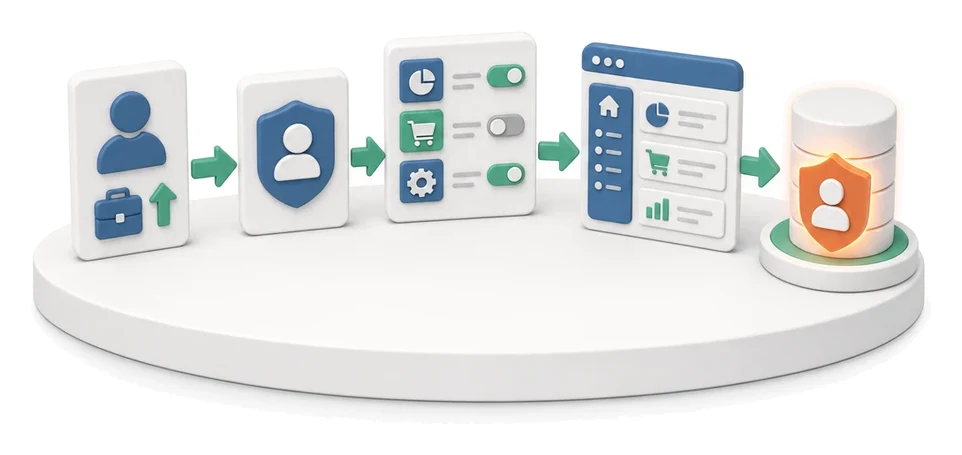
User and Permission Management
User and Permission Management

Administration departmentServices
System role configurationMenu visibility managementAccount activity analysis
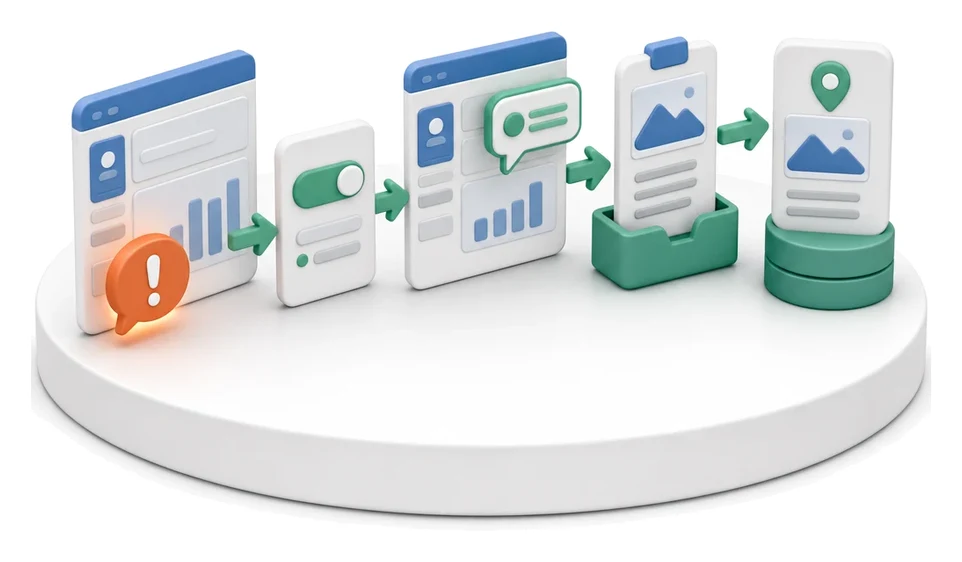
Support Ticket Handling

Support Ticket Handling

Administration departmentServices
Interactive ticket listScreen and voice recorderComment mode in UI
On-screen Feedback (Comment Mode)

On-screen Feedback (Comment Mode)

Administration departmentServices
Comment mode with calloutsAutomatic screenshotsAdvanced list filtering
AI Prompt and Automation Management

AI Prompt and Automation Management

Administration departmentServices
Search and filteringNew resource creationStatistics monitoring
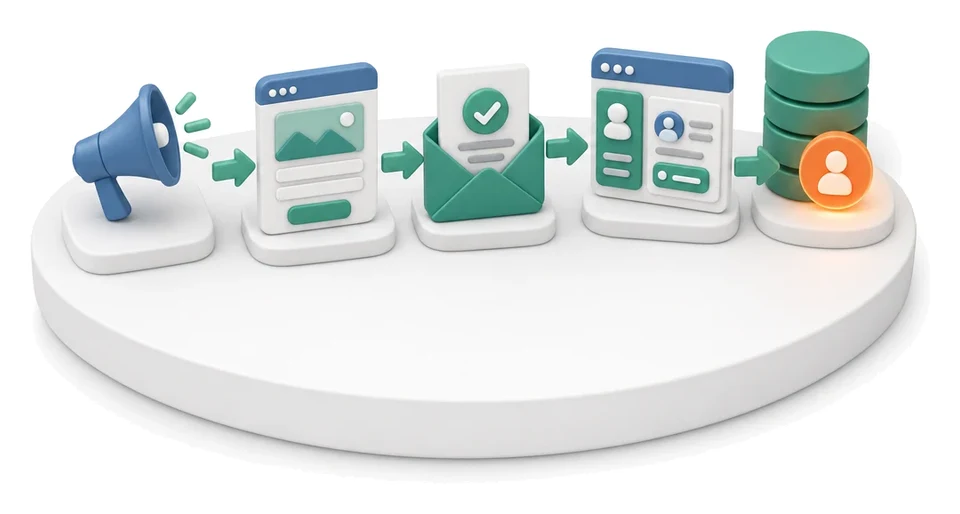
Lead Generation

Lead Generation

Sales and marketing departmentCommerce and e-commerce
Landing page wizardForm registerCRM lead database
Prospecting

Prospecting

Sales and marketing departmentCommerce and e-commerce
Company searchSearch historySearch schedule
Cold Mailing

Cold Mailing

Sales and marketing departmentCommerce and e-commerce
Campaign managementAutomatic follow-upsPerformance analysis
Cold Calling

Cold Calling

Sales and marketing departmentCommerce and e-commerce
Cold calling campaign handlingCall script editorCall queue management
Sales Opportunity Management

Sales Opportunity Management

Sales and marketing departmentCommerce and e-commerce
Pipeline managementActivity timelineSales meeting handling
Quotation Preparation

Quotation Preparation

Sales and marketing departmentCommerce and e-commerce
Enquiry managementQuotation calculatorProduct configuration
Offer Preparation and Sending

Offer Preparation and Sending

Sales and marketing departmentCommerce and e-commerce
Offer and quote wizardOffer package managementInteractive landing page
Product Configuration

Product Configuration

Sales and marketing departmentCommerce and e-commerce
Product variant creationSales market managementMultilingual document generation
User and Permission Management

User and Permission Management

Administration departmentServices
System role configurationMenu visibility managementAccount activity analysis
Support Ticket Handling

Support Ticket Handling

Administration departmentServices
Interactive ticket listScreen and voice recorderComment mode in UI
On-screen Feedback (Comment Mode)

On-screen Feedback (Comment Mode)

Administration departmentServices
Comment mode with calloutsAutomatic screenshotsAdvanced list filtering
AI Prompt and Automation Management

AI Prompt and Automation Management

Administration departmentServices
Search and filteringNew resource creationStatistics monitoring
Lead Generation

Lead Generation

Sales and marketing departmentCommerce and e-commerce
Landing page wizardForm registerCRM lead database
Prospecting

Prospecting

Sales and marketing departmentCommerce and e-commerce
Company searchSearch historySearch schedule
Cold Mailing

Cold Mailing

Sales and marketing departmentCommerce and e-commerce
Campaign managementAutomatic follow-upsPerformance analysis
Cold Calling

Cold Calling

Sales and marketing departmentCommerce and e-commerce
Cold calling campaign handlingCall script editorCall queue management
Sales Opportunity Management

Sales Opportunity Management

Sales and marketing departmentCommerce and e-commerce
Pipeline managementActivity timelineSales meeting handling
Quotation Preparation

Quotation Preparation

Sales and marketing departmentCommerce and e-commerce
Enquiry managementQuotation calculatorProduct configuration
Offer Preparation and Sending

Offer Preparation and Sending

Sales and marketing departmentCommerce and e-commerce
Offer and quote wizardOffer package managementInteractive landing page
Product Configuration

Product Configuration

Sales and marketing departmentCommerce and e-commerce
Product variant creationSales market managementMultilingual document generation