How We Reduced B2B Quoting Time from Hours to Minutes
See it on video
A step-by-step walk through the module — the same screens this write-up describes.
What is in the recording
- 00:00No More Manual Quoting
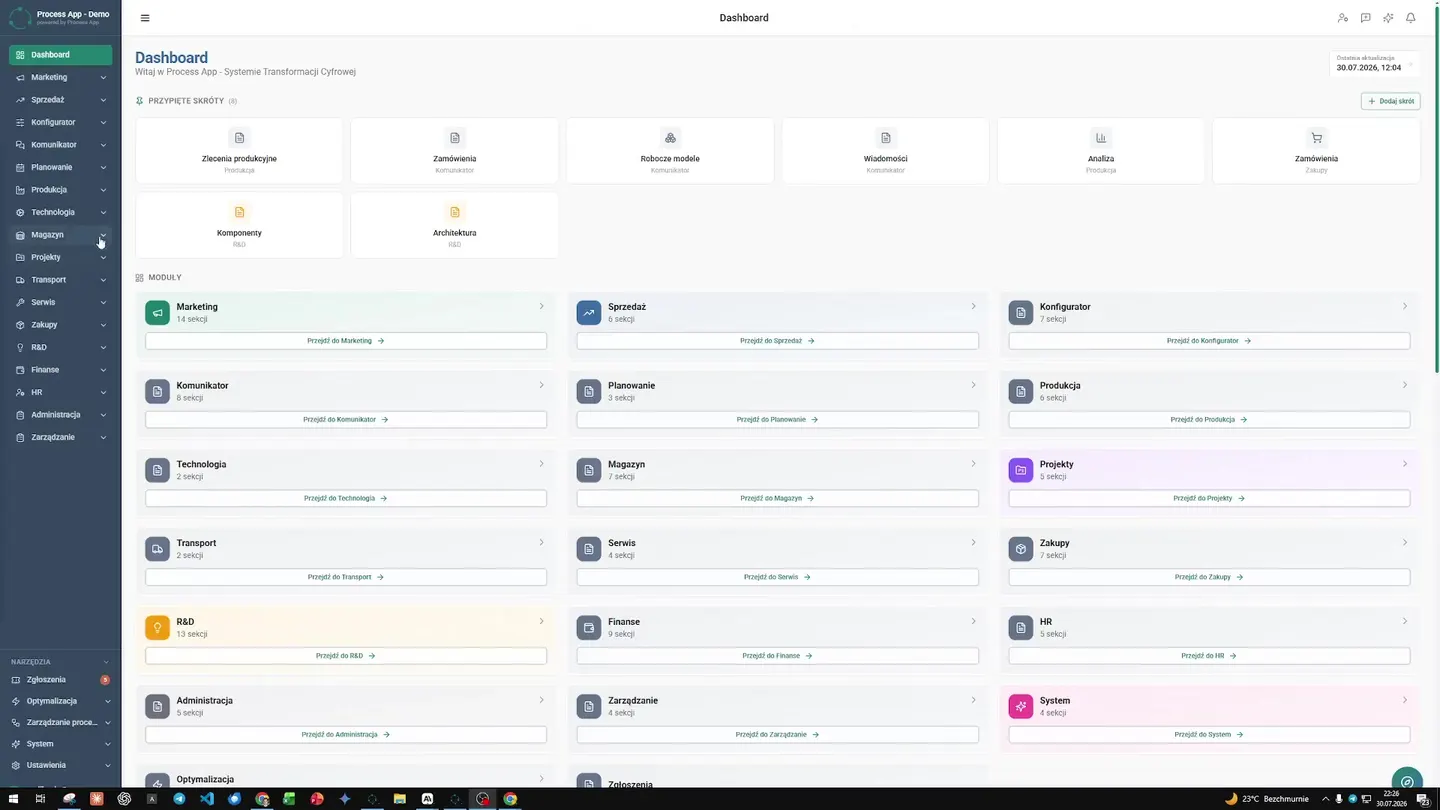
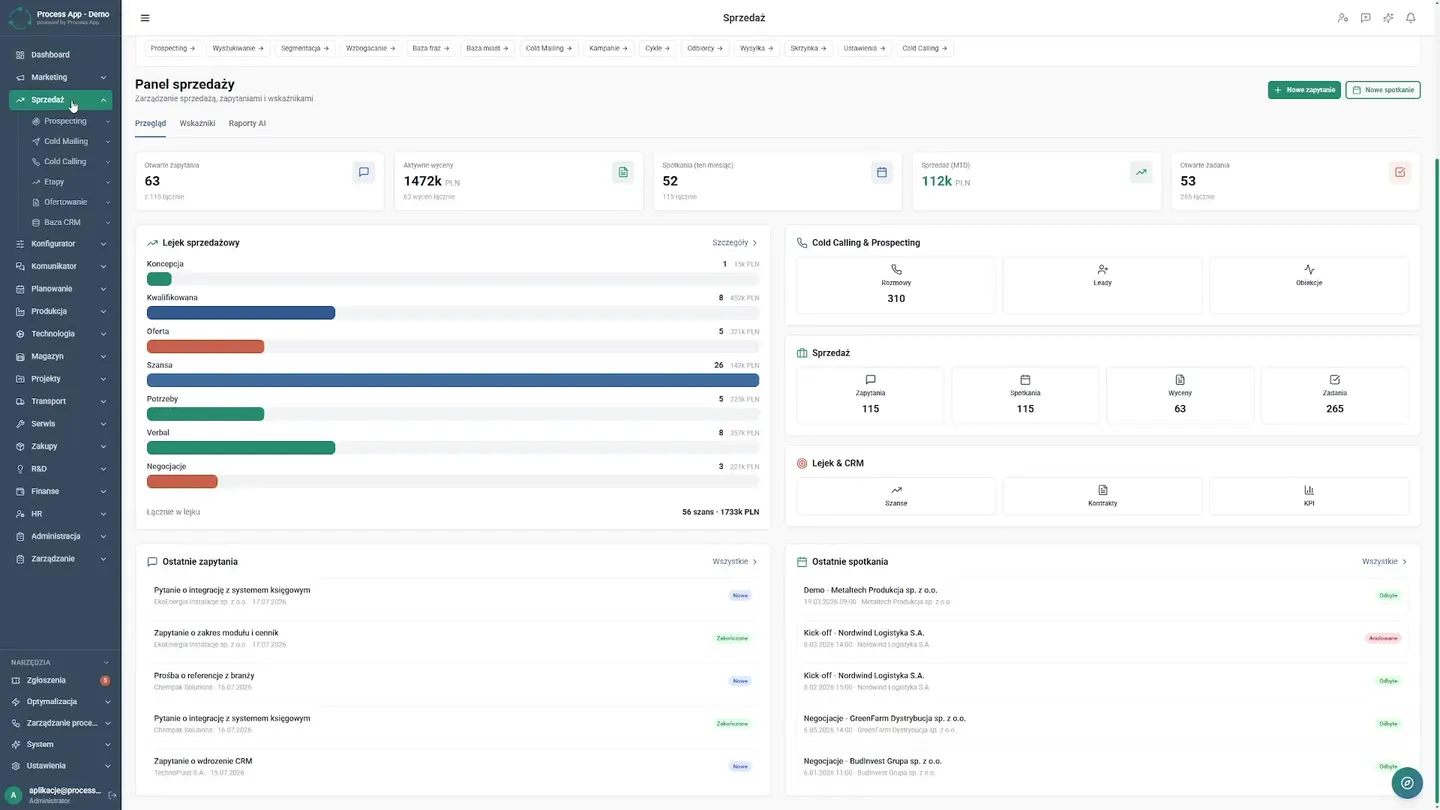
- 00:05Sales Director's Dashboard
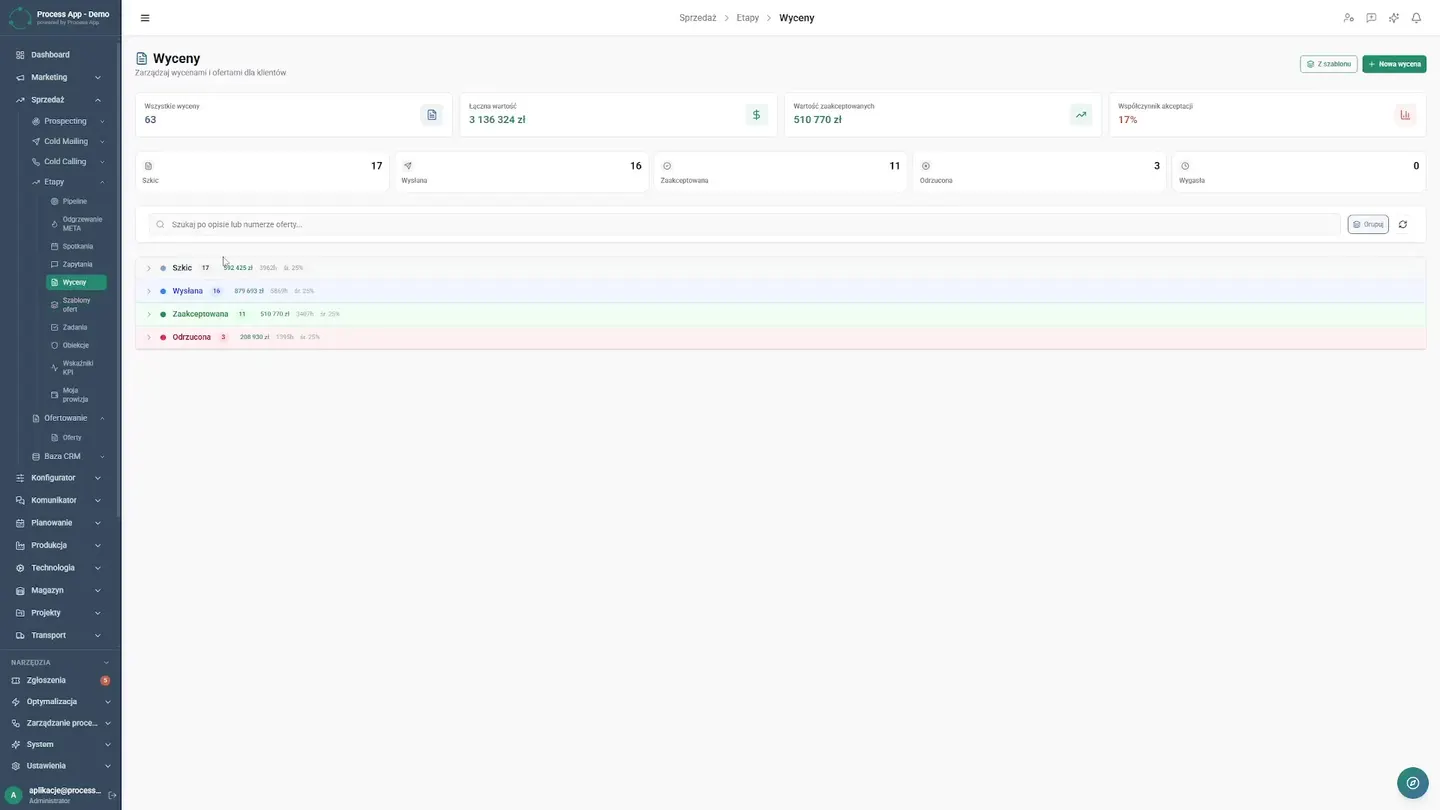
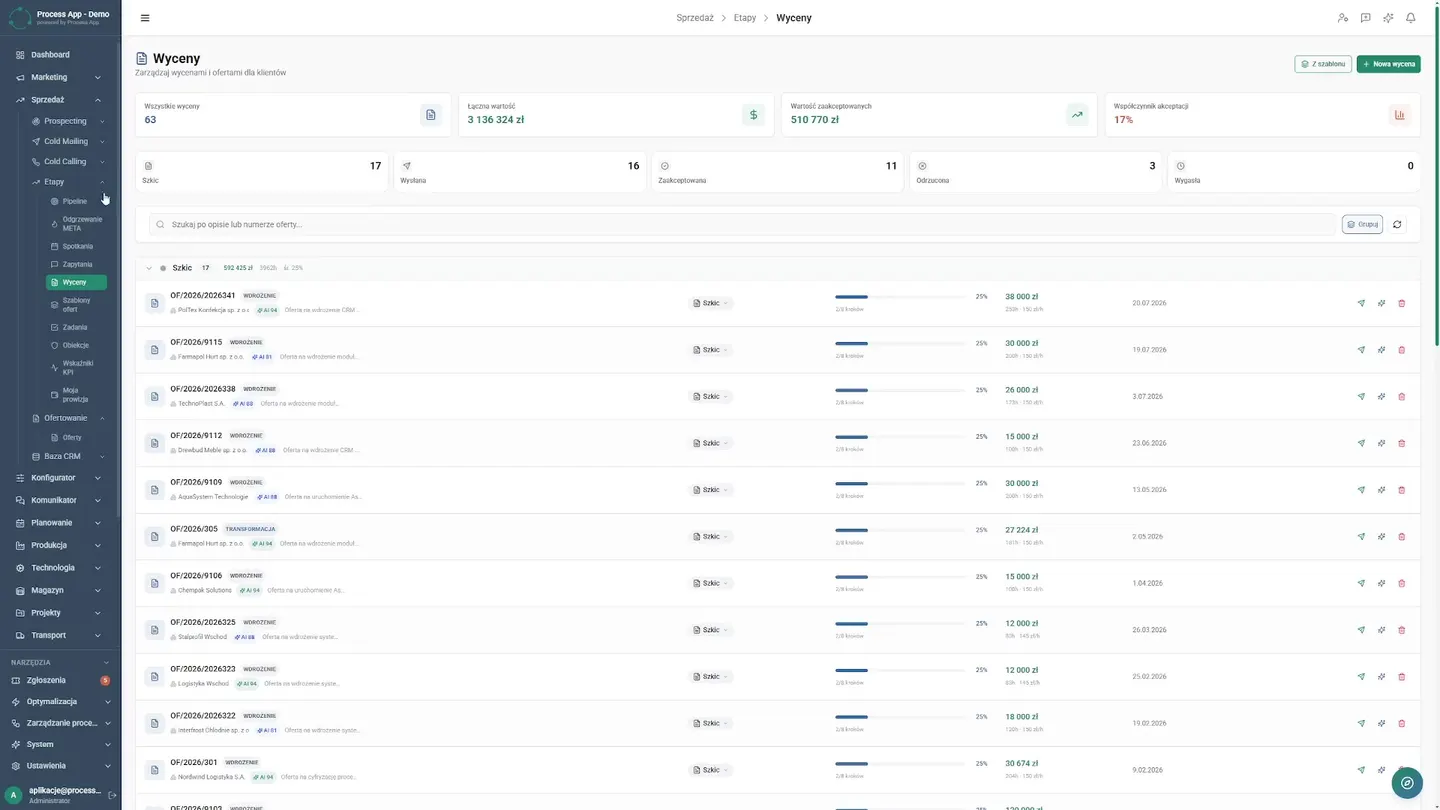
- 00:15Organized Pipeline and Templates
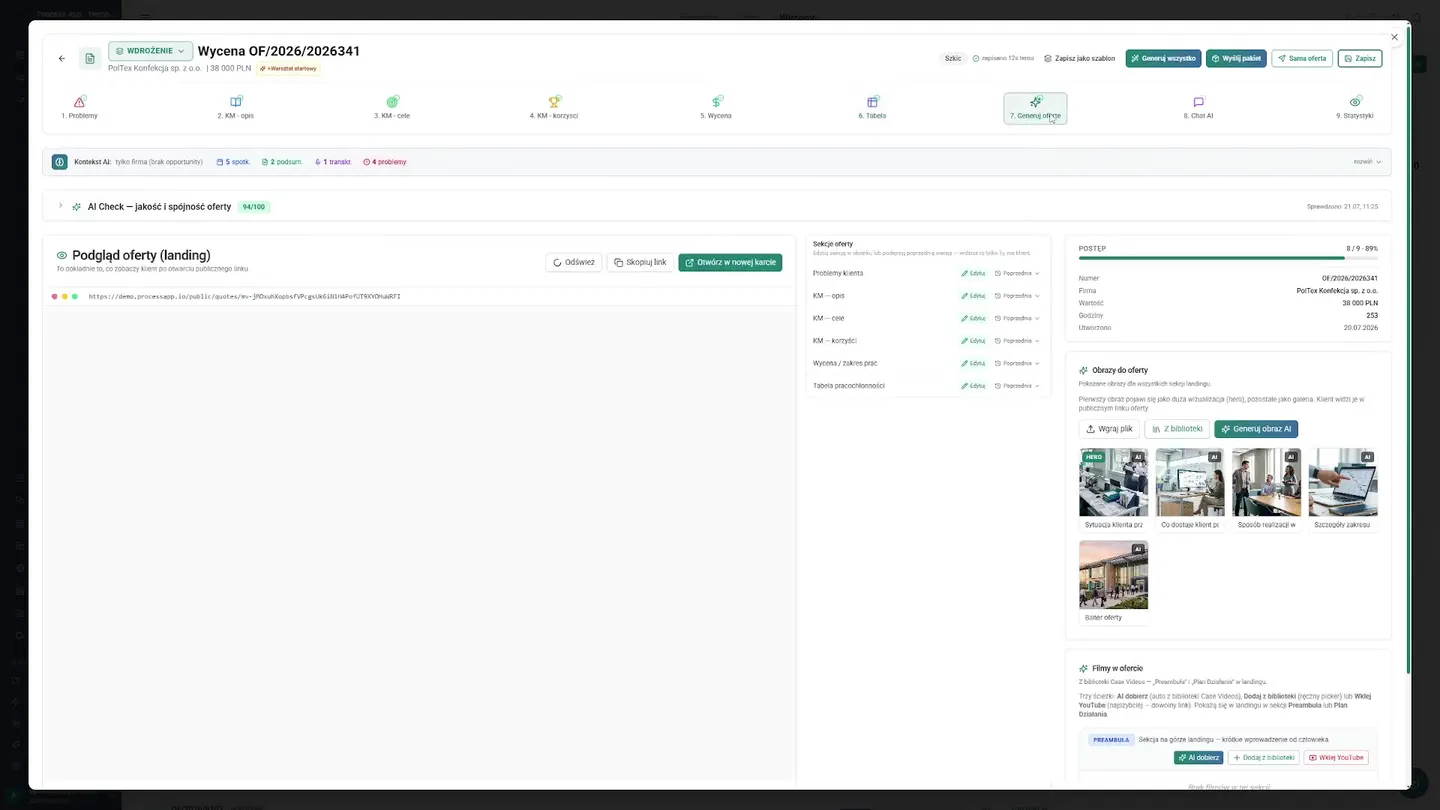
- 00:58Multi-Step Quoting Wizard
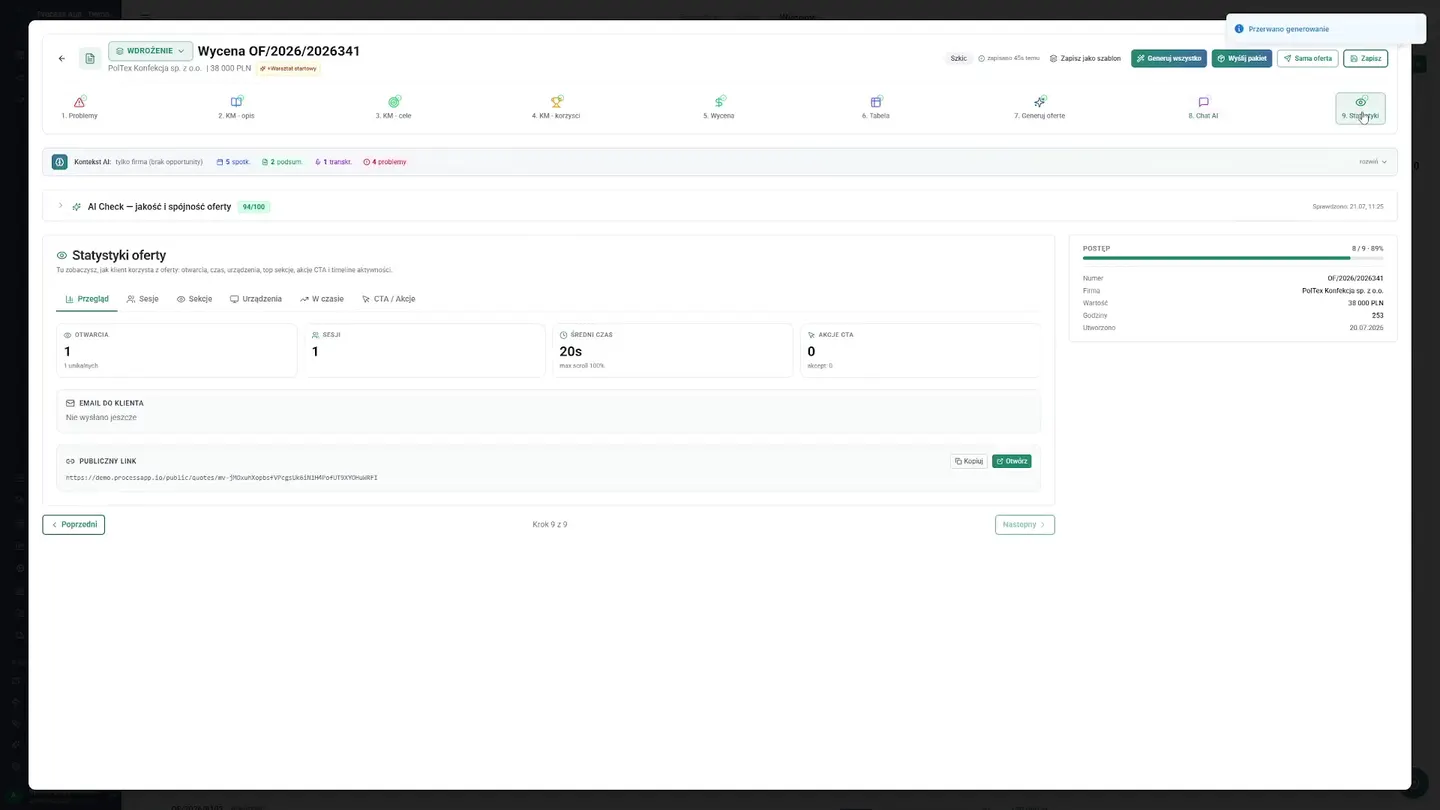
- 02:02Interactive Proposal and Statistics
- 02:36Automatic Contract and Invoice Generation
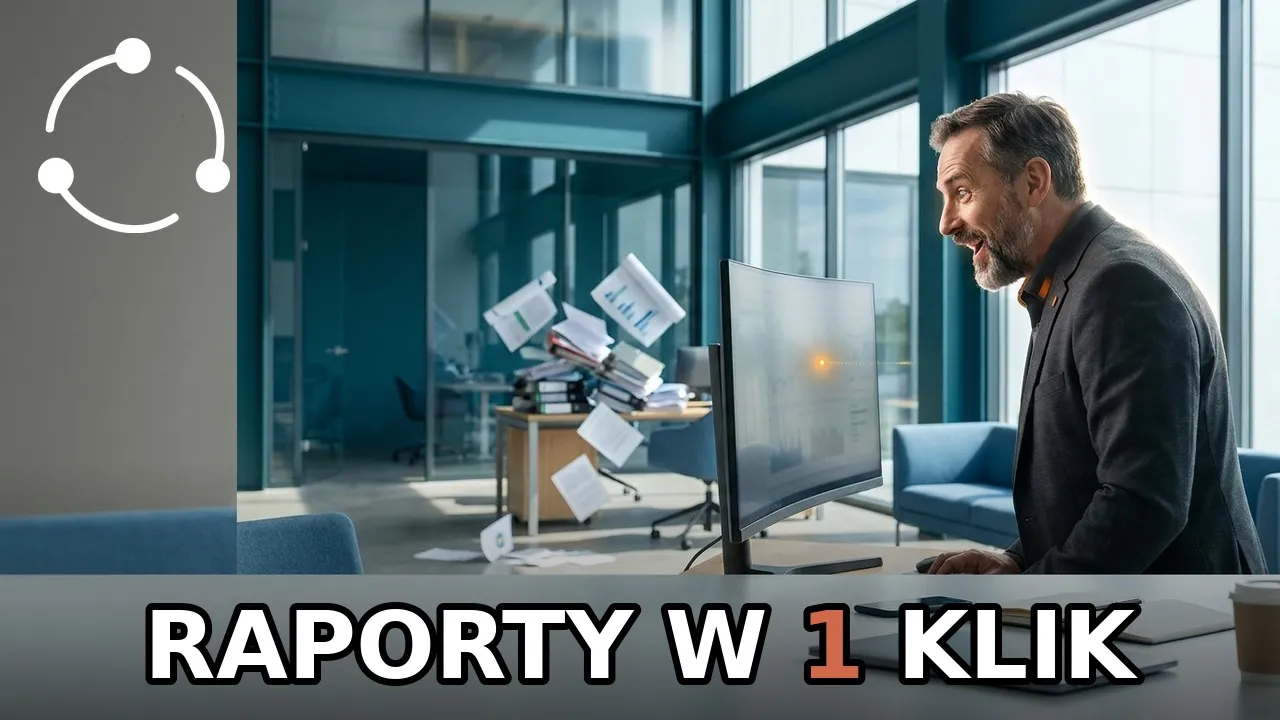
- 03:24Reporting and Pipeline Control
- 03:50Reclaim Your Team's Time
The Challenge
Replacing manual proposal creation with an interactive wizard eliminates errors, saves sales reps hours of work, and provides full control over the sales process.
The sales team was wasting time manually creating proposals in text editors and repeatedly re-entering the same data into contracts and pro forma invoices. There was also no way to know whether a client had even opened the sent file, and reporting results required tediously gathering data from multiple sources.
Key challenges:
- The sales team was wasting time manually creating proposals in text editors and repeatedly re-entering the same data into contracts and pro forma invoices.
- There was also no way to know whether a client had even opened the sent file, and reporting results required tediously gathering data from multiple sources.
How the deployment ran
A sales module was implemented in the ProcessApp system, based on a multi-step quoting wizard. Static files were replaced with interactive proposals in the form of landing pages, from which the system automatically generates linked contracts and pro forma invoices.
Step by step
The steps taken by the implementation team — from mapping the process to going live.
The existing quoting process was analyzed and the sales path within the company was mapped.
The implementation specialist then configured proposal, contract, and invoice templates, and the sales team was trained on the new wizard and analytics.
What works after go-live
What actually works in the system after the deployment — every one of these screens appears in the recording above.
Command Center
The sales director begins work from a clear dashboard that immediately displays key statistics from marketing, finance, and sales.
Organized Pipeline
Previously, proposals were created in a text editor and sales reps got lost in email versions. Today, the entire process has moved to the sales module with an organized list of quotes and quick access to details. The biggest change is standardized templates. Instead of copying old documents, the company uses ready-made templates that are easy to edit. The sales rep customizes the template for the client. This order ensures that every proposal looks professional, and new employees get up to speed with the quoting process faster, saving valuable time.
Quoting Wizard
The moment of creating a quote changes completely. The sales rep no longer needs to manually format tables or re-enter information. From the quote list, they open the details and launch the proposal wizard, which guides them through the entire process. In successive steps, they define the client's challenges and select the appropriate system modules. The wizard allows them to describe implementation goals and business benefits, making every proposal personalized and focused on real value. Preparing such a comprehensive document used to take several hours; now the sales rep completes this stage in just a few minutes. There is no room for mistakes or forgotten attachments, and the team can be confident that a well-thought-out proposal reaches the client. The time saved translates into more business meetings and conversations with new partners.
Interactive Proposal
The result of the wizard's work is an interactive proposal in the form of a modern web page. The sales rep smoothly scrolls through its preview before sending. Once the link is shared, the team stops guessing whether the client opened the email. In the chat tab they can answer questions, and statistics show how much time the recipient spent on the proposal. This gives them an advantage in negotiations, because they know what interests the client before they pick up the phone.
Automatic Documents
When the client accepts the terms, the process does not slow down at all. The sales rep returns to the quote panel and handles it with two clicks: first they generate the contract, and the system automatically pulls in the agreed terms. Moments later they create the pro forma invoice, which is also filled in automatically. The sales team has reclaimed a great deal of time, and the director can be confident that the documents are free of errors. Formalities that once blocked the finalization of sales now happen in the background, allowing everyone to focus on building relationships.
Reporting and Analytics
Finally, the sales director gains exactly what they needed. In the analytics module they review the probability table and trend charts. There is no need to ask the team for manual reports. The system generates a weekly summary of key metrics, and the company has control over the quoting pipeline, so sales reps can sell instead of drowning in paperwork.
Results Achieved
What changed
Before the deployment
- The sales team was wasting time manually creating proposals in text editors and repeatedly re-entering the same data into contracts and pro forma invoices.
- There was also no way to know whether a client had even opened the sent file, and reporting results required tediously gathering data from multiple sources.
After the deployment
- Sales reps generate personalized proposals and final documents faster, eliminating errors caused by manually re-entering data.
- The team now has visibility into client interaction statistics with the proposal, and the sales director has gained automated reports and a win-probability view.
Screens from the deployment